The ShopReady workflow

From the first cabinet to the next shop decision.

ShopReady is organized as a progression through real cabinet work, while keeping every stage close enough to revisit when the project changes.

01

Design

Choose the family, construction, and cabinet intent.

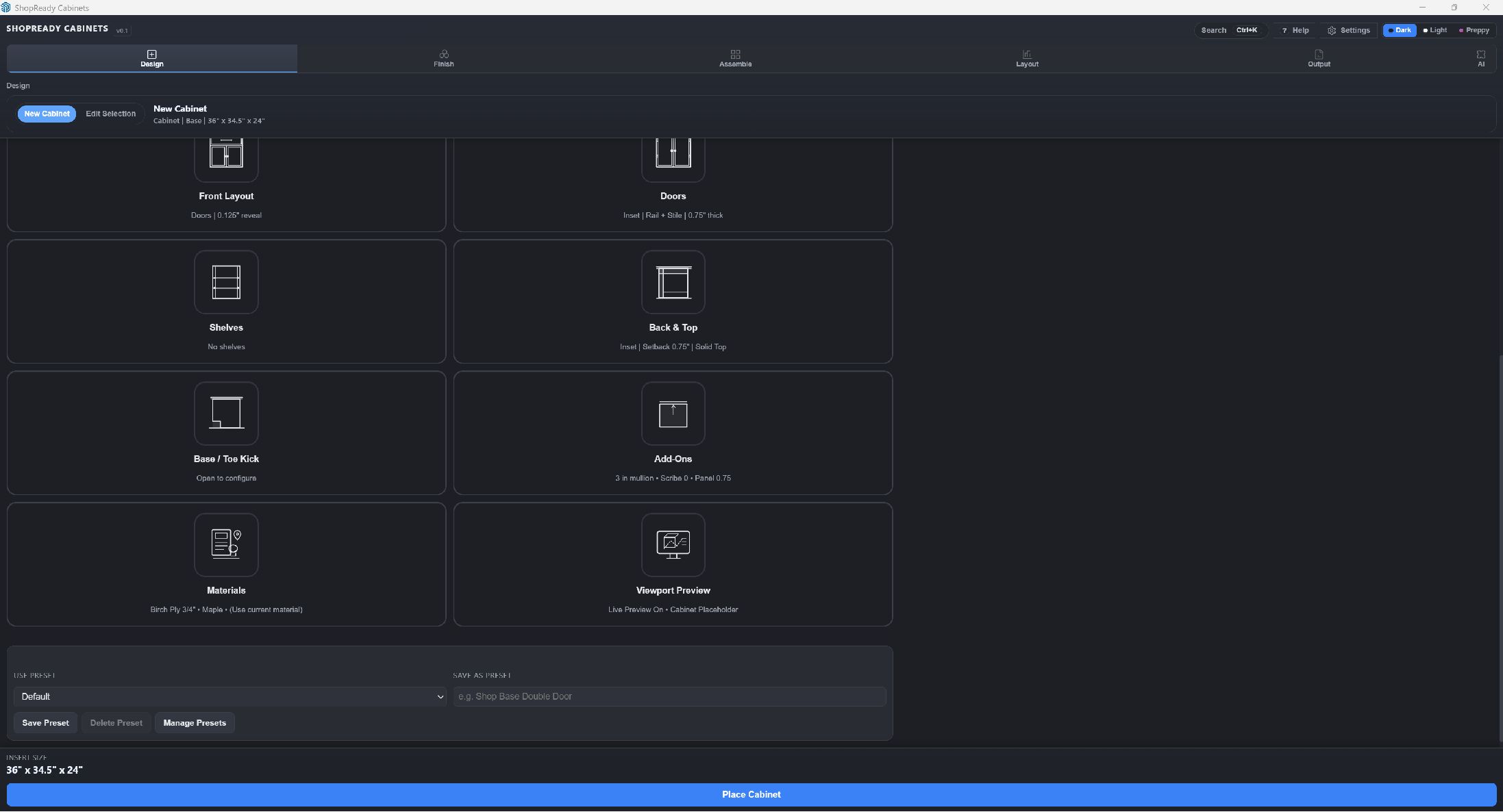
Start with a cabinet family and size, apply shop standards or a preset, and configure the front, doors, drawers, shelves, back, top, toe kick, add-ons, and materials. Live metrics show the practical result while you work.

  • Placement preview inside SketchUp
  • Full edit path after placement
  • Safe compatible multi-edit
ShopReady Cabinets Design workspace with cabinet controls, presets, and live metrics
02

Finish

Map manufacturing intent to the right appearance.

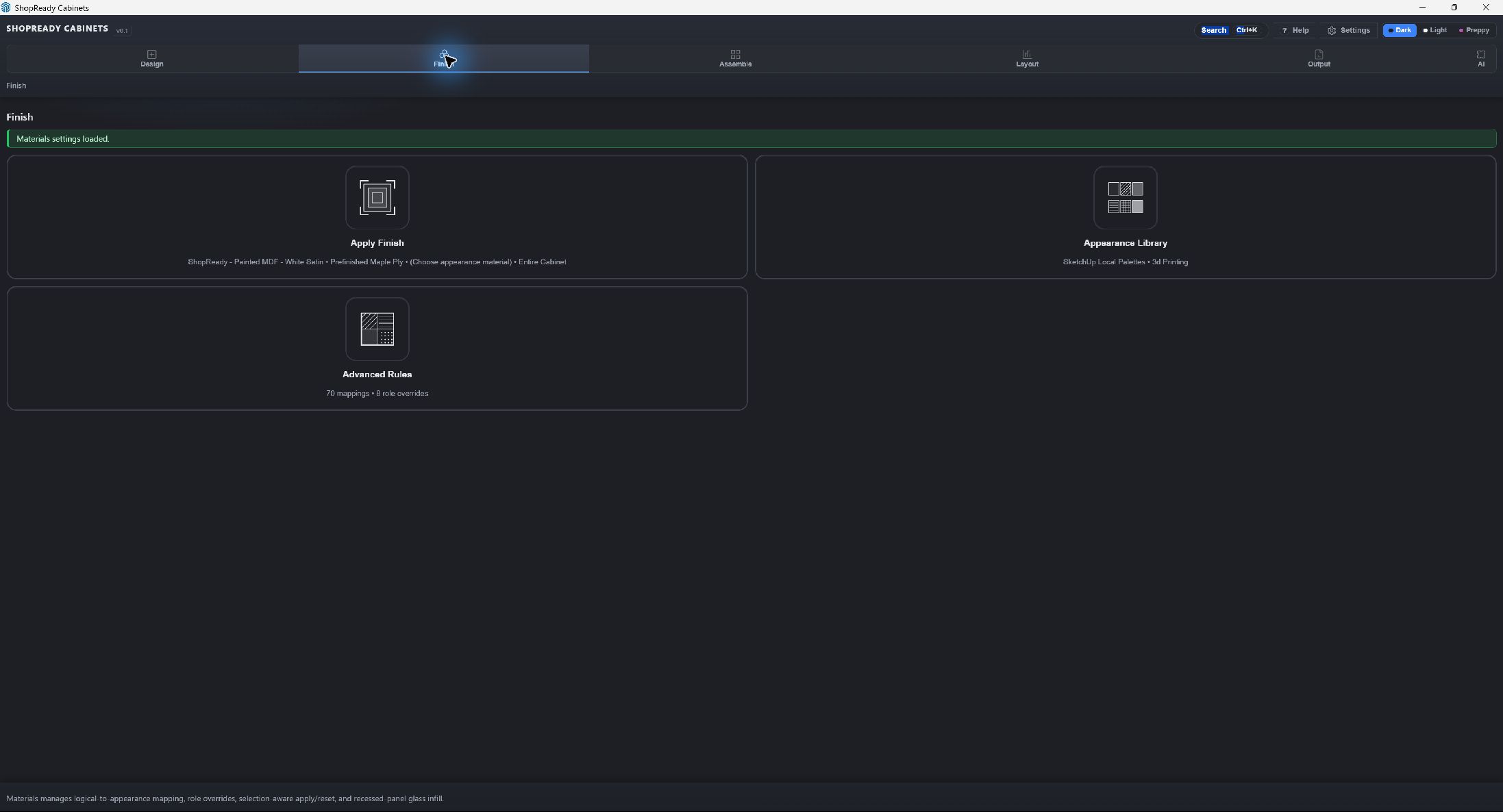
Apply finishes to the appropriate cabinet scope, work with SketchUp-connected appearance libraries, and use advanced mappings or role overrides when a project needs more control.

  • Selection-aware finish application
  • SketchUp local palettes
  • Advanced material rules
ShopReady Cabinets Finish workspace with finish application, appearance library, and advanced rules
03

Assemble

Turn cabinets into runs, trim, surfaces, and built-ins.

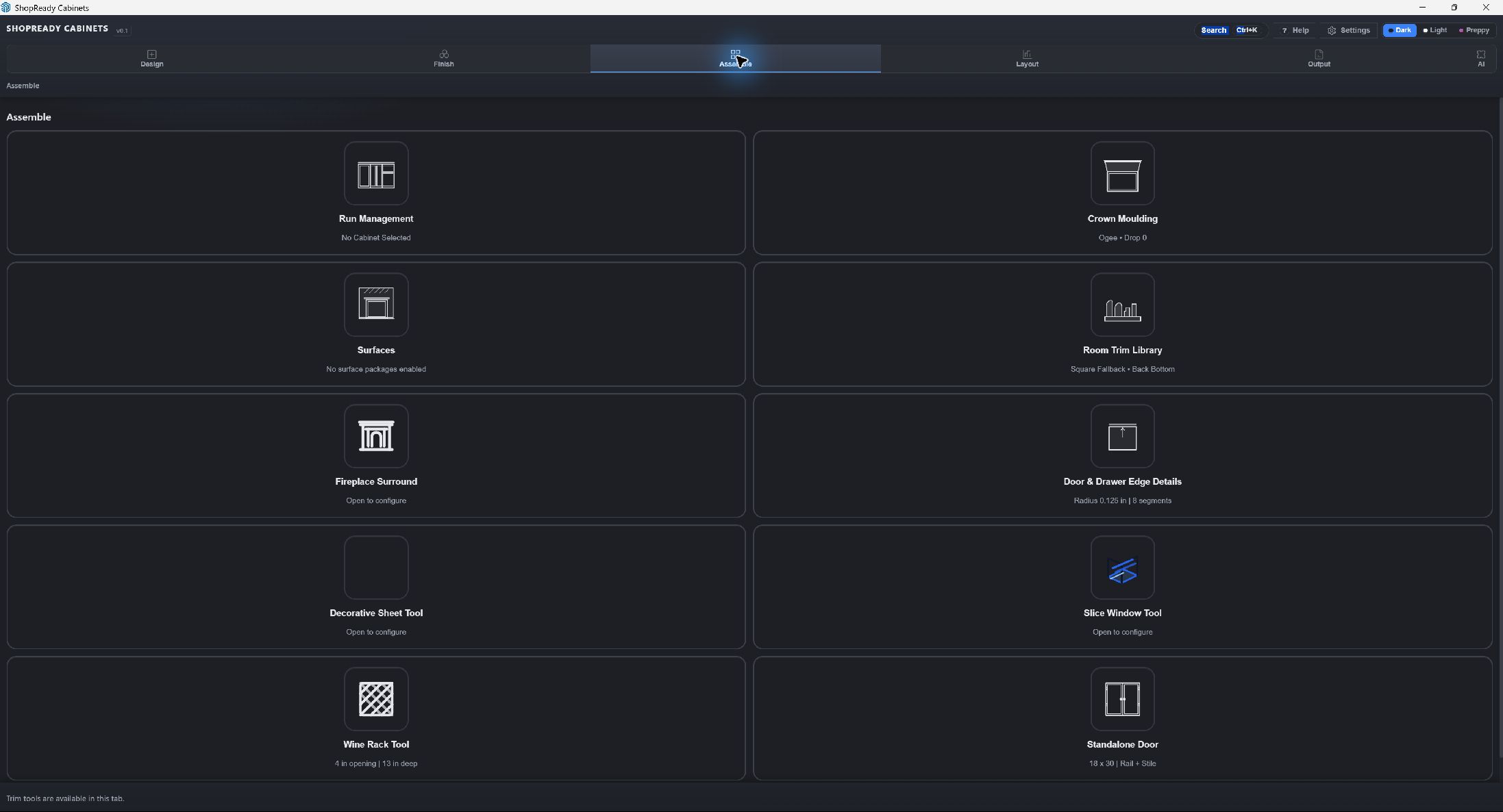
Manage the run around selected cabinets, generate crown and surfaces, add room trim and edge details, or reach for specialty tools such as fireplace surrounds, wine racks, standalone doors, and slice windows.

  • Run-level geometry
  • Crown and surface tools
  • Specialty assemblies
ShopReady Cabinets Assemble workspace with run, trim, surface, and specialty tools
04

Layout

Give the cabinets useful room context.

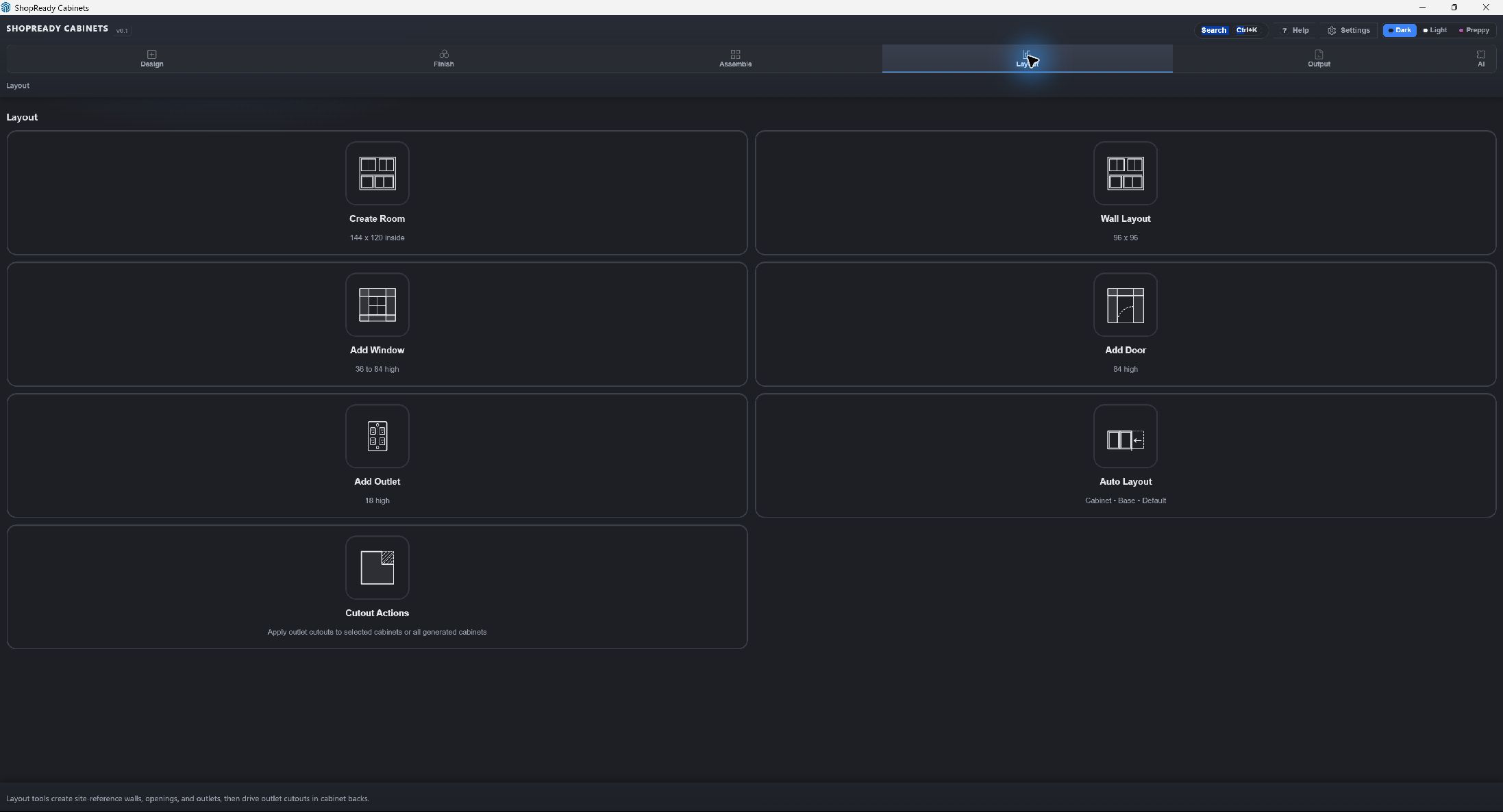
Create rooms and wall layouts, add doors, windows, and outlets, then use automatic layout and cutout actions to connect site information with cabinet placement and cabinet-back openings.

  • Walls, doors, and windows
  • Outlet references and cutouts
  • Automatic layout tools
ShopReady Cabinets Layout workspace with rooms, walls, openings, outlets, and automatic layout tools
05

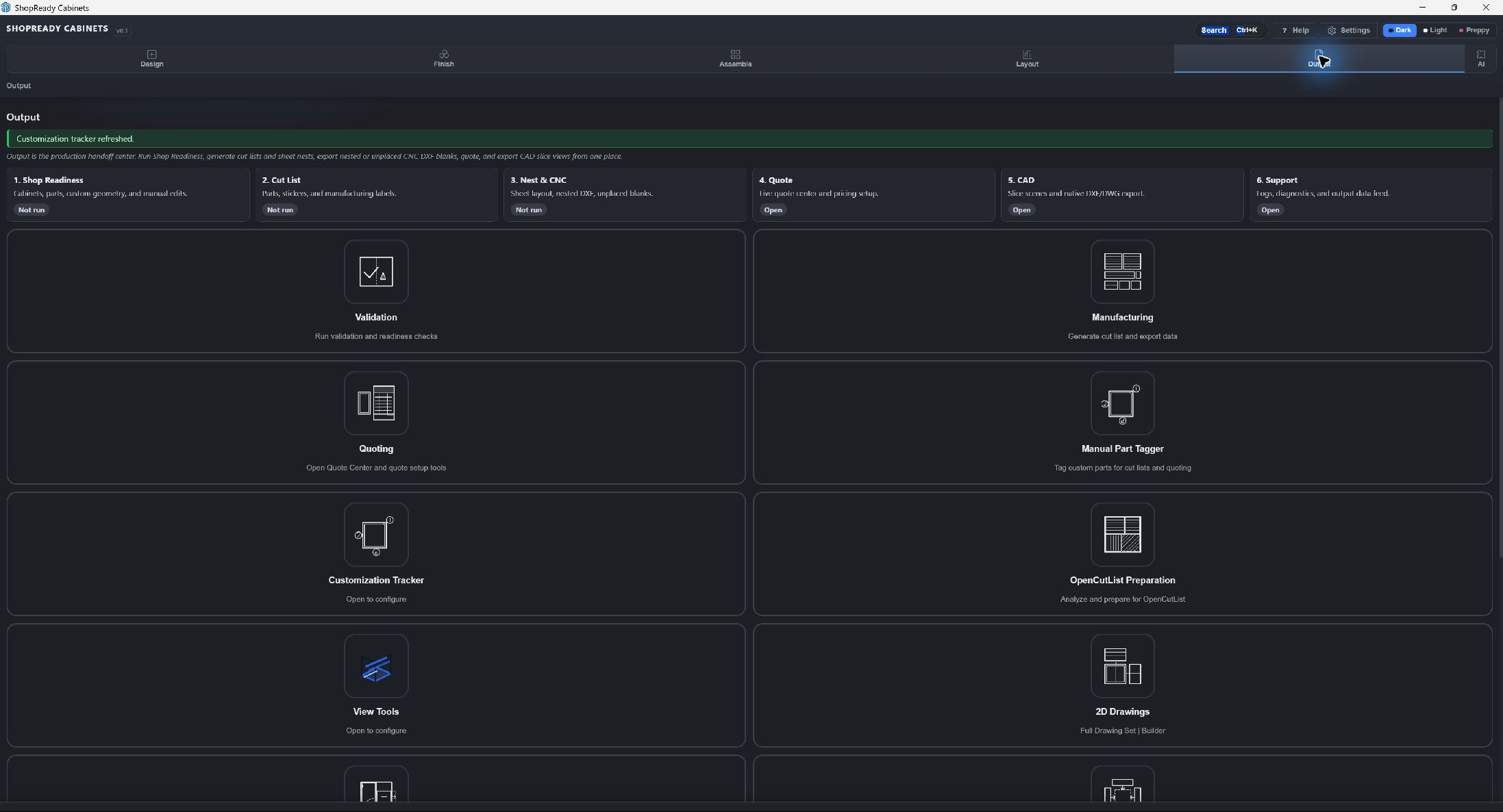
Output

Check readiness and hand the model toward production.

Run validation, generate cut-list and manufacturing data, prepare nests and CNC information, create quotes, export CAD views, tag custom parts, and build drawing sets from a visible handoff center.

  • Readiness before release
  • Cut list, nest, quote, and CAD
  • 2D drawing-set workflow
ShopReady Cabinets Output workspace for readiness, cut lists, nesting, quoting, CAD, and drawings
+

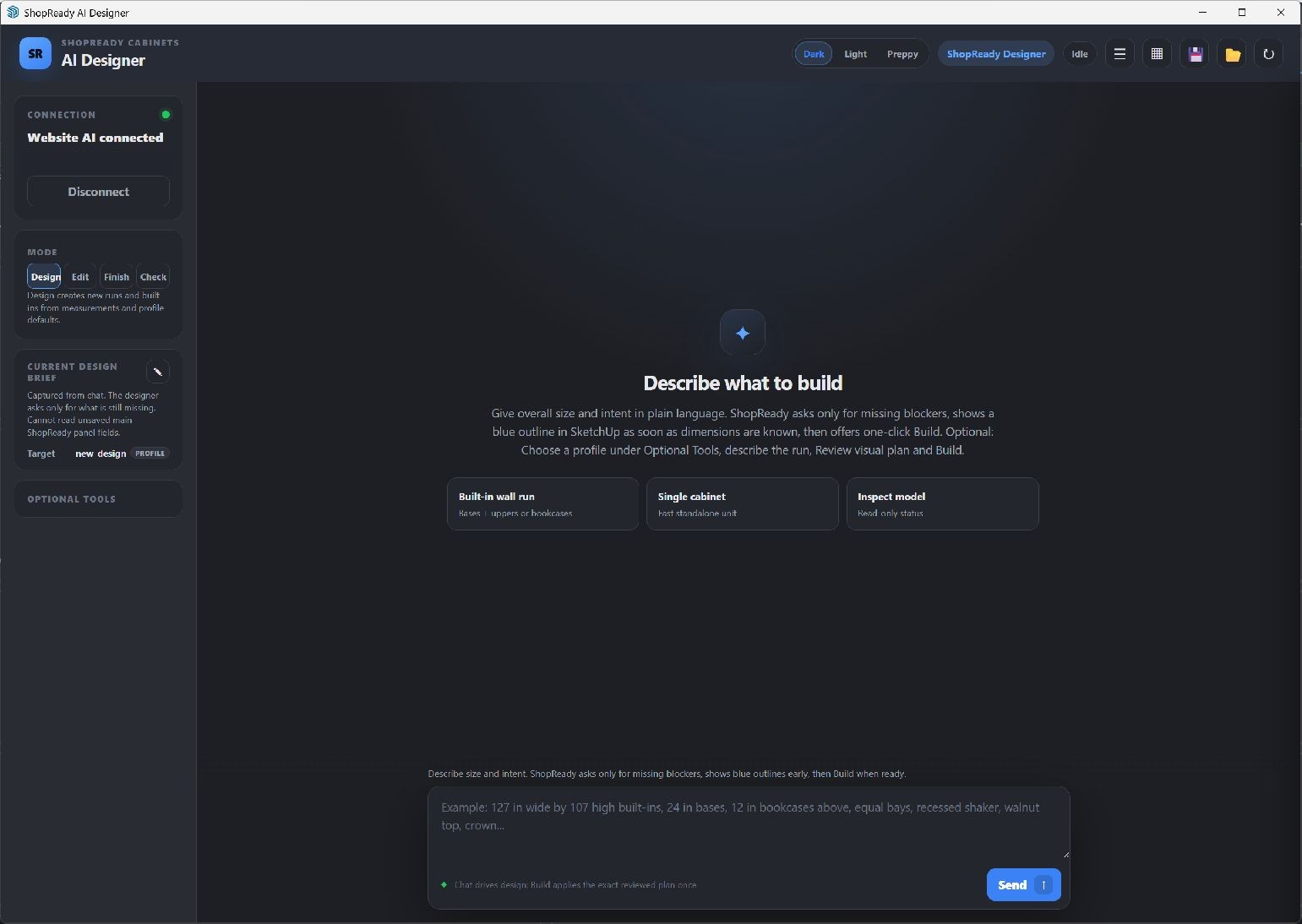
Add-on preview

Extend the platform without redefining the core product.

ShopReady Cabinets is the released core extension. Separate add-on packages can grow the platform toward specialized furniture builders, automation, and future ShopReady Works connections. AI Designer is one private development example—not a current release feature.

  • Core Cabinets product stands on its own
  • Specialized capabilities can ship separately
  • AI preview is not included or currently available
ShopReady AI Designer ready to design, edit, finish, or inspect cabinet work in SketchUp

Real-project gallery coming next

See the workflow on actual cabinet jobs.

This section is prepared for finished kitchens, built-ins, tall cabinets, combined units, and before/after SketchUp-to-install comparisons from current customer work.

01

Finished kitchen or built-in

1920 × 1080 or larger

02

SketchUp model to installed result

1920 × 1080 or larger

03

Drawing, cut list, nest, or quote

1920 × 1080 or larger

Start with the cabinet. Keep the rest of the job connected.