Measure it. Draw it. Design it.Then build it.
ShopReady is a family of tools for people who have to build what they draw: cabinets and built-ins, signs and parts, mechanisms and prints, and the rooms they all go in.
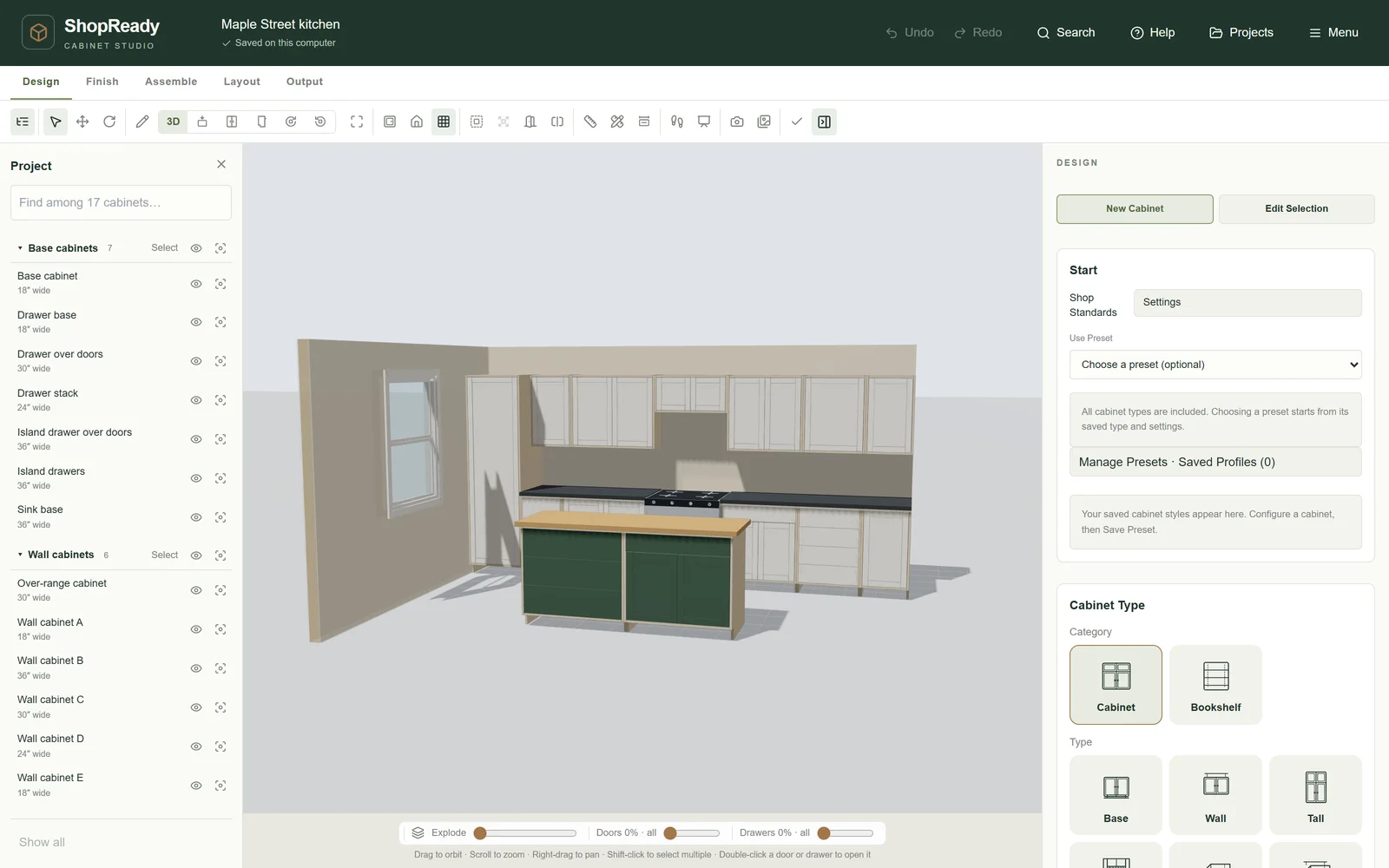
Standalone · A kitchen designed from cabinet rules
The family
Tools for your work. Each one stands on its own.
A sign maker, a cabinet shop and the person with the laser on site do not need the same program. Take the one that does your work.
- Windows
- Mac
ShopReady Cabinets Standalone
3D design and shop papers for cabinets, built-ins and furniture.
$399.99 a year$799.99 pay once
- SketchUp
- Windows
- Mac
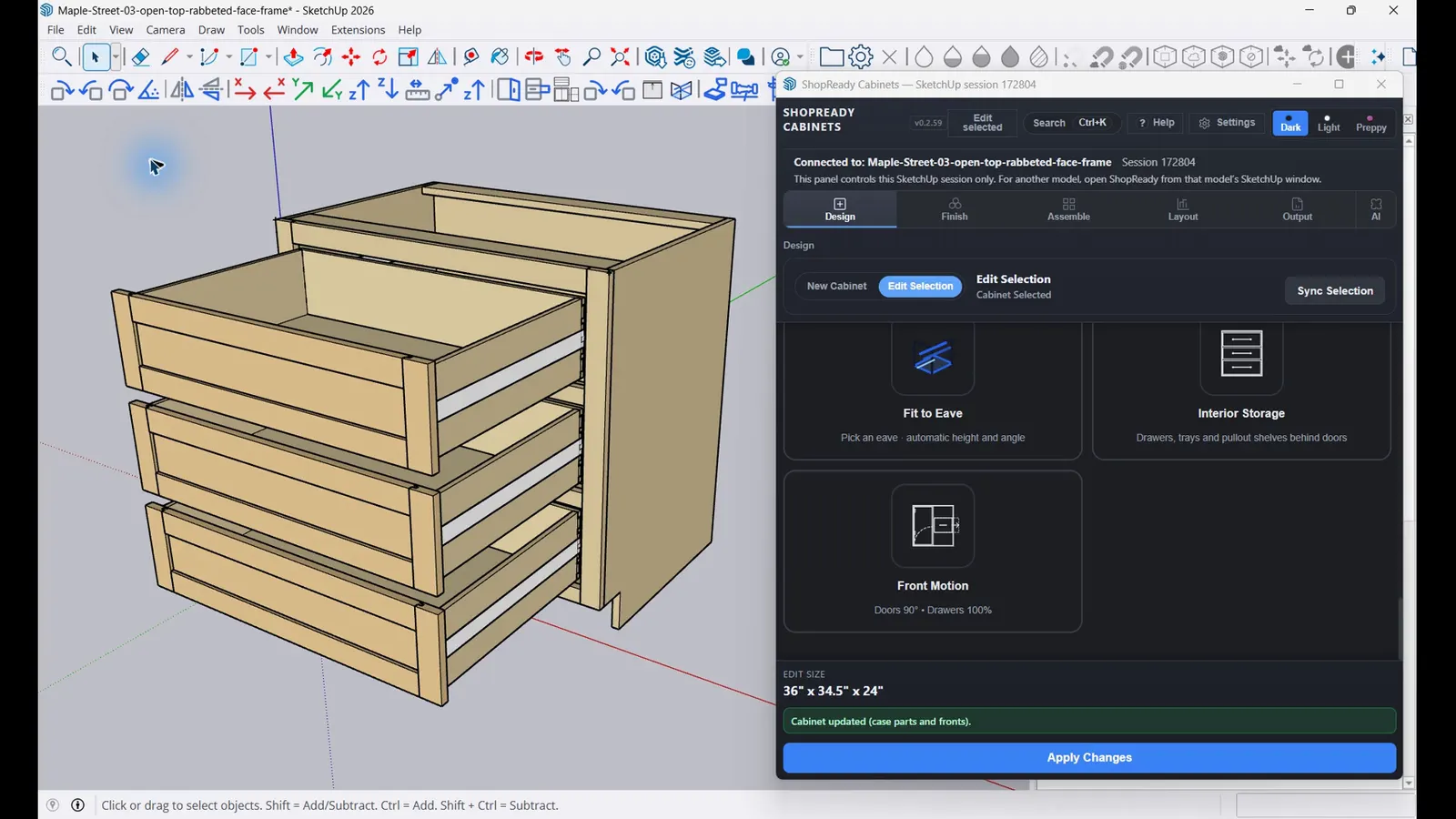
ShopReady Cabinets for SketchUp
The same cabinet rules inside your SketchUp model, with tools that make SketchUp itself easier to use.
$249.99 a year$599.99 pay once
- Windows
- Mac
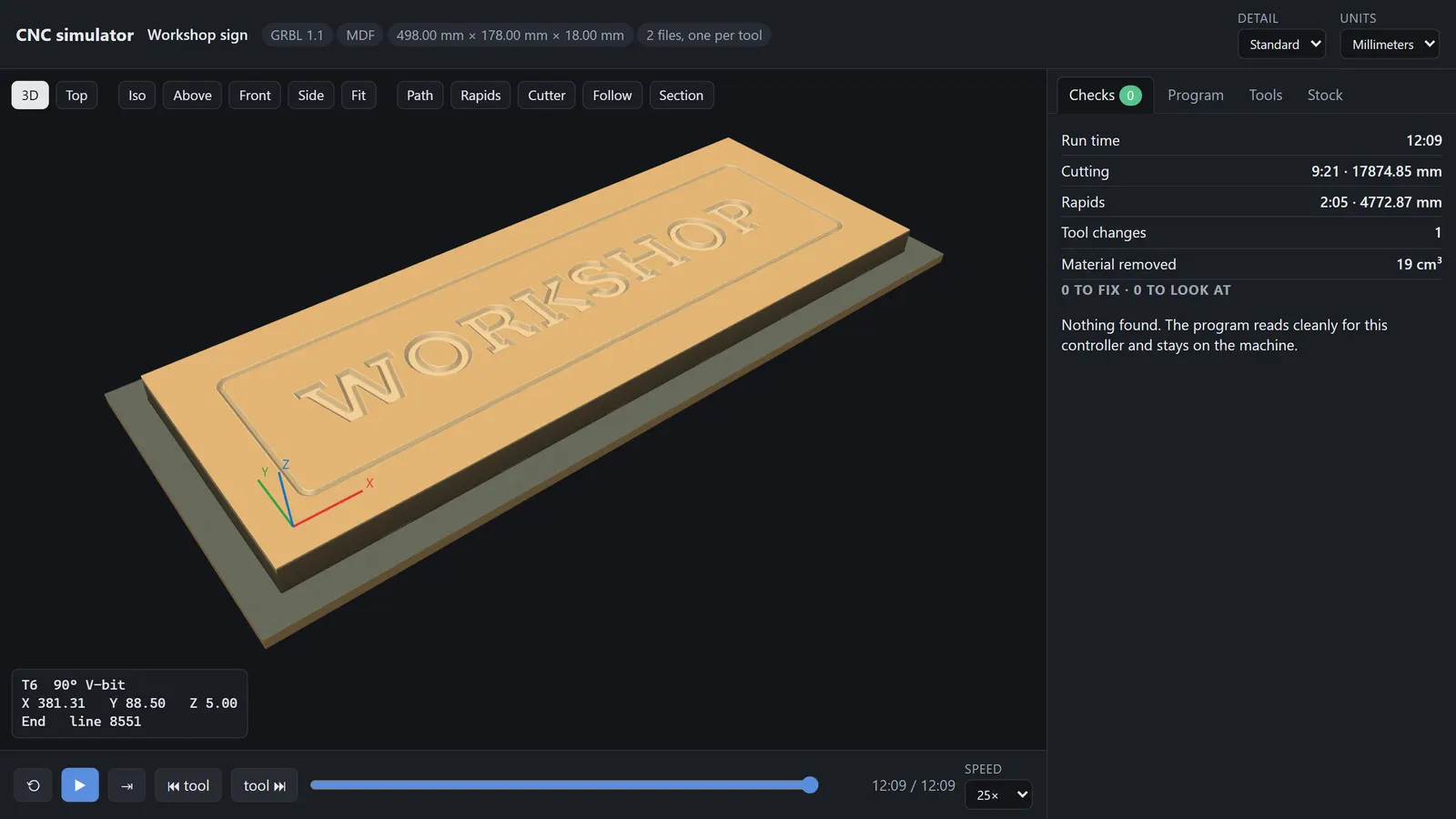
ShopReady Draft 2D
2D drawing with a cursor that finds the point, with CNC and laser jobs built in.
$149.99 pay once
- Windows
- Mac
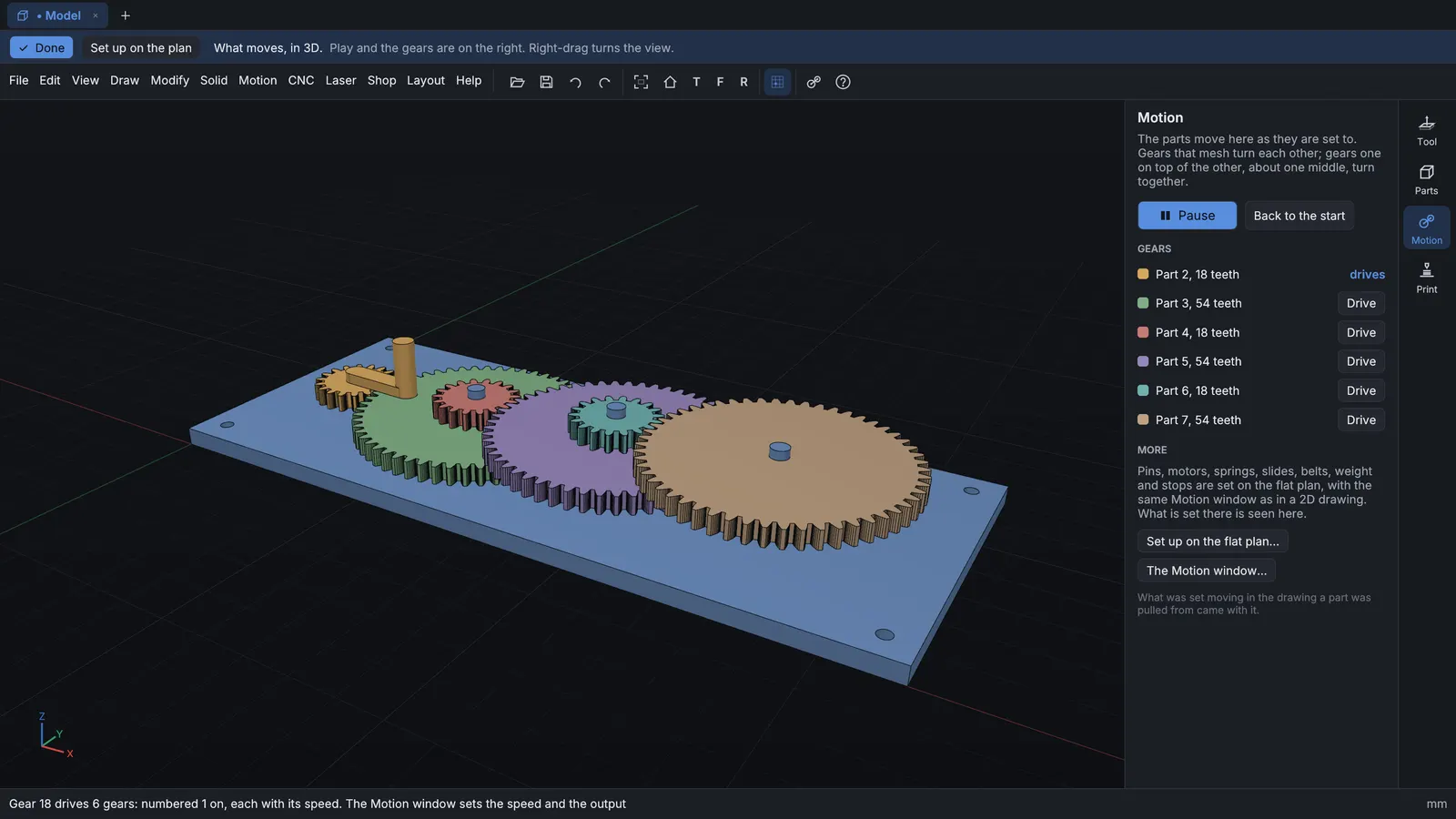
ShopReady Draft 3D
Draw flat, pull solid: parts and mechanisms, sliced for a 3D printer. Draft 2D is included.
$199.99 pay once
- iPhone
- Android
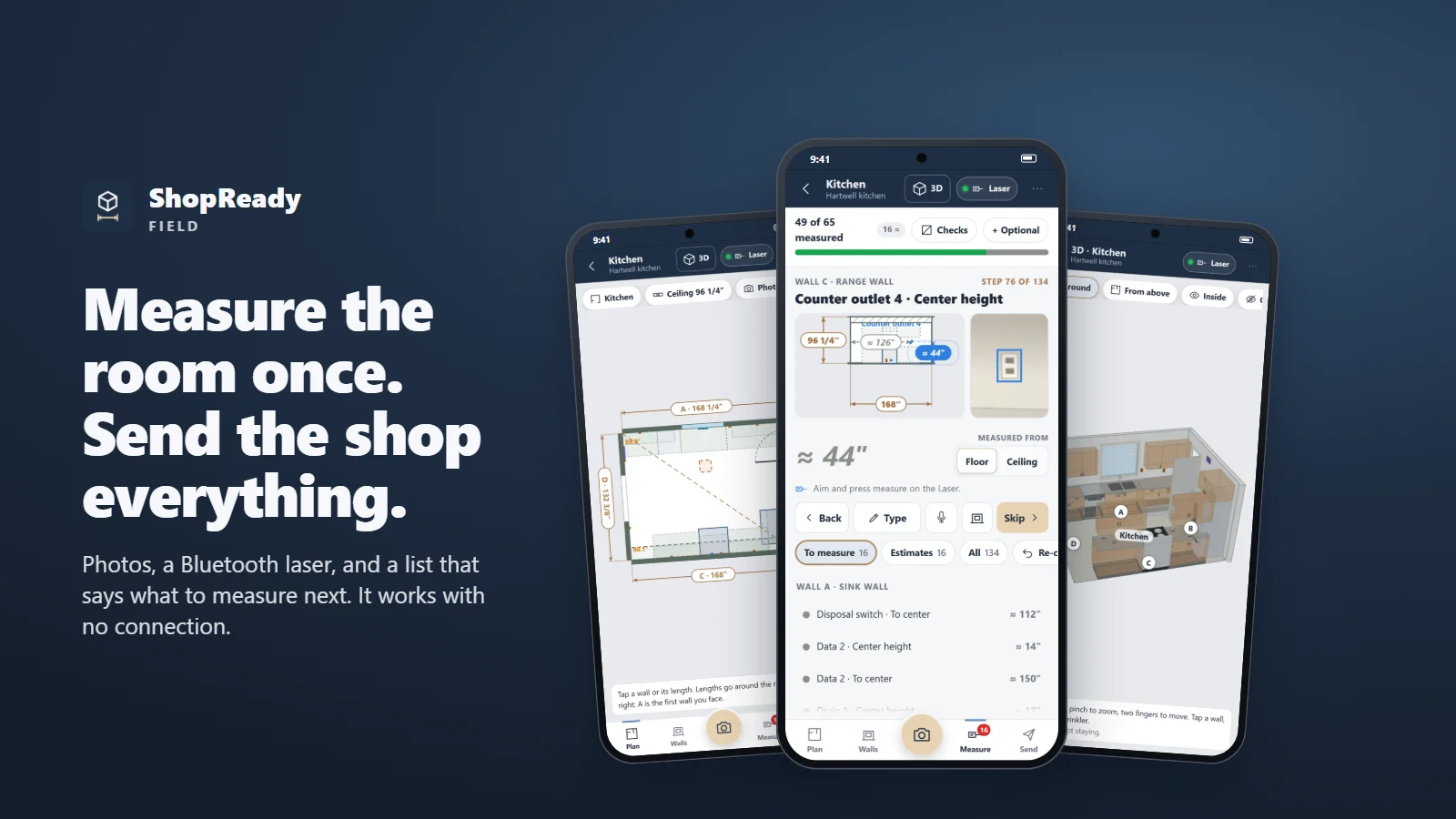
ShopReady Field
Measure a room on your phone with photos and a laser.
$29.99 pay once
Watch
Each one in a couple of minutes.
392 narrated videos across the family, every one the program itself at work. Start with a tour.
 Clip · 51 s
One kitchen, from the wall to the shop
One sample job in one sitting: a wall is laid out in Kitchen Plan and built, a cabinet's height is typed and it rebuilds, the doors are opened, the sheets are laid out, one sheet is cut on the virtual CNC, and the shop and customer packages are made.
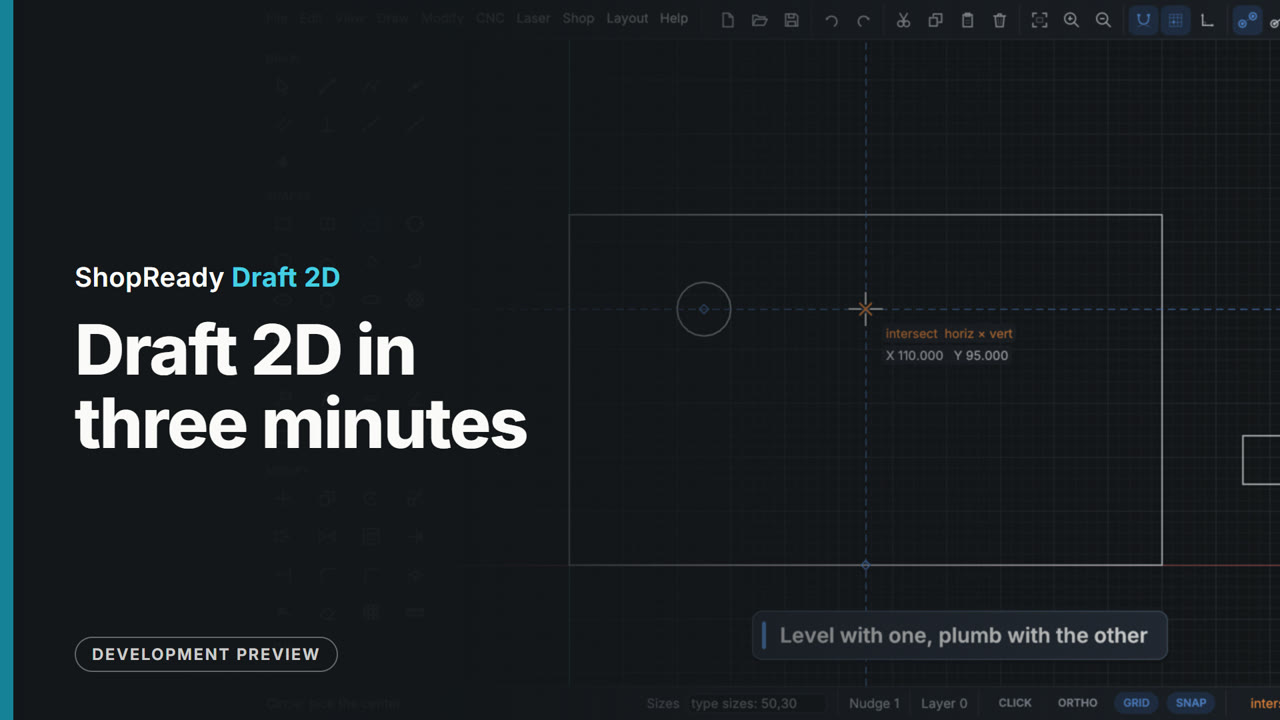 Overview · 3:32
ShopReady Draft 2D in three minutes
The short tour, cut from the clips and projects below: snapping, typed sizes, editing, dimensions that follow, lettering, one picture five ways, a CNC job and its simulation, a carved sign, a relief, parts nested on sheets, a laser job previewed, a job sent to a pretend machine, gears that mesh, a trip hammer, a carriage run by switches and rules, a door on a gas strut, and Show me.
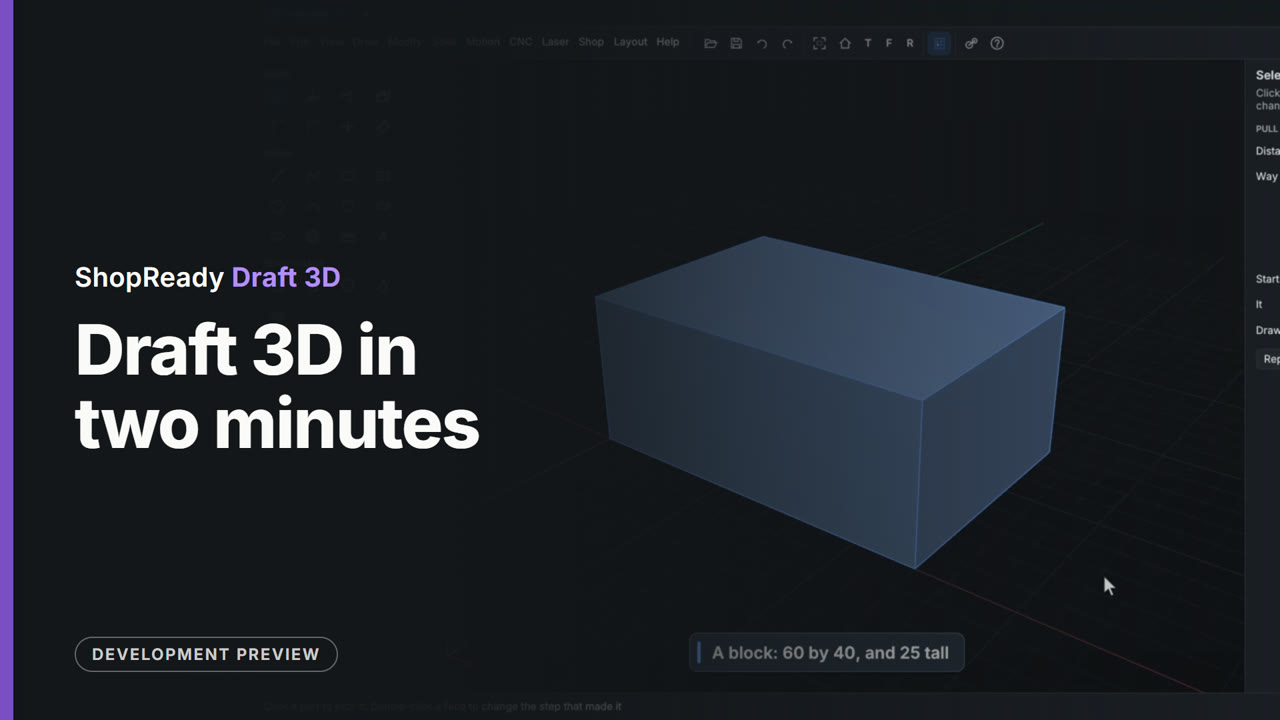 Overview · 2:14
ShopReady Draft 3D in two minutes
The short tour, cut from the clips below: a block from a rectangle with its size typed, the marks the pointer is drawn to, Spin, Hole and Round, a bracket's boss and pocket, gears held where they mesh and set turning, a crank and piston, and a part sliced and looked into layer by layer.
 Film · 3:08
Field, clip by clip
The measuring app, a piece at a time: guided measuring, the reading guard, walking a room, the room in 3D, and more.
Find your door
Which one is yours?
I run a cabinet or millwork shop
Design the job in 3D and get the cut list, the sheets and the packets from the same design.
I cut signs and parts on a router
Draw it to size, make the job, and watch it cut on screen before the machine runs.
I 3D print, or build things that move
Draw it flat, pull it solid, set it turning, and slice it for the printer.
I measure the job on site
Measure the room once with a phone and a laser, and hand the shop one file.
Off the same bench
They pass the work along.
Each tool stands on its own, and nobody has to take all five to use one. Put two together and the work passes straight from one to the next.
A job measured in Field opens in Standalone with its rooms built.
One set of cabinet rules. Projects pass both ways as files.
Draft 3D opens Draft 2D drawings in the same window.
One CNC simulator shows the cut in both.
Who makes it
Thirty years at the bench came first.
ShopReady comes out of one shop. Jay has built cabinets, millwork and his own jigs for more than thirty years. Every job had the same weak spot: the drawing, the cut list and the sheets were three different things, and someone had to keep them agreeing. These tools started as a way to close that gap.
- 01Plain words on every screen
- 02Every tool works with no connection
- 03No tool needs another to do its job
- 04AI help, where it exists, is optional
Coming soon
Five tools on the way. Plenty to see now.
Every clip on this site is the program itself at work. Have a look at what each tool does today.