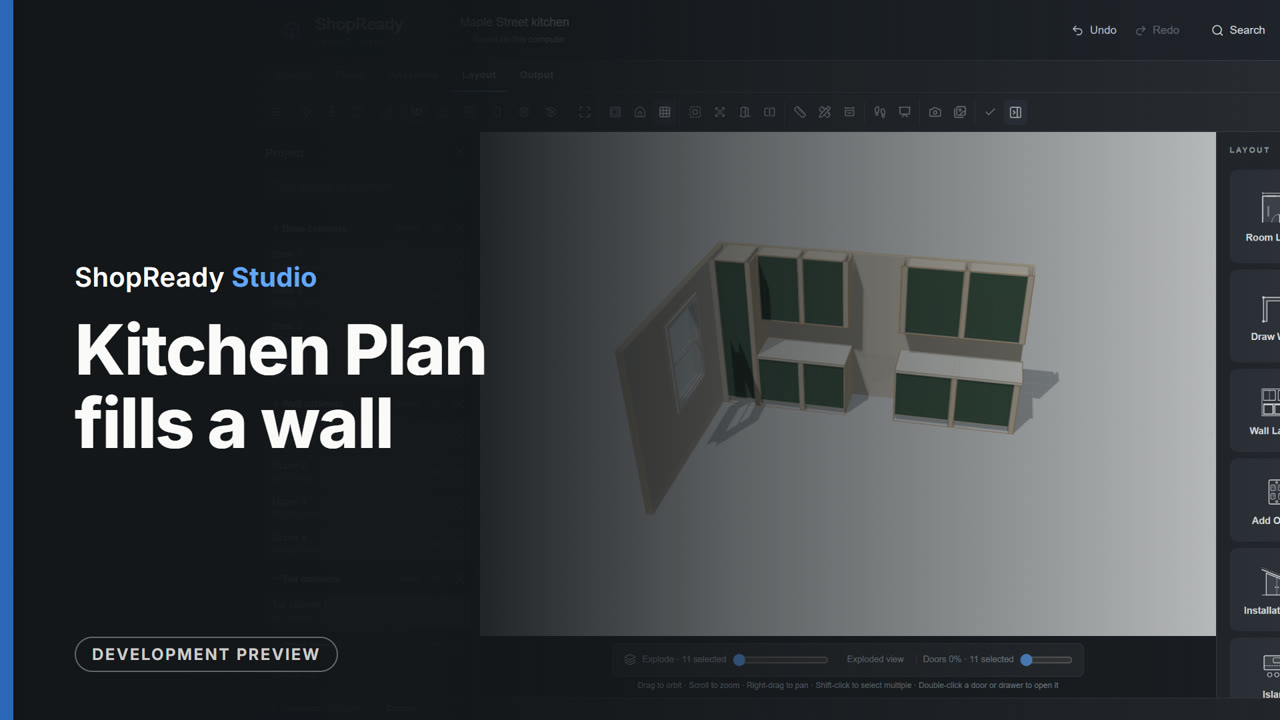
Fill a wall to the inch
Mark where the window and the appliances go. Kitchen Plan fills the wall with cabinets sized to the space.
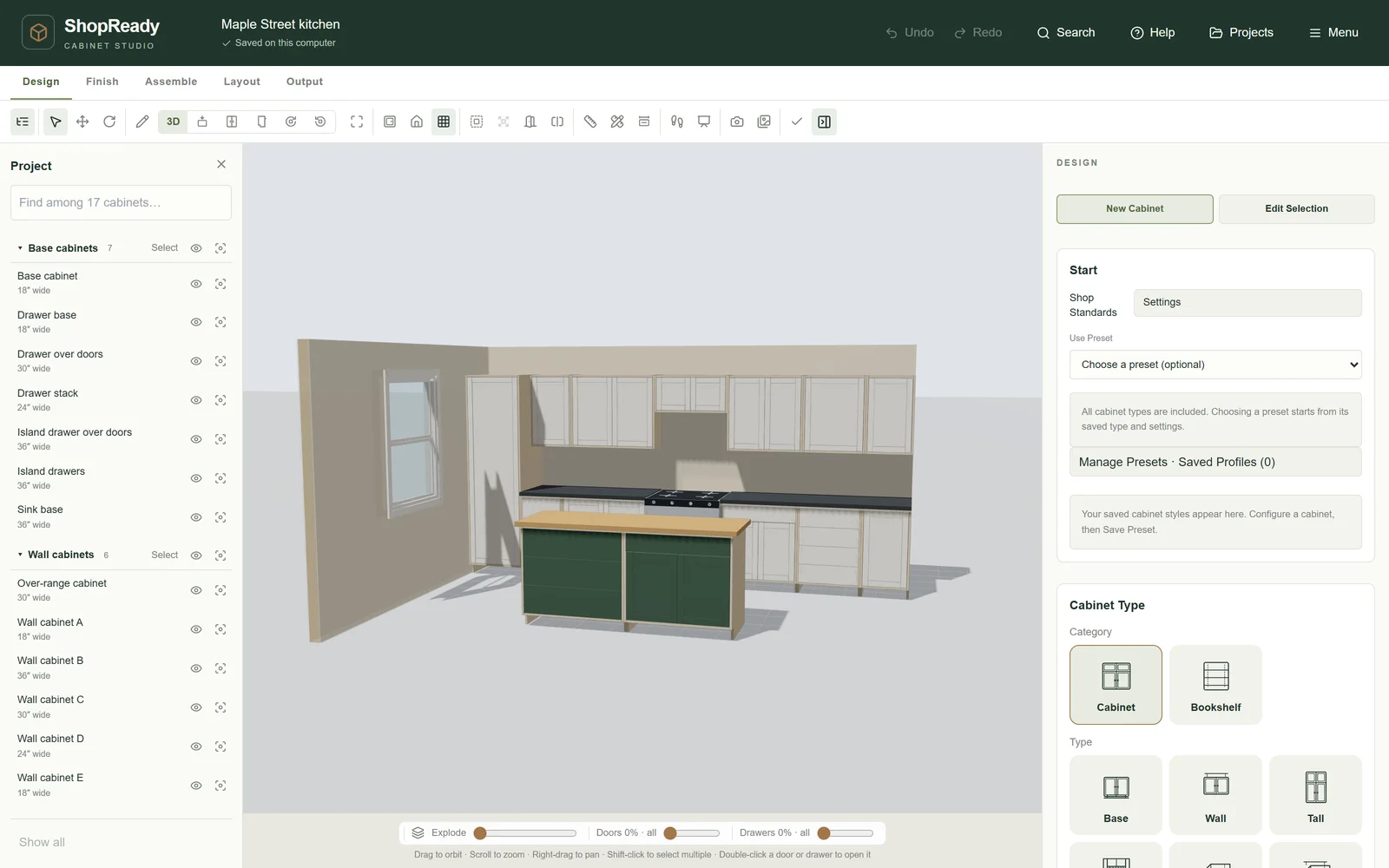
Open this video’s pageStandalone is a standalone program for designing cabinets and getting them built. Draw or measure the room, lay out the cabinets, check them in 3D, hand the customer one packet and the shop another, and send the sheets to the router.
What it does
Press play on any of them. Each one is the program itself, narrated, with captions.
Mark where the window and the appliances go. Kitchen Plan fills the wall with cabinets sized to the space.
Open this video’s page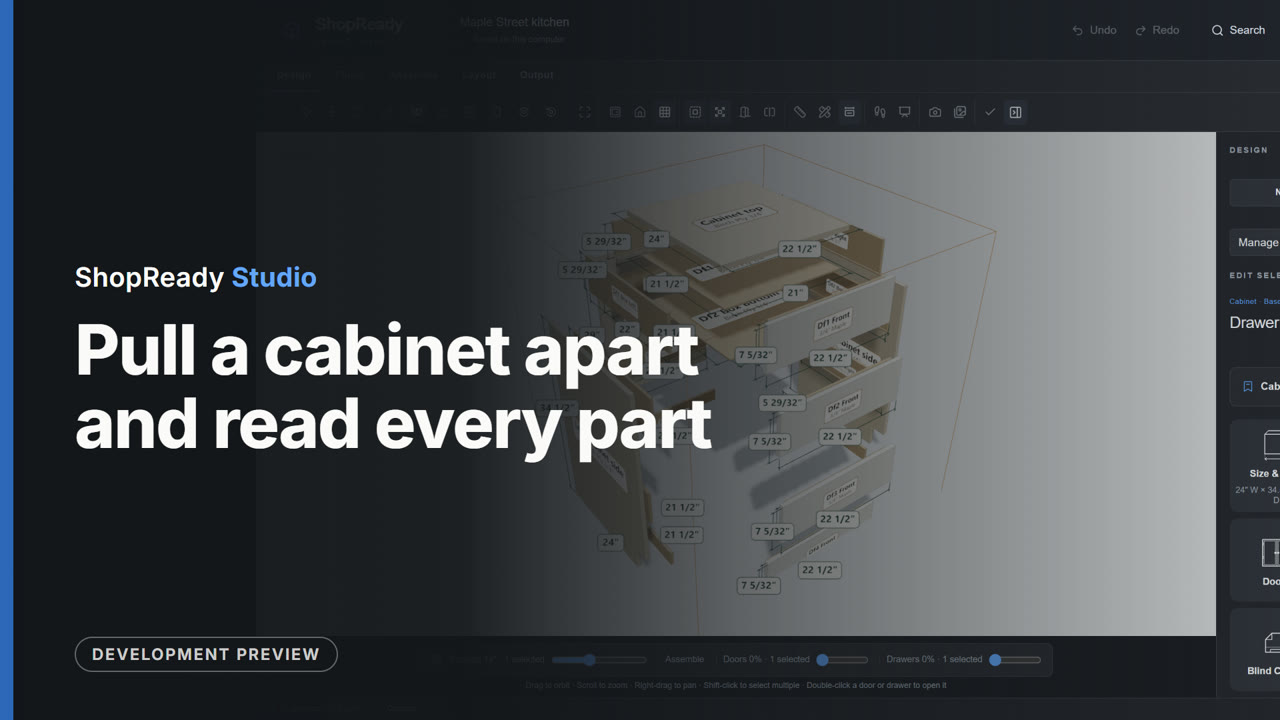
Pull a cabinet apart on screen and read each part's name and cut size.
Open this video’s page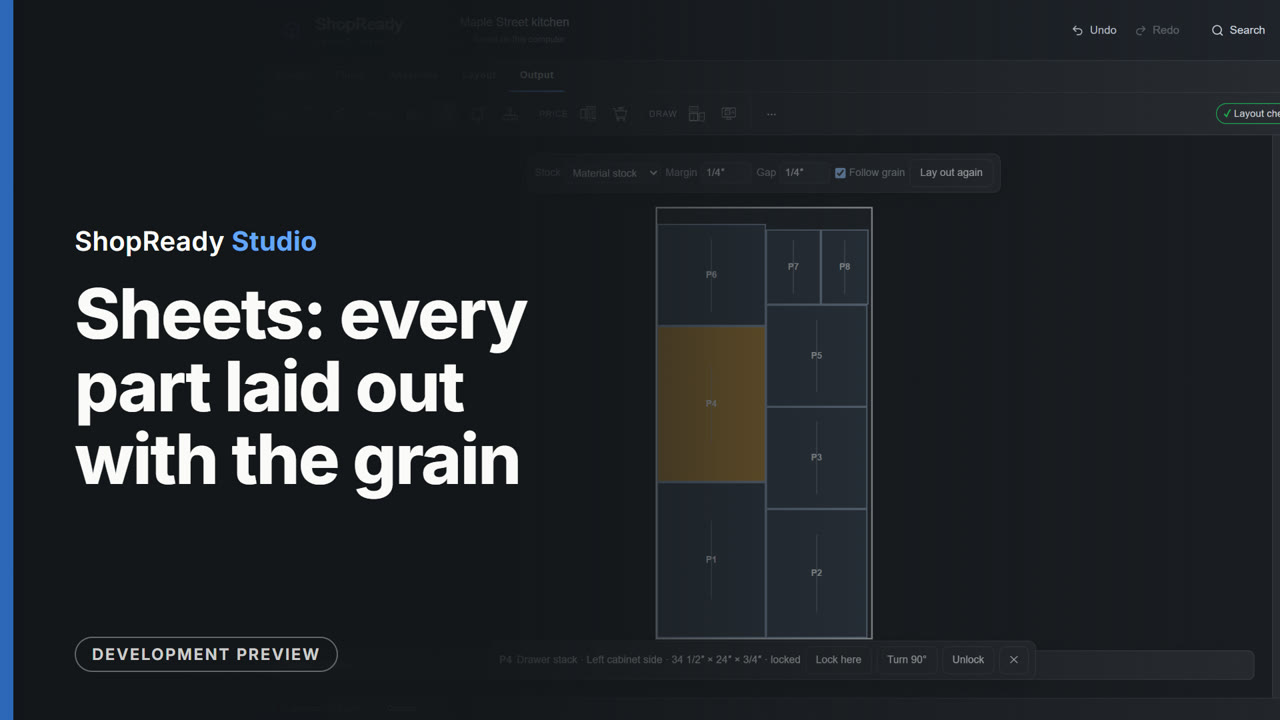
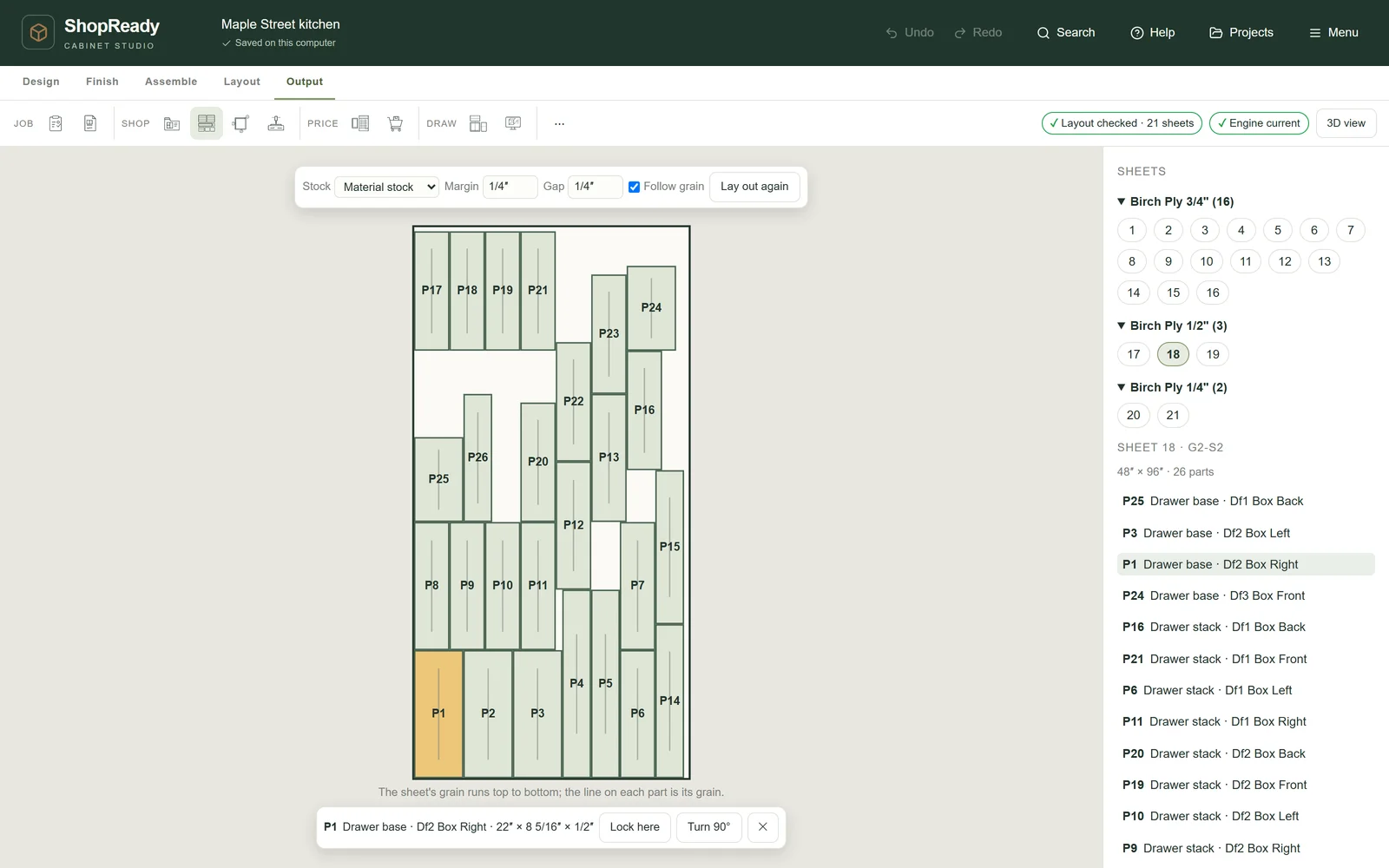
Every part is laid on your sheets with its grain. Lock a part where it lies, and the layout is checked.
Open this video’s page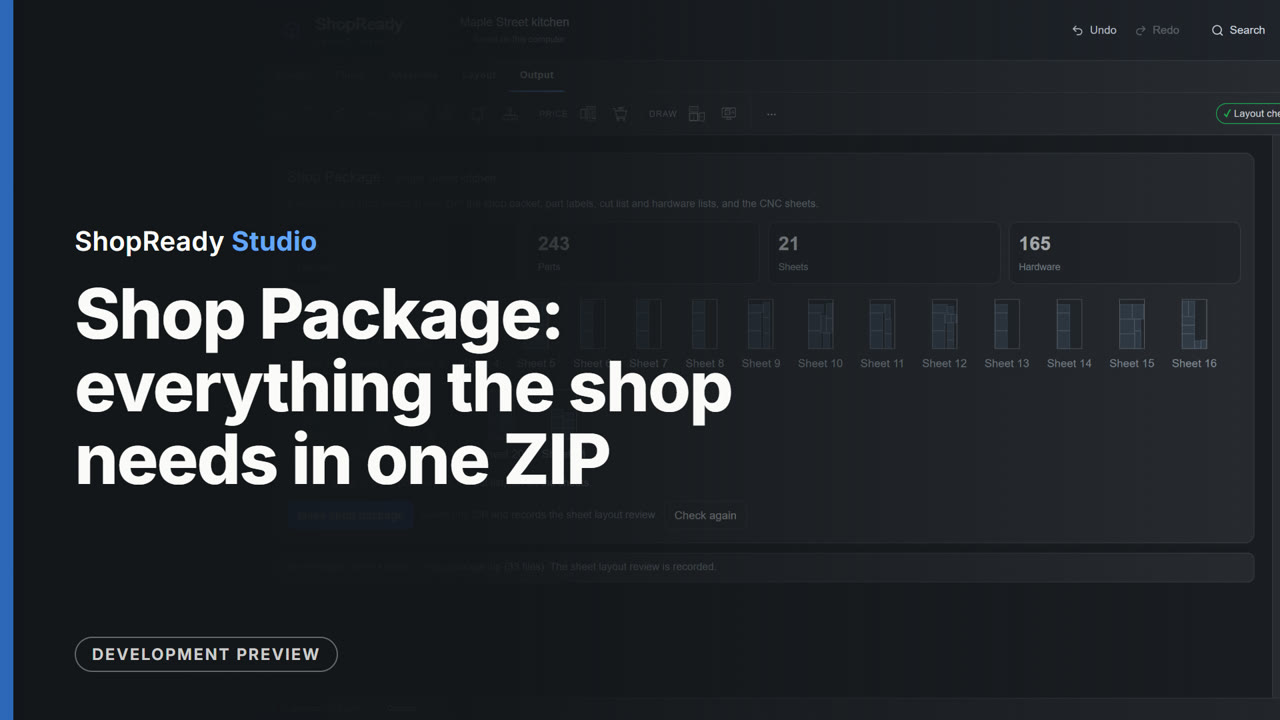
The cut list, a page for every sheet, purchasing, an assembly sheet for every cabinet, labels and a drawing file per sheet, in one ZIP.
Open this video’s page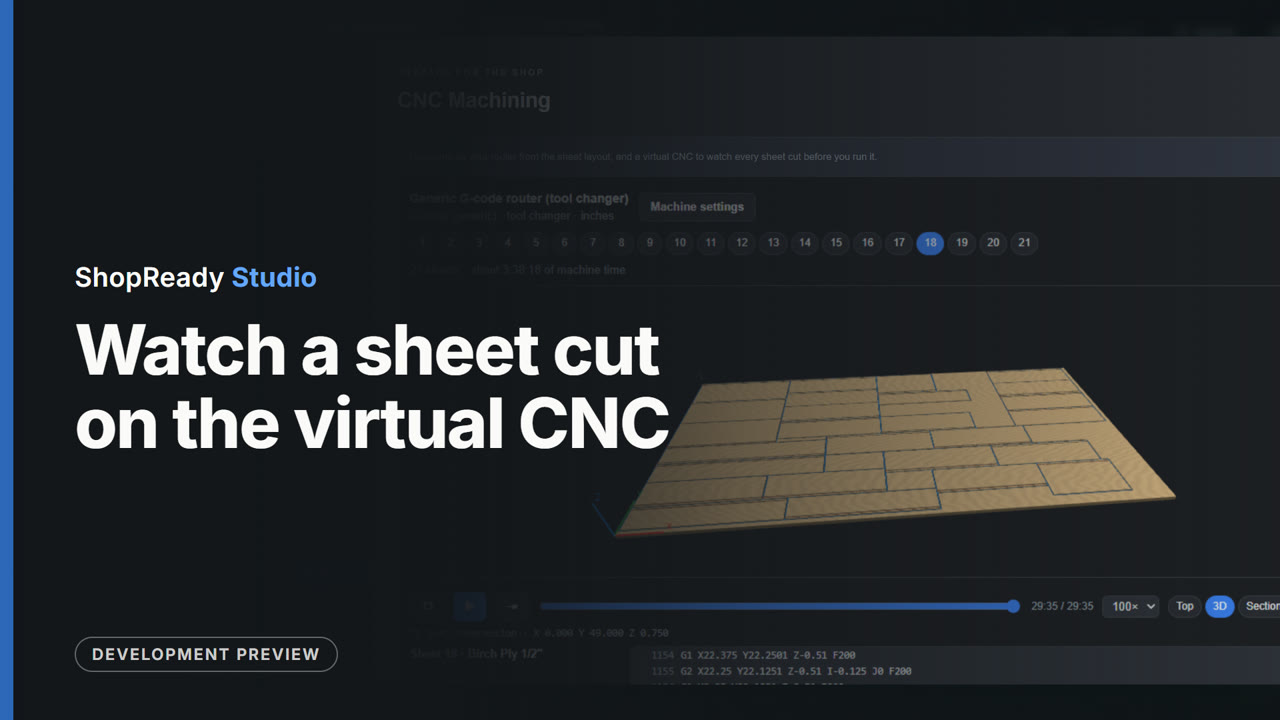
The virtual CNC runs each sheet's program on screen before a real router does.
Open this video’s page
A picture, the floor plan, wall elevations with sizes and a place to sign, in one PDF.
Open this video’s page
The tour · 51 s
One kitchen in one sitting, narrated.
One set of cabinet rules
Standalone and ShopReady Cabinets for SketchUp use one set of cabinet rules, so a job reads the same in both and can pass between them. Standalone is the one that runs on its own.
Start to finish
One kitchen followed all the way through, from the wall to the two packets.
Watch more
Every video is the program itself at work, narrated, with captions.
Works with
Pricing
The same price on Windows and Mac. No sales call.