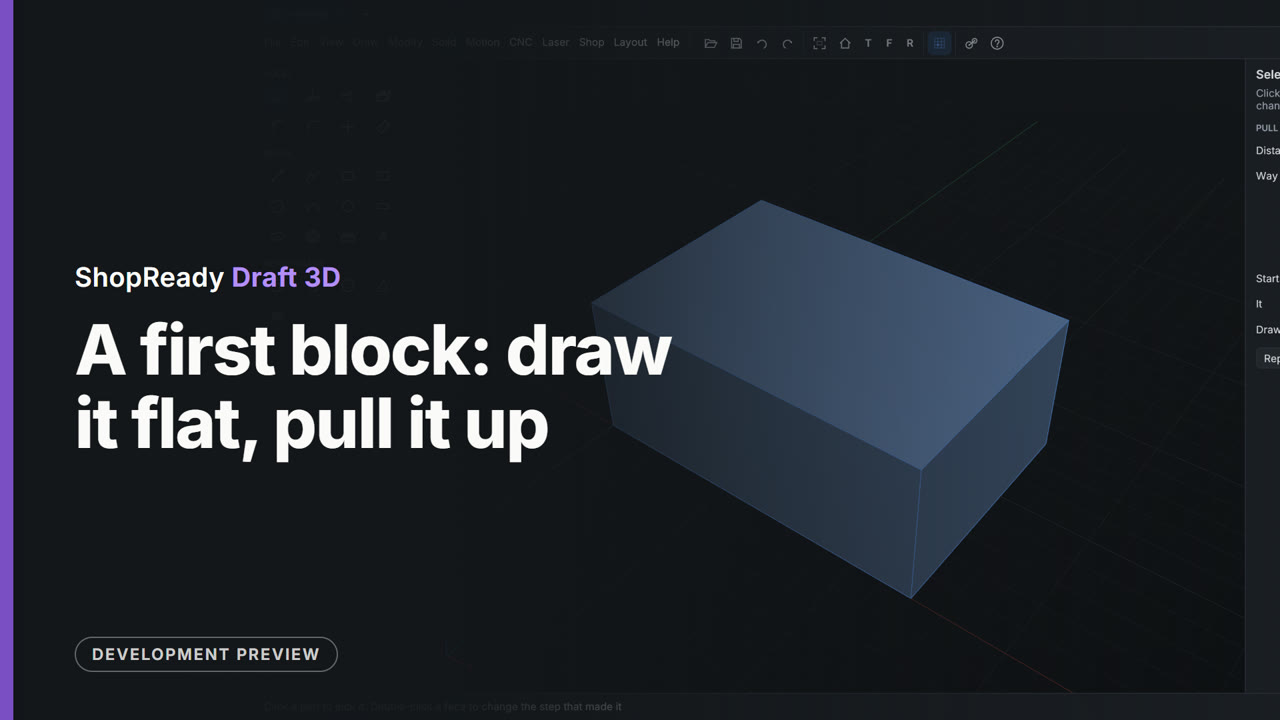
Draw flat, pull solid
A rectangle on the ground with its size typed. Pull lifts it into a block, and the height is typed too.
Open this video’s pageDraft 3D is the 3D side of ShopReady Draft. Draw a shape with the 2D tools, pull it into a solid, set it turning, and slice it for a 3D printer. Every size is typed, and every step is kept so you can change it later.
What it does
Press play on any of them. Each one is the program itself, narrated, with captions.
A rectangle on the ground with its size typed. Pull lifts it into a block, and the height is typed too.
Open this video’s page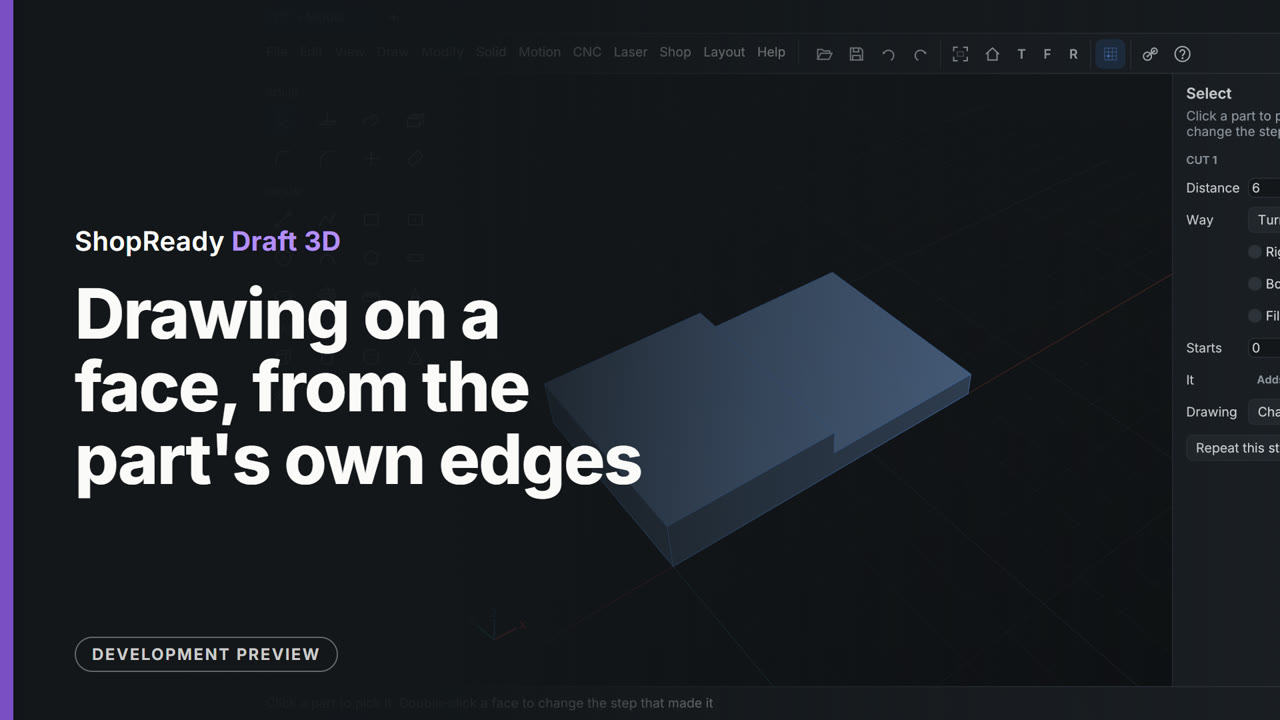
Click a face and the view turns square to it. The part's own corners and middles are there to draw from.
Open this video’s page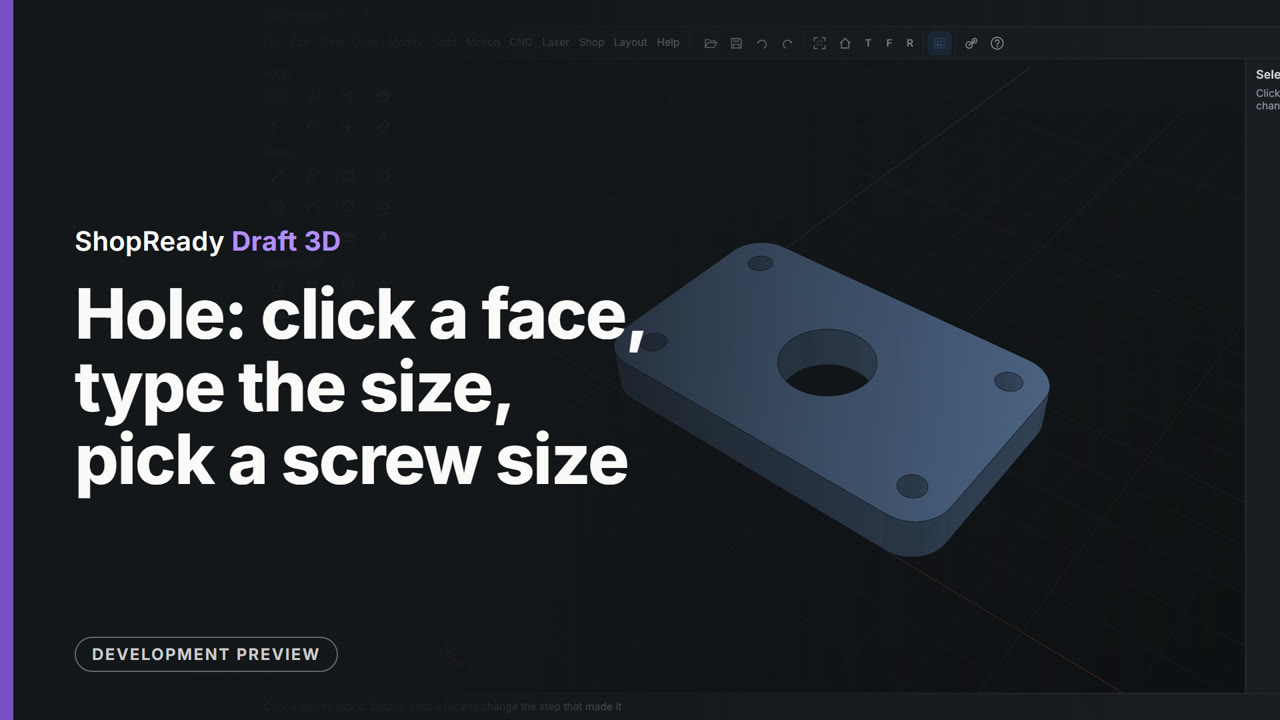
Click where the hole goes and type its size, or pick a screw size and put one at each corner.
Open this video’s page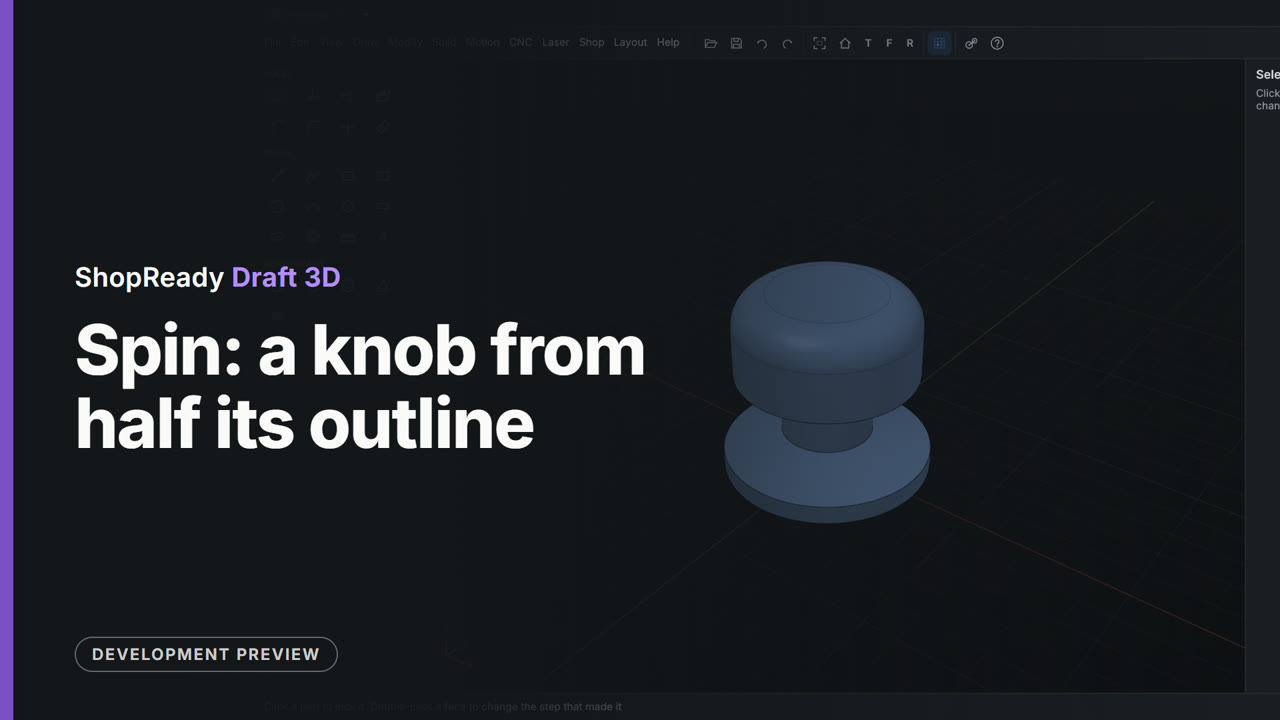
Half a knob's outline, turned about a line into the whole knob. Type the angle for part of a turn.
Open this video’s page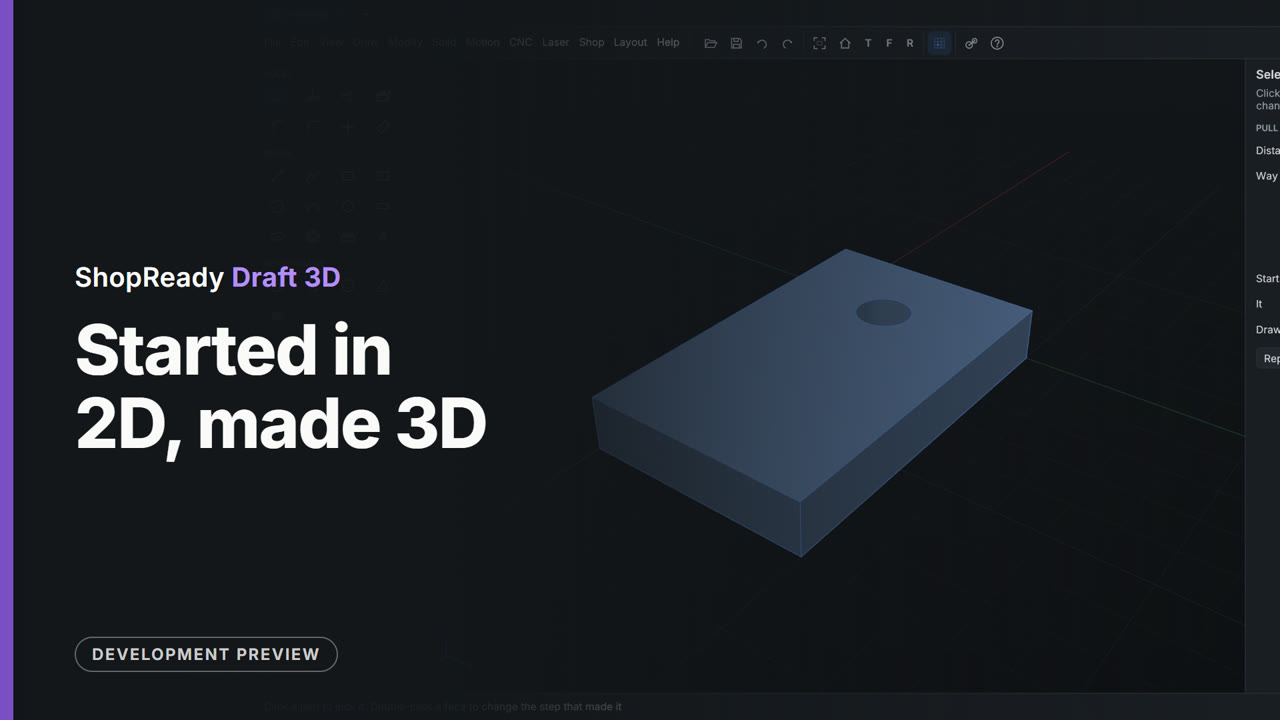
A plate drawn in a 2D drawing becomes a 3D model in the same tab. The circle in it becomes the hole.
Open this video’s page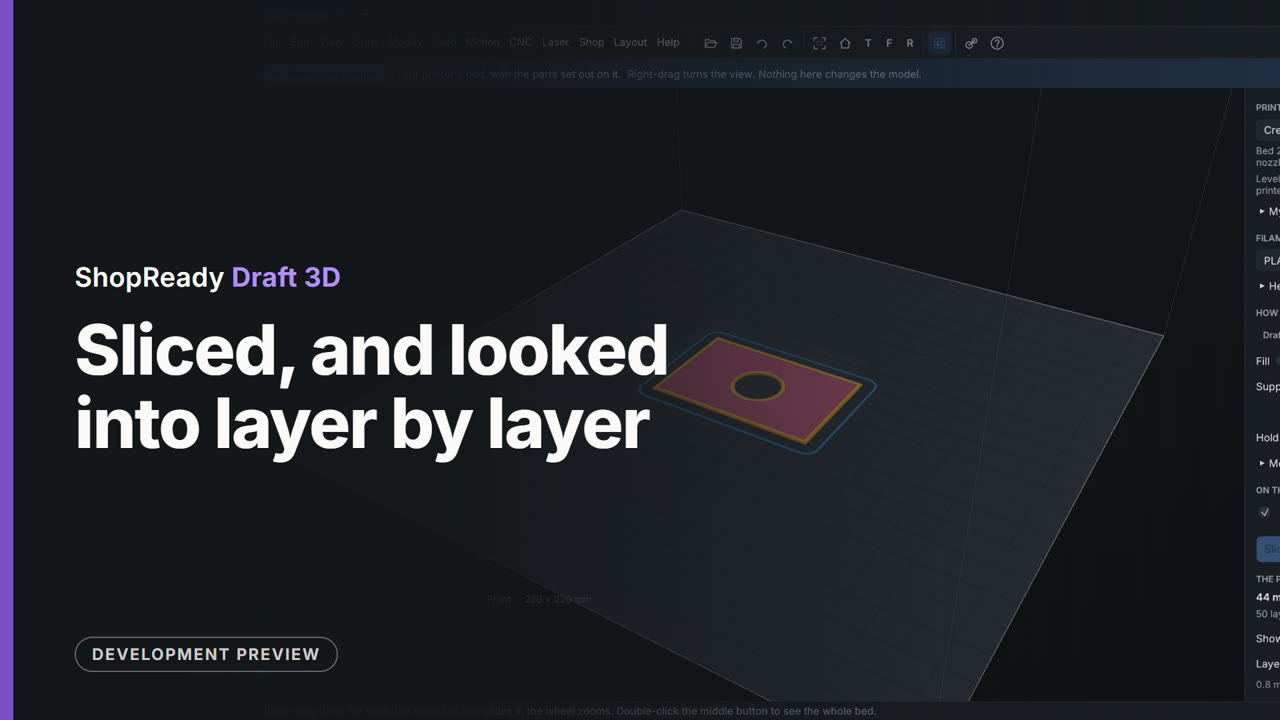
The part on a printer's bed, sliced, with a slider to look inside at the walls and the fill.
Open this video’s page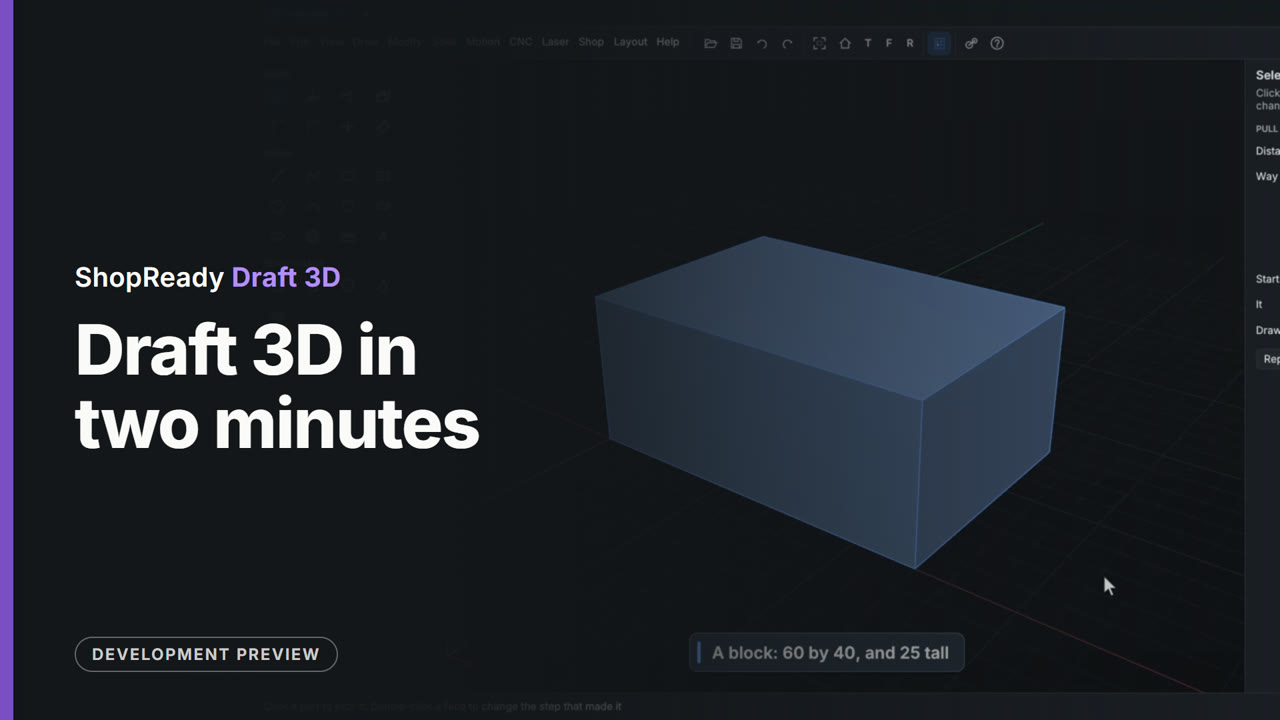
The tour · 2:14
Narrated, with captions if you want them. Every second of it is the program itself.
One window for 2D and 3D
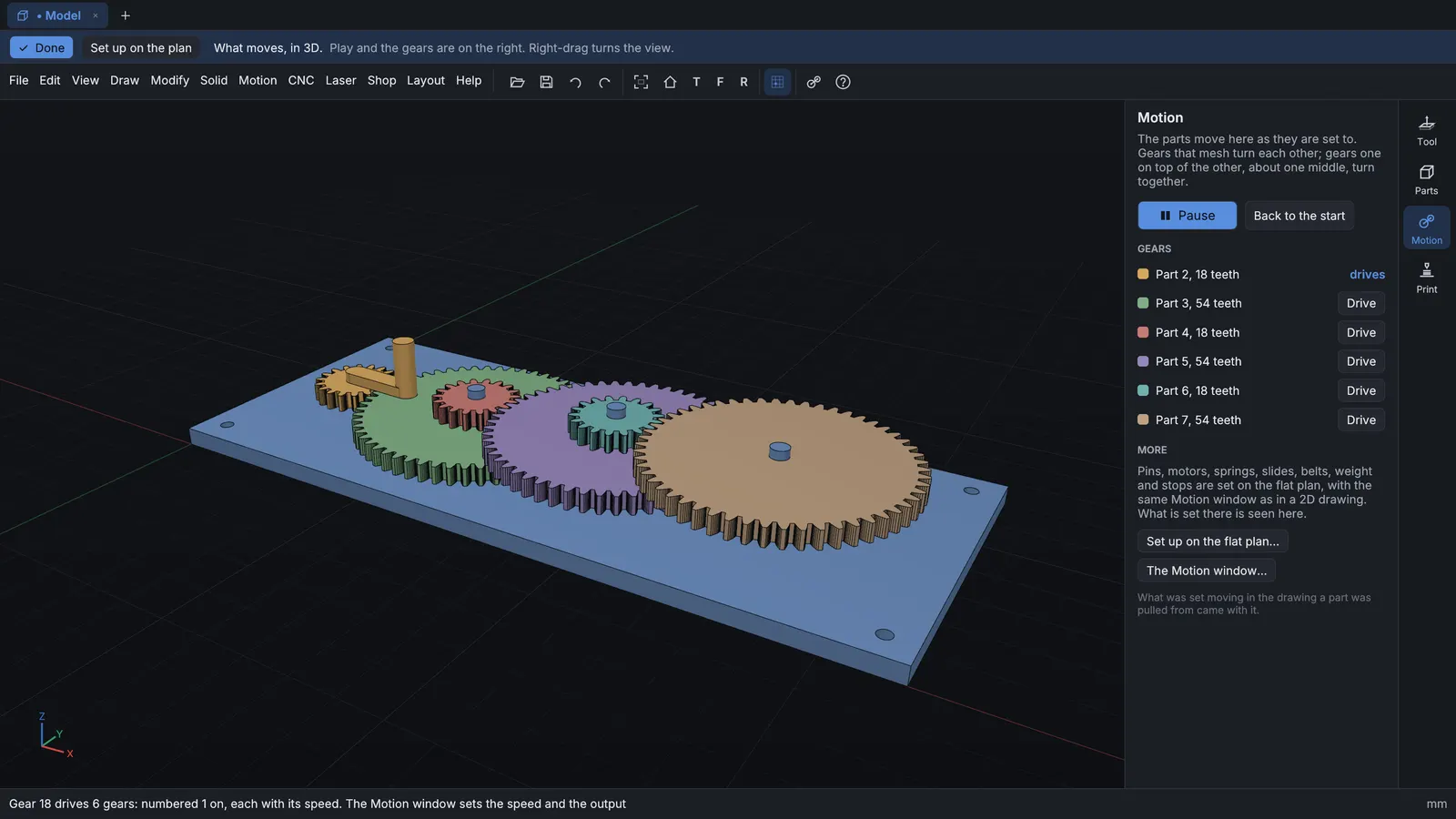
Draft 3D is built on Draft 2D. Open a 2D drawing and a 3D model side by side in tabs. A drawing can stay flat for good, or be made 3D when you choose, and any face of a 3D part can be opened as a 2D drawing.
Start to finish
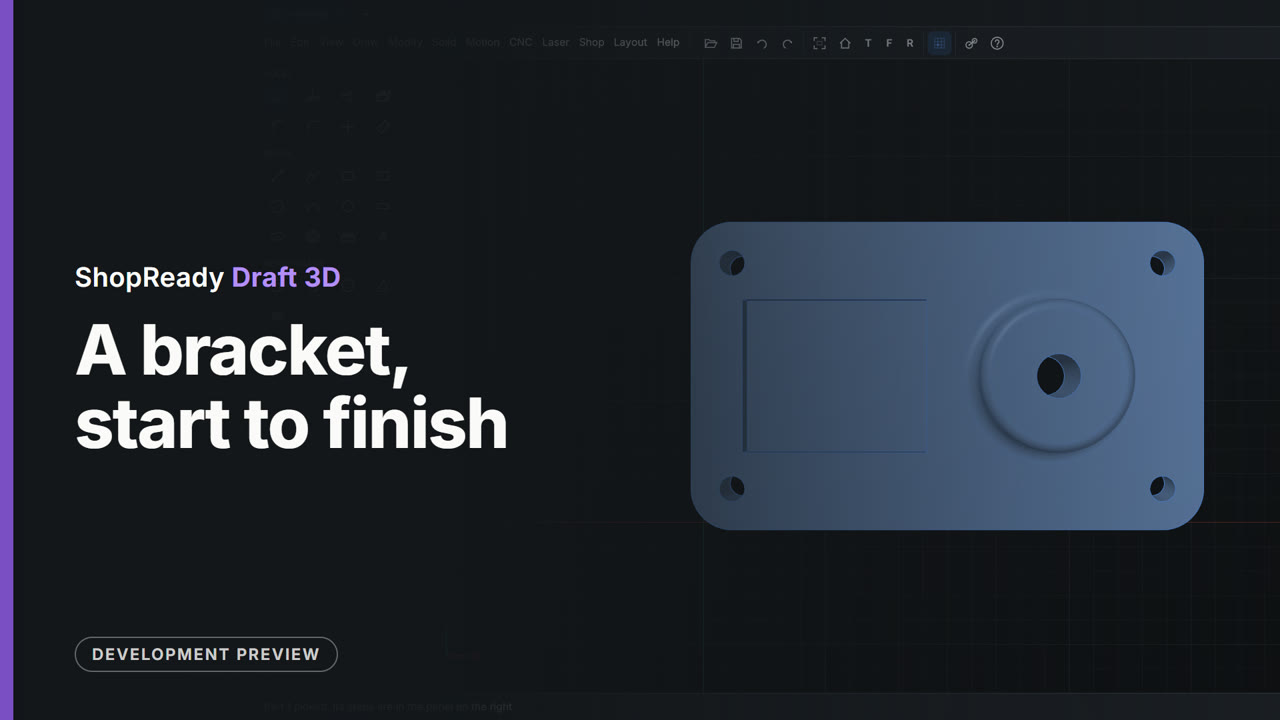
About two minutes: a plate, a boss pulled up from a circle on its top, a pocket pushed in, the corners rounded, a hole through the boss and four screw holes set out as a pattern. Every size is typed.
Watch more
Every video is the program itself at work, narrated, with captions.
Works with
Pricing
The same price on Windows and Mac. No sales call.