Compare
Five tools.What each one does.
Some of them overlap, on purpose. See who each one is made for, then go down the list to find the one that does your work, and where two of them are better together.
For the maker
Signs, parts, jigs and things that move. Start flat, and go solid when you need to.
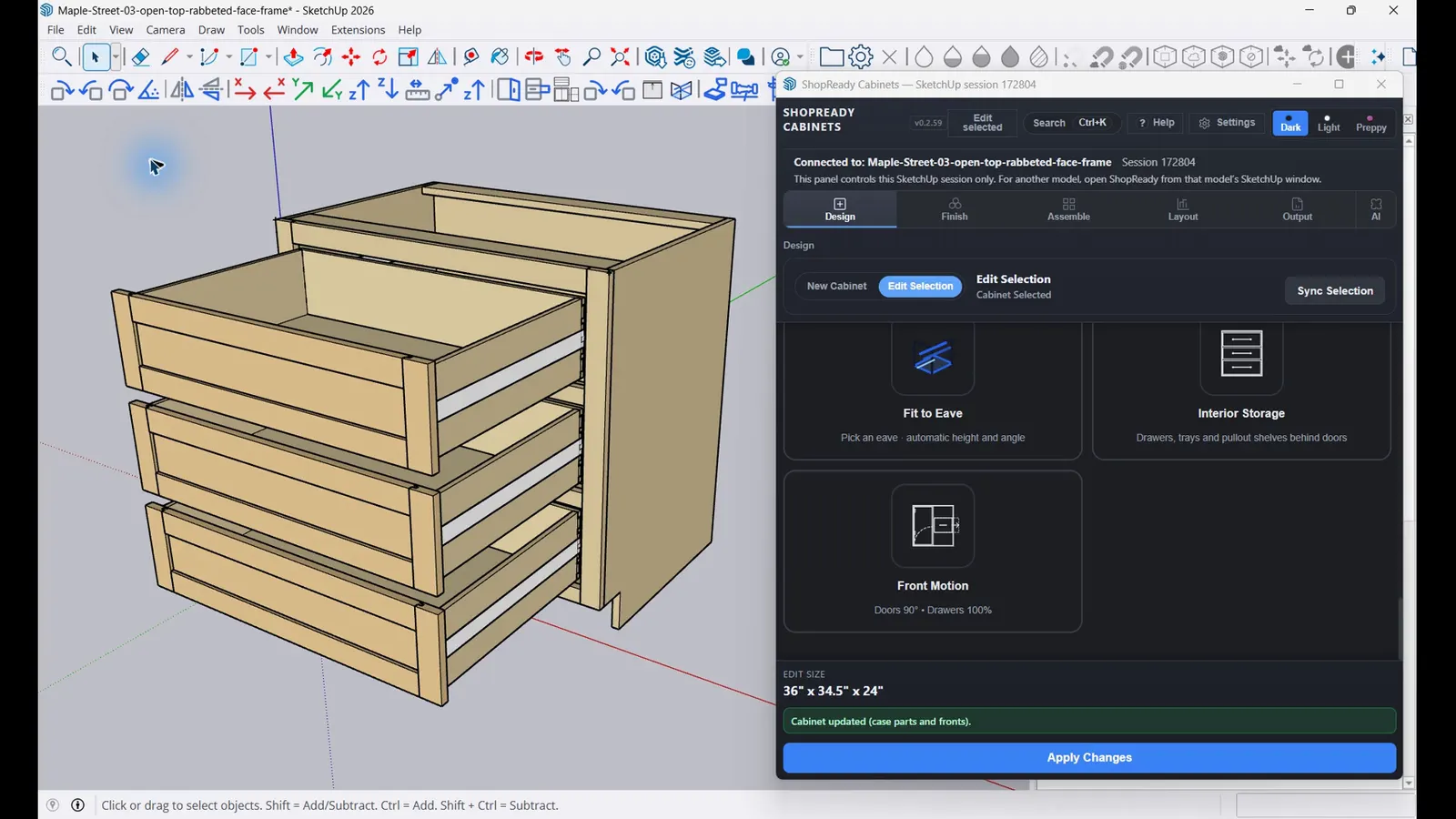
For the cabinet shop and woodworker
Cabinets, built-ins and furniture from shop rules, with the cut list and the packets.
The checklist
Go down the list.
Slide the table sideways to see all five.
| Who it is made for | For the maker | For the cabinet shop and woodworker | On site | ||
|---|---|---|---|---|---|
| Every tool stands on its own. None needs another to do its job. | Draft 2D Makers, sign shops and anyone with a router
Flat drawings and flat parts $149.99 pay once | Draft 3D Makers who want solid parts, mechanisms and prints
Includes Draft 2D $199.99 pay once | Standalone Cabinet shops, millwork and furniture builders
Its own program. No SketchUp needed. $399.99 a year $799.99 pay once | Cabinets Shops that already draw their jobs in SketchUp
Runs inside your own SketchUp, and makes it easier to use $249.99 a year $599.99 pay once | Field Whoever measures the job
Goes with Standalone and Cabinets $29.99 pay once |
Drawing and design | |||||
| Draw flat to exact sizes, with a cursor that finds the point | Yes | Yes | No | No | No |
| Dimensions, notes and sheets for shop drawings | Yes | Yes | No | No | No |
| Lettering, and tracing a picture into clean shapes | Yes | Yes | No | No | No |
| Solid 3D parts: pull, spin, holes, rounds and bevels | No | Yes | No | No | No |
| Cabinets built from shop rules: base, wall, tall and more | No | No | Yes | Yes | No |
| Fill a wall with cabinets sized to the space | No | No | Yes | Yes | No |
| Furniture, built-ins and one-off pieces made panel by panel | No | No | Yes | Yes | No |
| Turn a leg, a column or a spindle on a lathe | No | No | Yes | Yes | No |
Making SketchUp easier to useCabinets adds its own toolbars to SketchUp. They work on anything in your model, not only on cabinets. | |||||
| Rotate, flip and move anything by an exact amount, in one click | No | No | No | Yes | No |
| Get the camera out of a wall, stand where you click, face a cabinet square-on | No | No | No | Yes | No |
| Hide what is in the way, then bring it all back | No | No | No | Yes | No |
| Name a piece you just drew and it joins the cut list | No | No | No | Yes | No |
| Round or bevel an edge, and cut a section through the model | No | No | No | Yes | No |
Things that move | |||||
| Gears, cams, cranks and linkages that really run | Yesdrawn flat | Yesin 3D | No | No | No |
| Real physics: grip, bounce, motors and gas struts | Yes | No | No | No | No |
| Doors and drawers that open on screen | No | No | Yes | Yes | No |
What the shop gets | |||||
| A cut list with every part named and sized | No | No | Yes | Yes | No |
| Parts laid out on your sheets | Yesby true shape | Yesby true shape | Yeswith the grain | Yes | No |
| Labels for the parts | Yes | Yes | Yes | Yes | No |
| A packet for the shop and one for the customer | No | No | Yes | Yes | No |
Machines | |||||
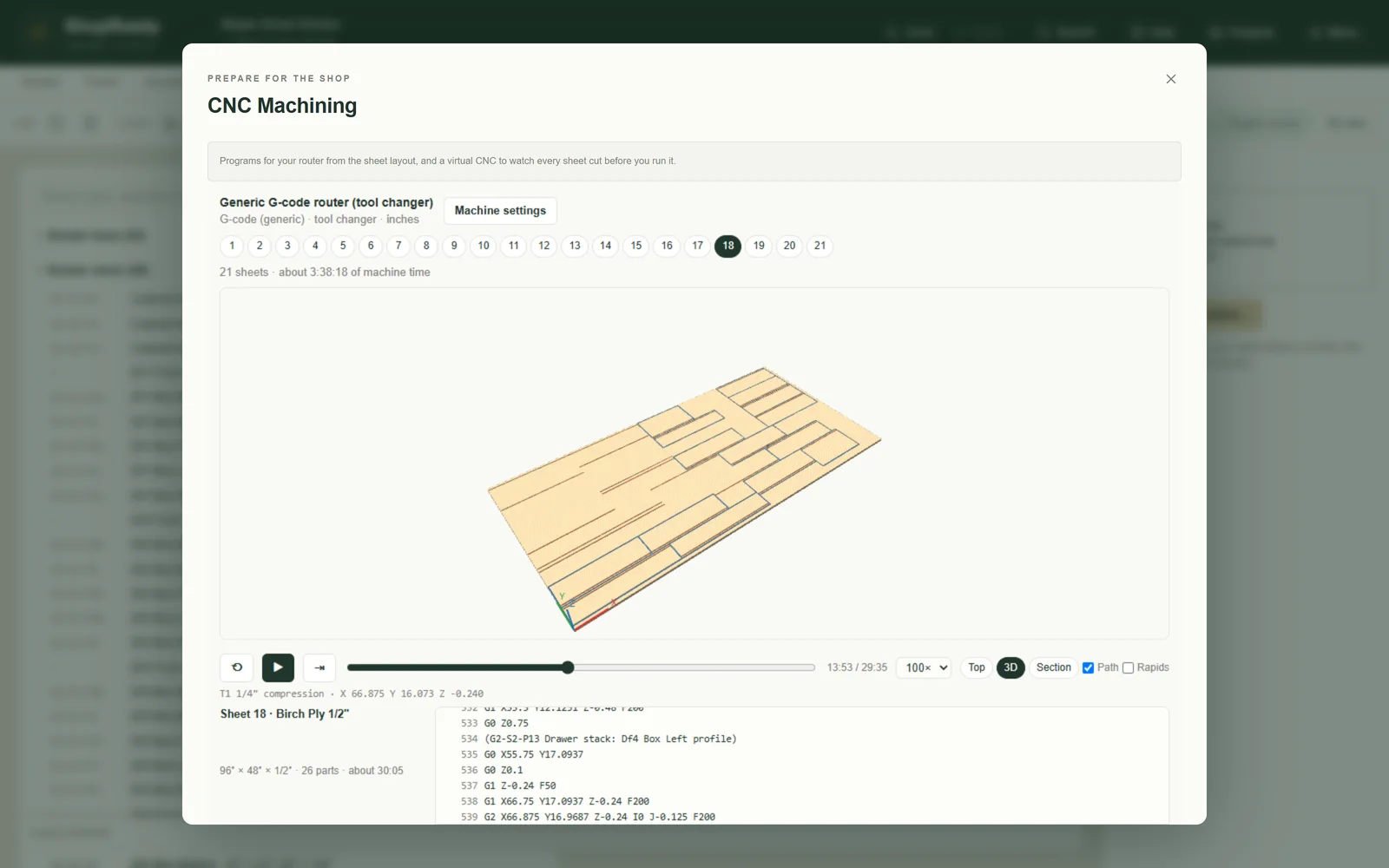
| Router jobs: profiles, pockets and drilling | Yesfrom your drawing | Yesfrom your drawing | Yesfrom the cabinets | Yes | No |
| V-carving for signs | Yes | Yes | No | No | No |
| Watch the cut on screen before the machine runs | Yes | Yes | Yes | Yes | No |
| Laser cutting and engraving jobs | Yes | Yes | No | No | No |
| Send the job straight to the machine | Yes | Yes | No | No | No |
| Slice a part and save the program for a 3D printer | No | Yes | No | No | No |
On site | |||||
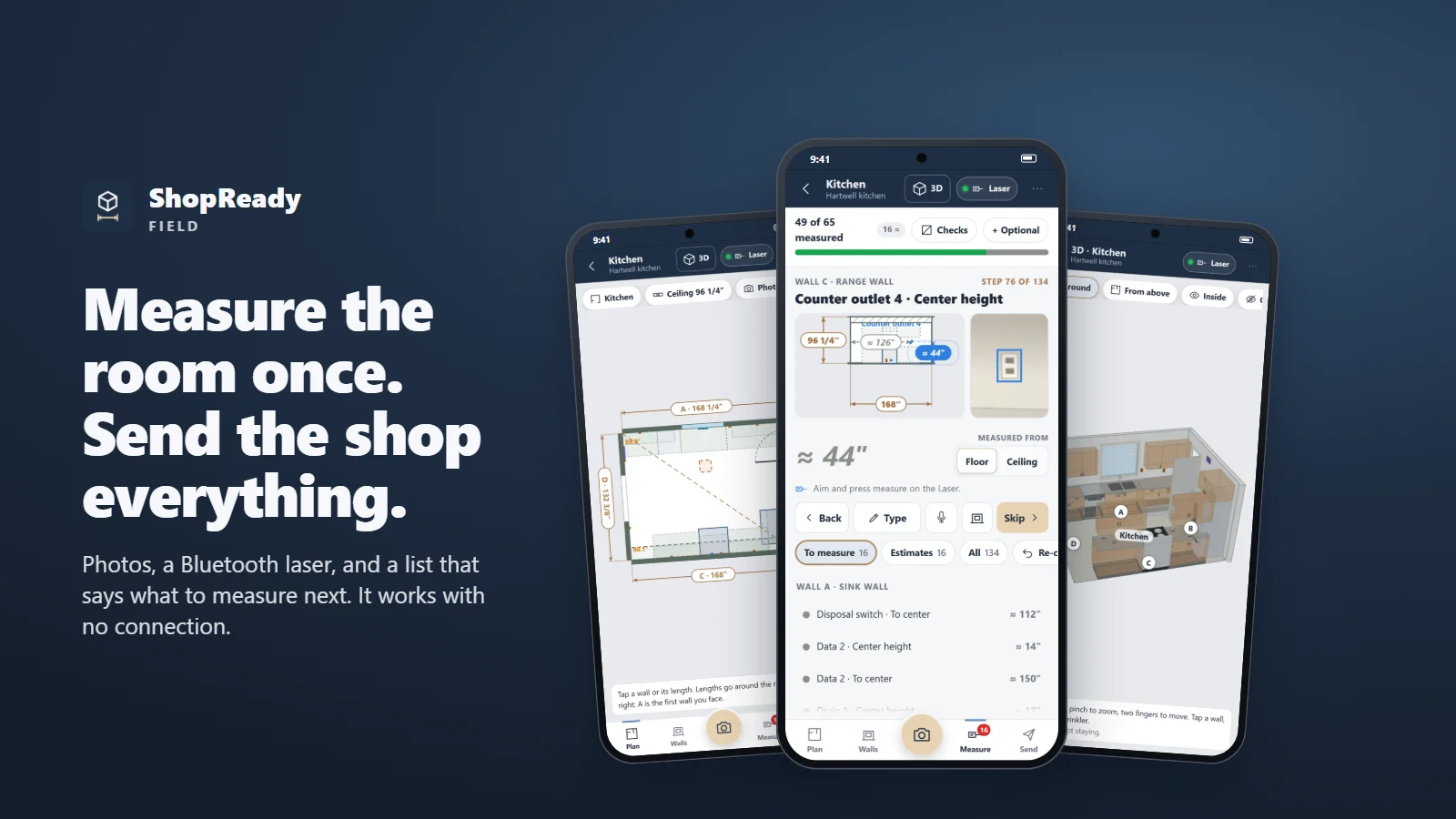
| Measure a room with a phone and a Bluetooth laser | No | No | No | No | Yes |
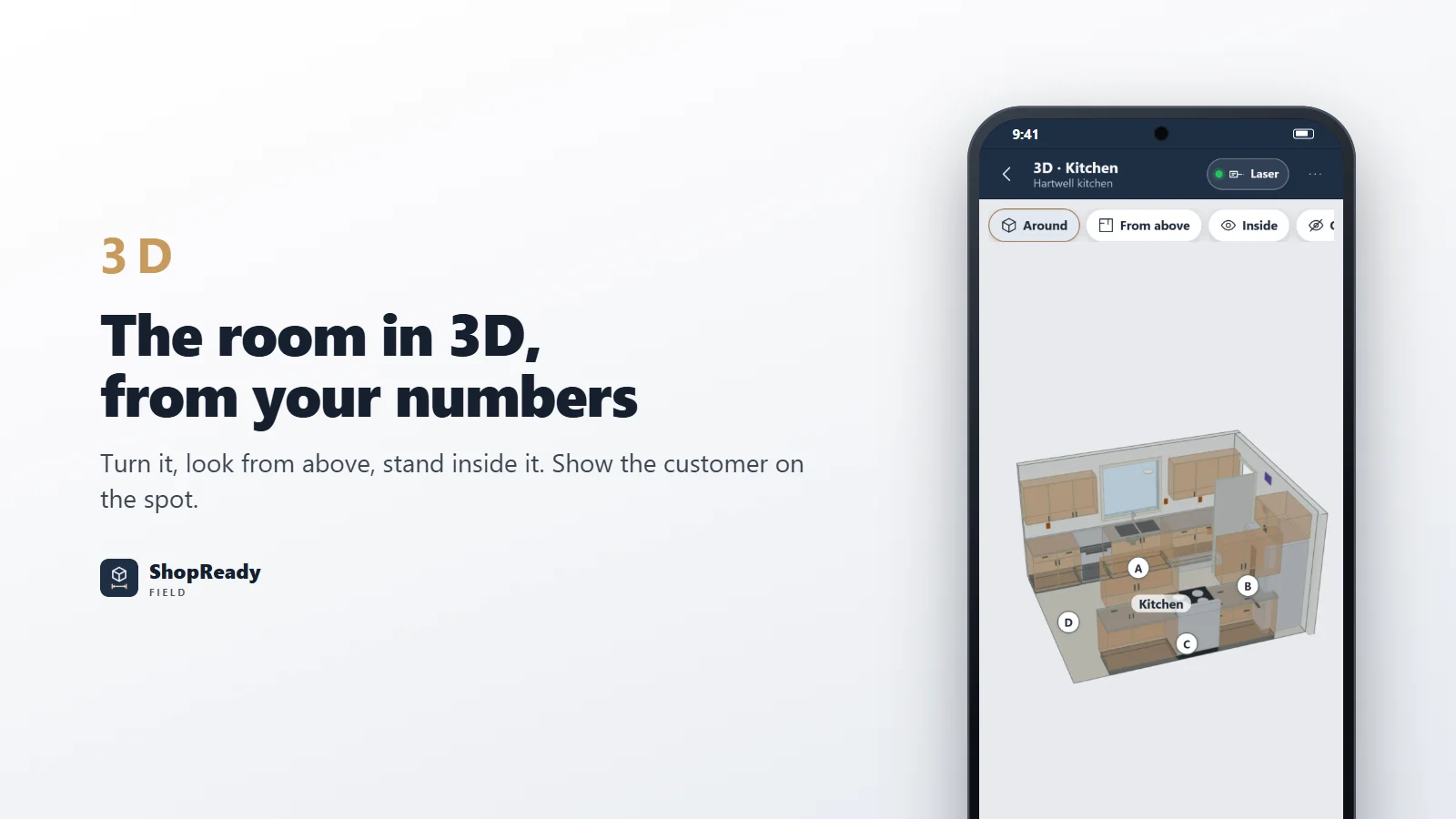
| The room in 3D from your numbers | No | No | No | No | Yes |
| Mark up a photo when no room shape fits | No | No | No | No | Yes |
| A measured job opens with its rooms already built | No | No | Yes | Yes | Yessends the job |
Why so many?
They are different tools for different work.
Draft 2D or Draft 3D?
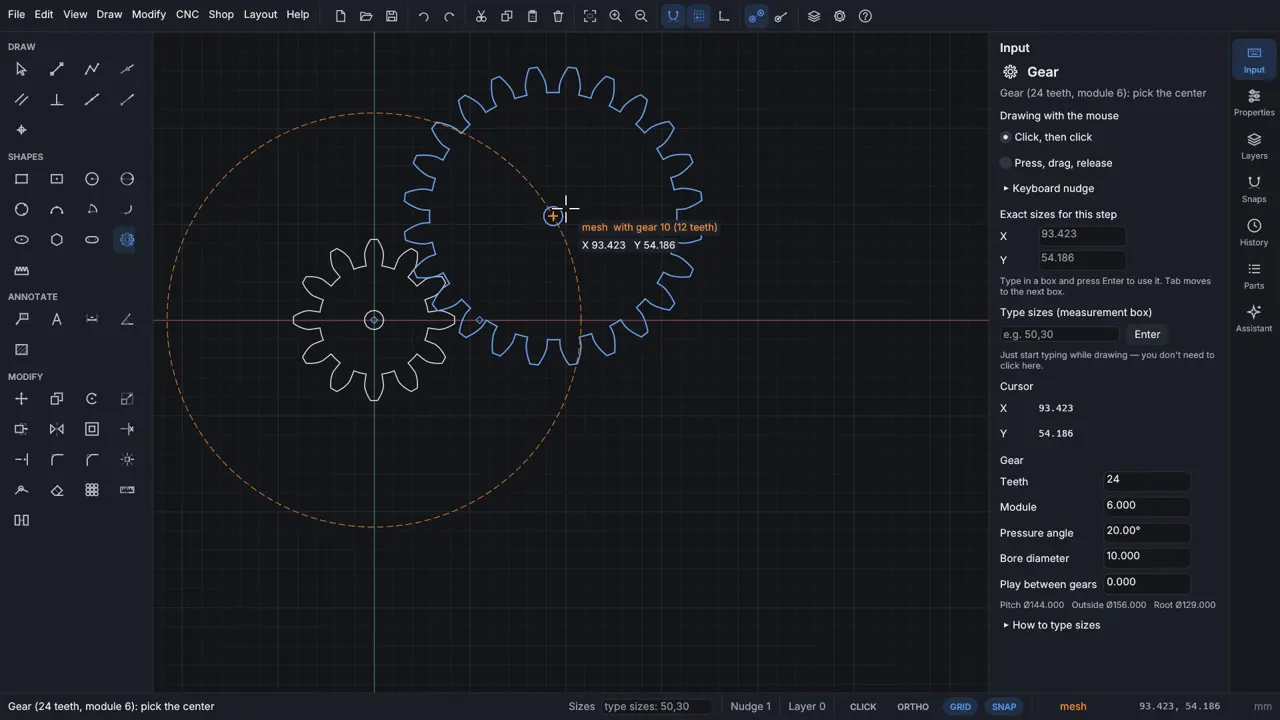
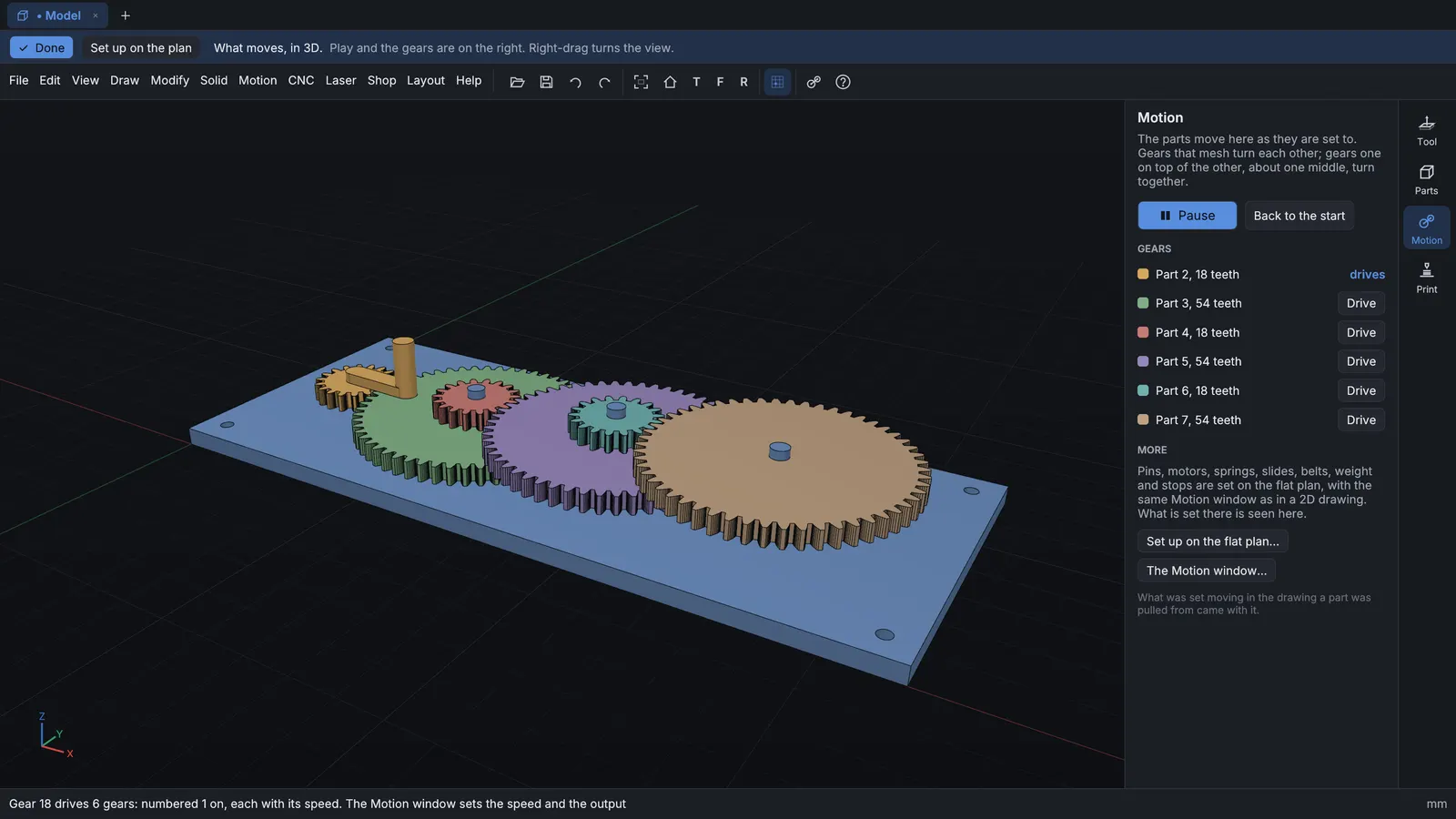
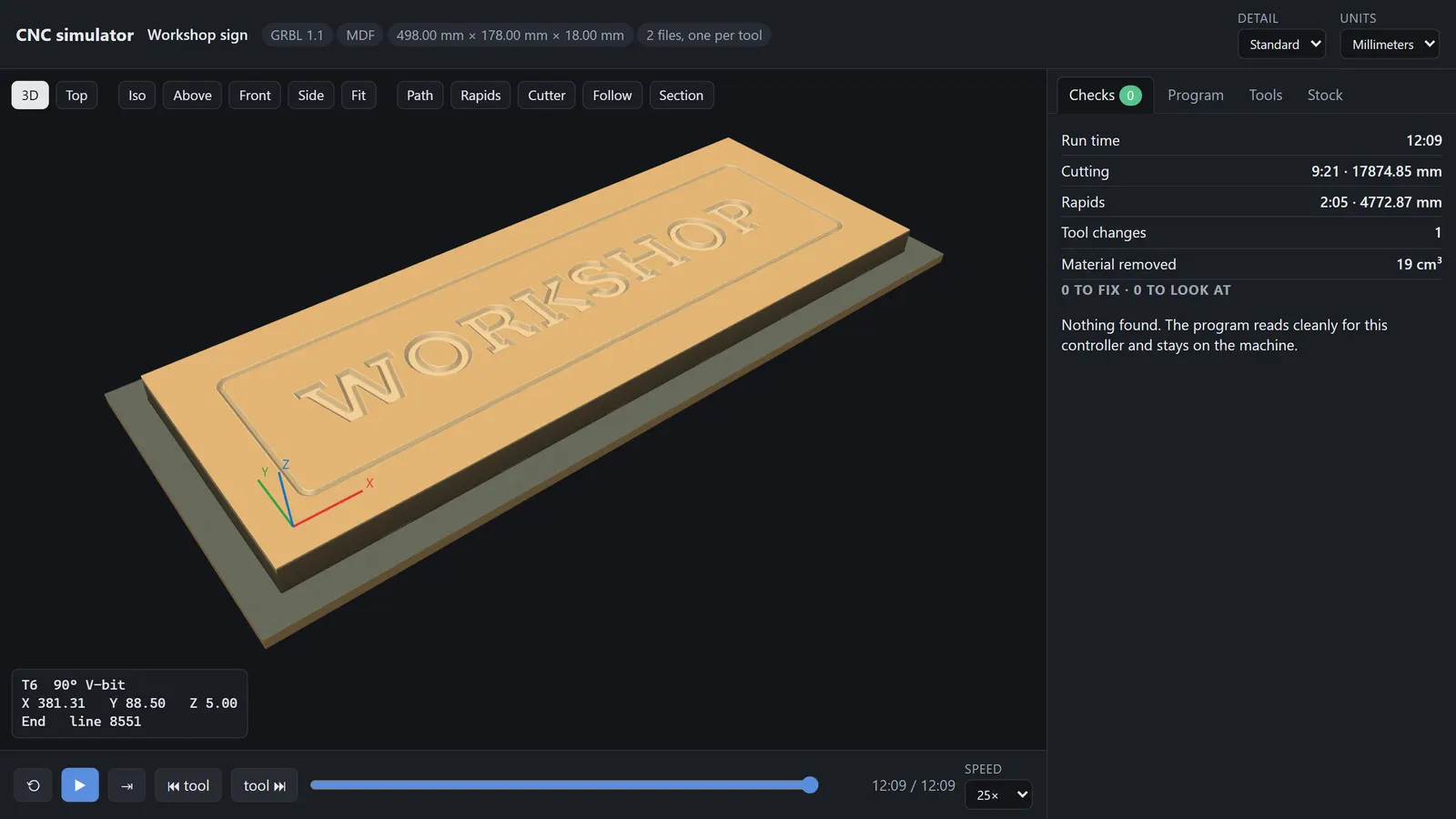
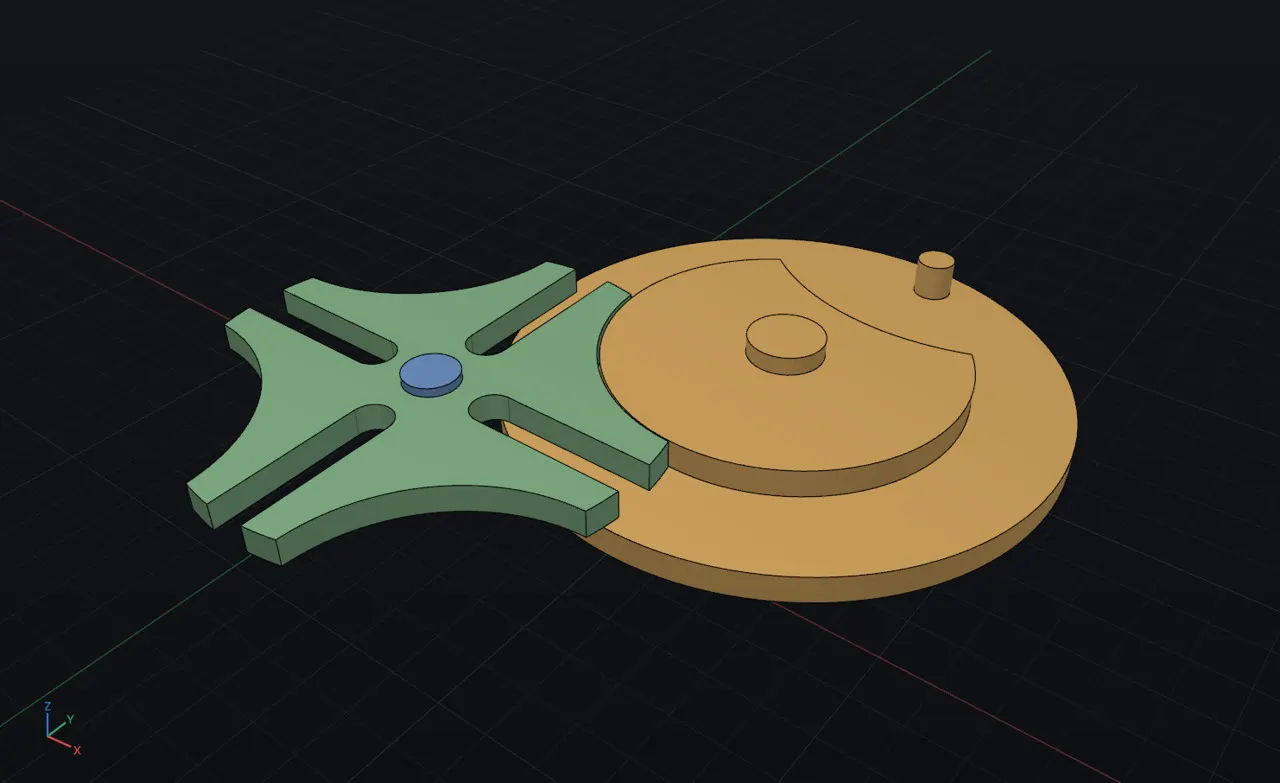
Start in 2D and you can do a lot: drawings, signs, jigs, router jobs, even a gear train. What 2D cannot do is make a solid part. The most depth it gives you is what the router cuts into a flat board. Go to 3D for solid parts and a slicer for your 3D printer. Draft 3D includes Draft 2D, so you get both.
Standalone or Cabinets?
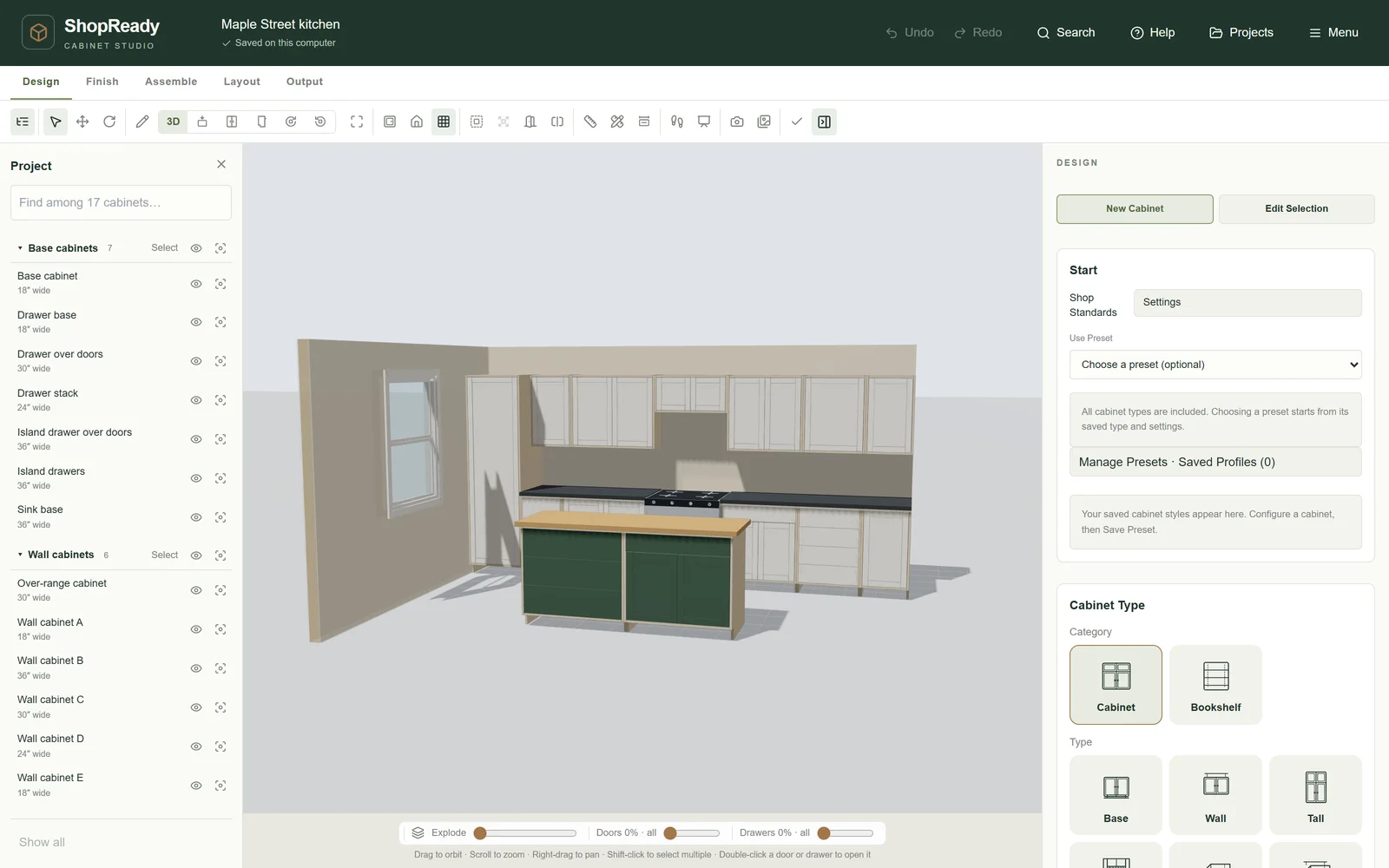
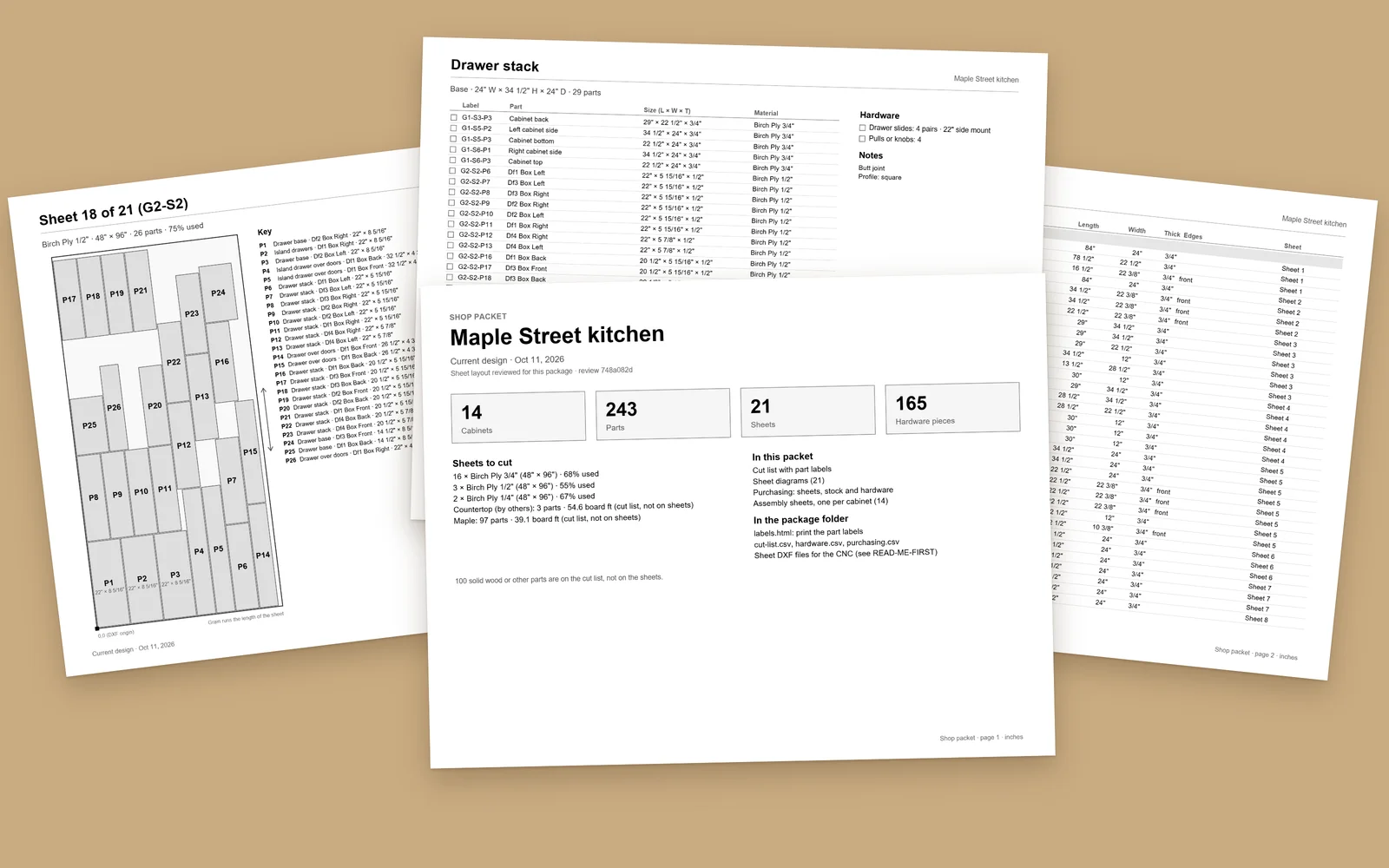
Both build cabinets from the same shop rules and give you the same parts. Standalone is its own program and needs nothing else. Cabinets works only inside SketchUp, for shops that already draw their jobs there, and it brings its own toolbars that make SketchUp easier to use: quick moves and flips, a camera that gets you out of a wall, and one click to hide what is in the way.
Why would a cabinet shop want Draft as well?
The cabinet tools build cabinets, built-ins and rooms from rules. They do not draw a jig, carve a sign, work out a gear train or model a one-off bracket. Those are different jobs, and Draft is the tool for them.
Where does Field fit?
Field does not design anything. It measures the room once, on site, and hands the job to the shop as one file. It goes with Standalone and Cabinets, and it is useful by itself to anyone who measures.