Skip to the page
ShopReady Draft 2D · Coming soon

ShopReady Draft 2D

2D drawing with a cursor that finds the point, with CNC and laser jobs built in.

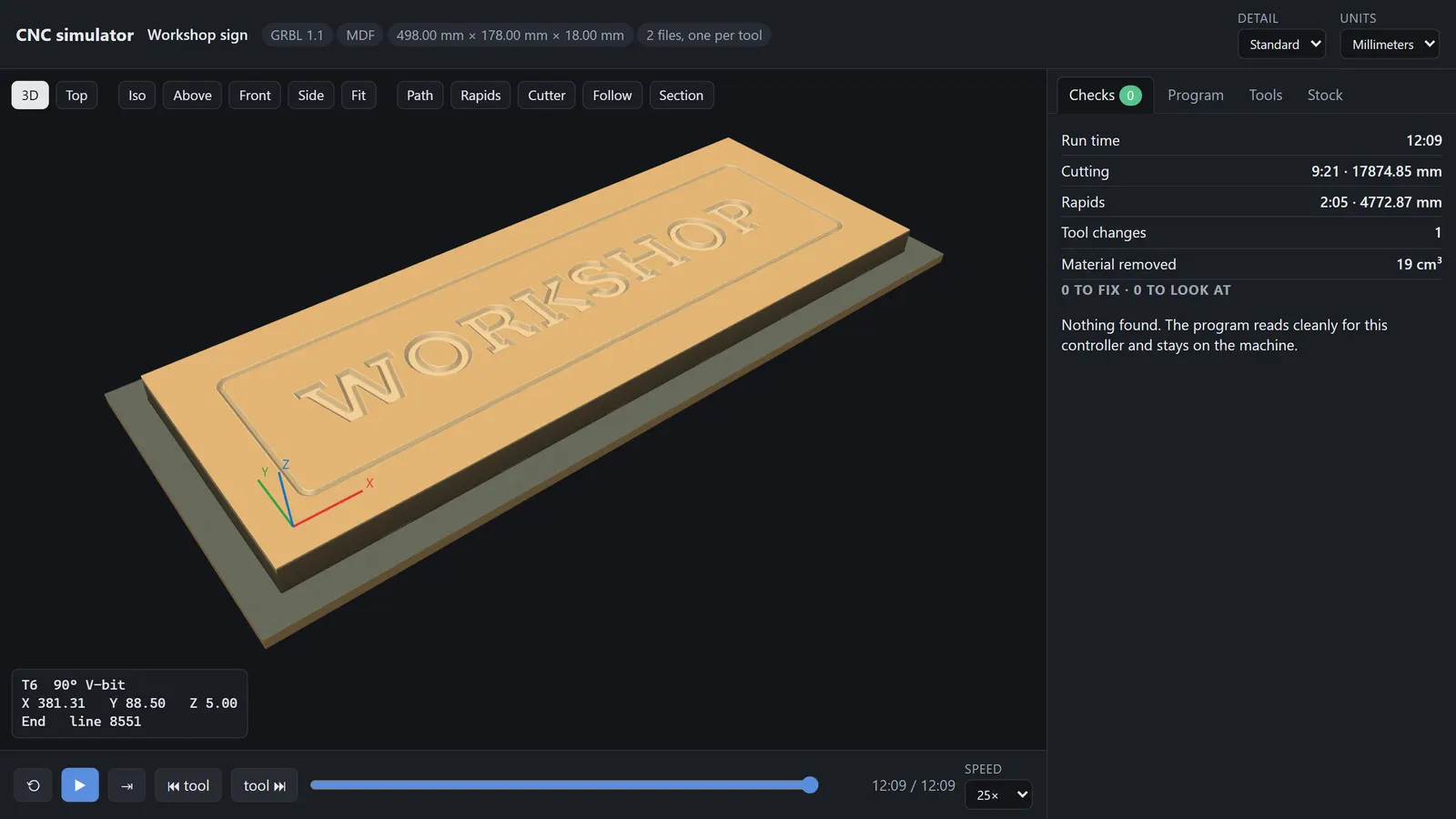
The word WORKSHOP V-carved into a sign board, shown finished in the 3D CNC simulator of ShopReady Draft 2D, with its run time beside it.

What it does

Six things, each one shown.

Press play on any of them. Each one is the program itself, narrated, with captions.

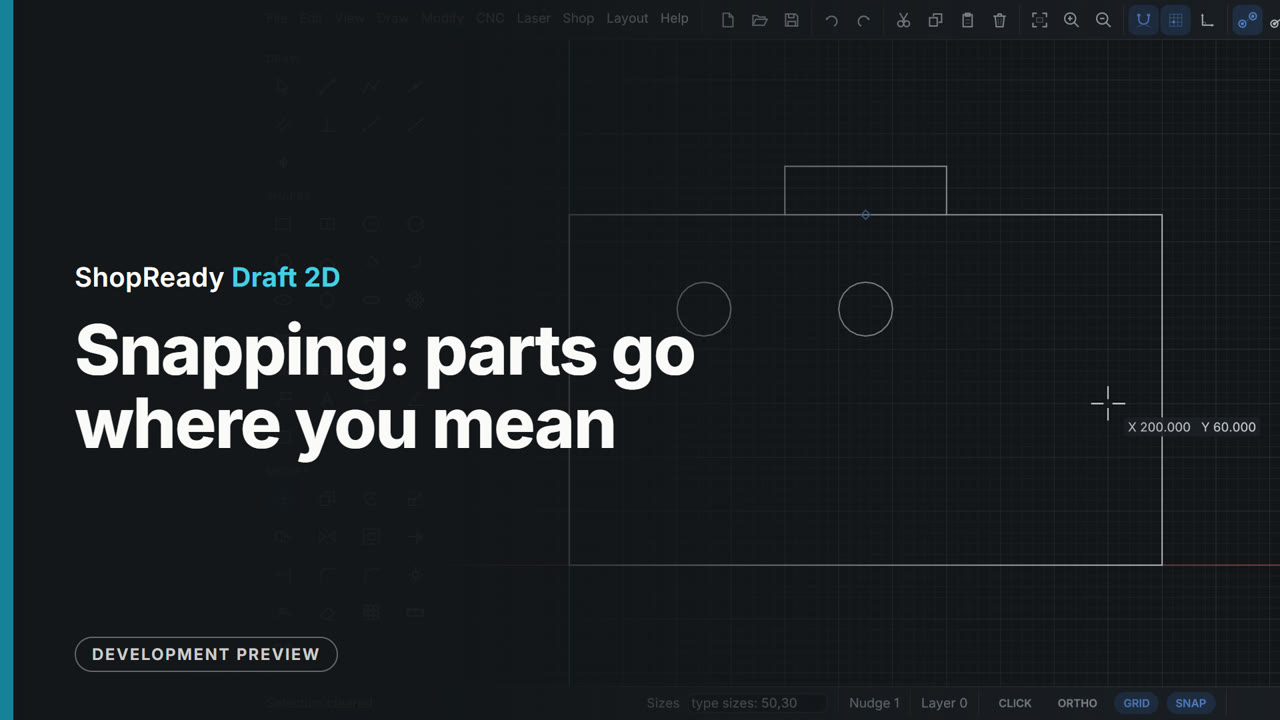
Snapping: parts go where you mean

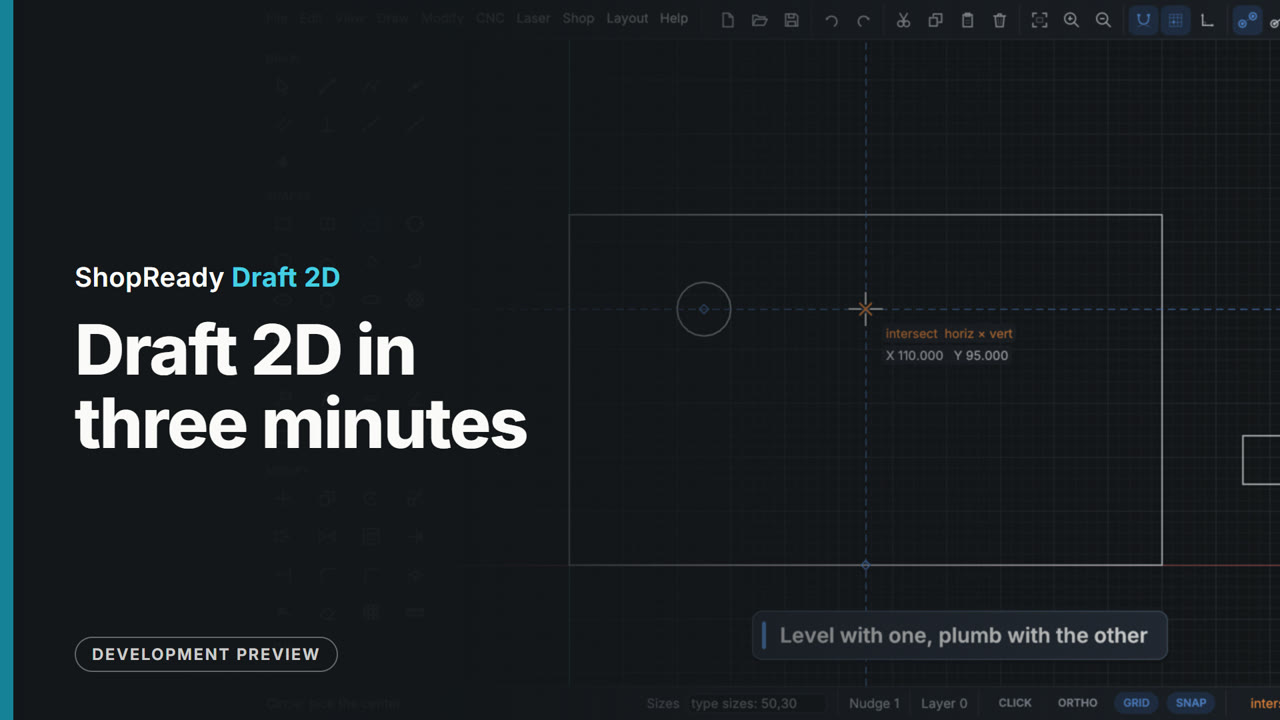
Rest the cursor on a point and it wakes up; level and plumb lines run through awake points, so a hole lands level with one thing and plumb with another without a construction line or a sum. Then a part is moved by its own midpoint and snaps onto the middle of an edge.

Open this video’s page
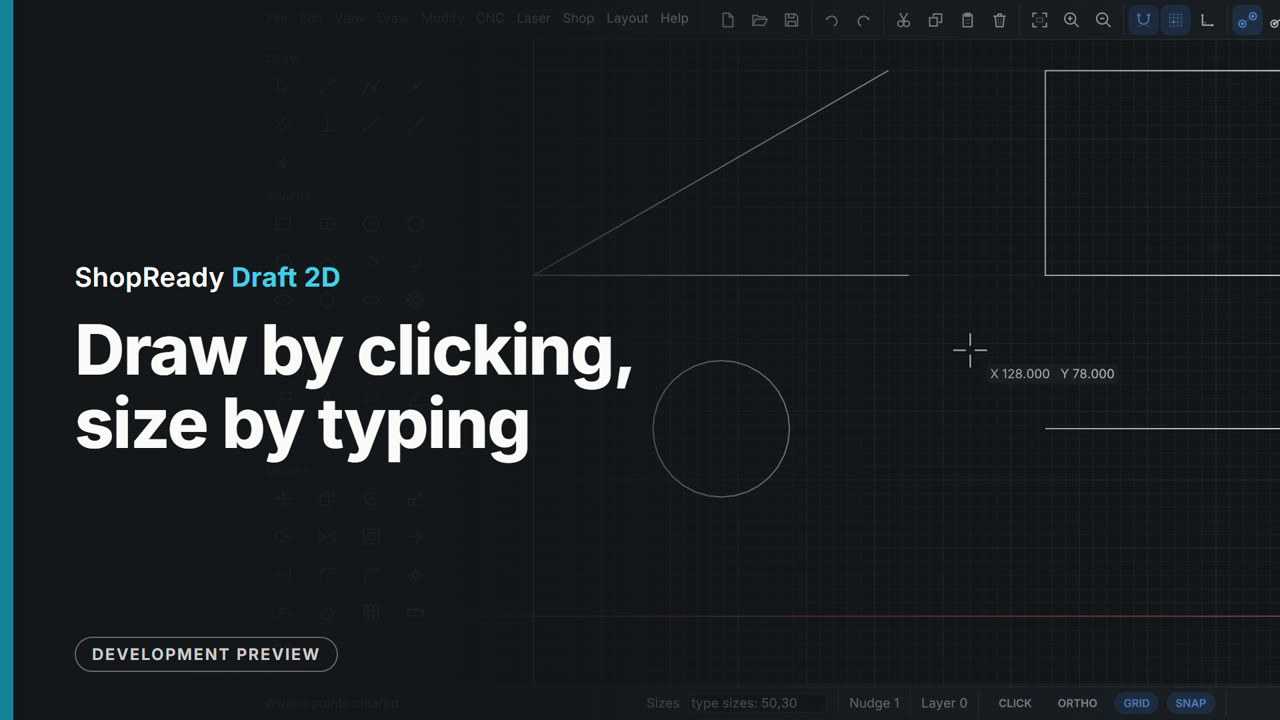
Draw by clicking, size by typing

A line by two clicks, a line by its typed length and angle, a rectangle and a circle by typed sizes, a rectangle resized by typing again, and a length locked with Tab while the mouse aims it. Sizes go in at any moment while drawing, with nothing to open first.

Open this video’s page

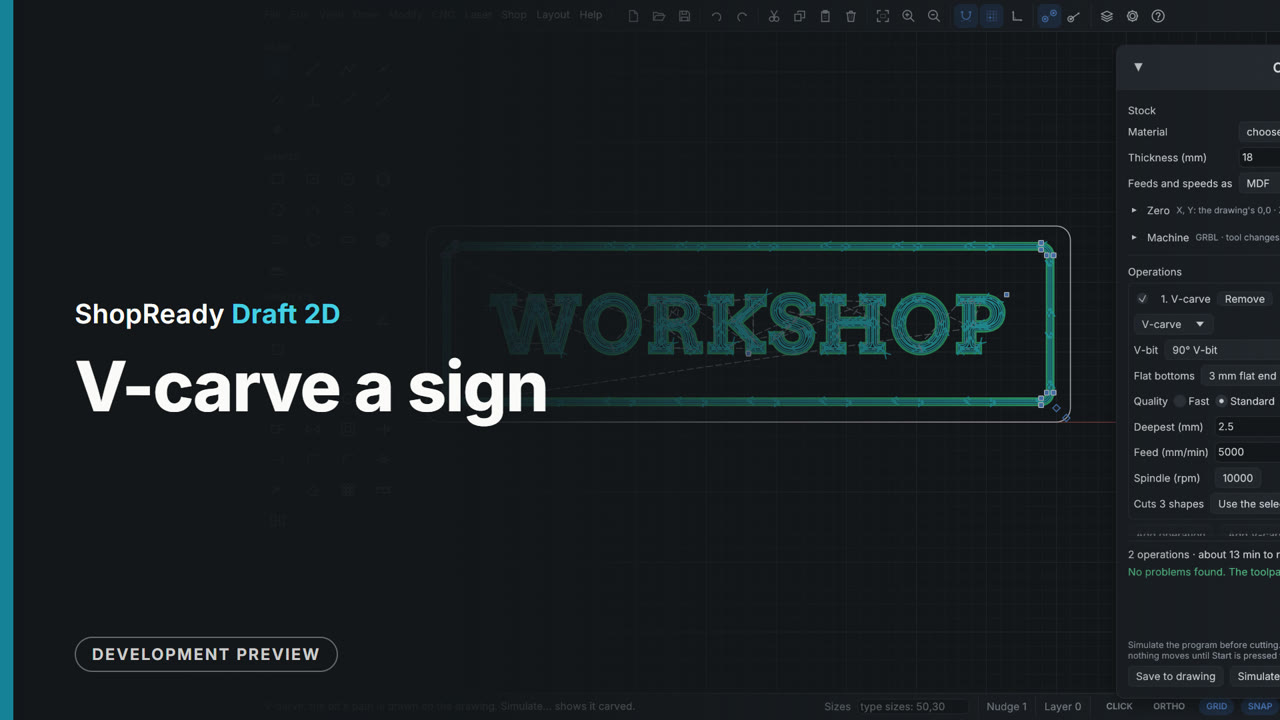
V-carve a sign

WORKSHOP in a carving font inside a border is selected and V-carved from the CNC menu. The bit's paths are drawn on the sign, inside corners come to a point, and the job window sets the bit, the deepest cut, what clears the flat bottoms and the quality, with the run time following each change.

Open this video’s page

The laser job: layers with Line and Fill, speed and power

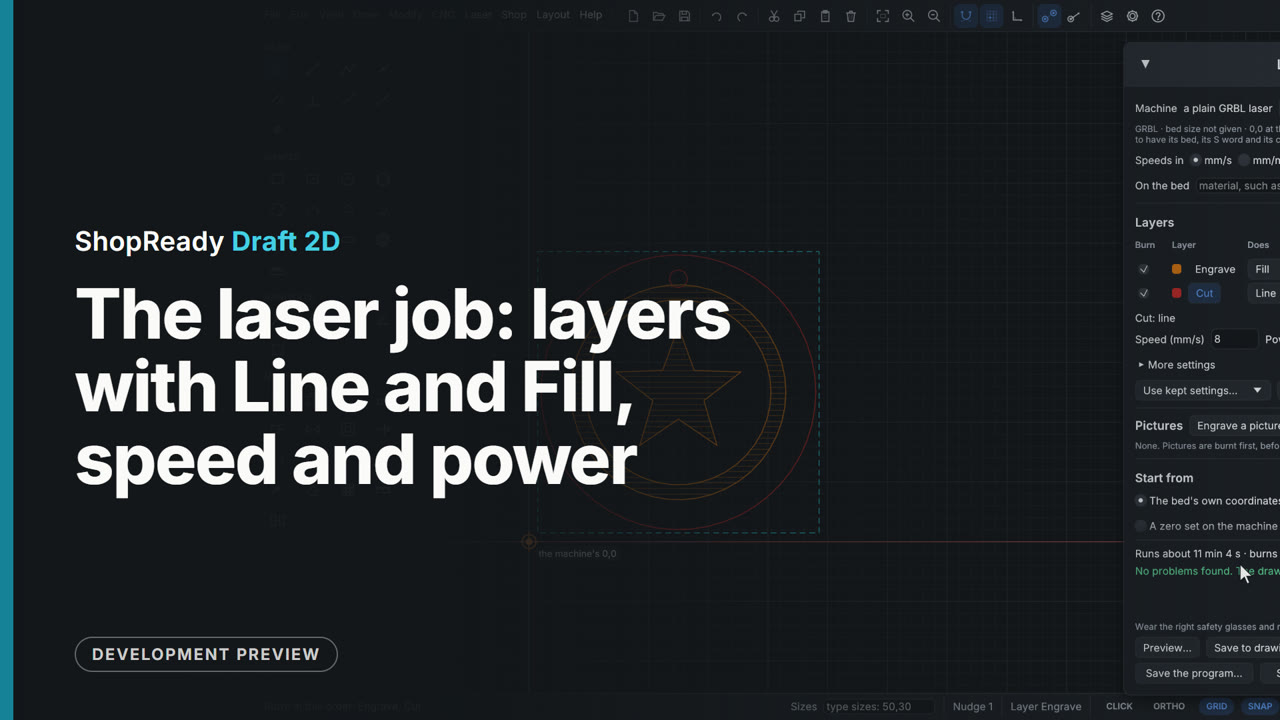
A coaster has its edge on a Cut layer and a ring and a star on an Engrave layer. In Laser, Laser job... each layer is a row: Engrave is set to Fill at 100 mm/s and 30%, and the drawing shows its fill lines; Cut stays Line at 8 mm/s and 100% with two passes. The arrows put the engraving first, and the foot of the window says how long the job runs and how far it burns and travels.

Open this video’s page

Gears that mesh, with no sums

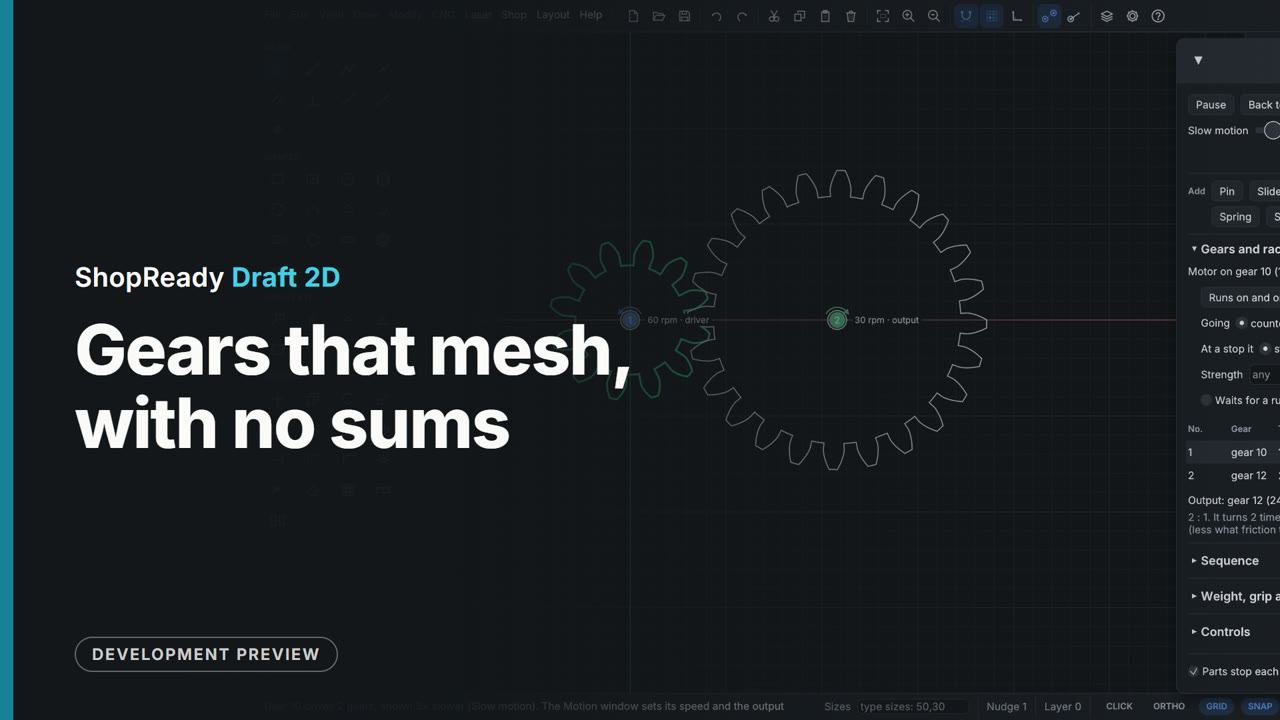
A 12-tooth wooden gear is drawn with the Gear tool, teeth and module typed at the top of the Input tab. The 24-tooth gear brought near it is held on a dashed ring at the meshing distance and comes down meshed with one click. Right-click, Motion, Drive this gear, and both turn on the drawing with their speeds, the output read at the last gear.

Open this video’s page

Nesting by true shape

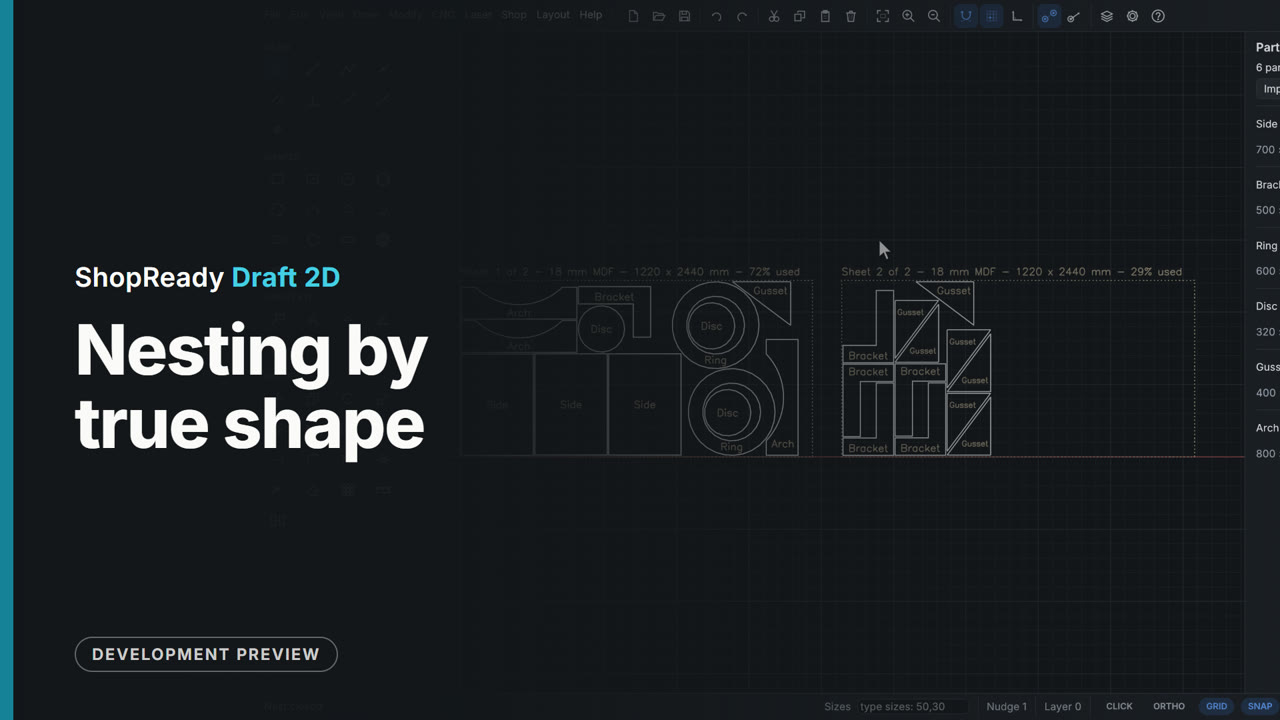
A parts list holds plain sides and shaped parts: L brackets, rings, discs, gussets and arched rails. Shop, Nest the parts on sheets... lays all 25 pieces on two sheets by their true shapes: a disc goes inside each ring's cutout, an arch nests into an arch, an L into an L, and the offcut worth keeping is marked. Draw them on the drawing puts the sheets beside the drawing, each part drawn as it lies.

Open this video’s page

The tour · 3:32

ShopReady Draft 2D in three minutes

The short tour, cut from the clips and projects below: snapping, typed sizes, editing, dimensions that follow, lettering, one picture five ways, a CNC job and its simulation, a carved sign, a relief, parts nested on sheets, a laser job previewed, a job sent to a pretend machine, gears that mesh, a trip hammer, a carriage run by switches and rules, a door on a gas strut, and Show me.

Pricing

Plain prices.

The same price on Windows and Mac. No sales call.

Perpetual licence$149.99pay once