ShopReady Draft 2D · Learn
Coming soonLearn it a piece at a time.
18 longer films that each take a whole subject, and 64 short lessons, one tool at a time.
The films
Each one takes a whole subject, with chapters you can jump to.
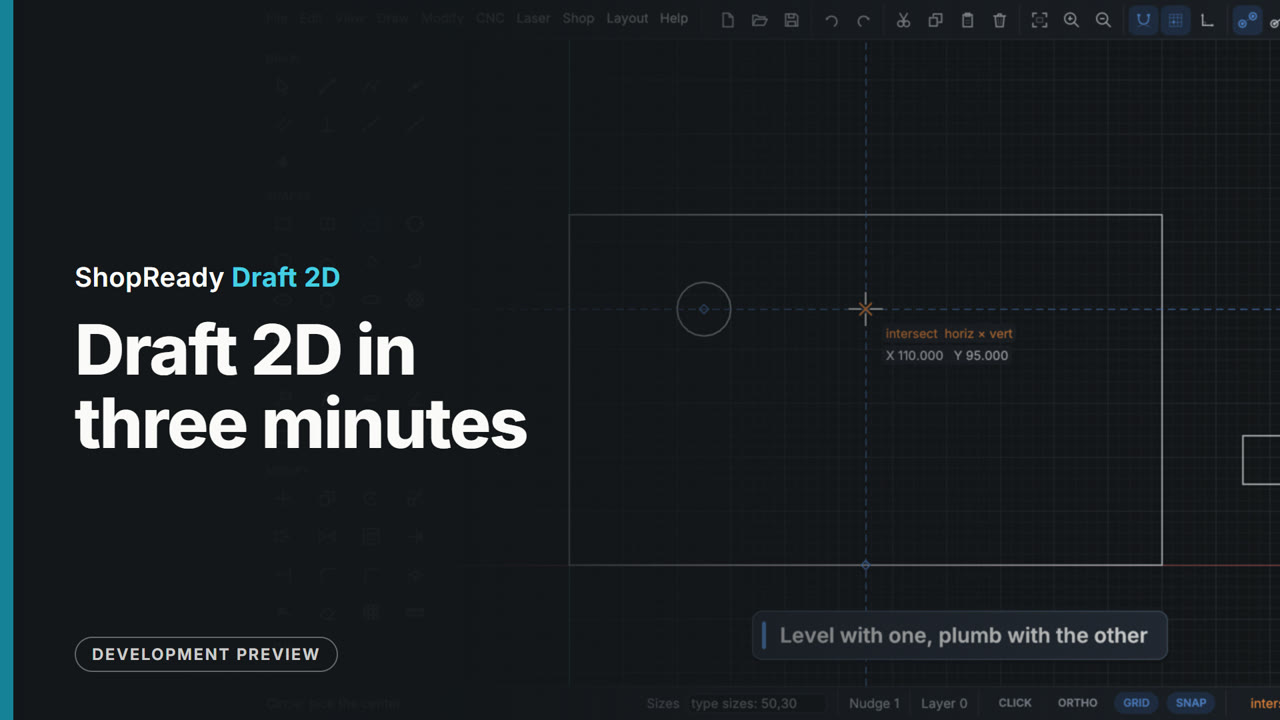 Overview · 3:32
ShopReady Draft 2D in three minutes
The short tour, cut from the clips and projects below: snapping, typed sizes, editing, dimensions that follow, lettering, one picture five ways, a CNC job and its simulation, a carved sign, a relief, parts nested on sheets, a laser job previewed, a job sent to a pretend machine, gears that mesh, a trip hammer, a carriage run by switches and rules, a door on a gas strut, and Show me.
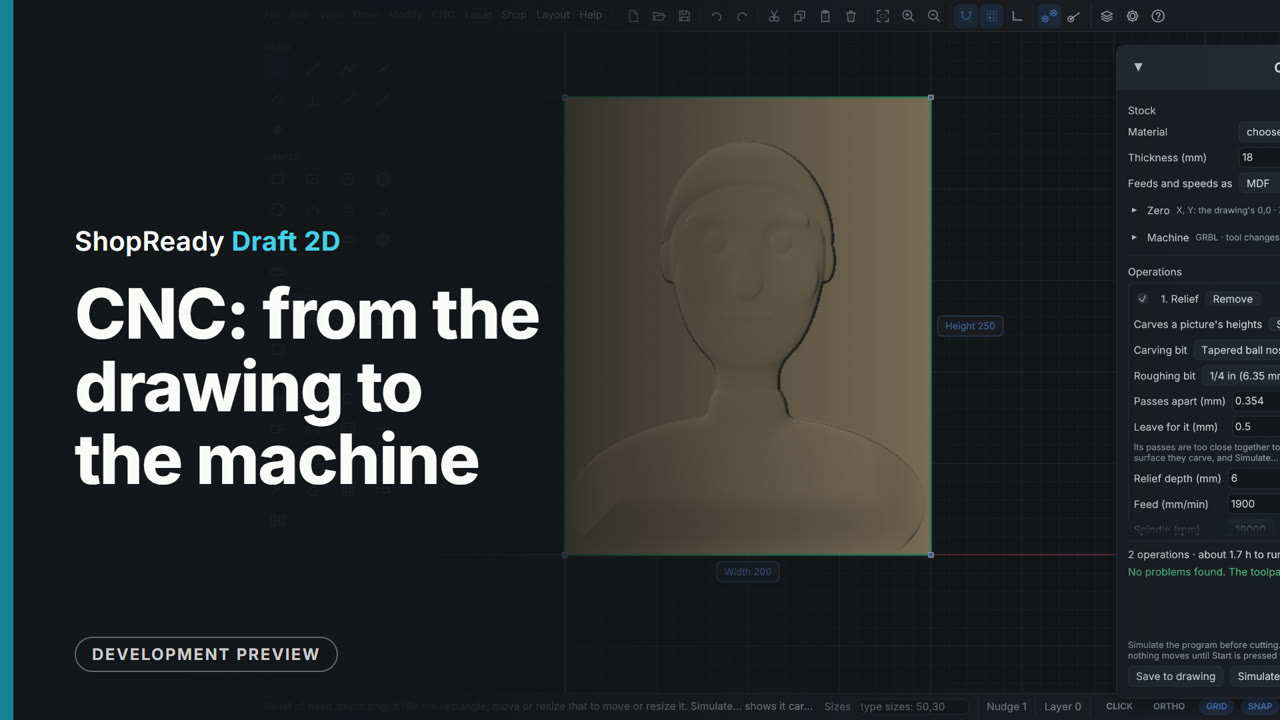 Film · 3:36
CNC: from the drawing to the machine
A job from a drawing, a V-carved sign, a picture traced and carved, a photo as shading lines and dots, and a relief, each followed by the simulator cutting it.
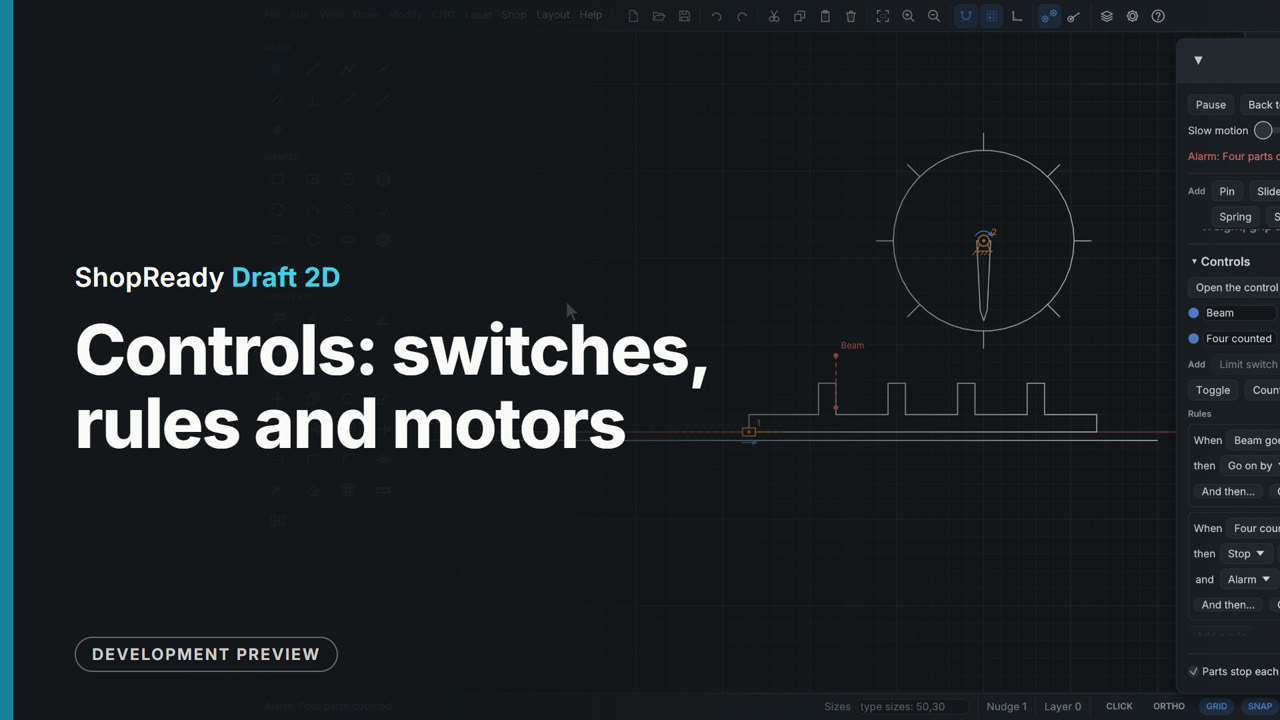 Film · 1:58
Controls: switches, rules and motors
A slide turned back at each end by limit switches and rules, a control panel of buttons, lamps and an alarm running a barrier arm, and a beam that counts pegs and steps a dial.
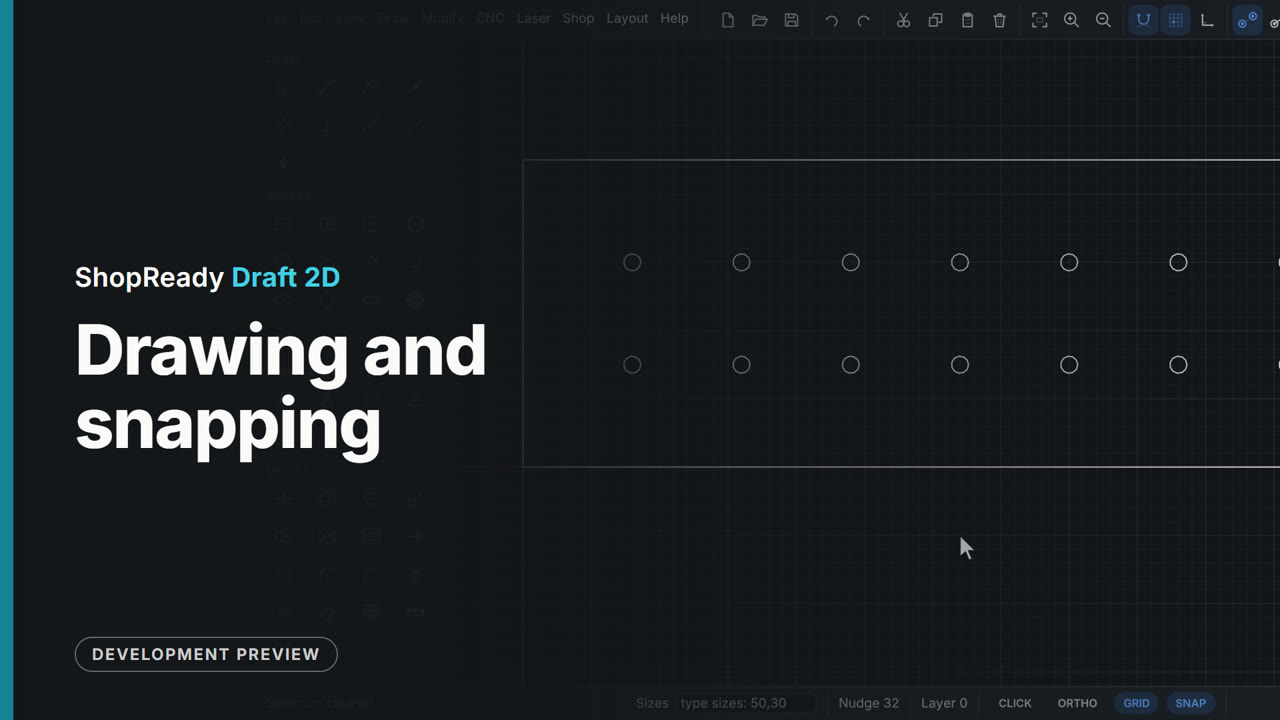 Film · 5:06
Drawing and snapping
How drawing works: click or type a size at any time, shapes, a real part outline, points that wake up and the lines through them, every kind of snap, angles taken from a line, and the small things that save time.
 Film · 6:17
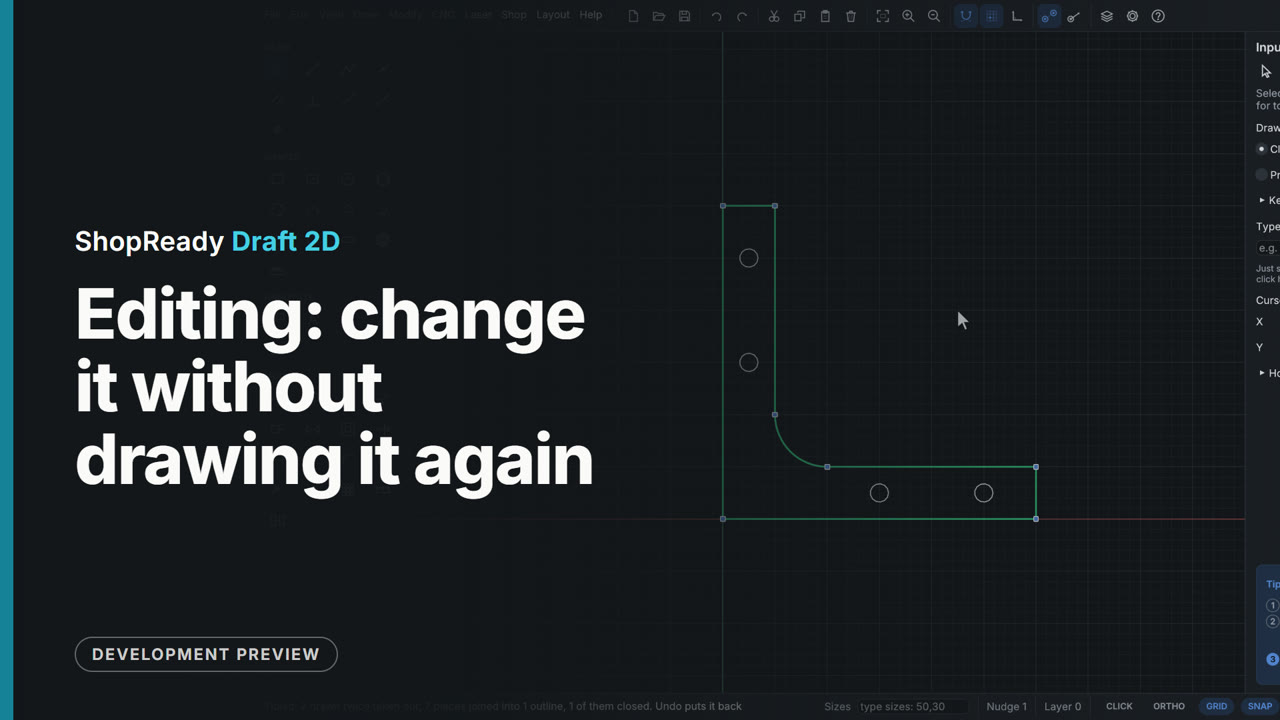
Editing: change it without drawing it again
Corners rounded and cut, outlines offset, pieces trimmed and joined, parts moved, copied, turned and mirrored, holes repeated in rows and circles, parts stretched, sizes locked, assemblies, layers, and the room working parts need. Then shapes made from shapes: welded, cut away, kept where they overlap, and tidied for cutting.
 Film · 10:31
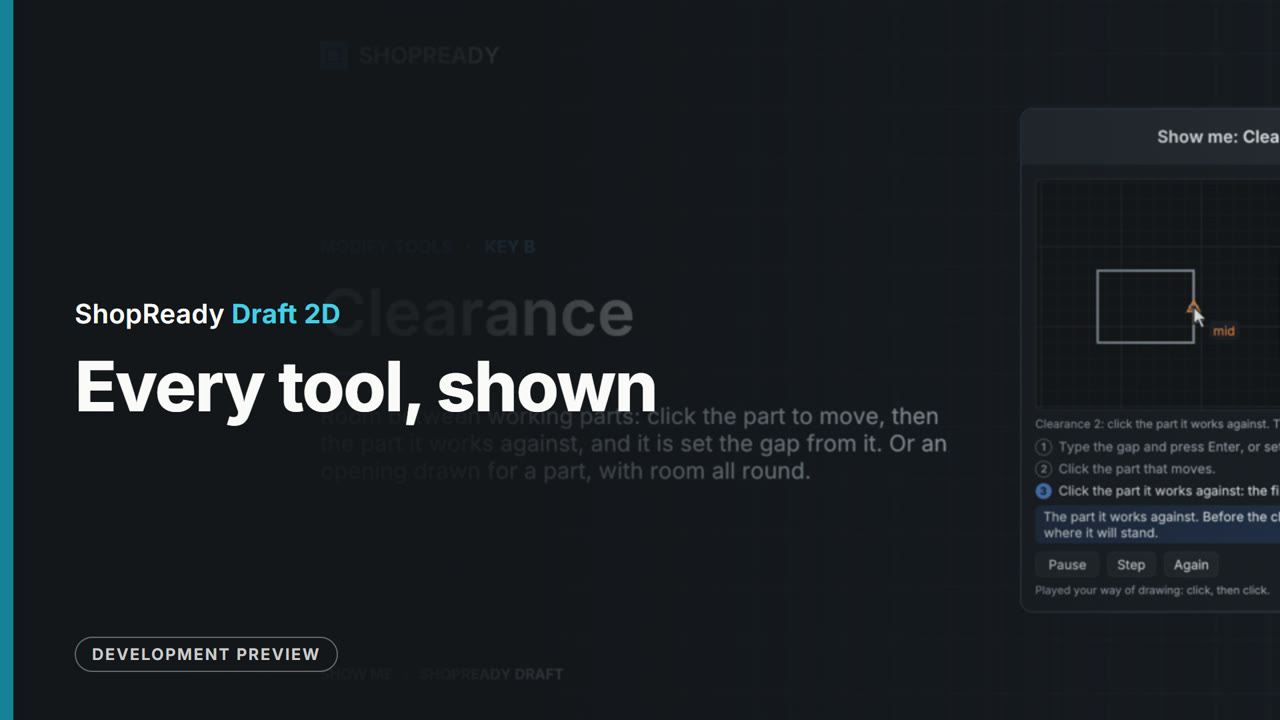
Every tool, shown
All forty-four tools in the palette, each demonstrated by the program itself on a scratch drawing, with the tool's name, its key and what it does beside it. Chapters for every tool.
 Film · 2:04
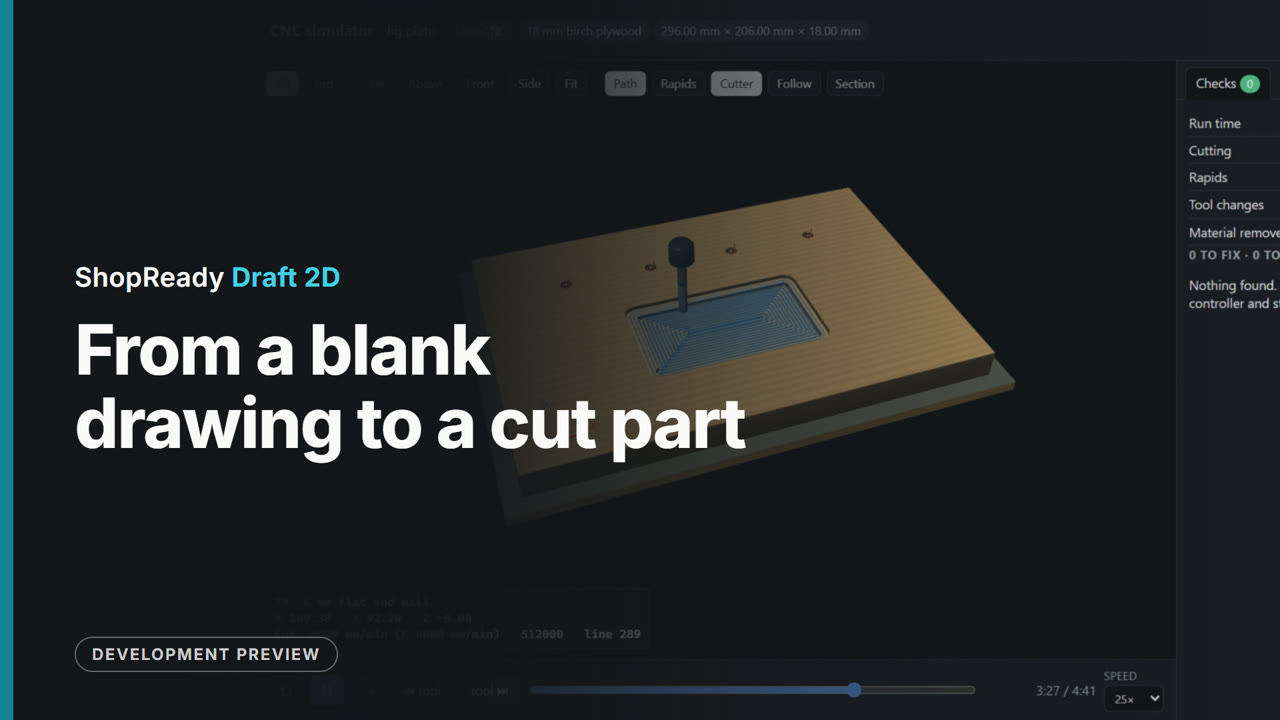
From a blank drawing to a cut part
One job all the way through: a jig plate drawn from nothing with every size typed, made a CNC job (holes, a pocket, the outline on tabs), its G-code written, and the cut watched in the simulator.
 Film · 11:48
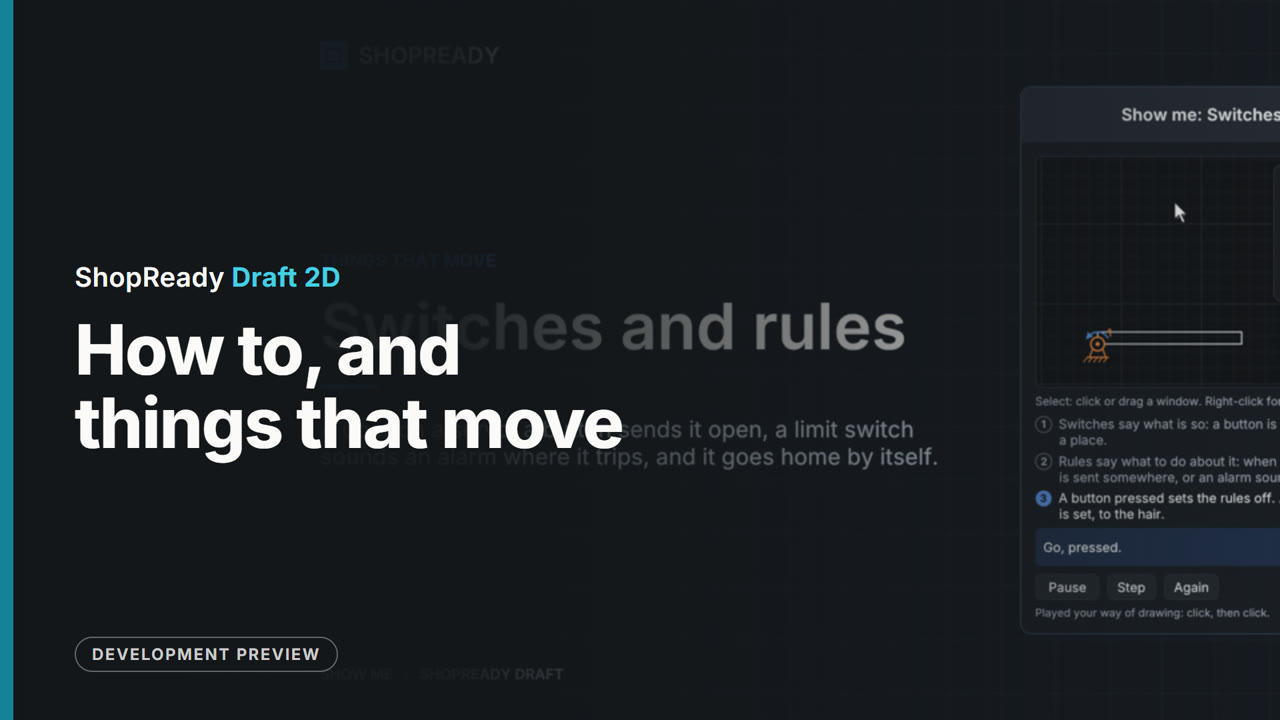
How to, and things that move
The program's demonstrations of snapping, typing sizes, angles, editing and notes, then the fourteen on things that move: joints, motors, springs, weight, struts, and parts that stop each other.
 Film · 3:31
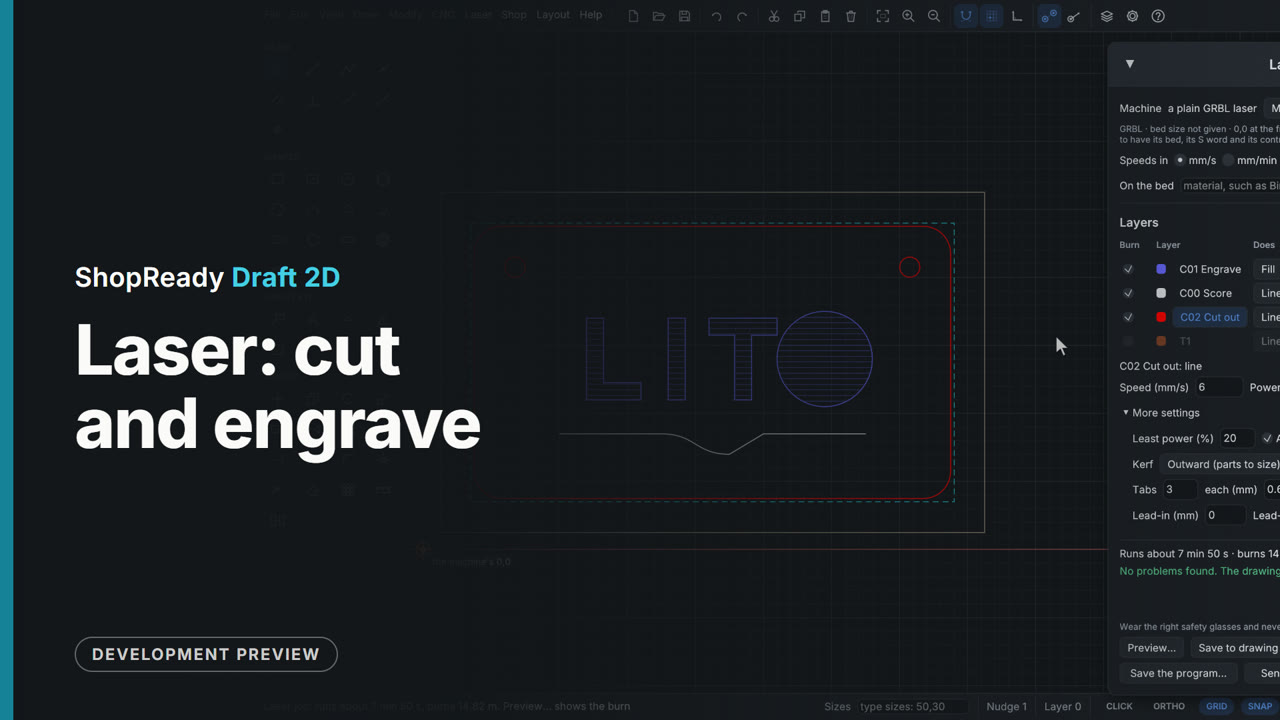
Laser: cut and engrave
The laser job: layers with their own speed, power and passes, the preview with its clock, a material test grid, only the selected shapes with lead-ins, and a laser project file opened with its layers and settings.
 Film · 4:16
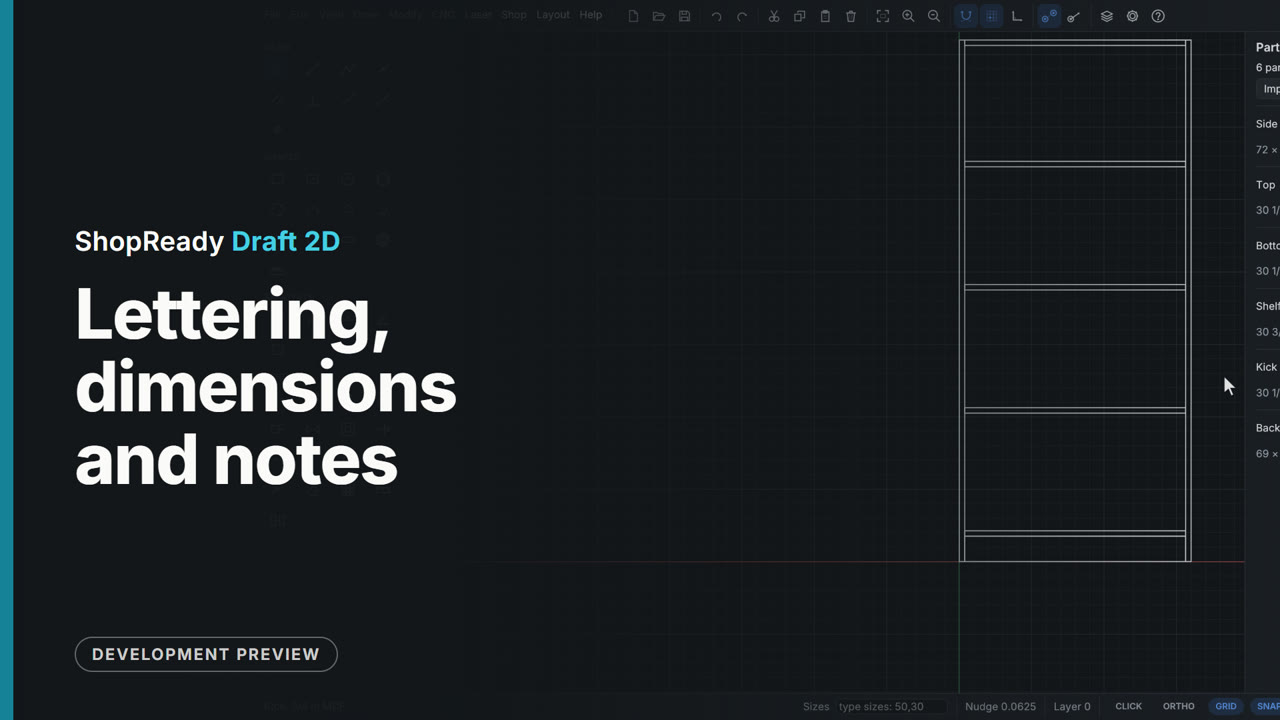
Lettering, dimensions and notes
Dimensions that follow the part, callouts that are never cut, lettering in carving fonts, letters along a curve, hatching and the paper sheet, and the shop's materials and parts list.
 Film · 2:31
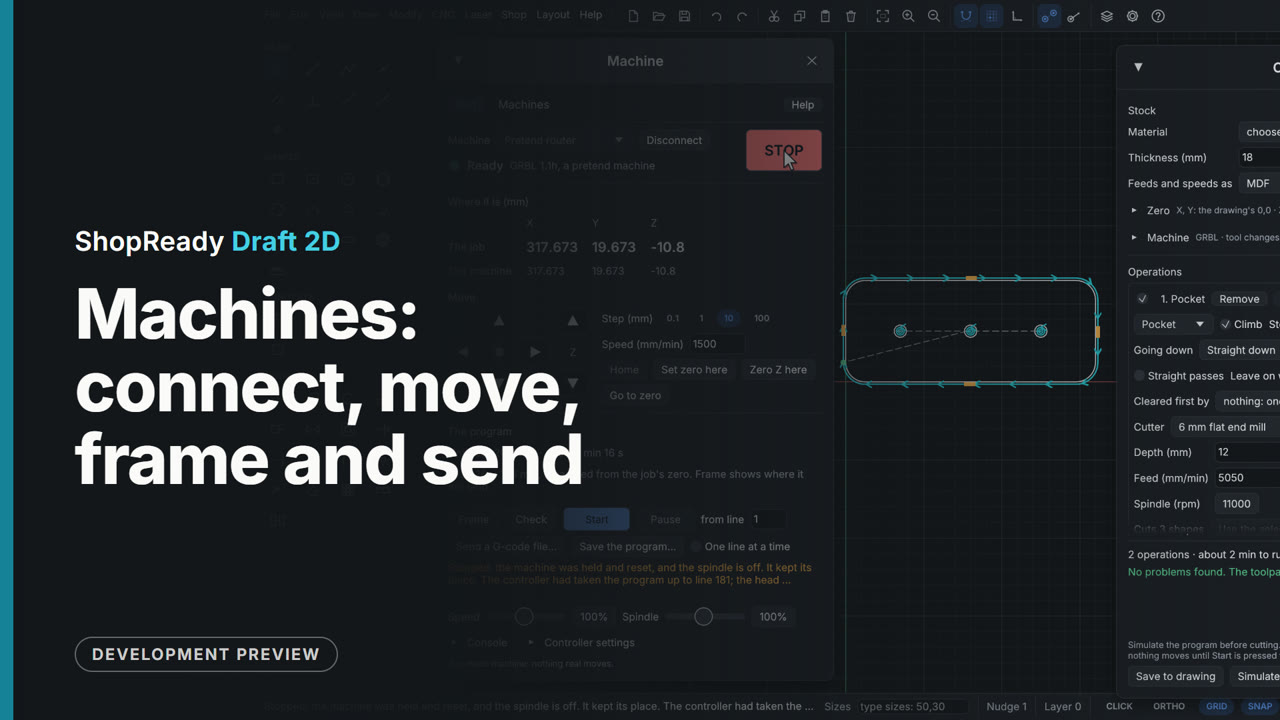
Machines: connect, move, frame and send
The Machine window on a pretend machine, with nothing plugged in: a router added by hand with its bed and corner, connected, homed, moved by click and by hold, zero set, the console, then a job framed, started, paused, resumed and stopped.
 Film · 5:46
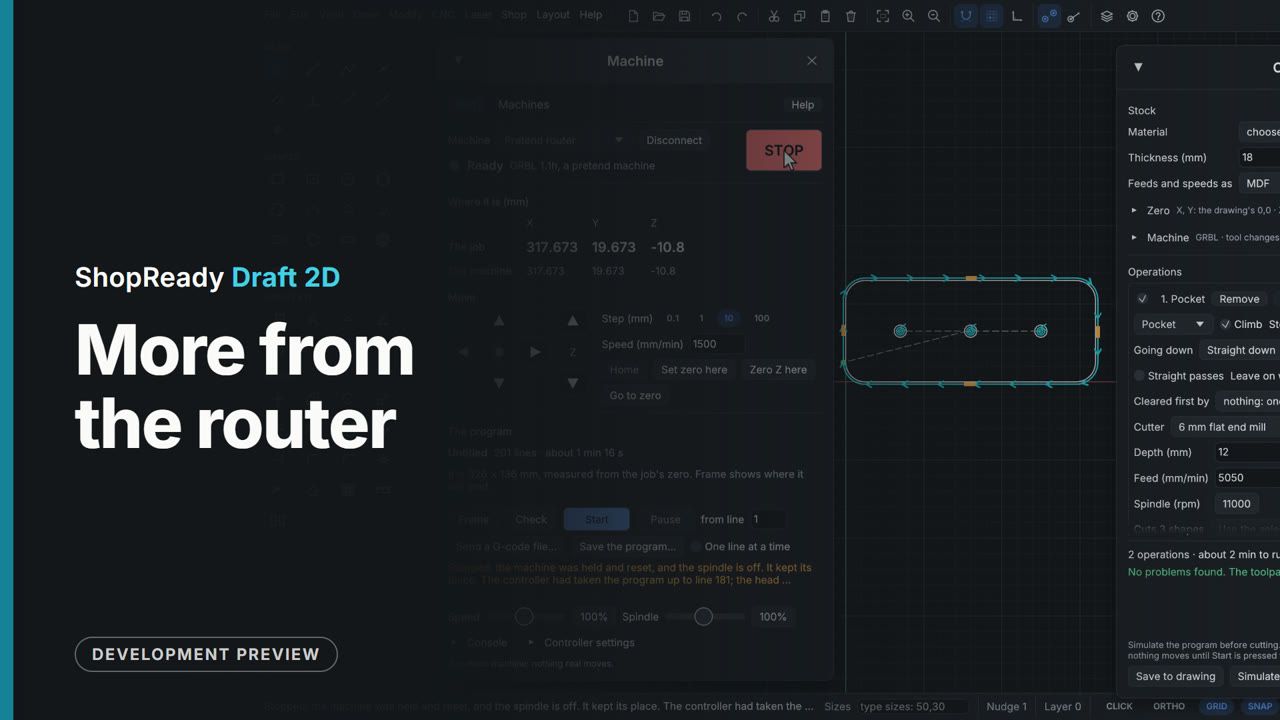
More from the router
Inlays with their cross-section, dogbones and T-bones, tabs and start points placed by hand, chamfers, grooves, flutes, texture and raised carving, the job sheet, a long part cut in tiles, a part cut from two sides, and the job sent to a pretend machine.
 Film · 5:45
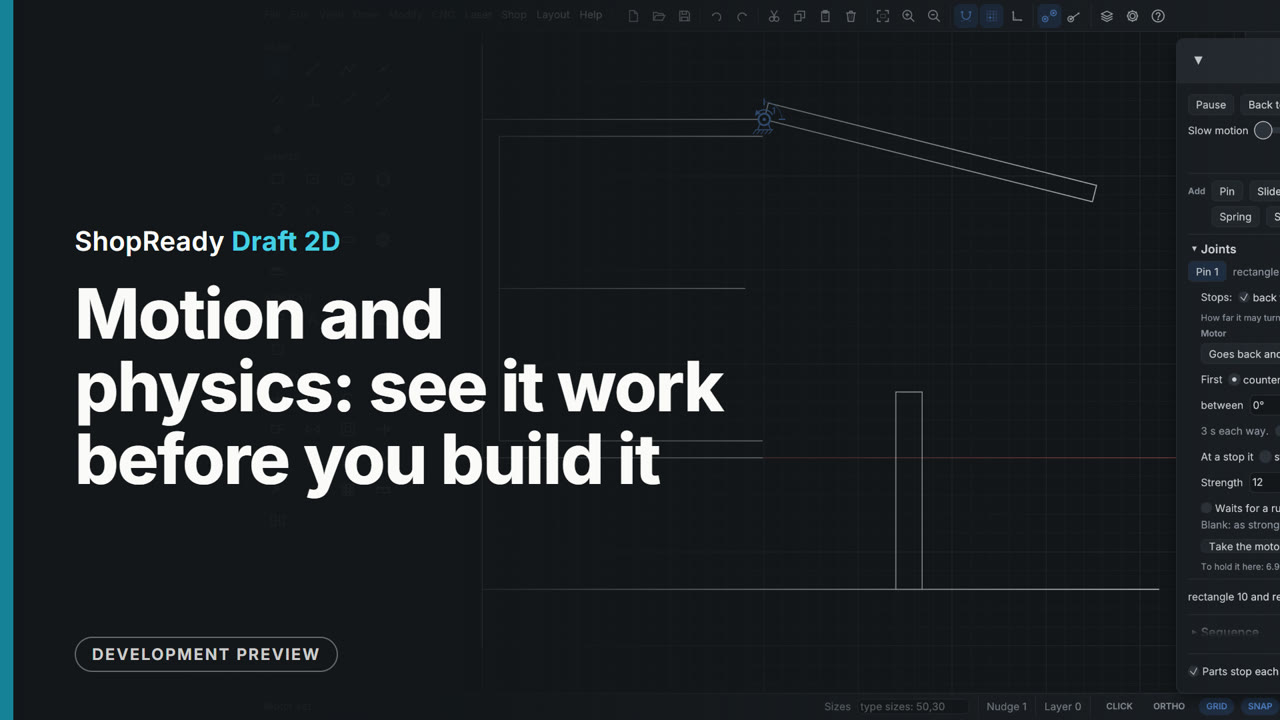
Motion and physics: see it work before you build it
Gears that mesh with no sums, trains, racks and belts, a crank and slide, cams and ratchets that work by touching, a lid on a gas strut, grip, rolling and bounce, parts moved by hand, hits found, and a motor's strength.
 Film · 3:47
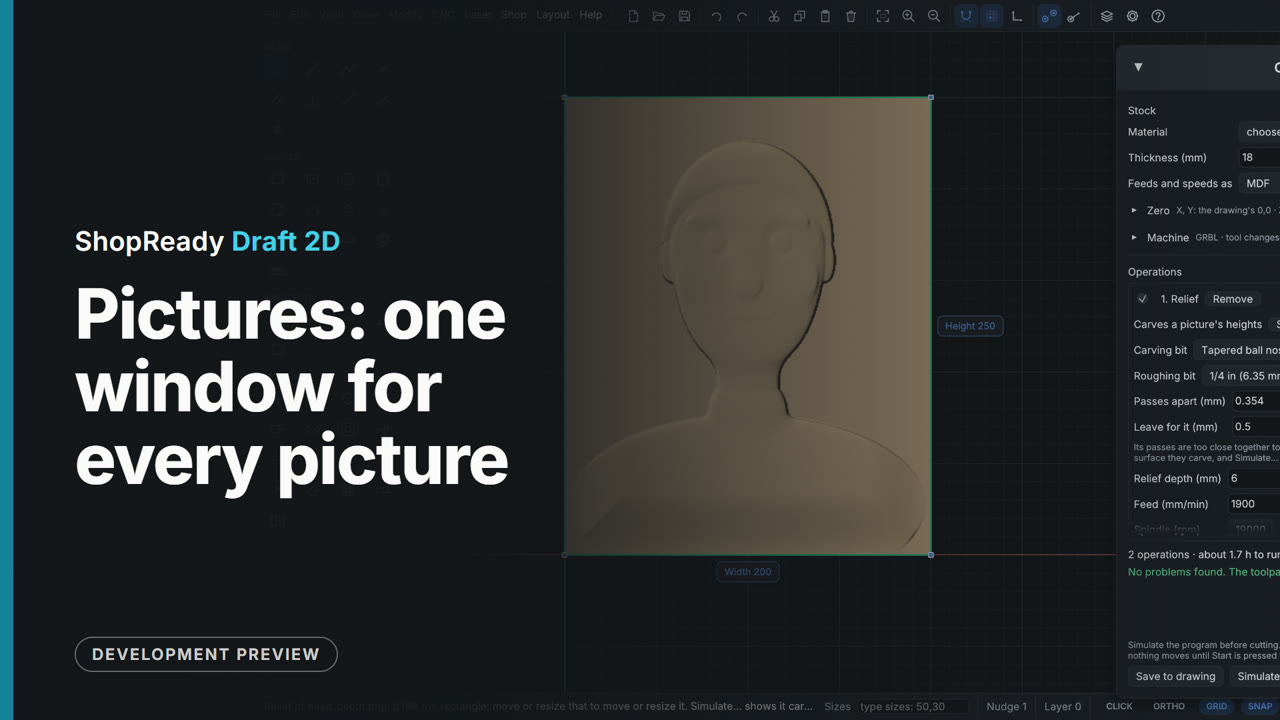
Pictures: one window for every picture
One picture window for all of it: a photo as outlines, shading lines, dots, a relief or a laser engraving; a relief shaped and shown lit; a 3D model opened as a relief; then a traced emblem, a photo and a relief carried through to a CNC job.
 Film · 5:28
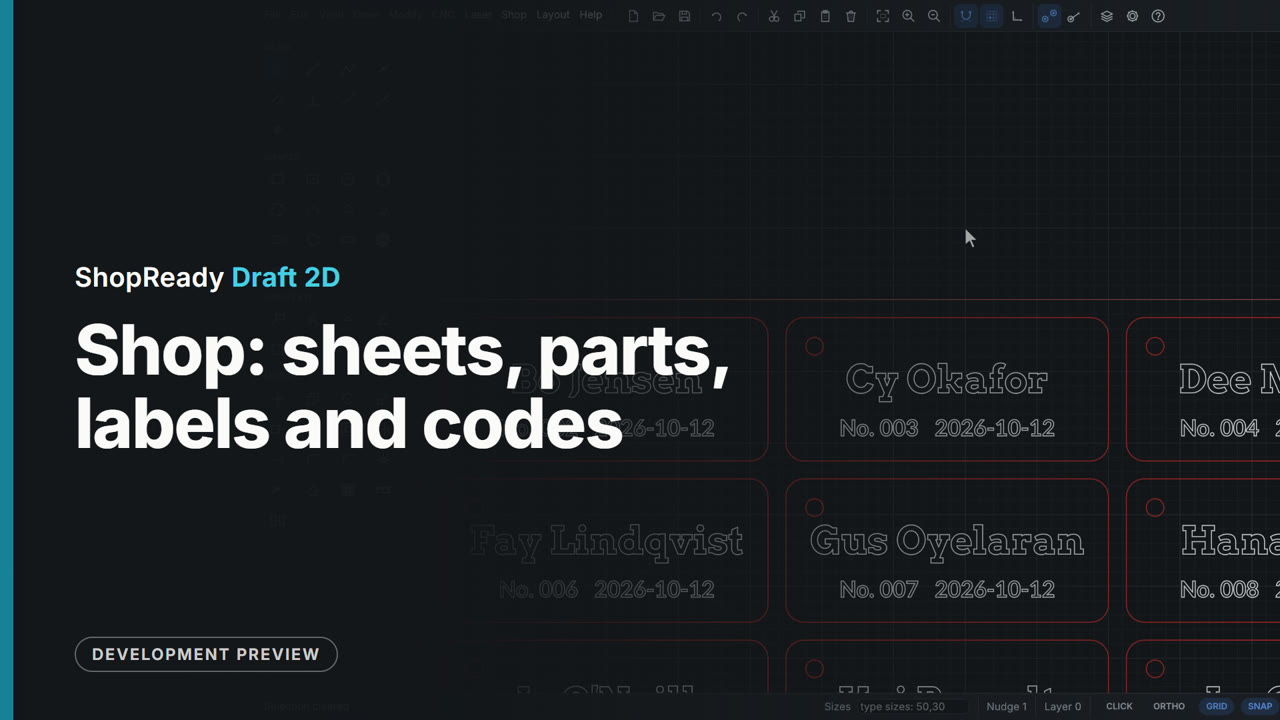
Shop: sheets, parts, labels and codes
Parts nested on the sheet by their true shape, the selected shapes packed into an offcut, a part moved by hand and the rest nested round it, materials and the parts list, a label for every piece with the sheet maps, QR codes and barcodes, numbered tags, and one tag made into many from a list.
 Film · 5:35
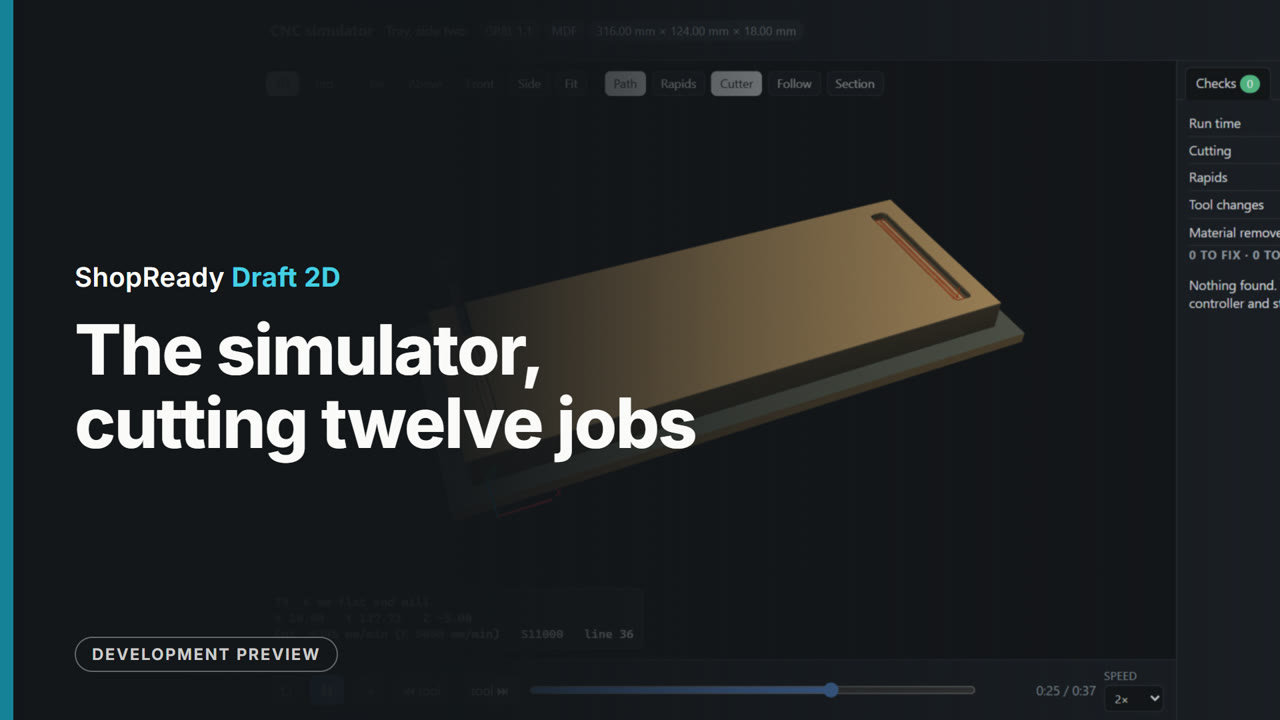
The simulator, cutting twelve jobs
The 3D simulator cutting twelve jobs on screen, from a jig plate to a carved relief.
 Film · 2:22
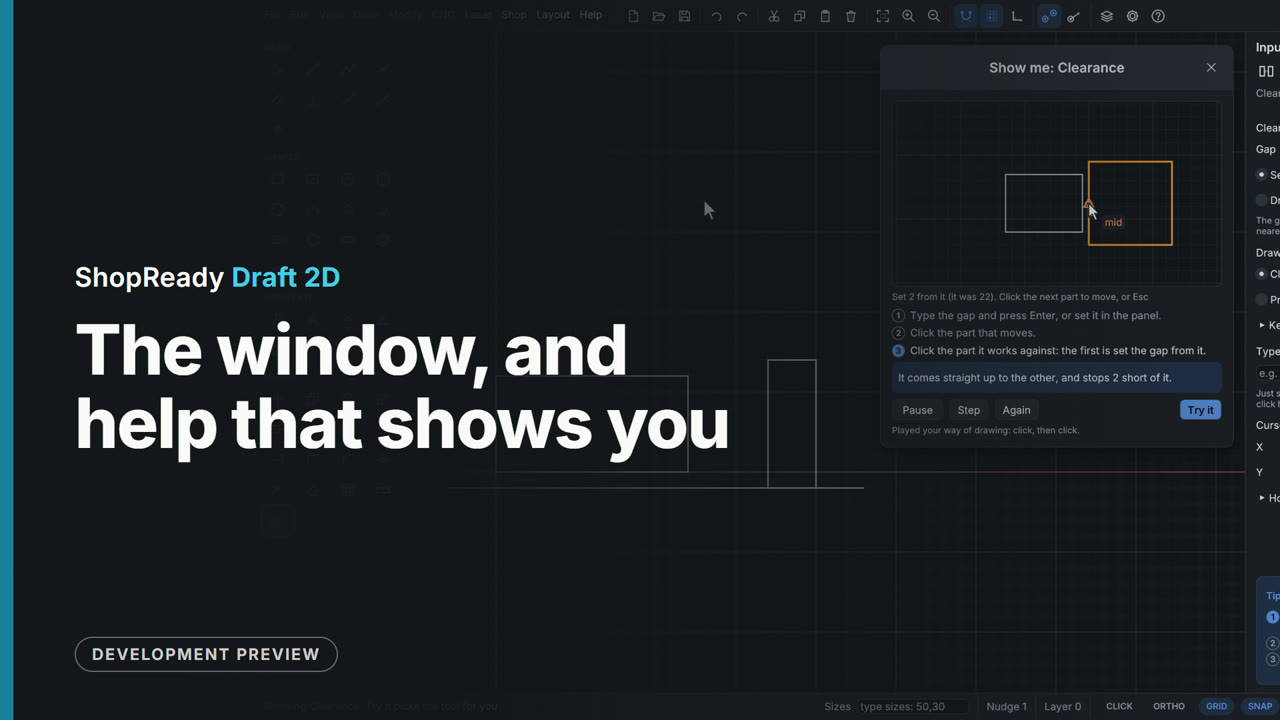
The window, and help that shows you
The window light or dark with the tools where you want them, the tip card that follows your steps, Show me, and the Help pages.
 Film · 2:14
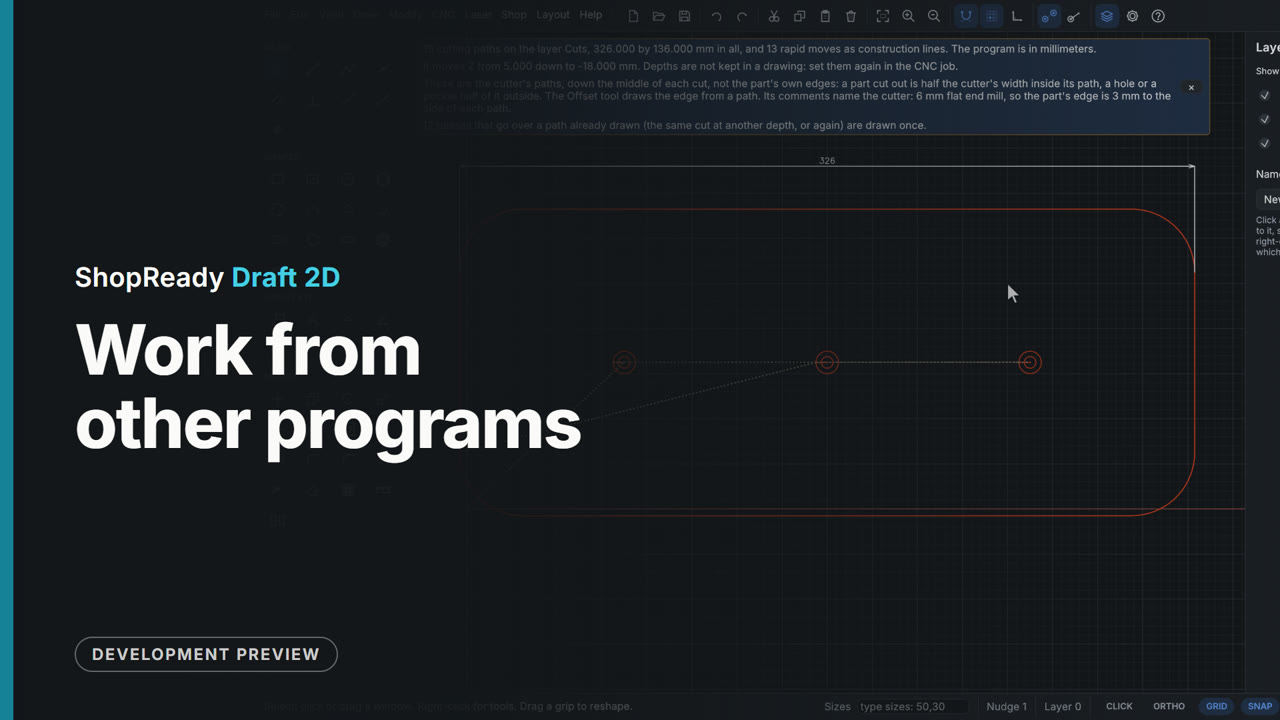
Work from other programs
A laser project file opened with its layers and settings, an SVG dropped on the drawing with its colors as layers, and a G-code program opened as a drawing and measured.
Every tool, one at a time
Short lessons. Each one shows a single tool being used.
 Lesson · 25 s
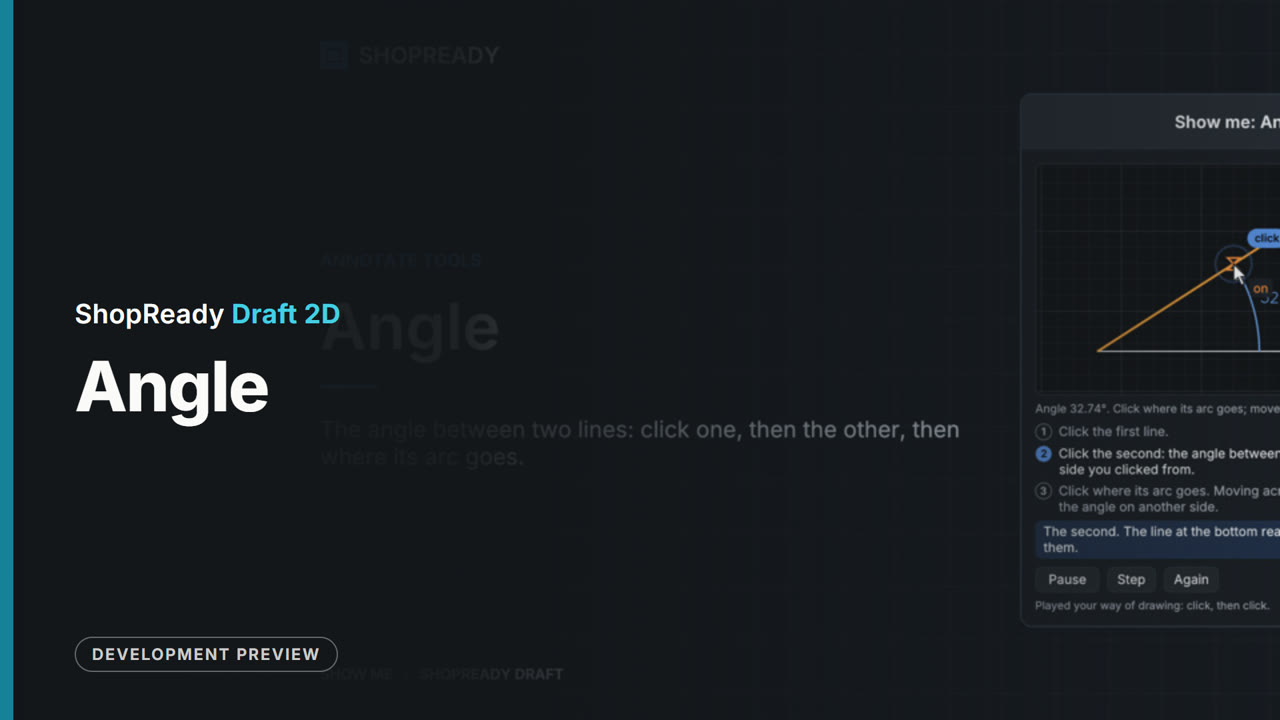
The Angle tool: a short lesson
 Lesson · 20 s
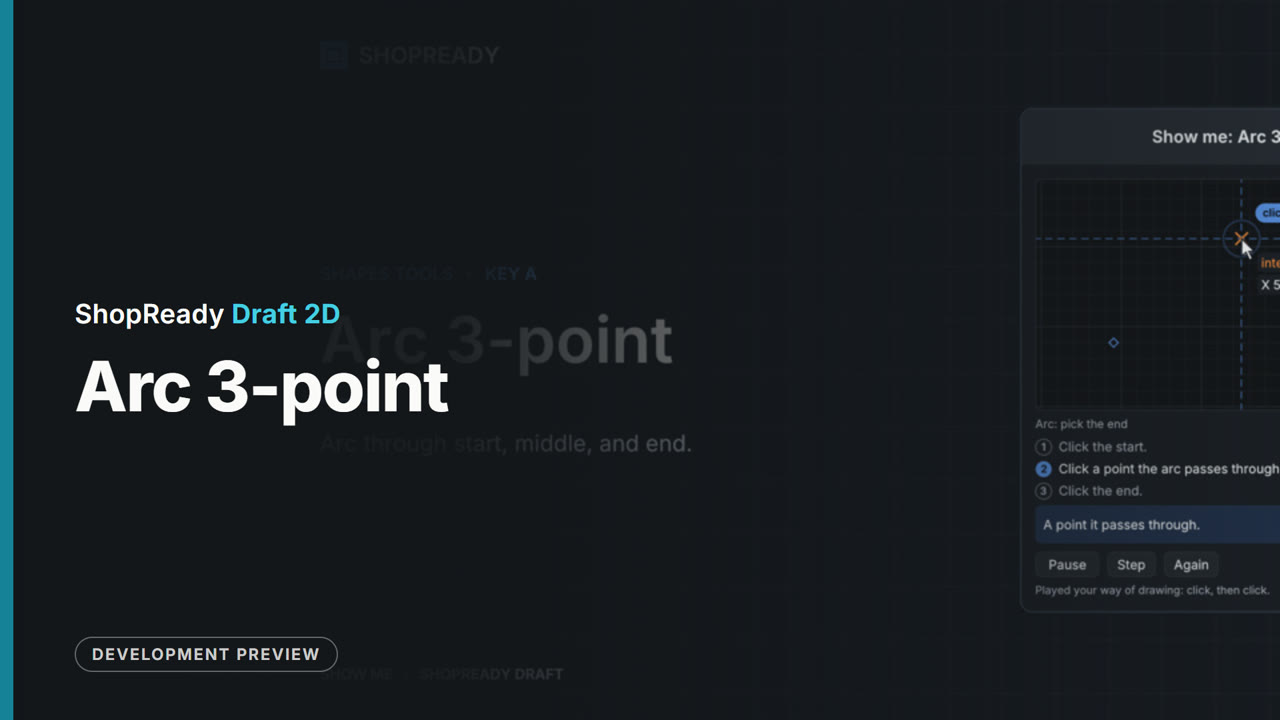
The Arc 3-point tool: a short lesson
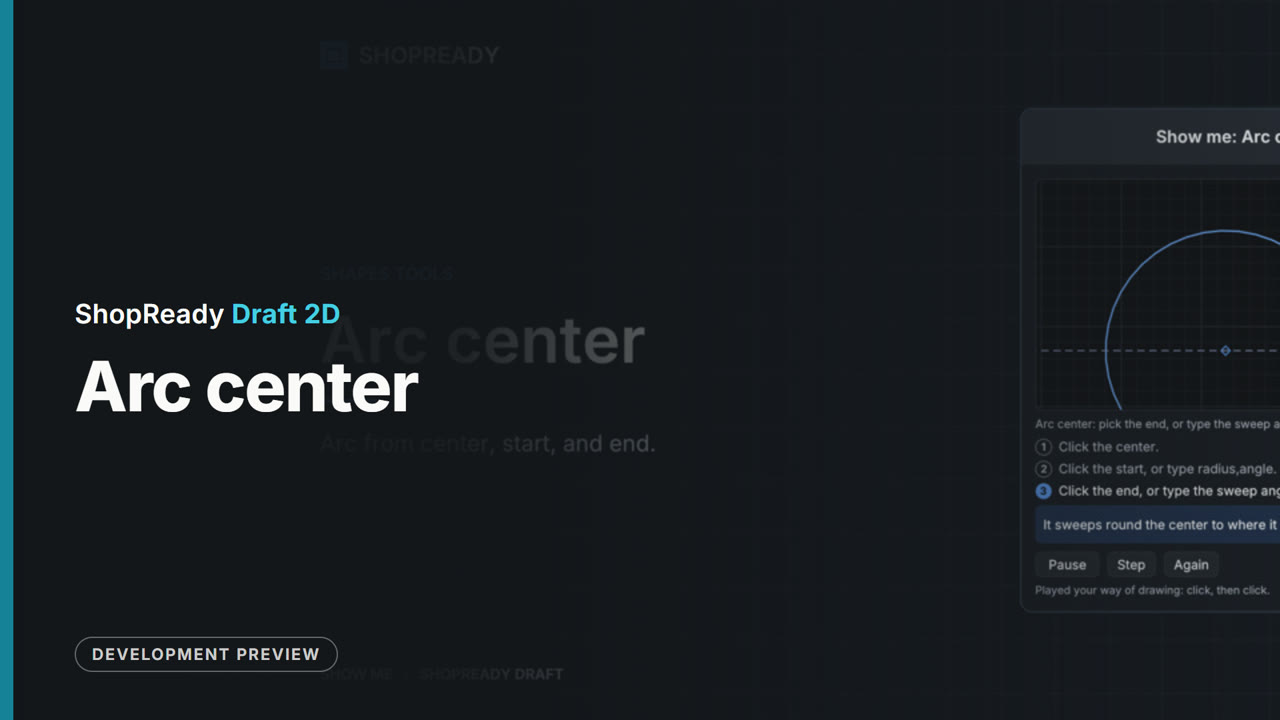 Lesson · 21 s
The Arc center tool: a short lesson
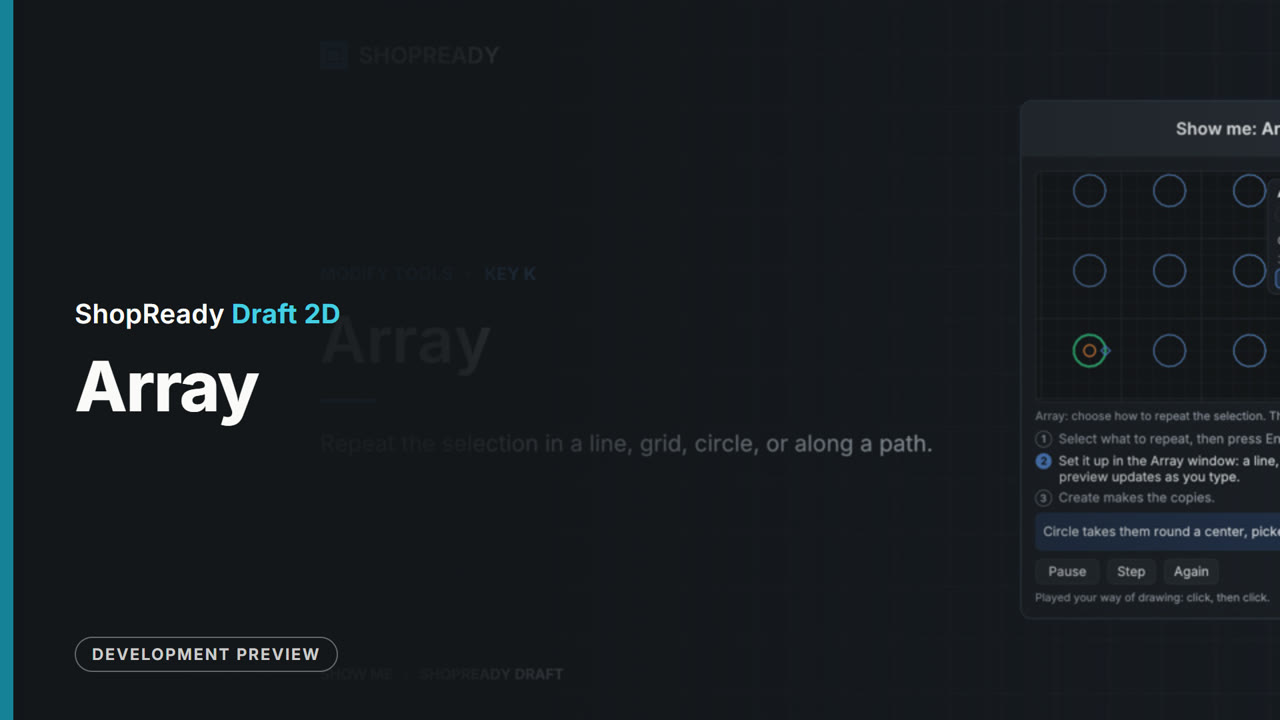 Lesson · 37 s
The Array tool: a short lesson
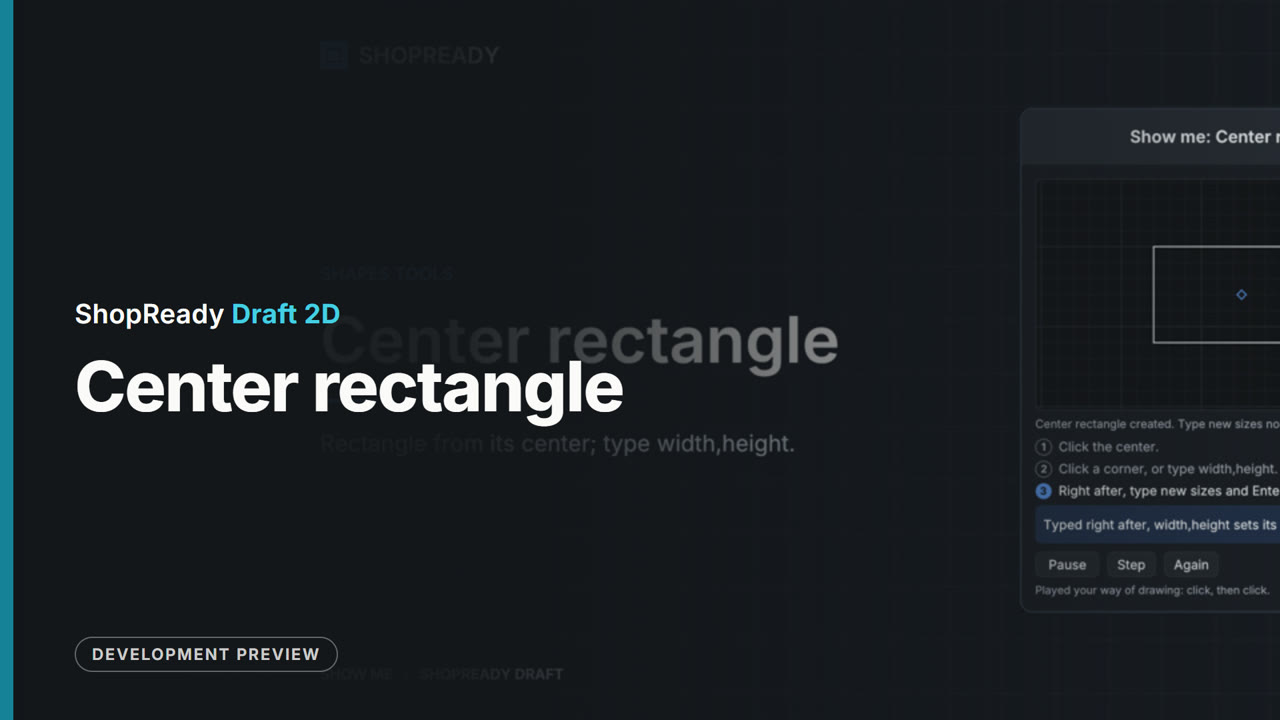 Lesson · 23 s
The Center rectangle tool: a short lesson
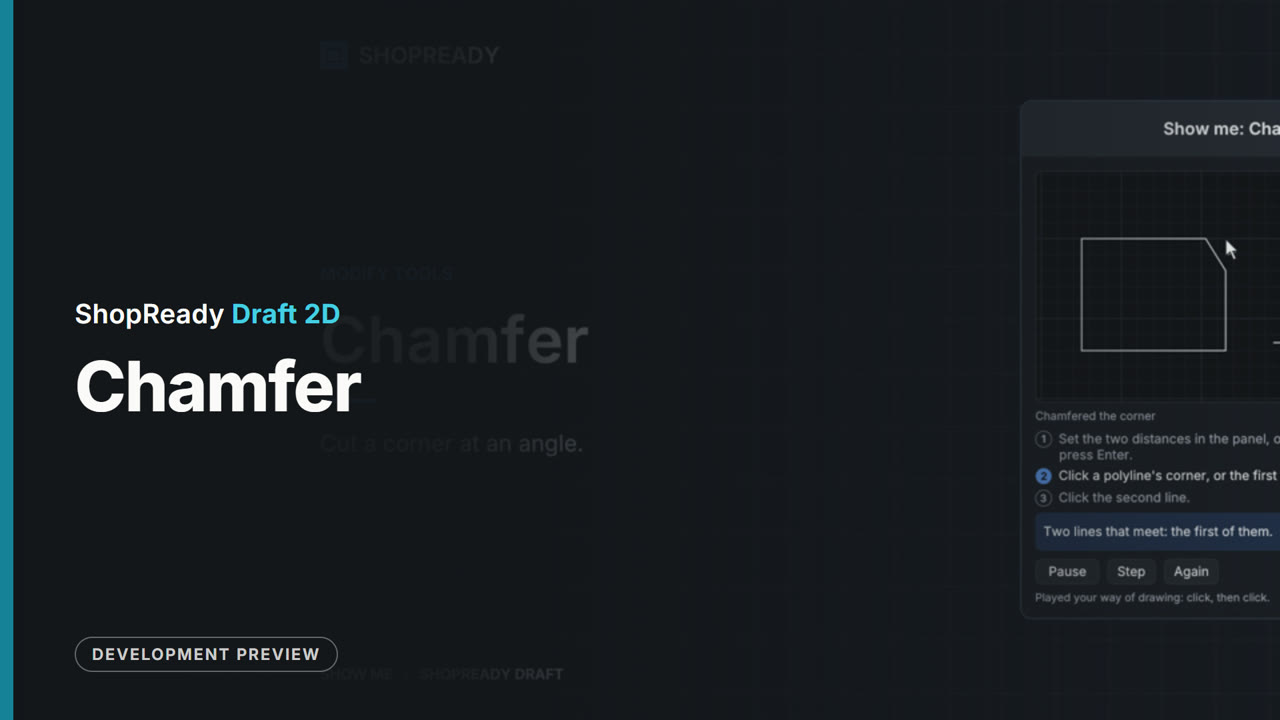 Lesson · 24 s
The Chamfer tool: a short lesson
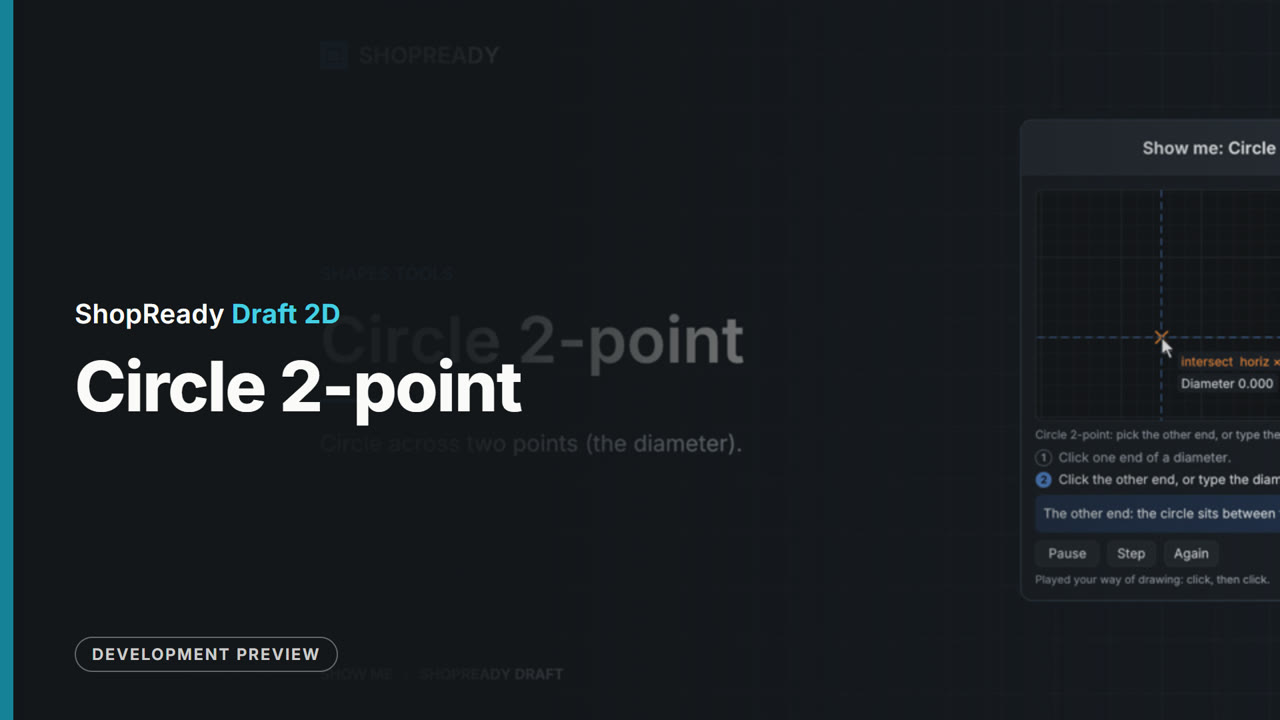 Lesson · 19 s
The Circle 2-point tool: a short lesson
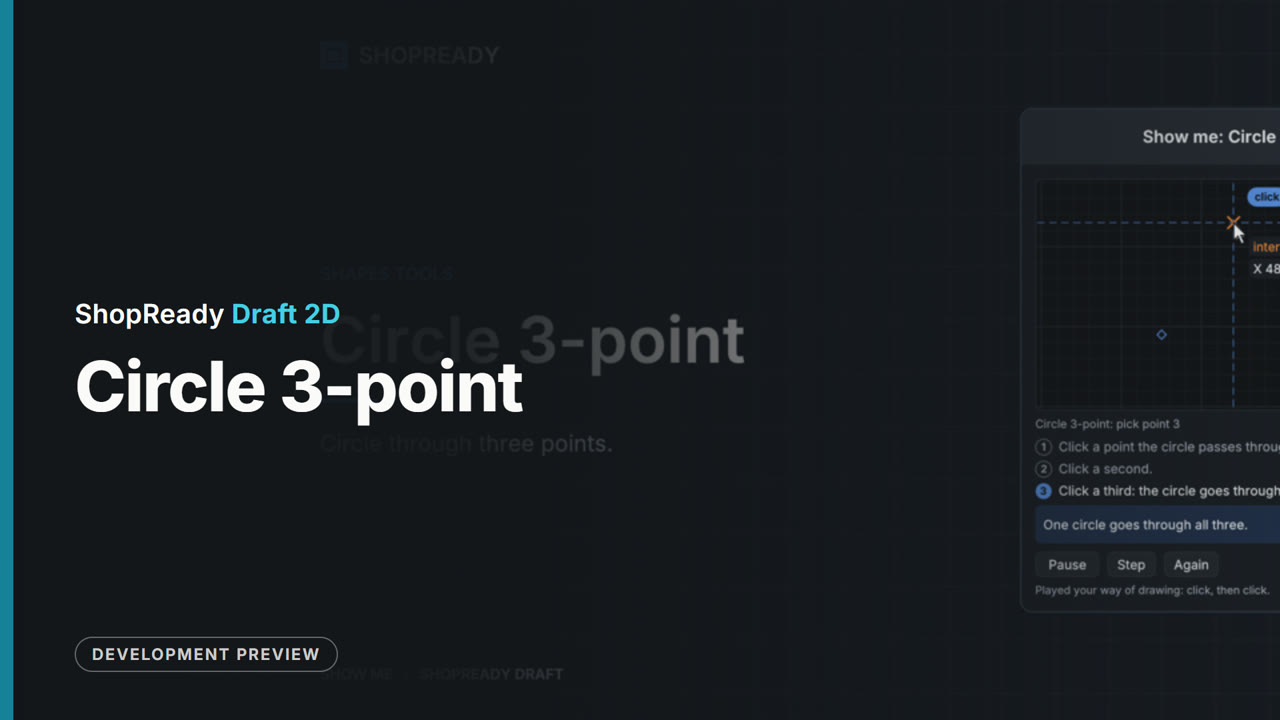 Lesson · 19 s
The Circle 3-point tool: a short lesson
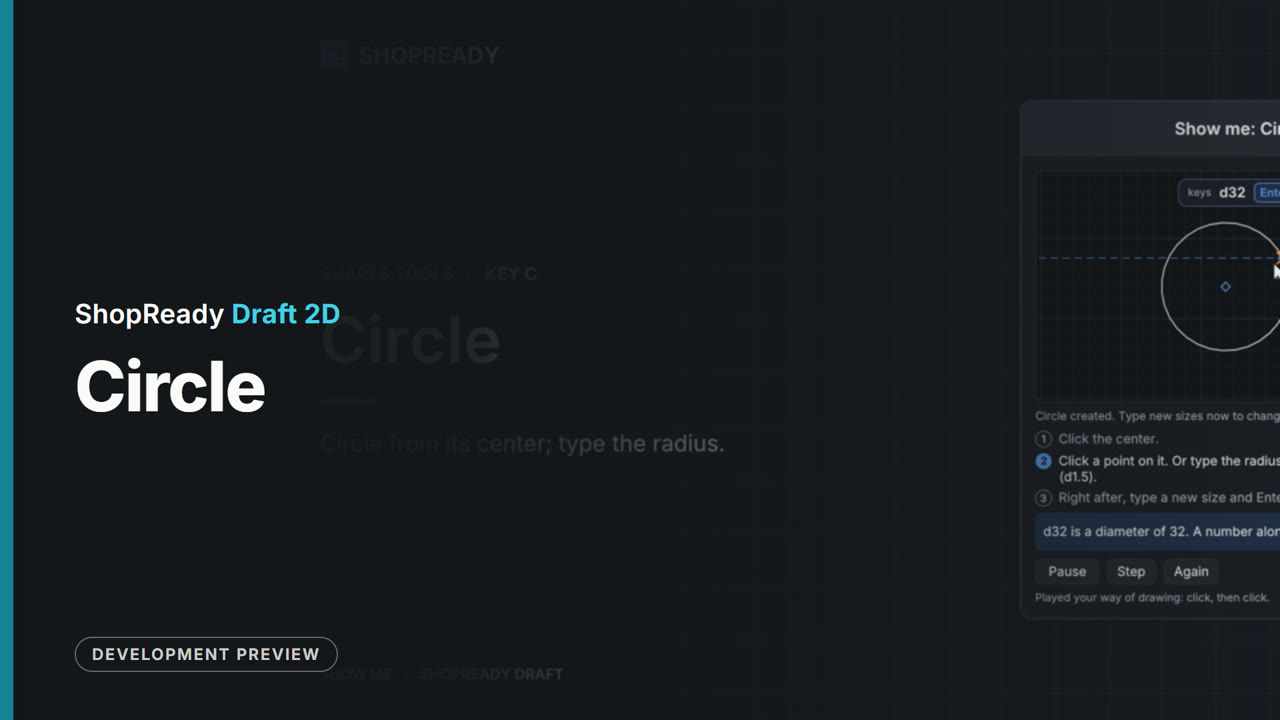 Lesson · 22 s
The Circle tool: a short lesson
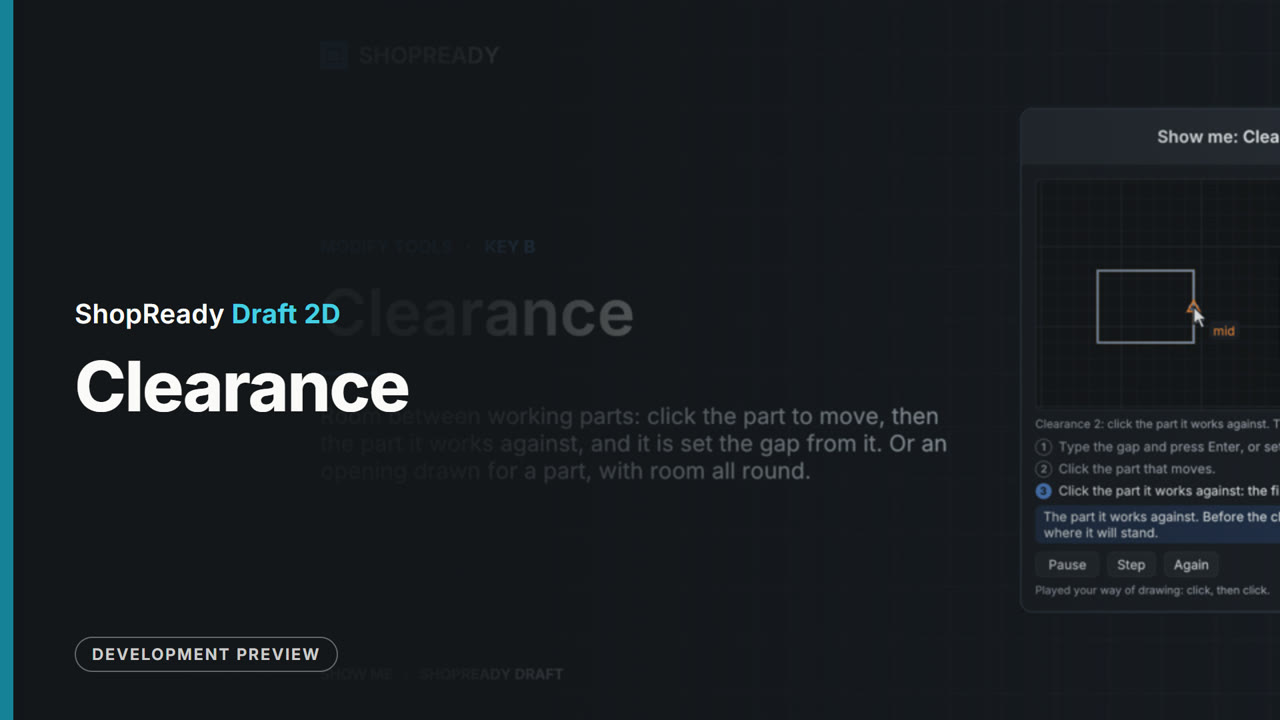 Lesson · 34 s
The Clearance tool: a short lesson
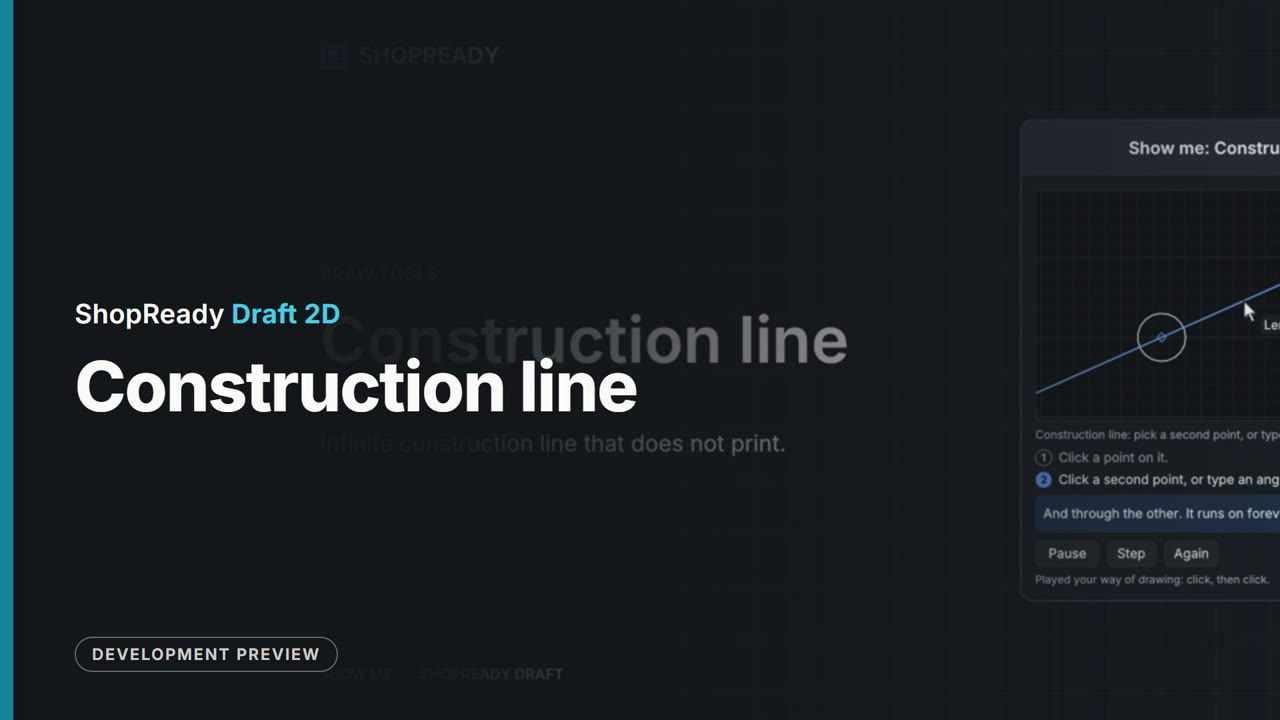 Lesson · 21 s
The Construction line tool: a short lesson
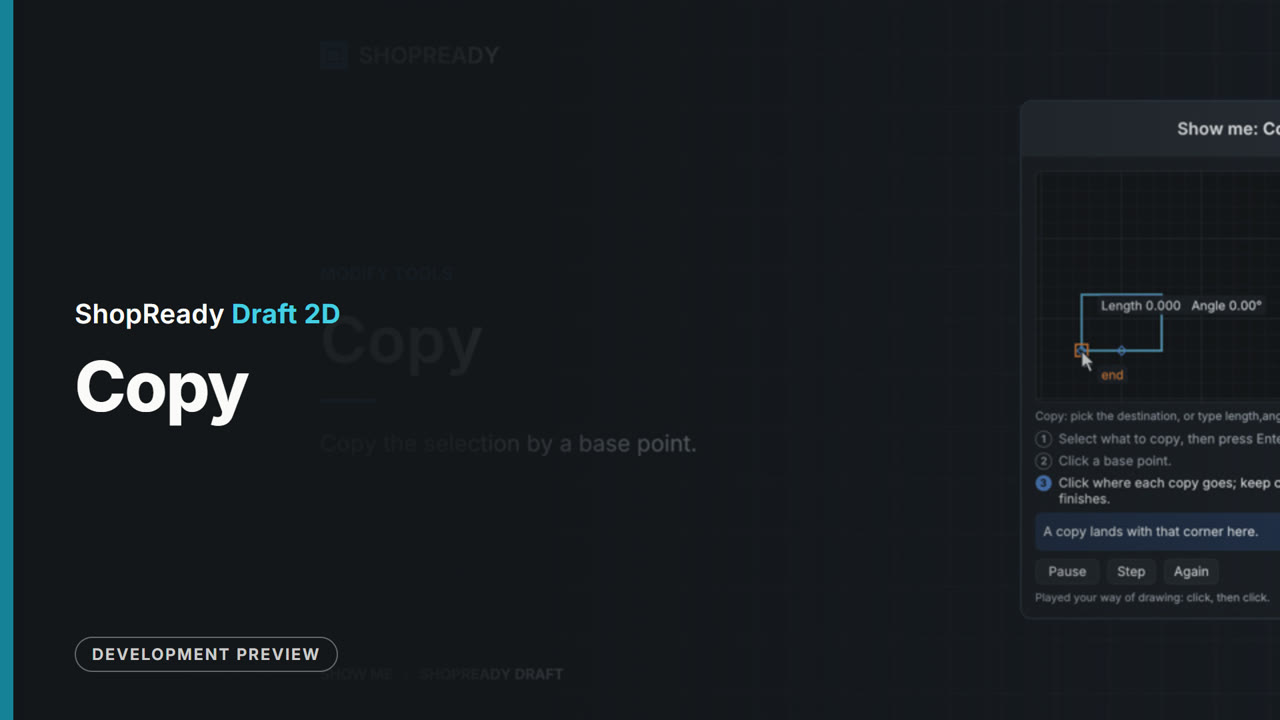 Lesson · 24 s
The Copy tool: a short lesson
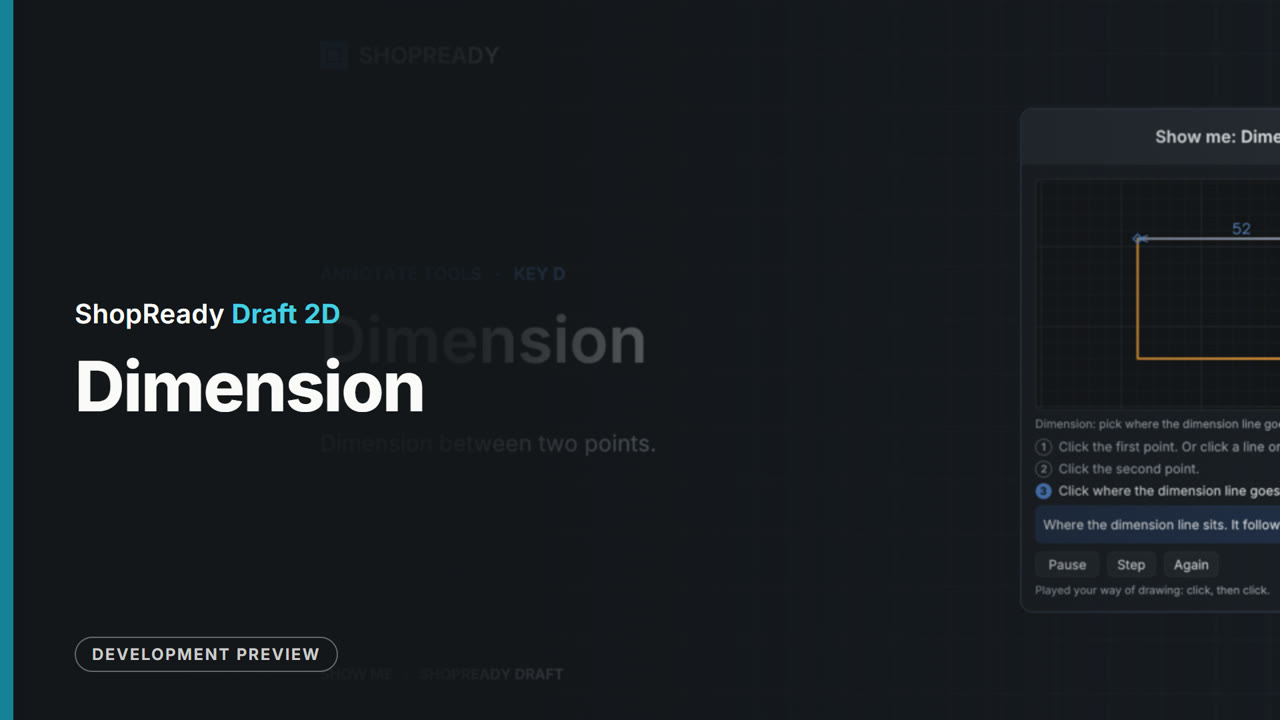 Lesson · 20 s
The Dimension tool: a short lesson
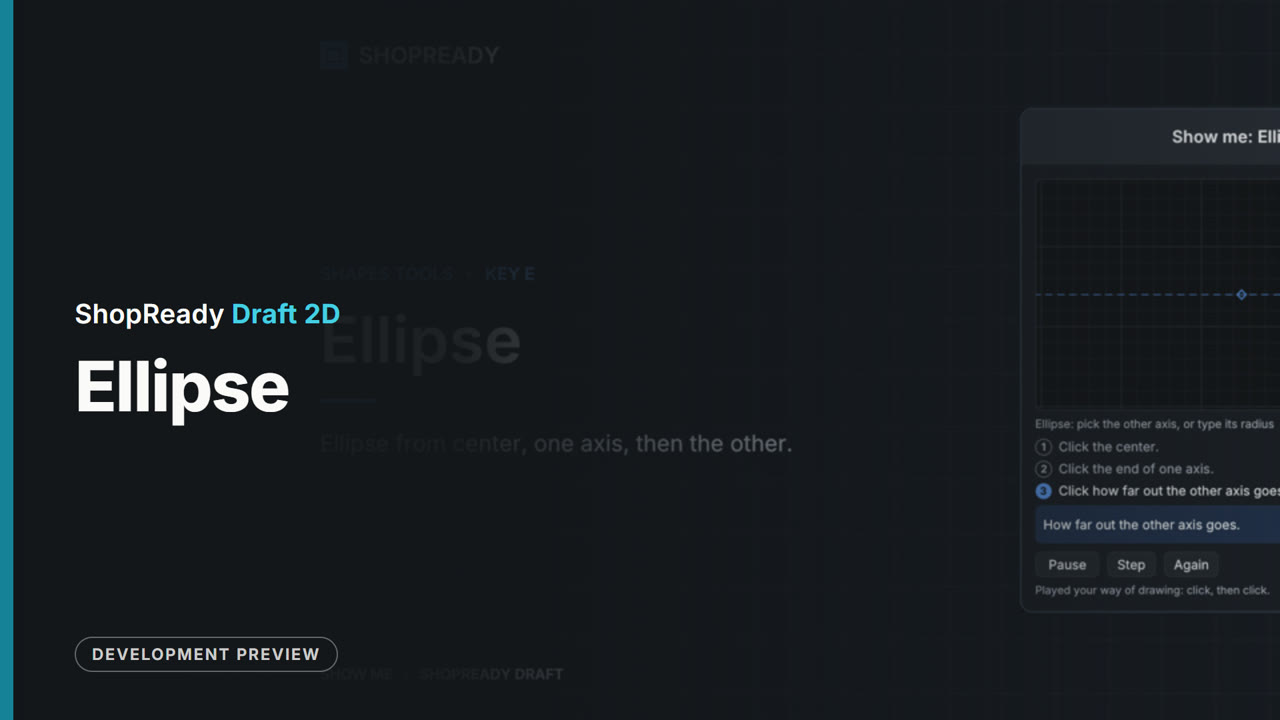 Lesson · 20 s
The Ellipse tool: a short lesson
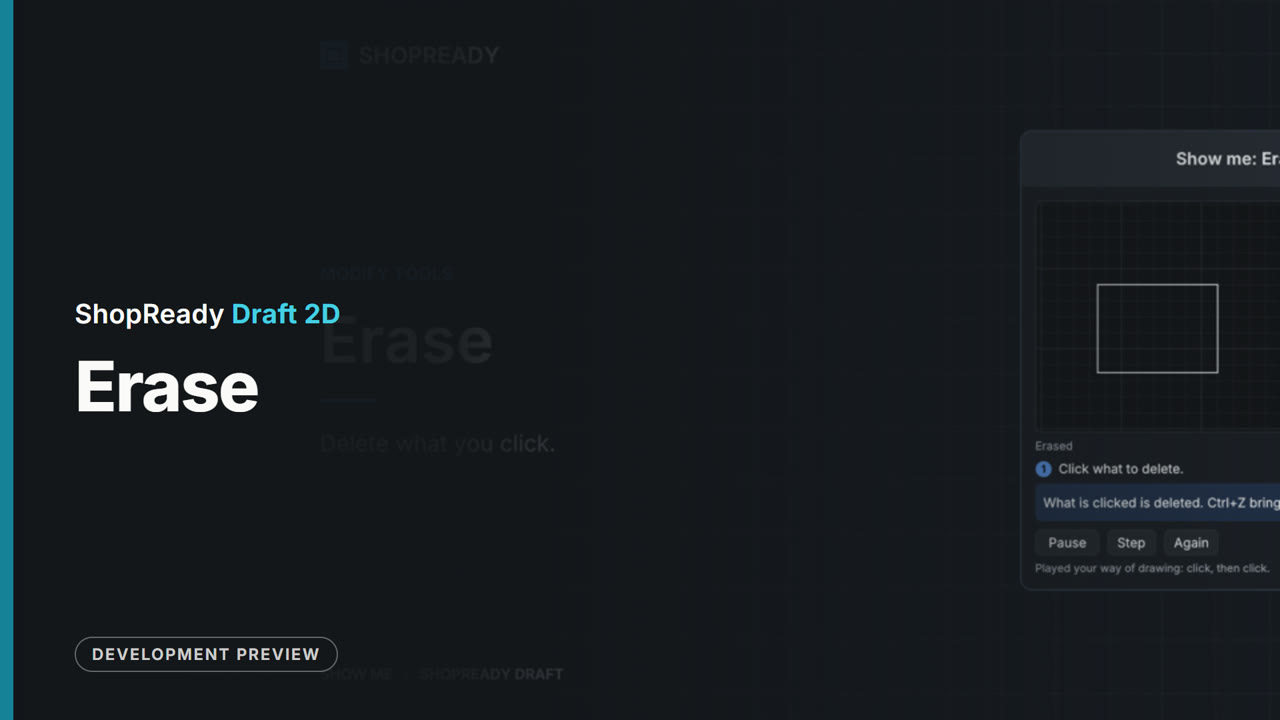 Lesson · 15 s
The Erase tool: a short lesson
 Lesson · 18 s
The Explode tool: a short lesson
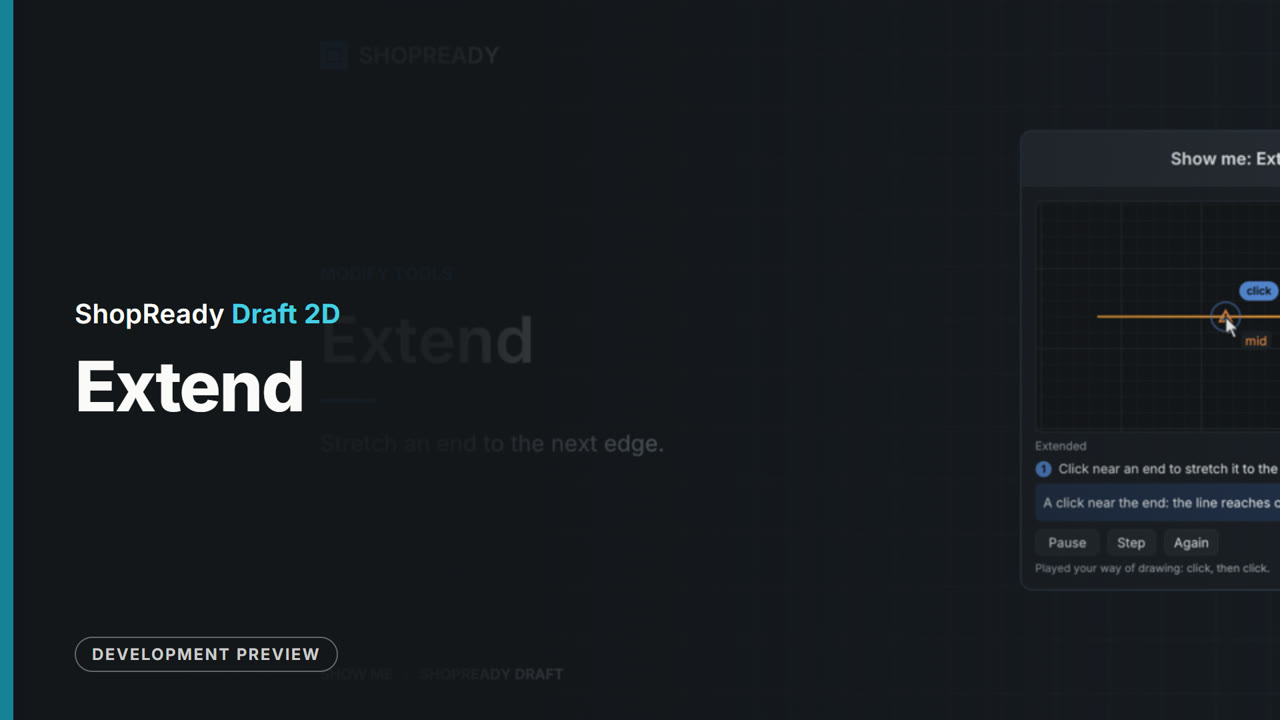 Lesson · 16 s
The Extend tool: a short lesson
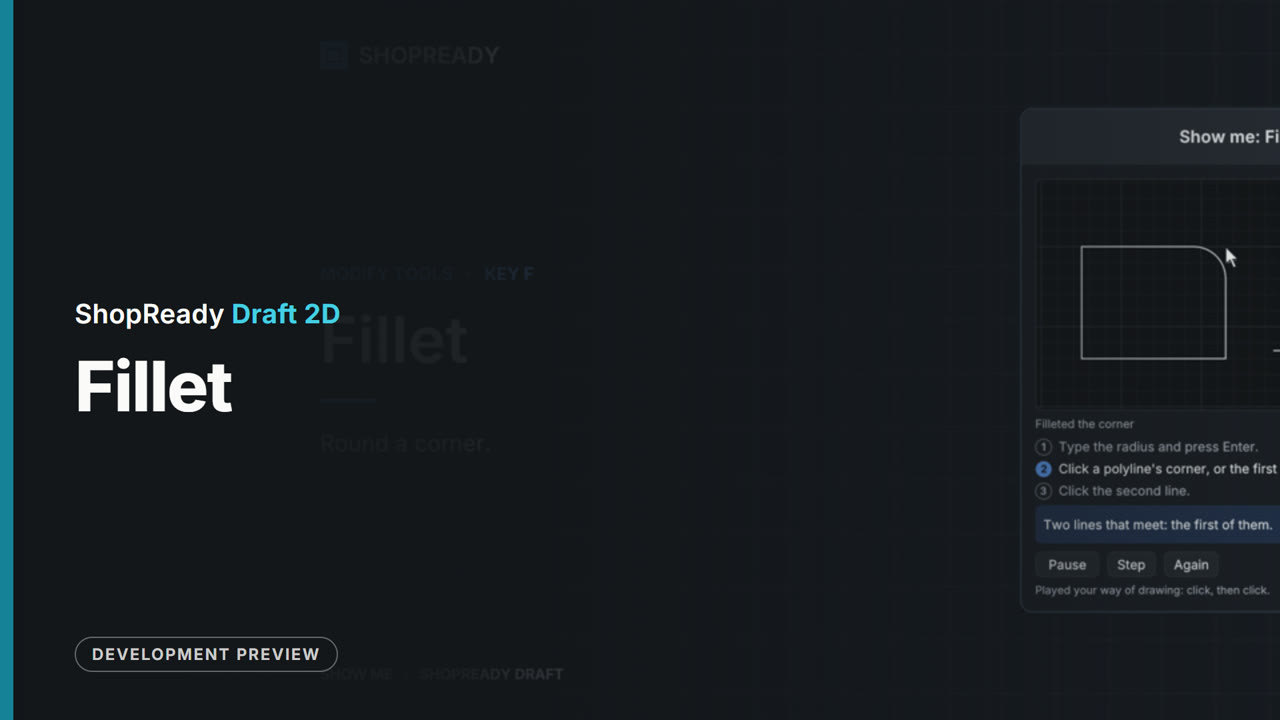 Lesson · 21 s
The Fillet tool: a short lesson
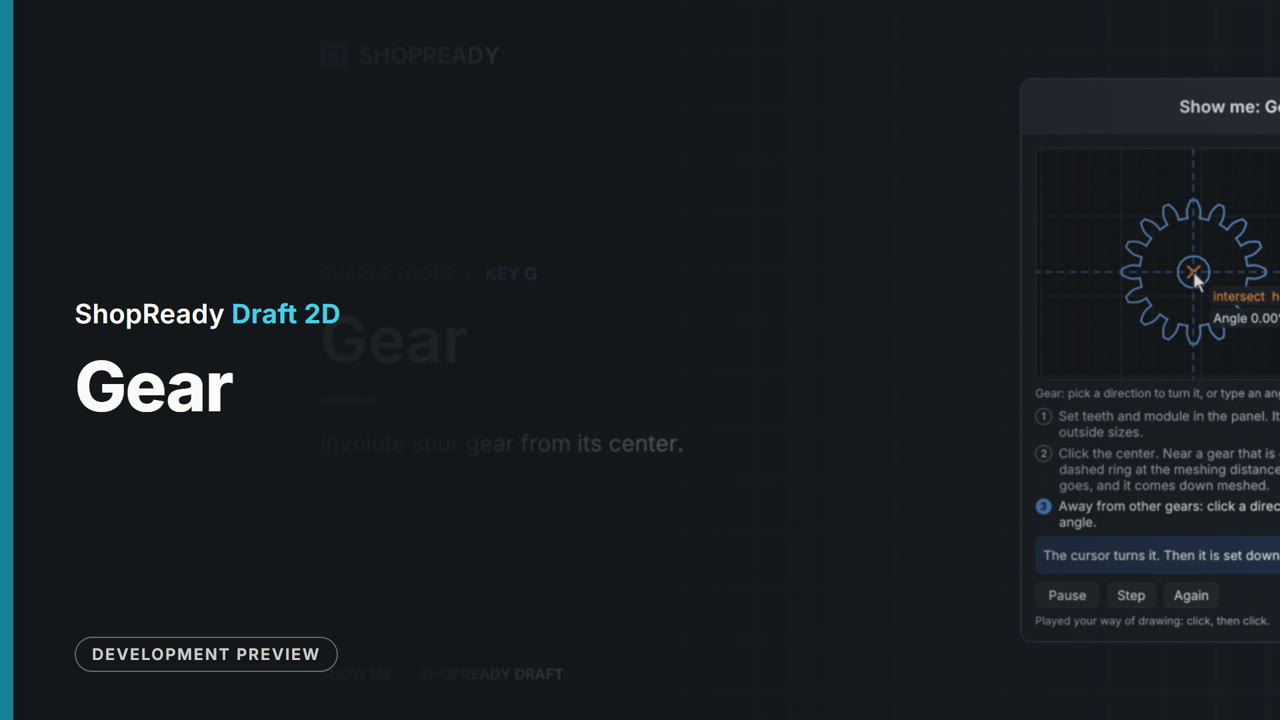 Lesson · 29 s
The Gear tool: a short lesson
 Lesson · 15 s
The Hatch tool: a short lesson
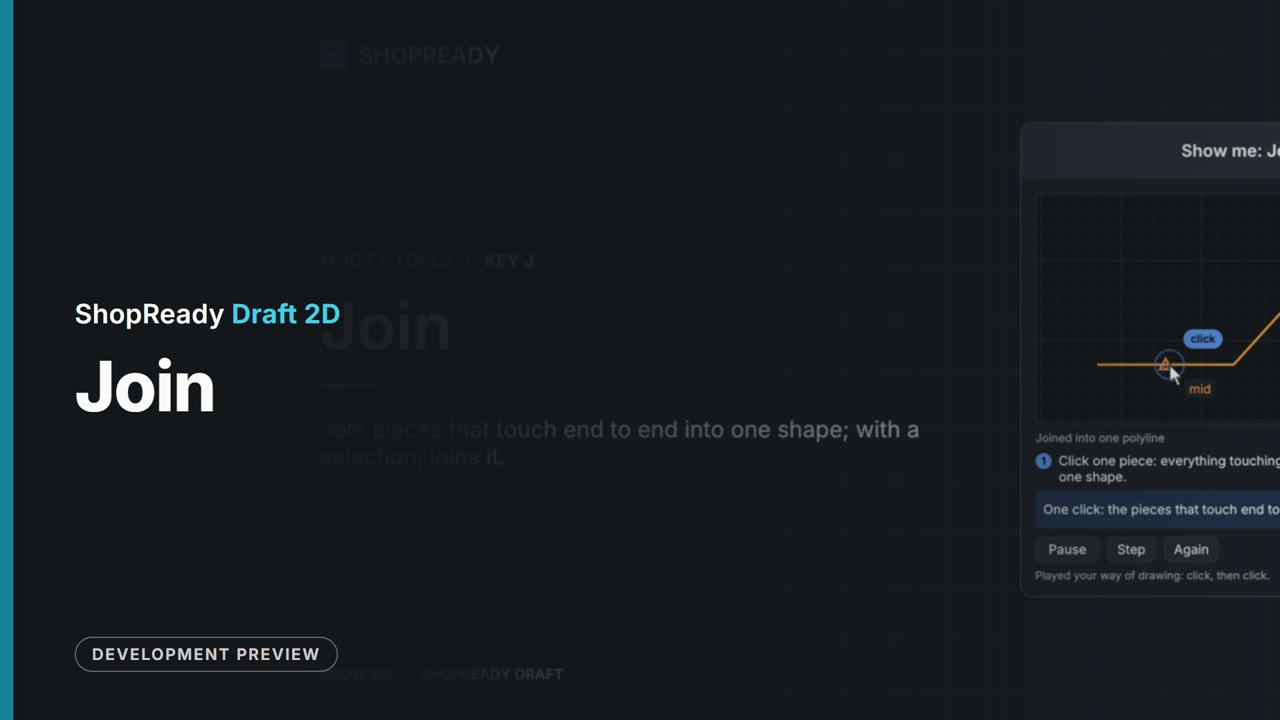 Lesson · 18 s
The Join tool: a short lesson
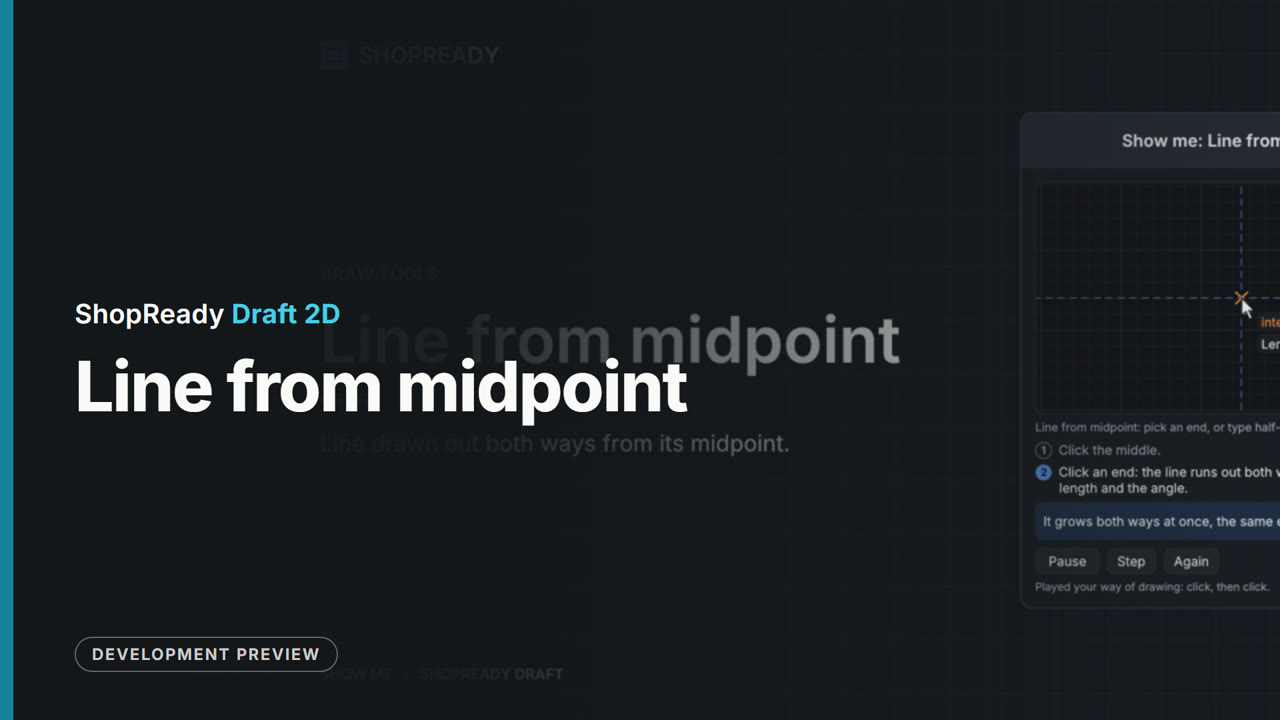 Lesson · 19 s
The Line from midpoint tool: a short lesson
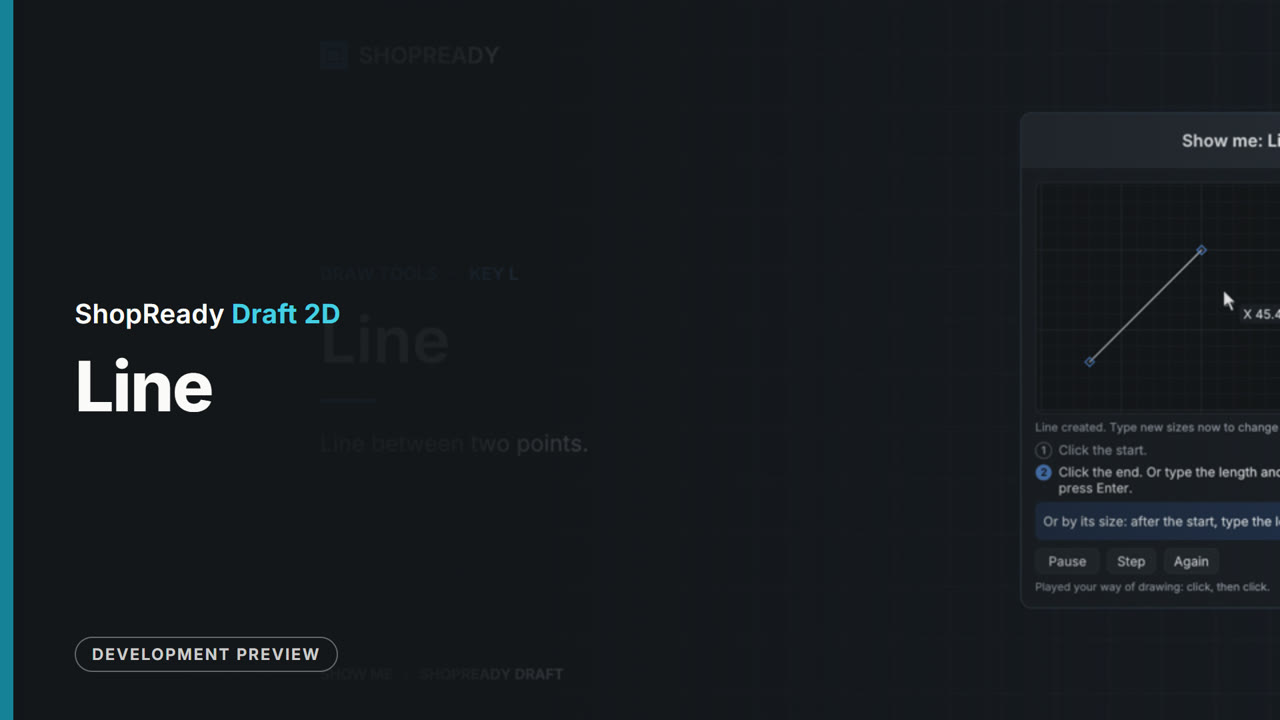 Lesson · 25 s
The Line tool: a short lesson
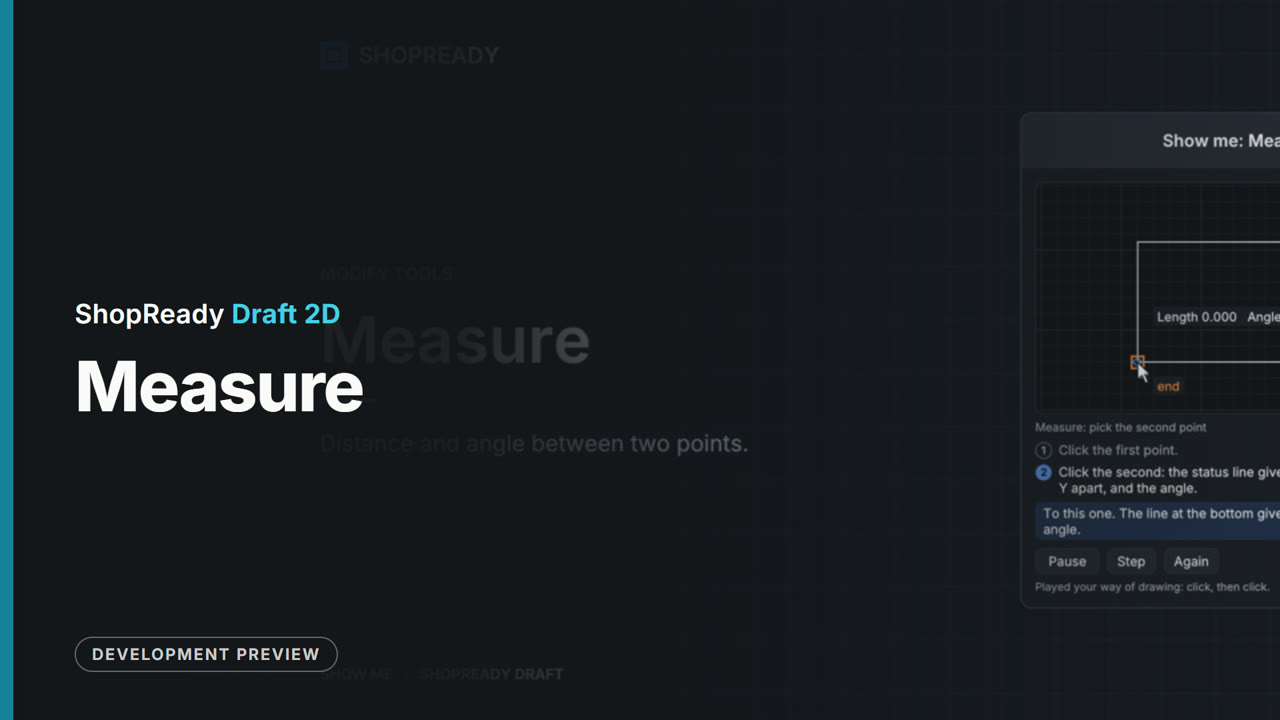 Lesson · 18 s
The Measure tool: a short lesson
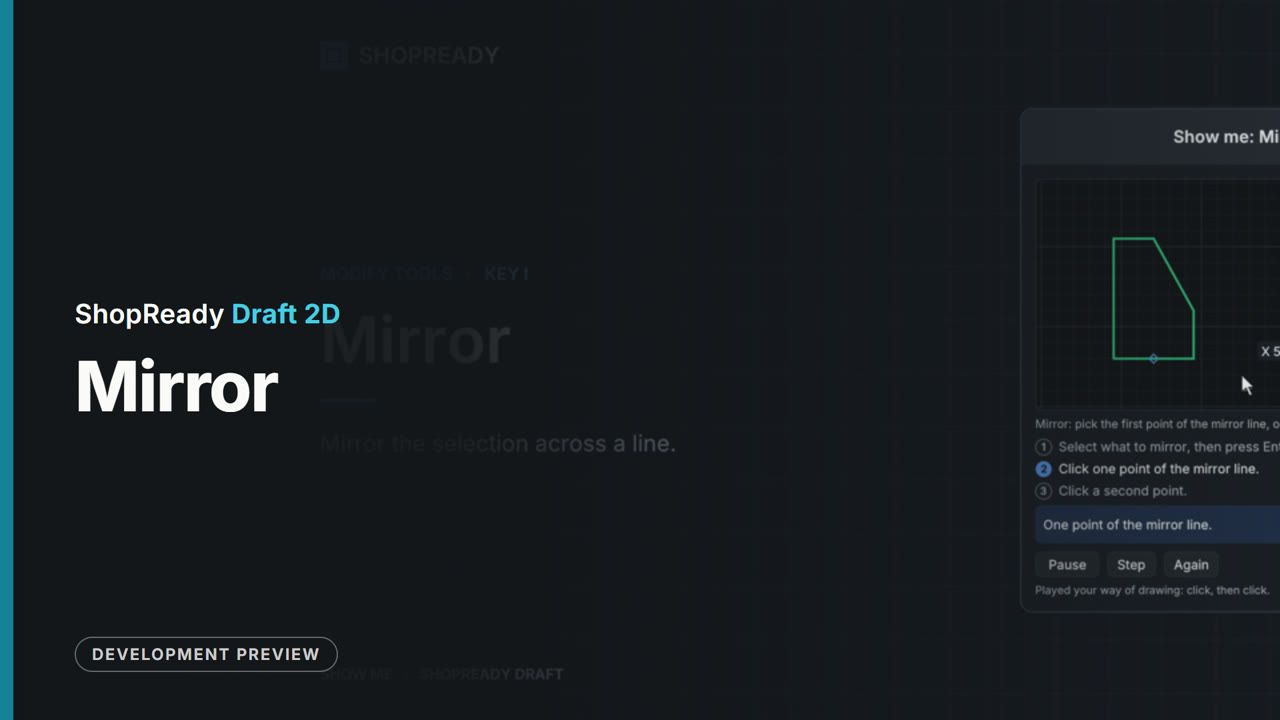 Lesson · 22 s
The Mirror tool: a short lesson
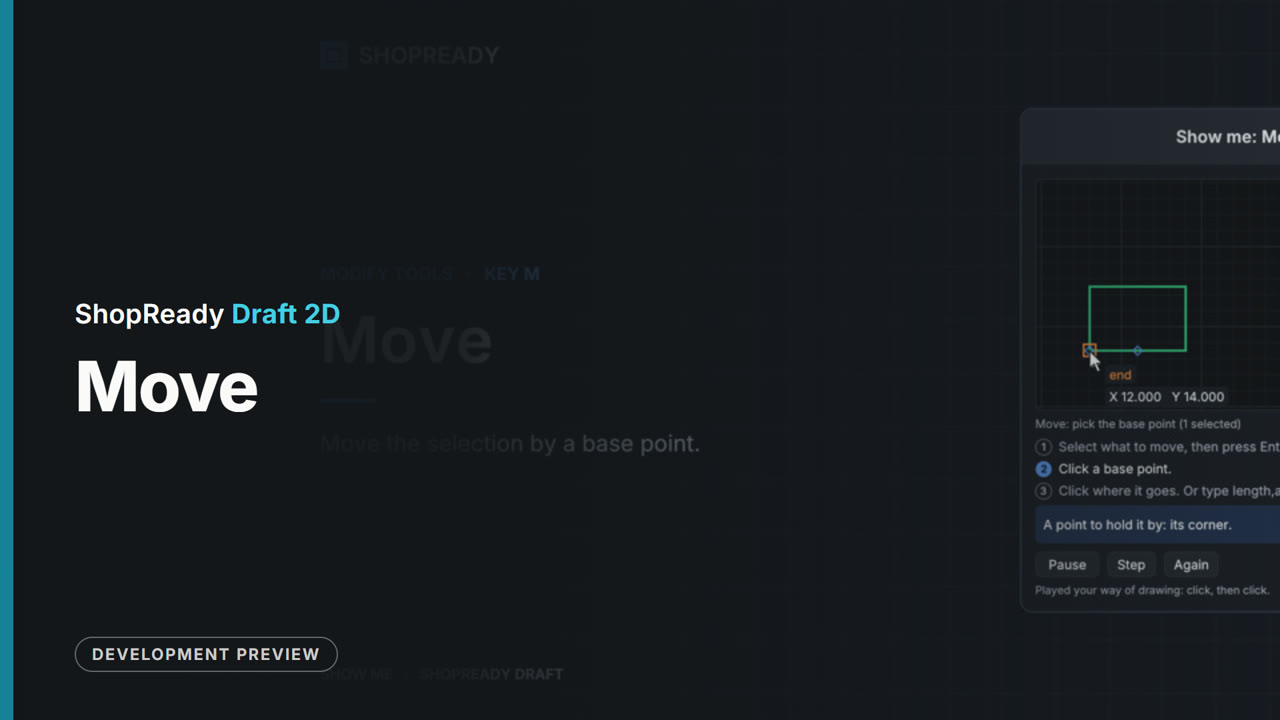 Lesson · 21 s
The Move tool: a short lesson
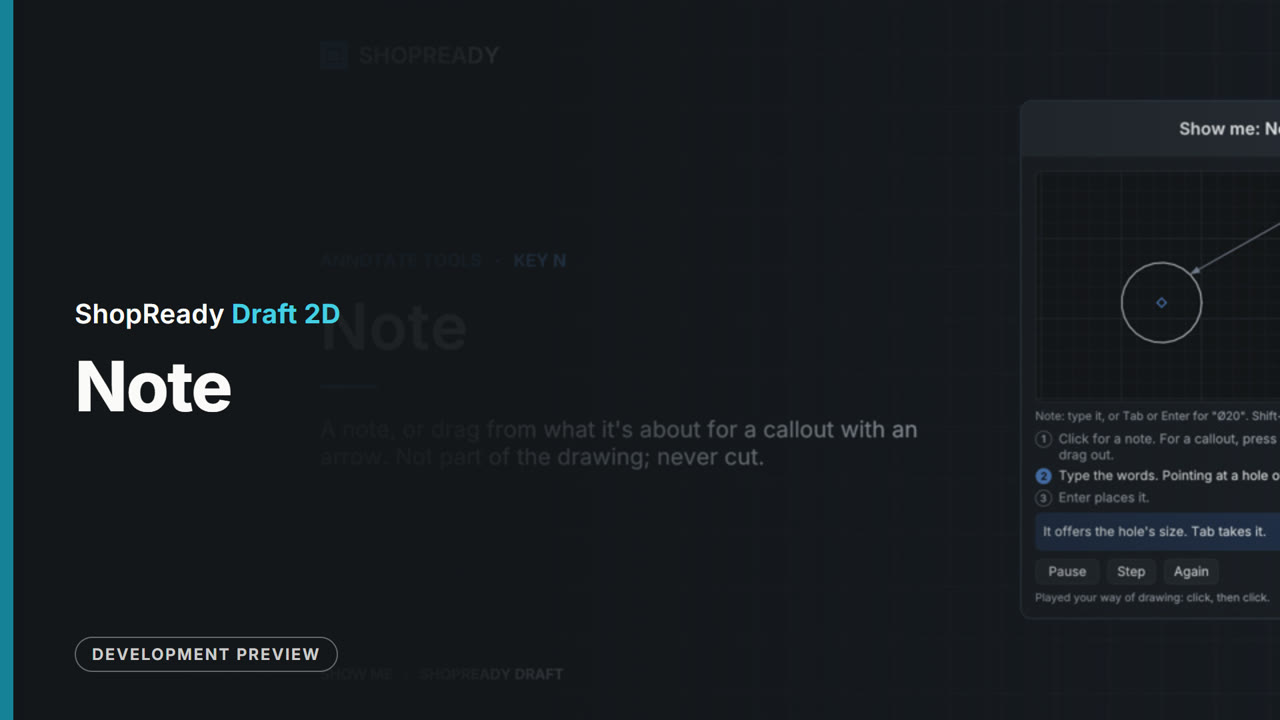 Lesson · 27 s
The Note tool: a short lesson
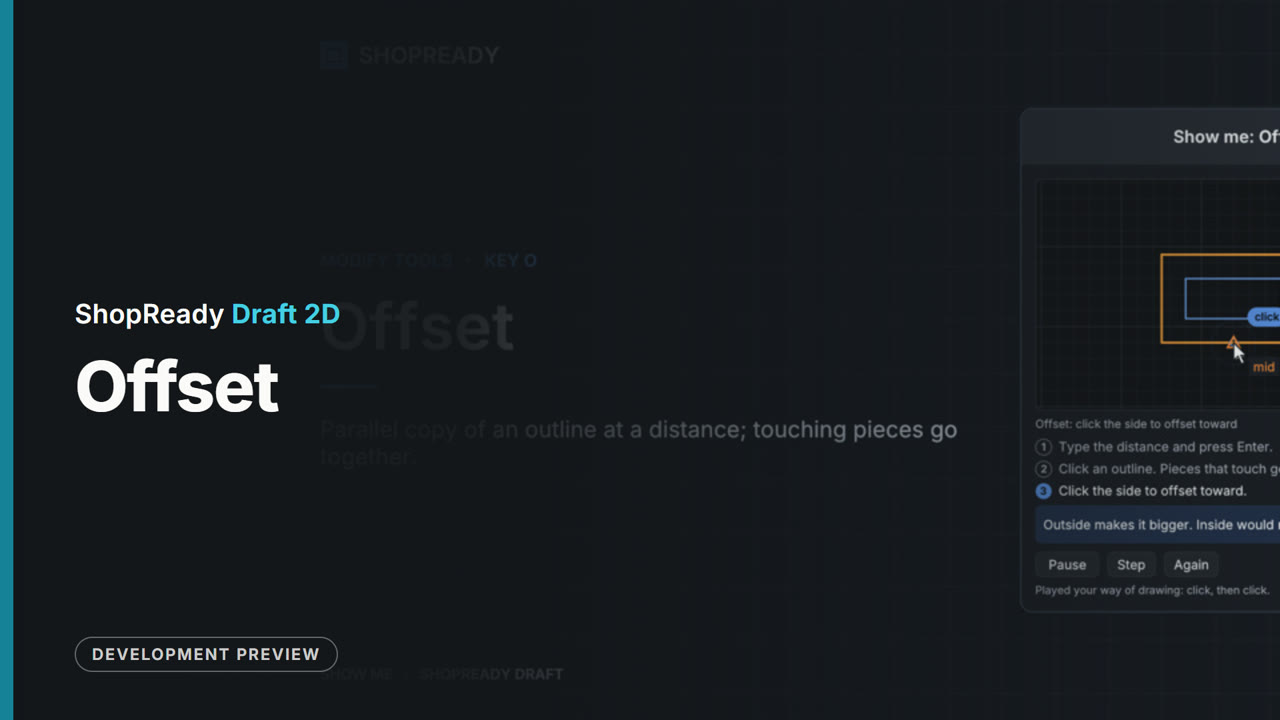 Lesson · 22 s
The Offset tool: a short lesson
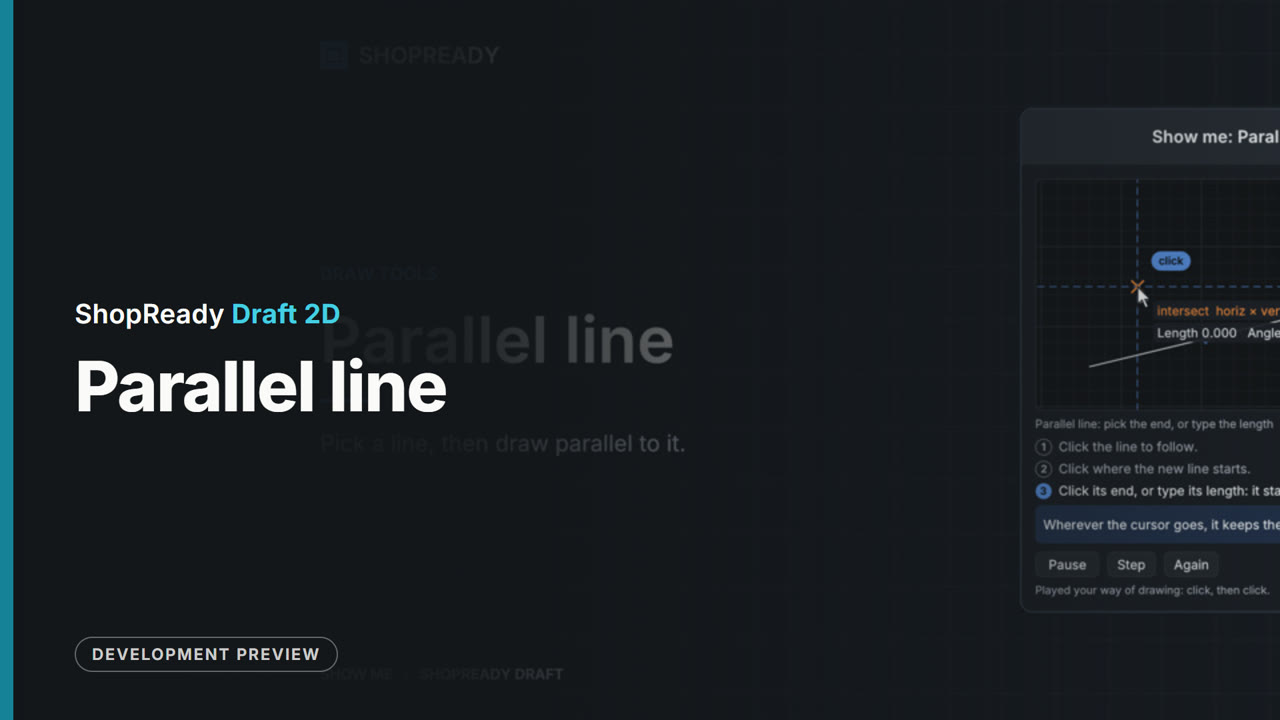 Lesson · 21 s
The Parallel line tool: a short lesson
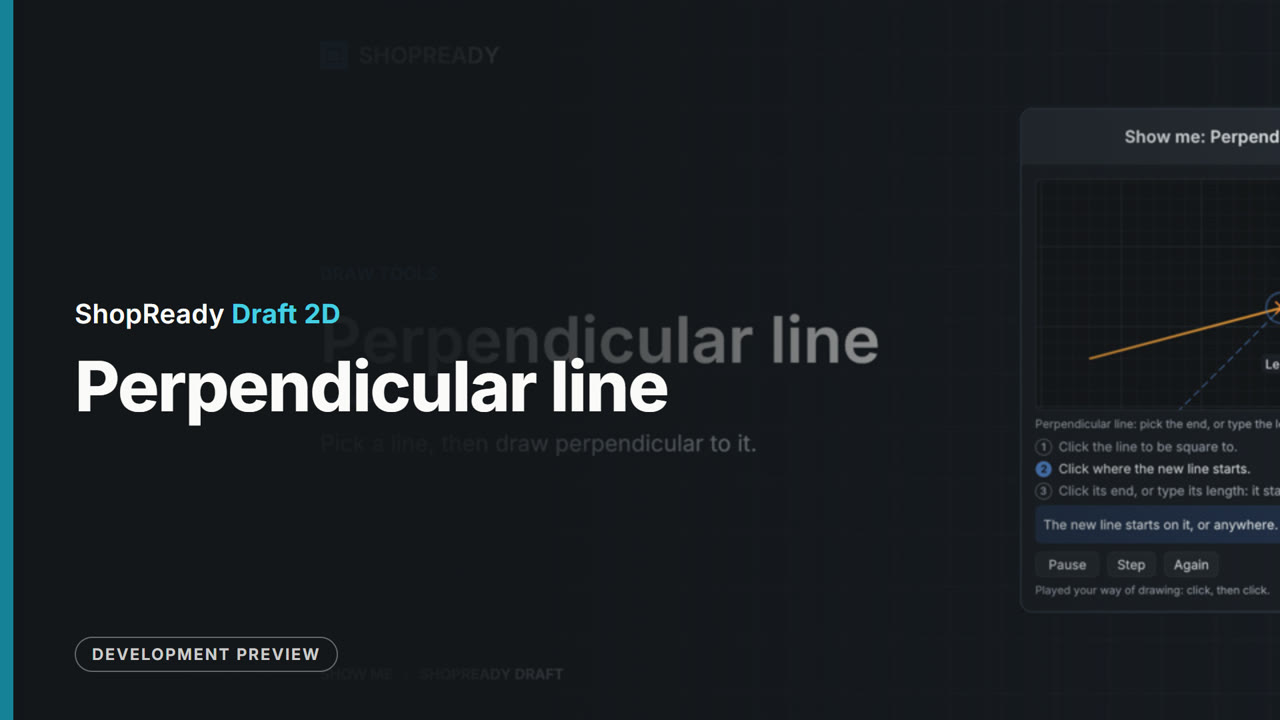 Lesson · 21 s
The Perpendicular line tool: a short lesson
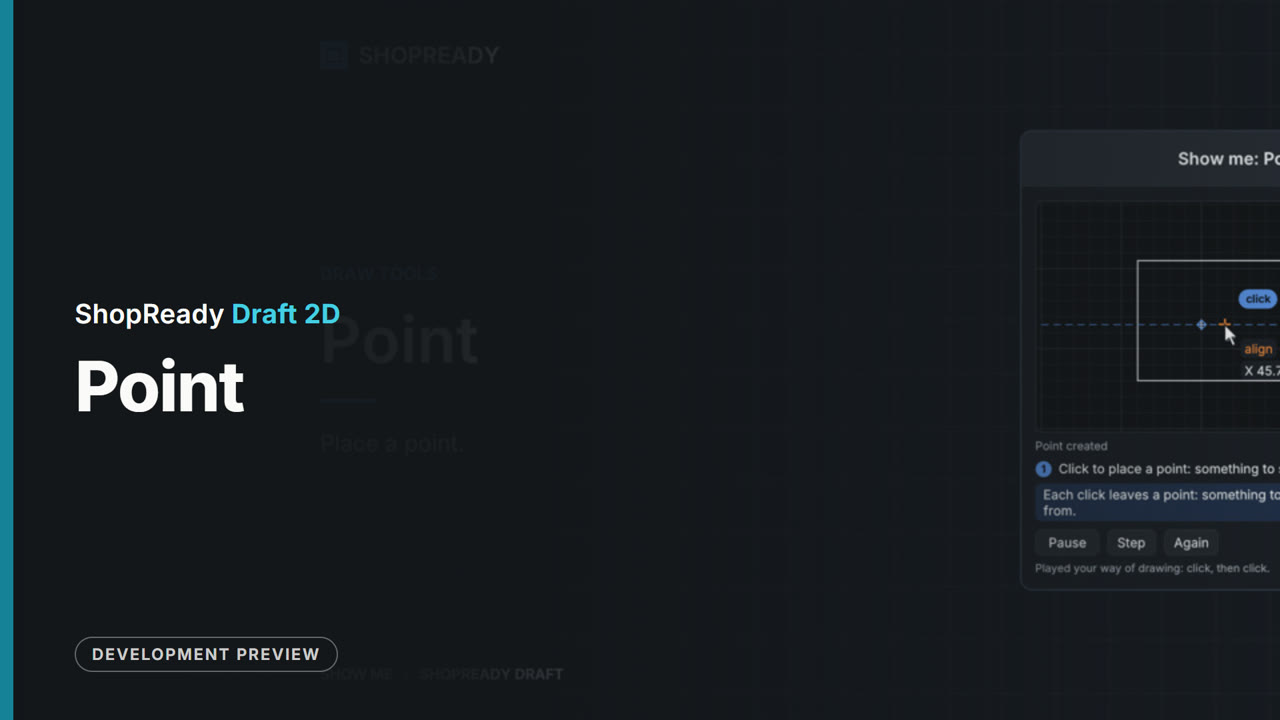 Lesson · 15 s
The Point tool: a short lesson
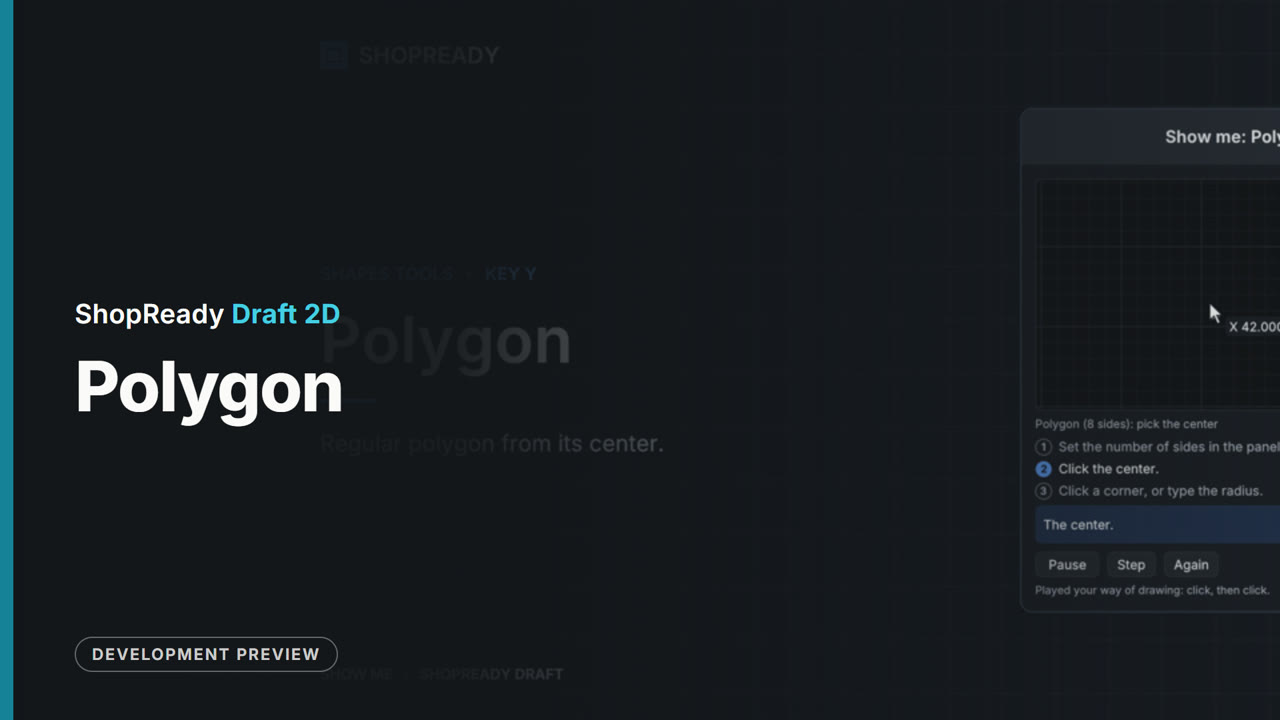 Lesson · 21 s
The Polygon tool: a short lesson
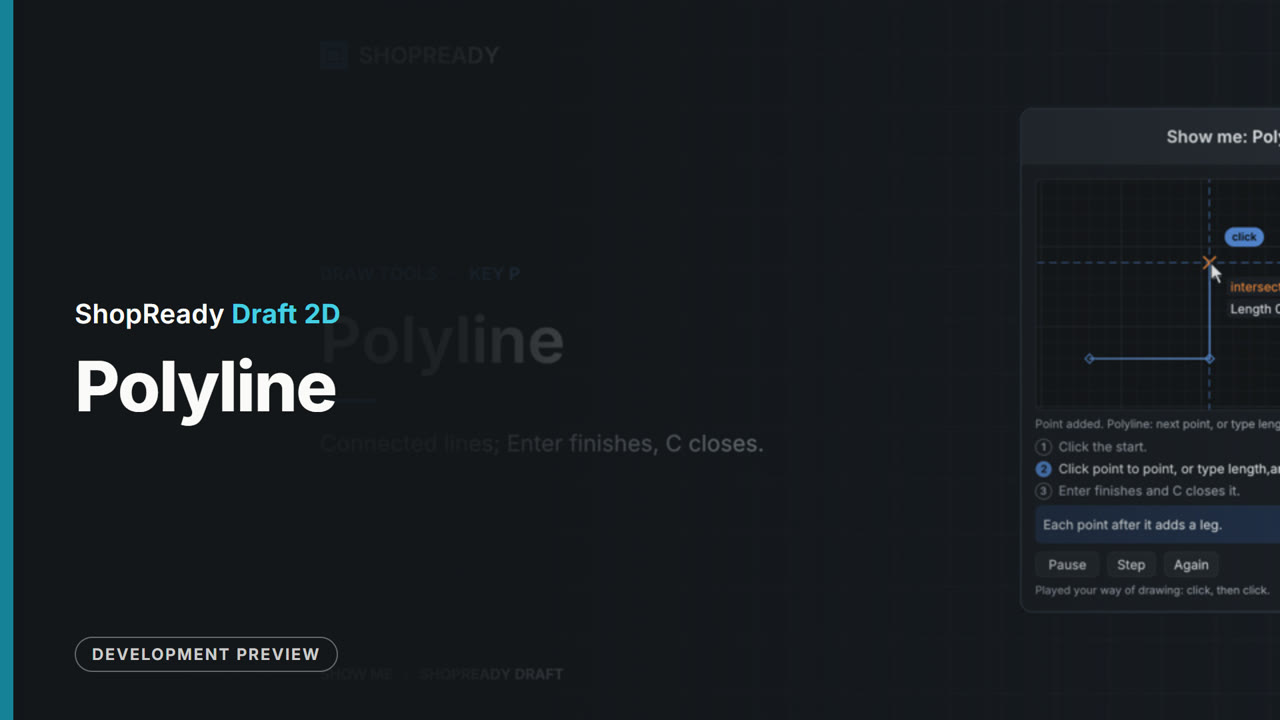 Lesson · 23 s
The Polyline tool: a short lesson
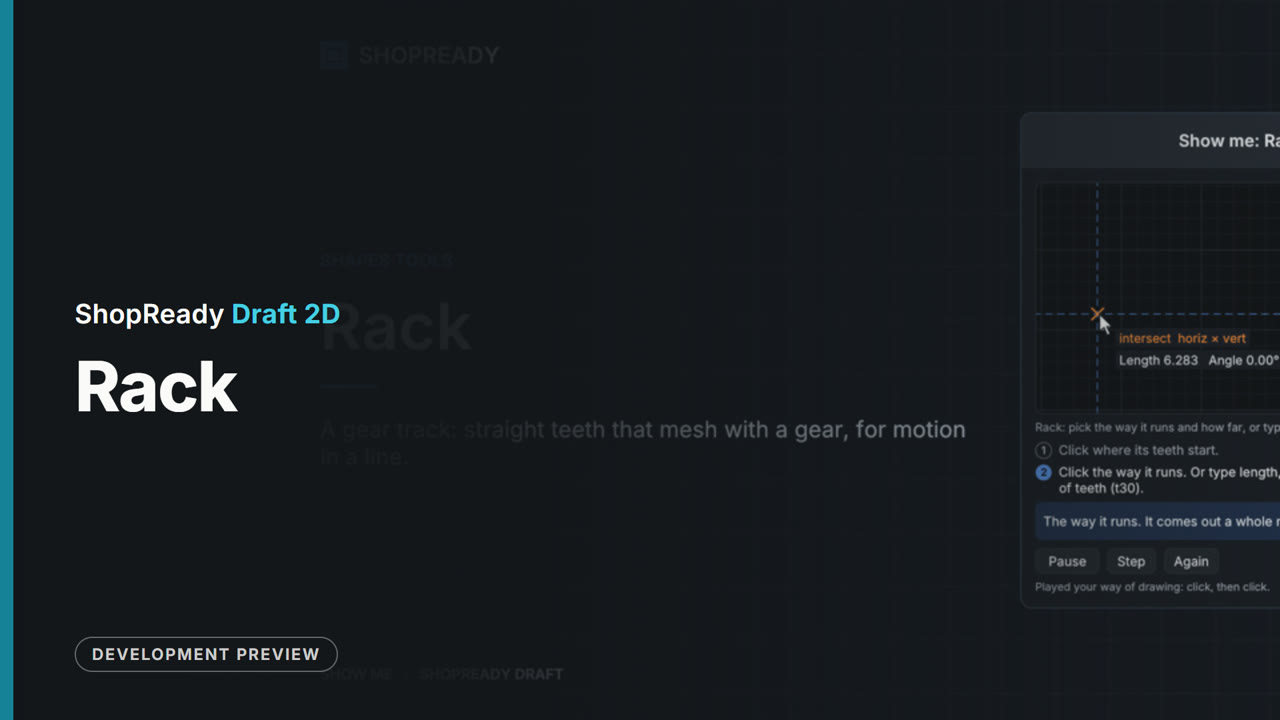 Lesson · 21 s
The Rack tool: a short lesson
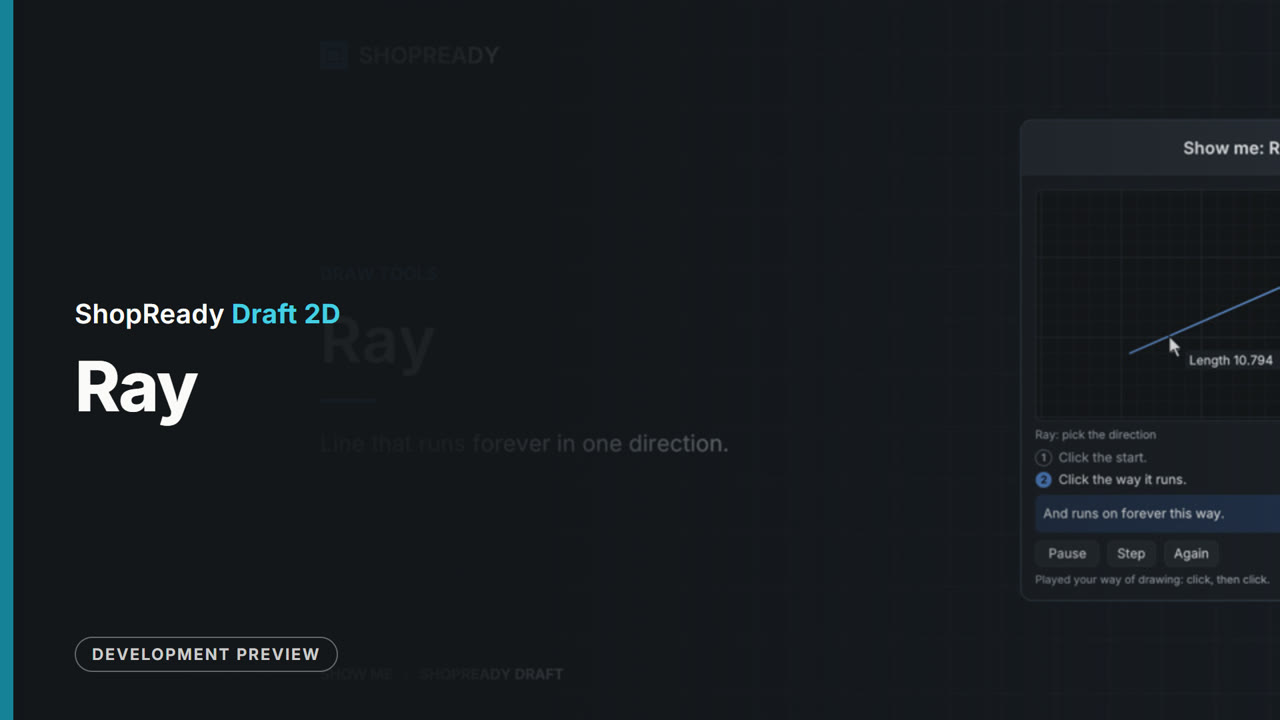 Lesson · 18 s
The Ray tool: a short lesson
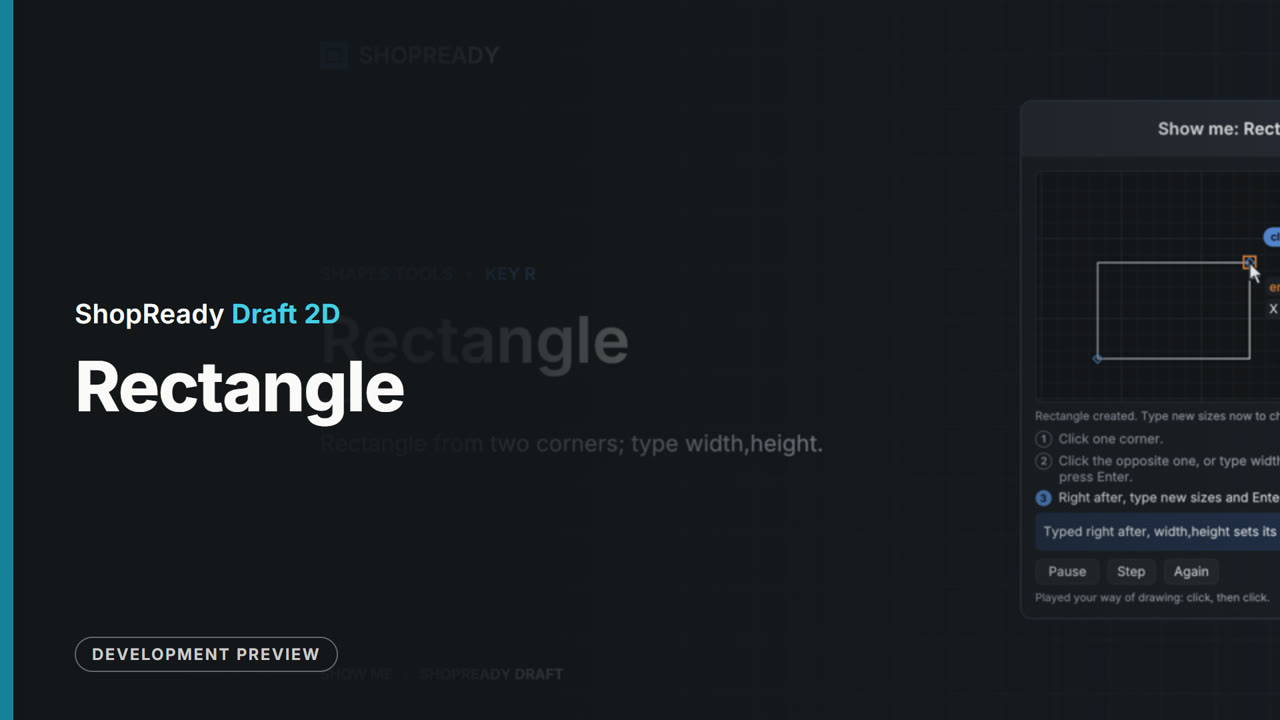 Lesson · 23 s
The Rectangle tool: a short lesson
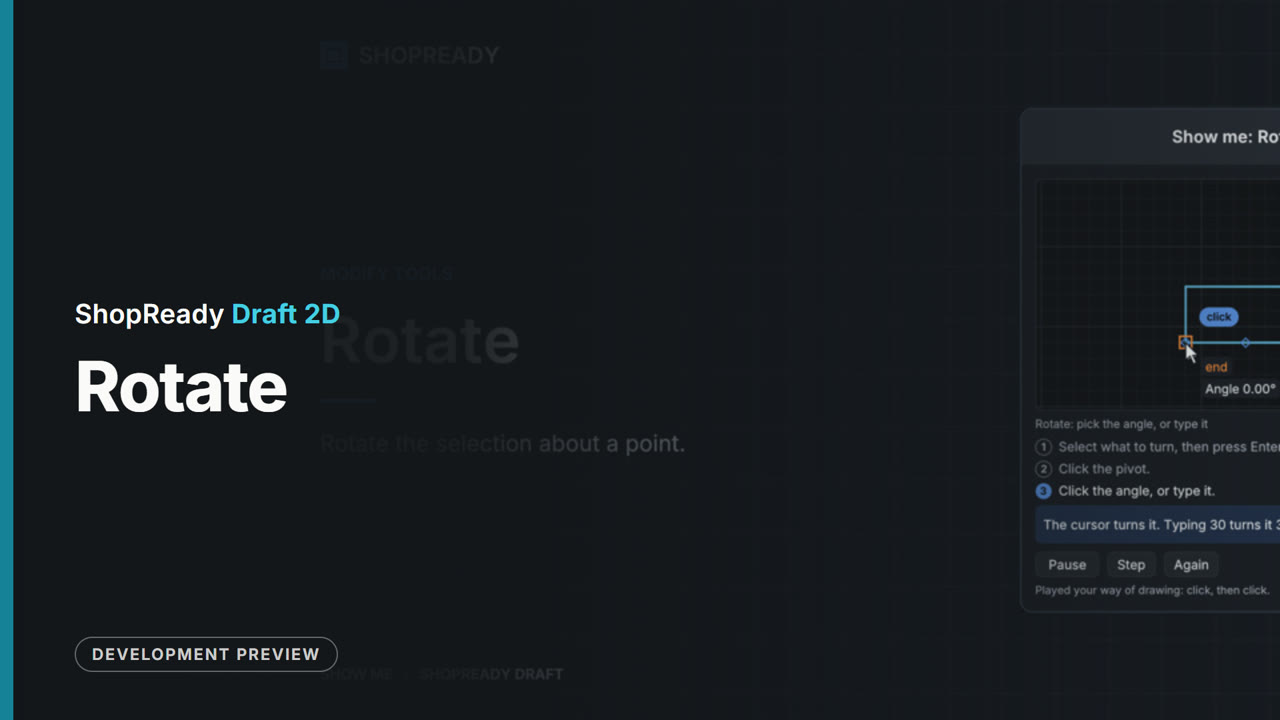 Lesson · 23 s
The Rotate tool: a short lesson
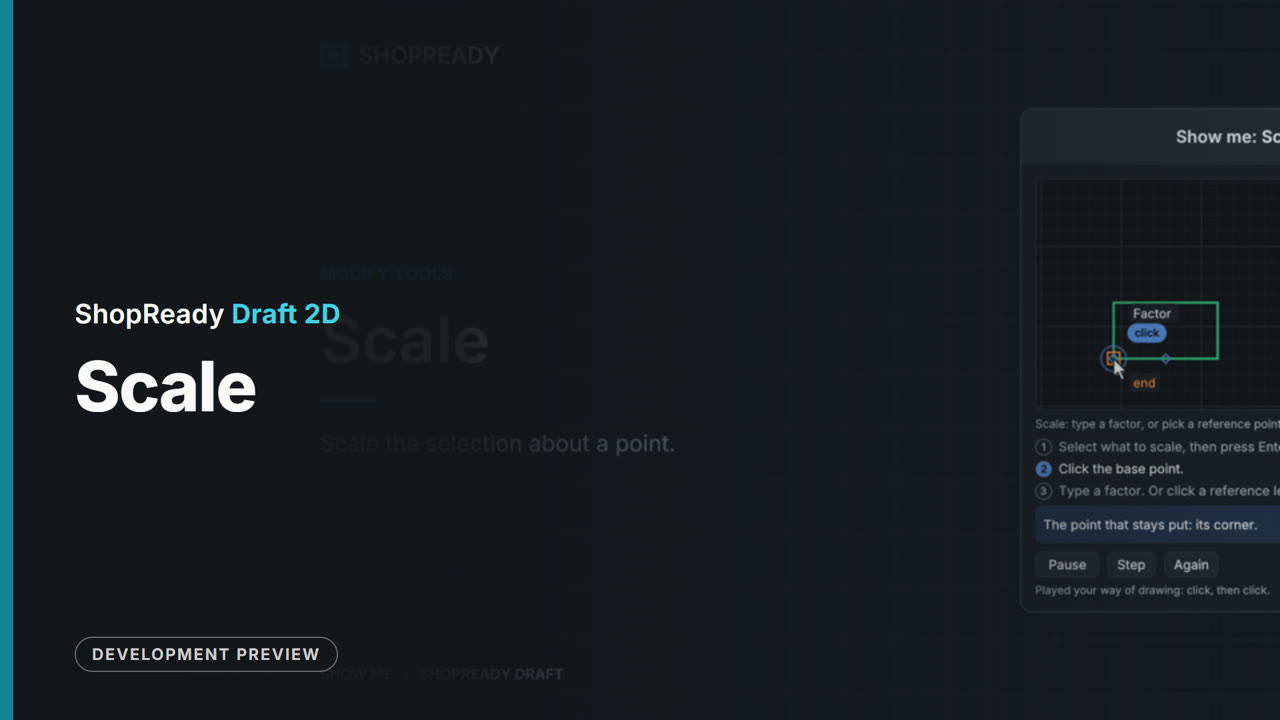 Lesson · 22 s
The Scale tool: a short lesson
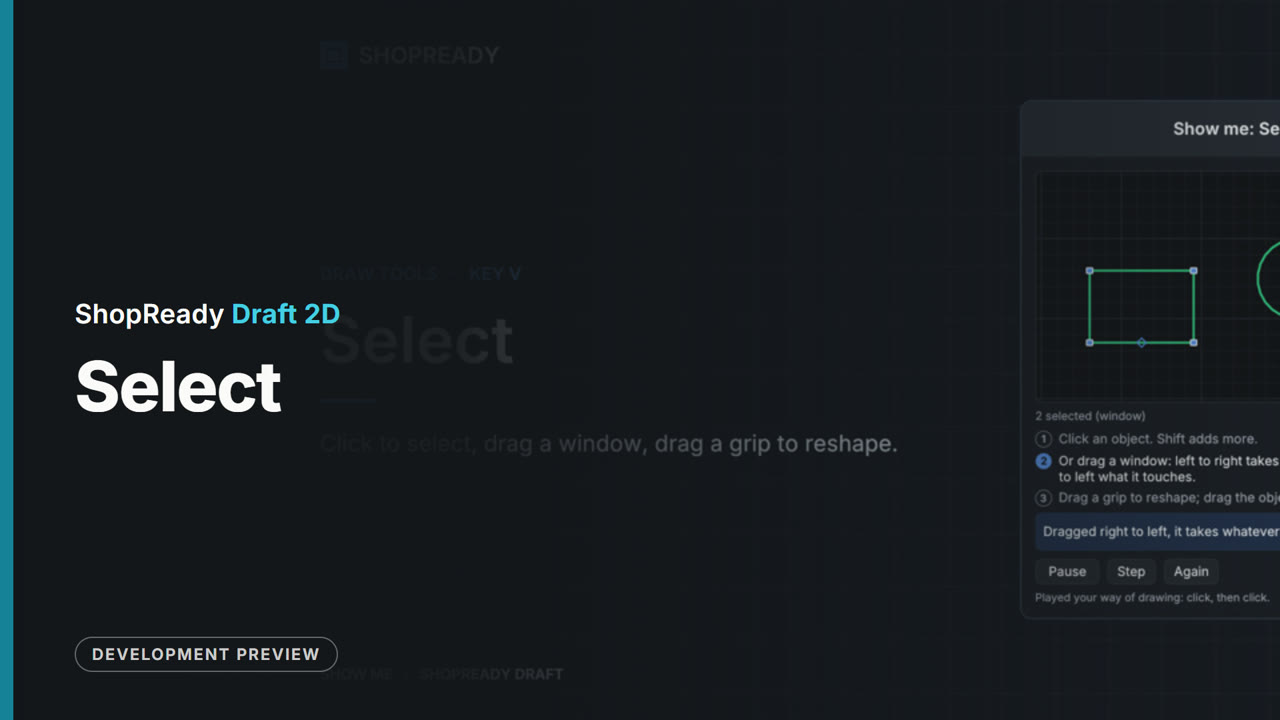 Lesson · 39 s
The Select tool: a short lesson
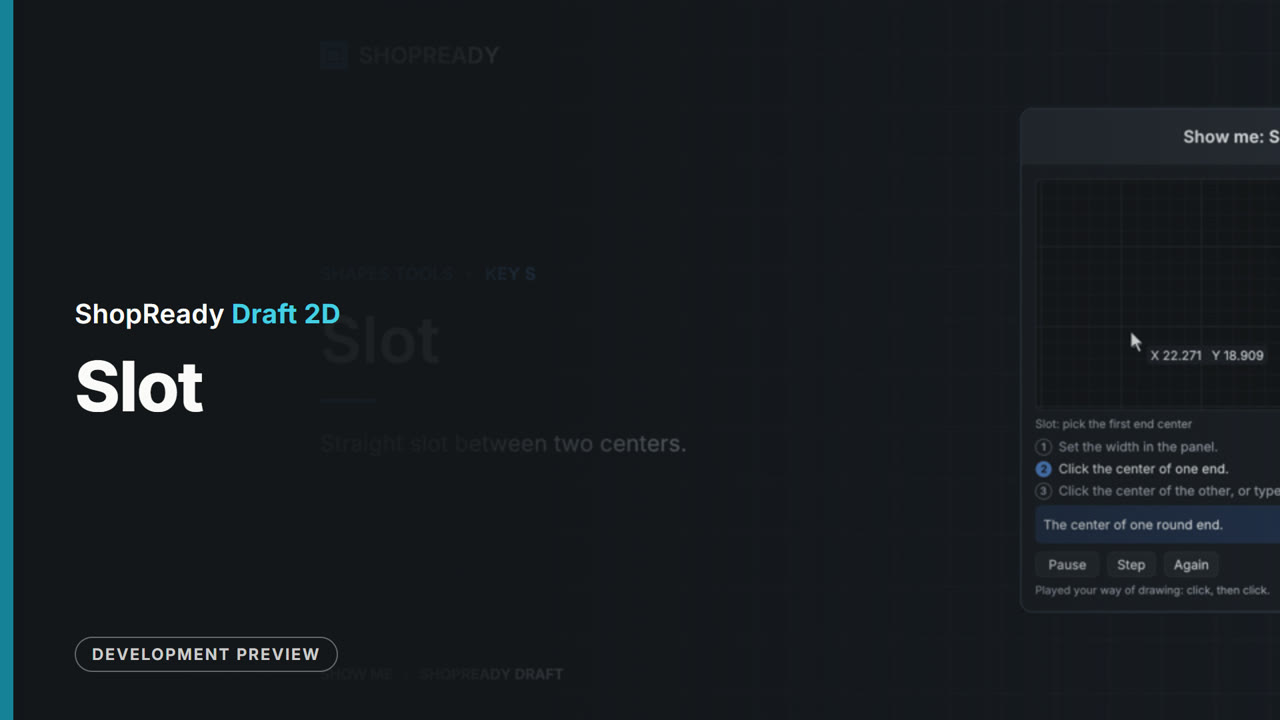 Lesson · 21 s
The Slot tool: a short lesson
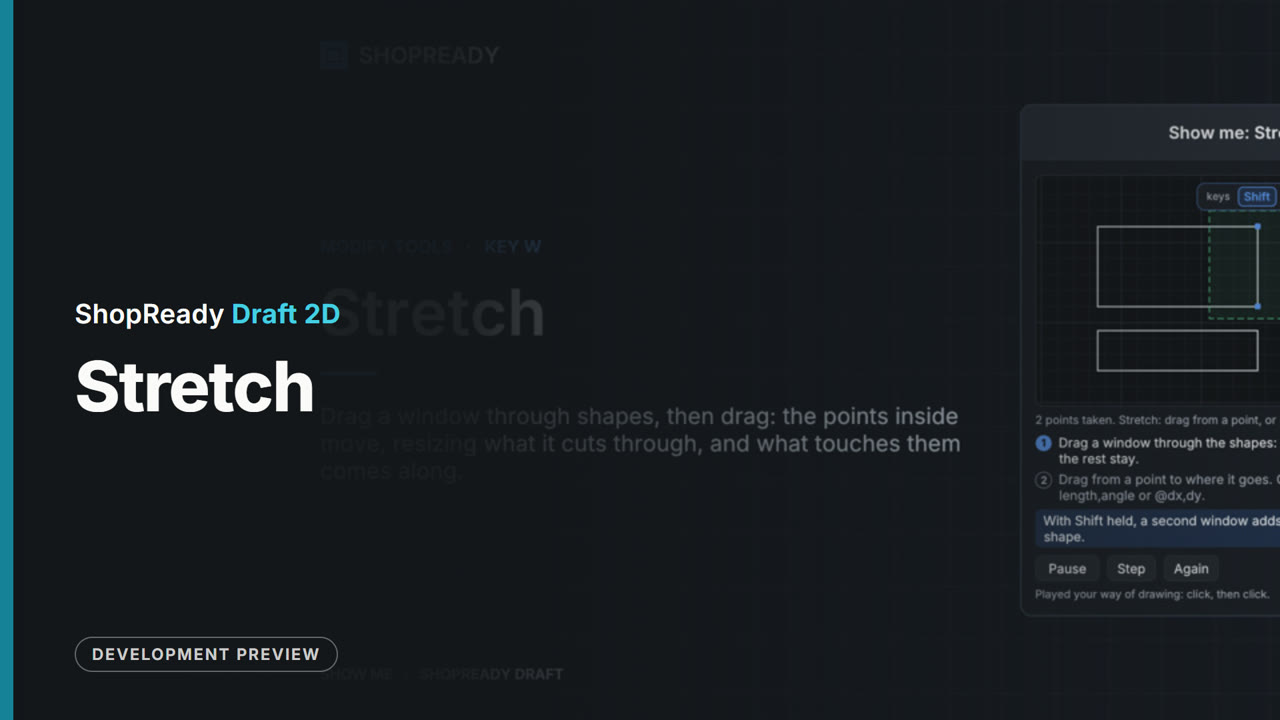 Lesson · 32 s
The Stretch tool: a short lesson
 Lesson · 20 s
The Tangent arc tool: a short lesson
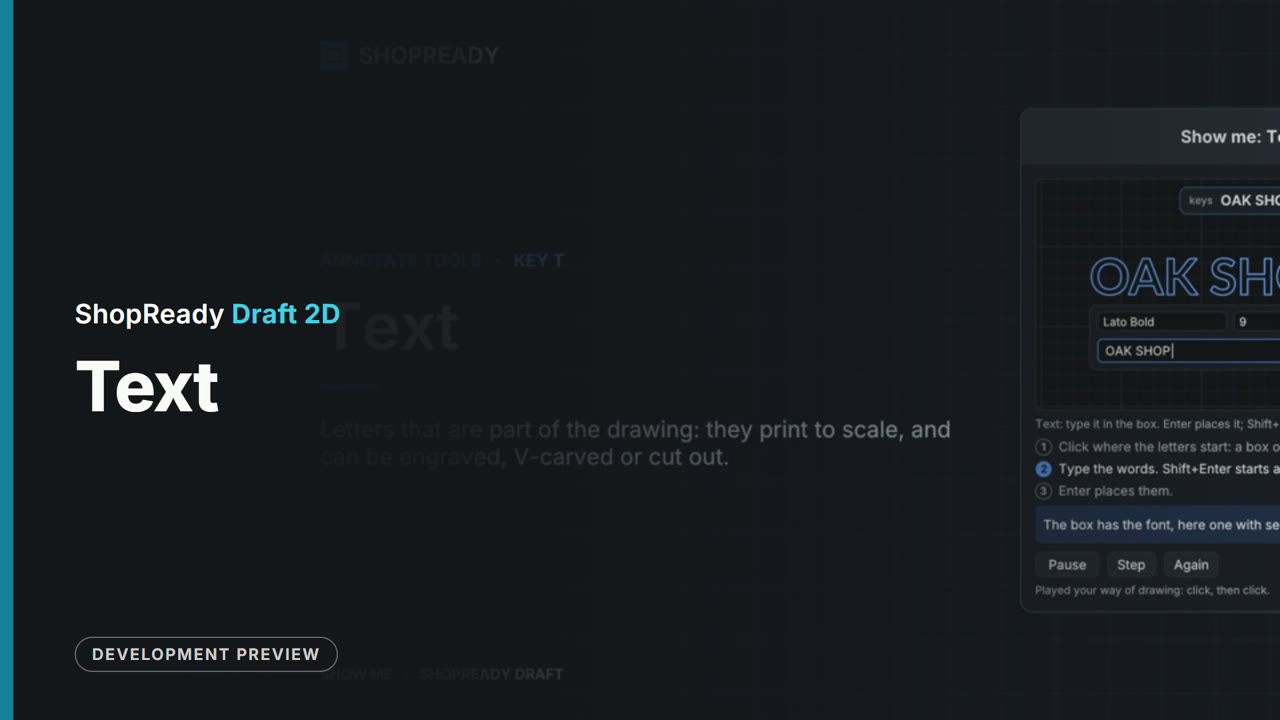 Lesson · 31 s
The Text tool: a short lesson
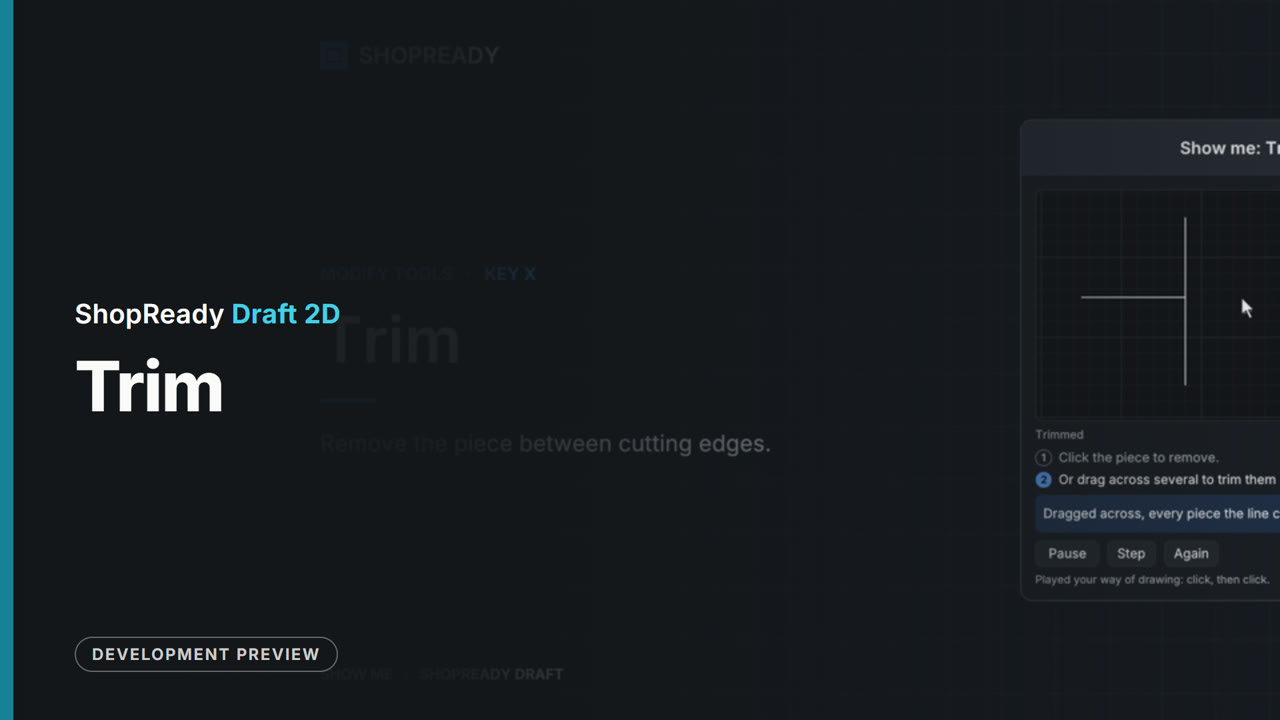 Lesson · 20 s
The Trim tool: a short lesson
How to, and things that move
Short lessons. Each one shows a single tool being used.
 Lesson · 35 s
A belt: a short lesson
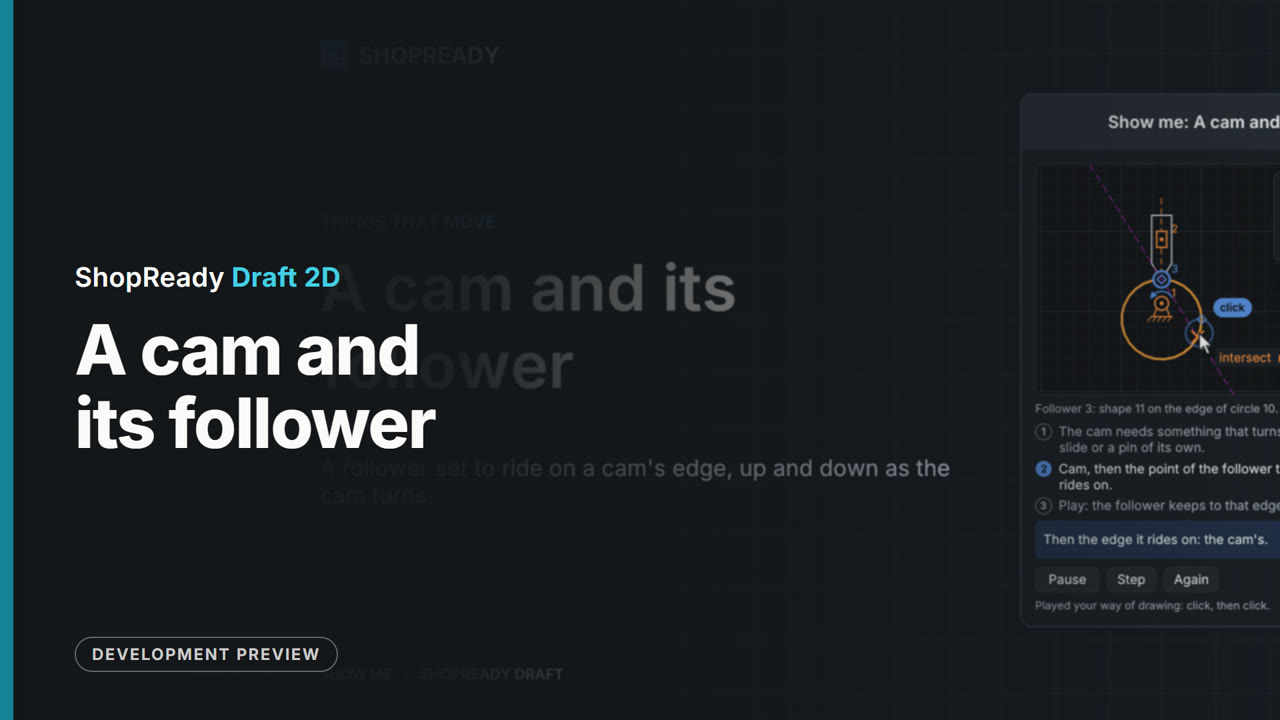 Lesson · 42 s
A cam and its follower: a short lesson
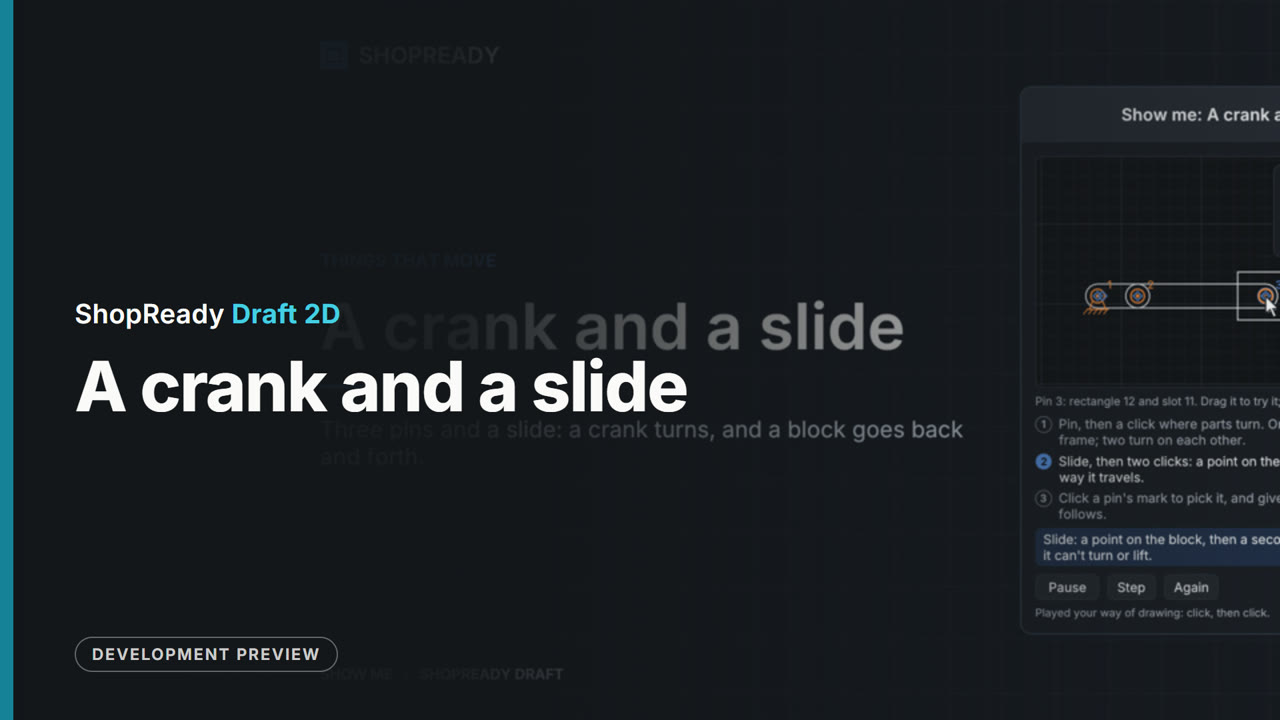 Lesson · 49 s
A crank and a slide: a short lesson
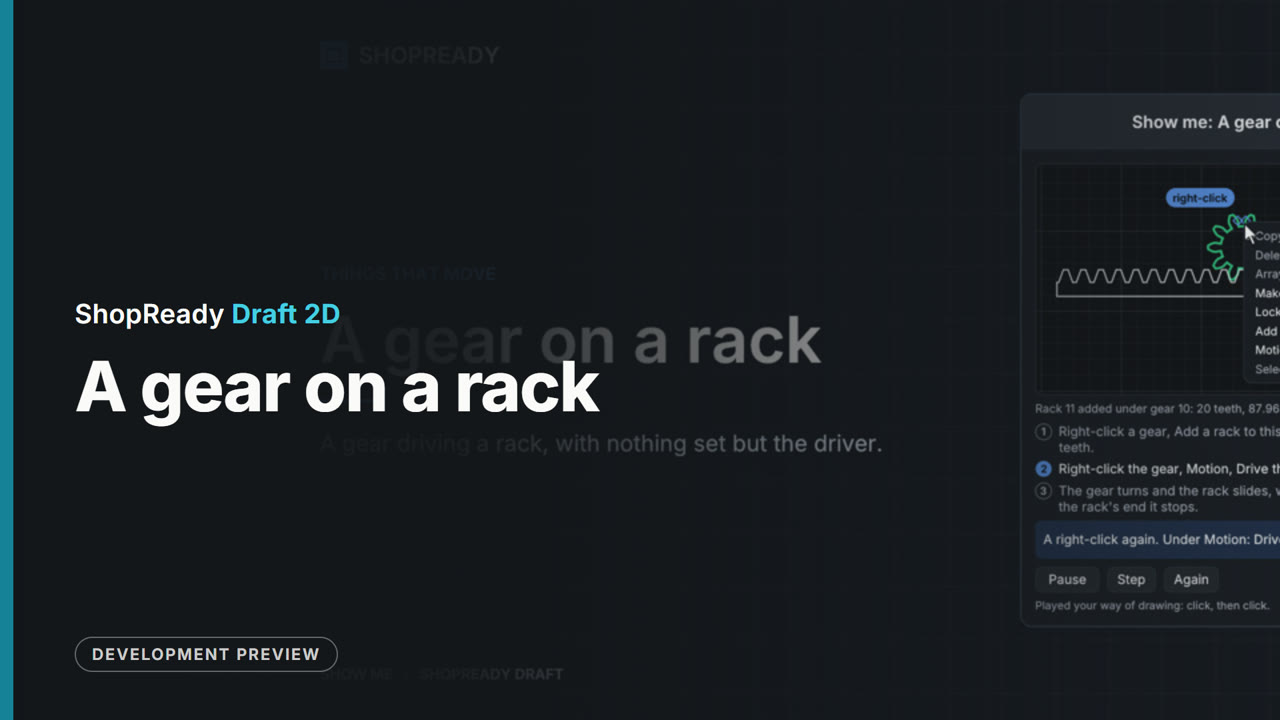 Lesson · 34 s
A gear on a rack: a short lesson
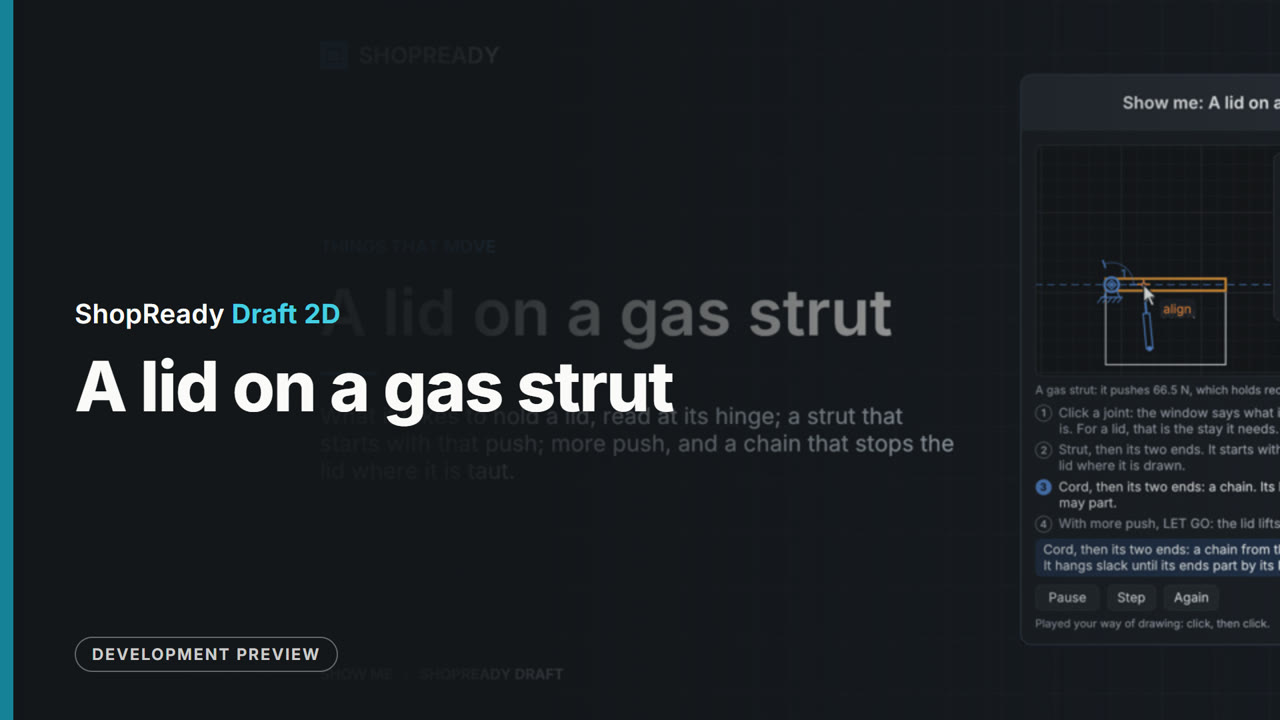 Lesson · 1:08
A lid on a gas strut: a short lesson
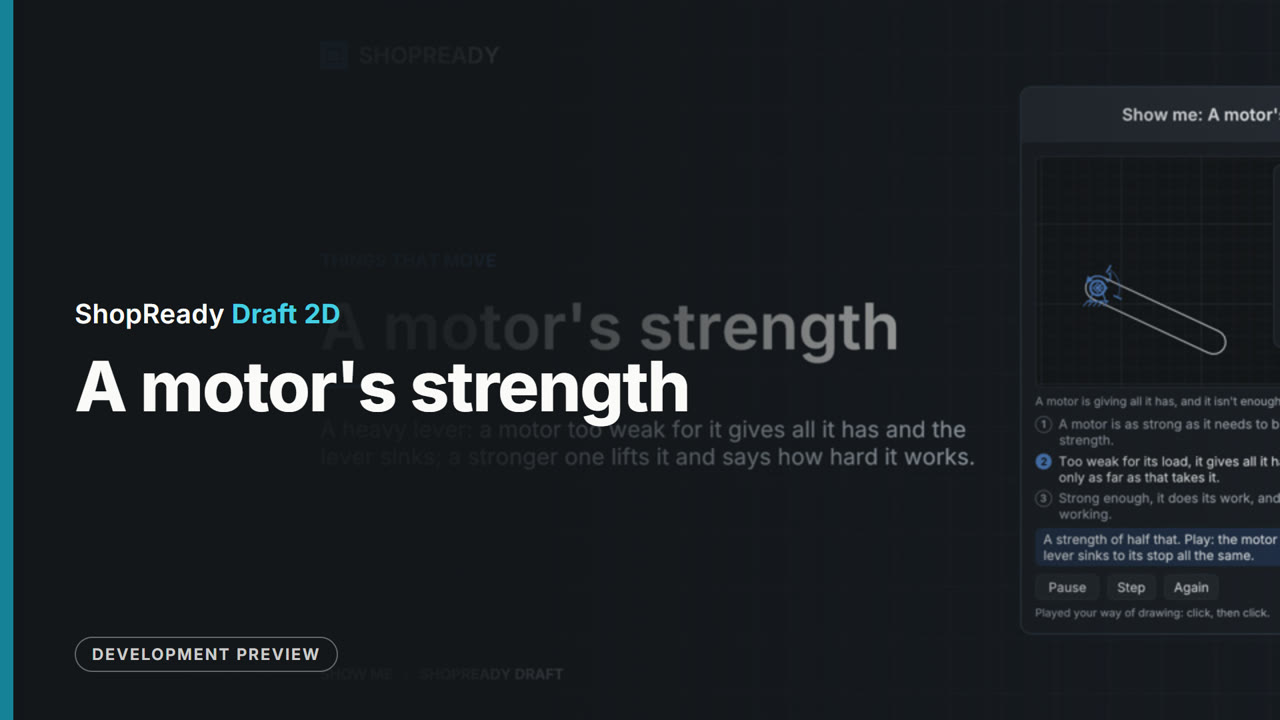 Lesson · 45 s
A motor's strength: a short lesson
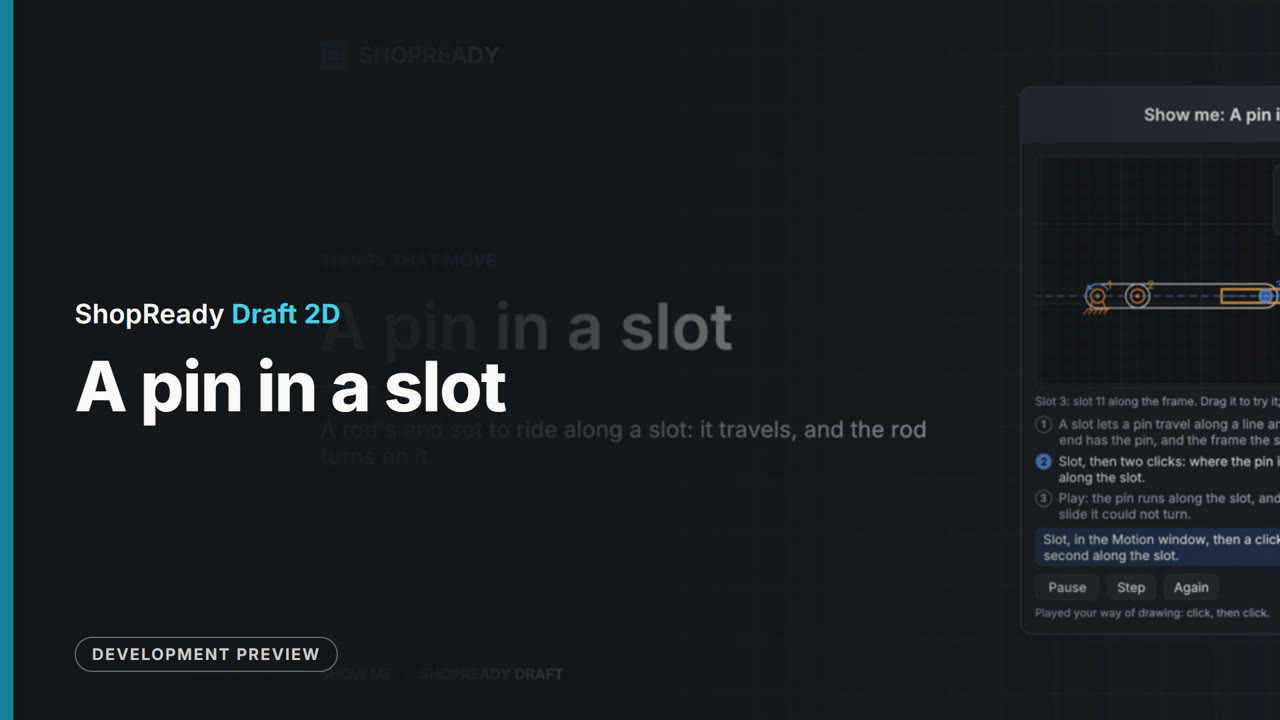 Lesson · 37 s
A pin in a slot: a short lesson
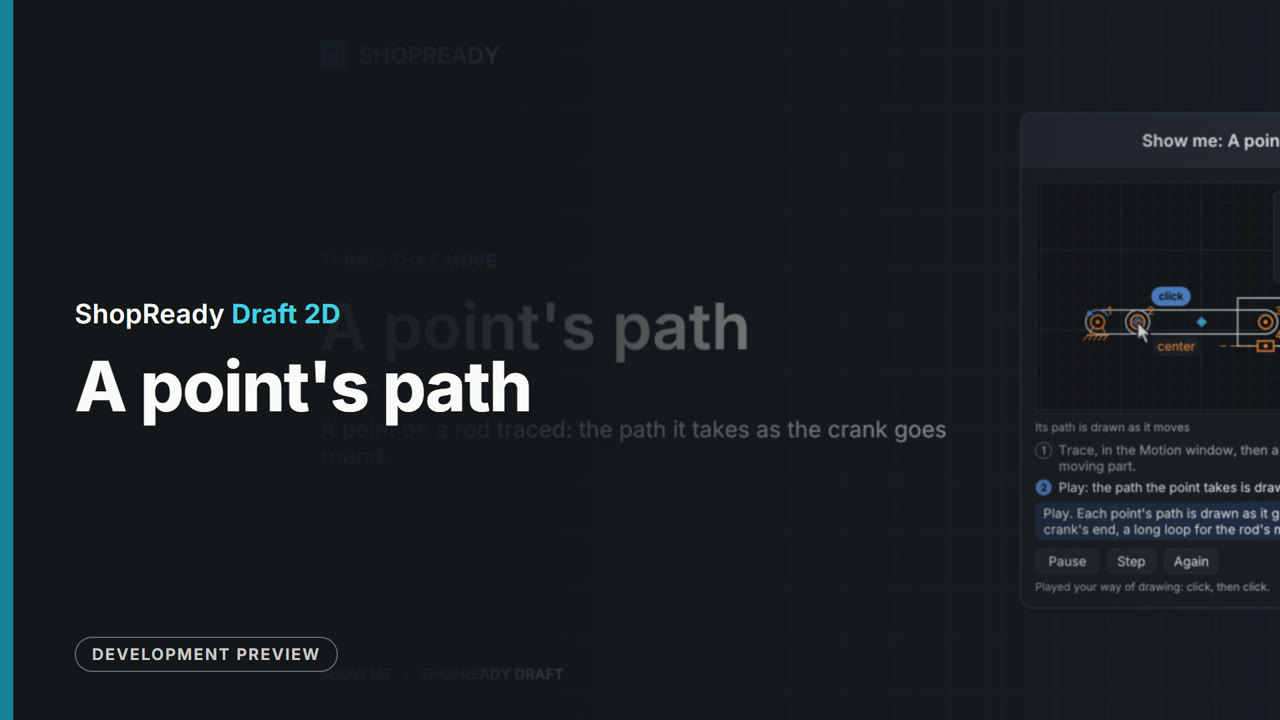 Lesson · 36 s
A point's path: a short lesson
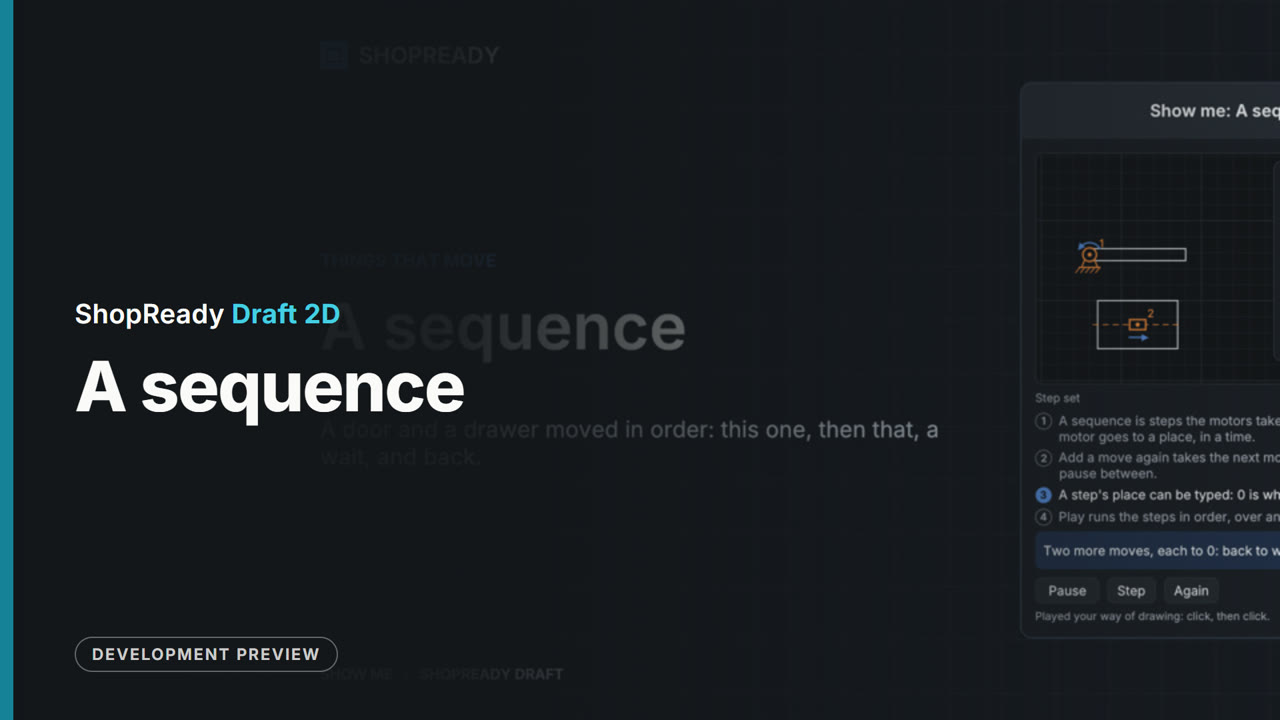 Lesson · 50 s
A sequence: a short lesson
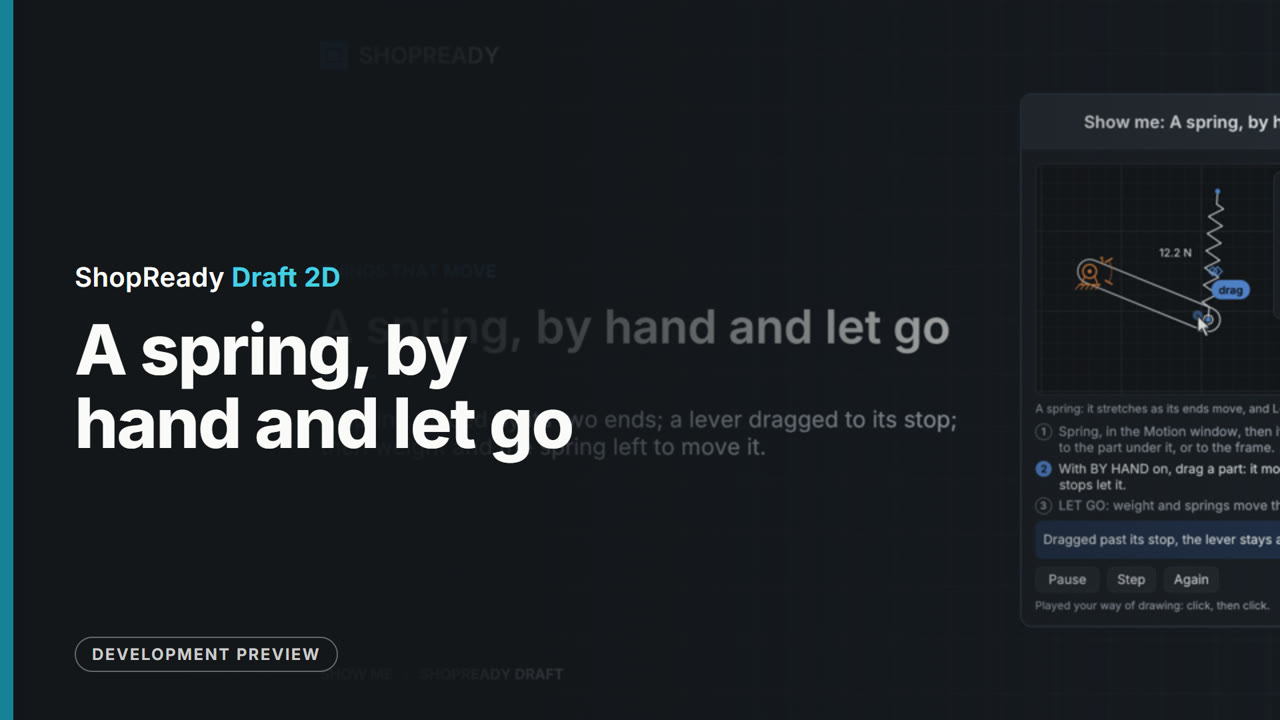 Lesson · 51 s
A spring, by hand and let go: a short lesson
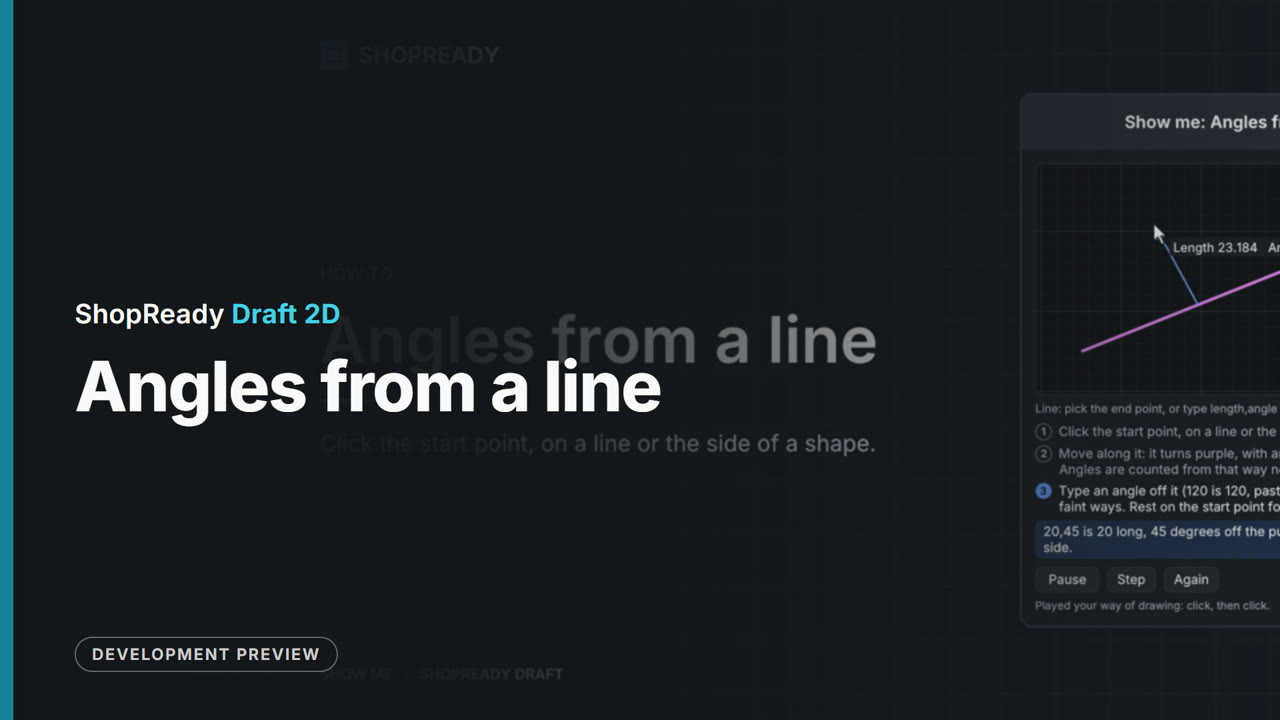 Lesson · 35 s
Angles from a line: a short lesson
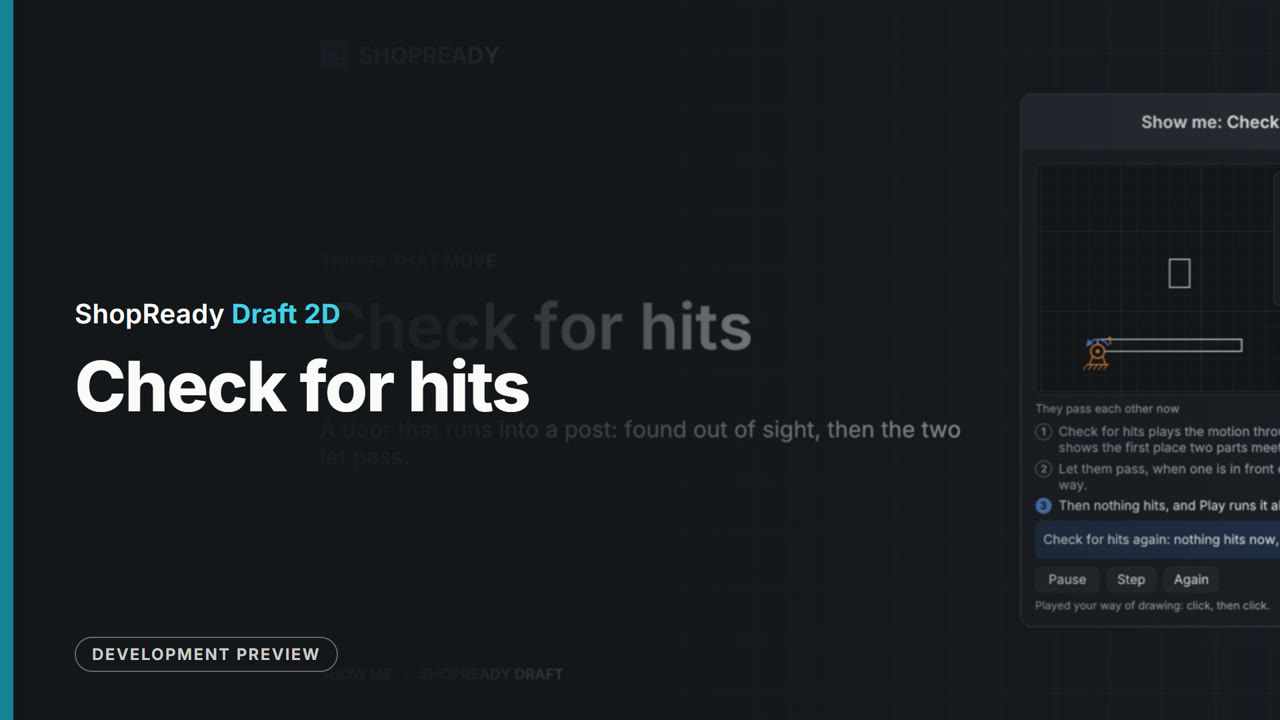 Lesson · 44 s
Check for hits: a short lesson
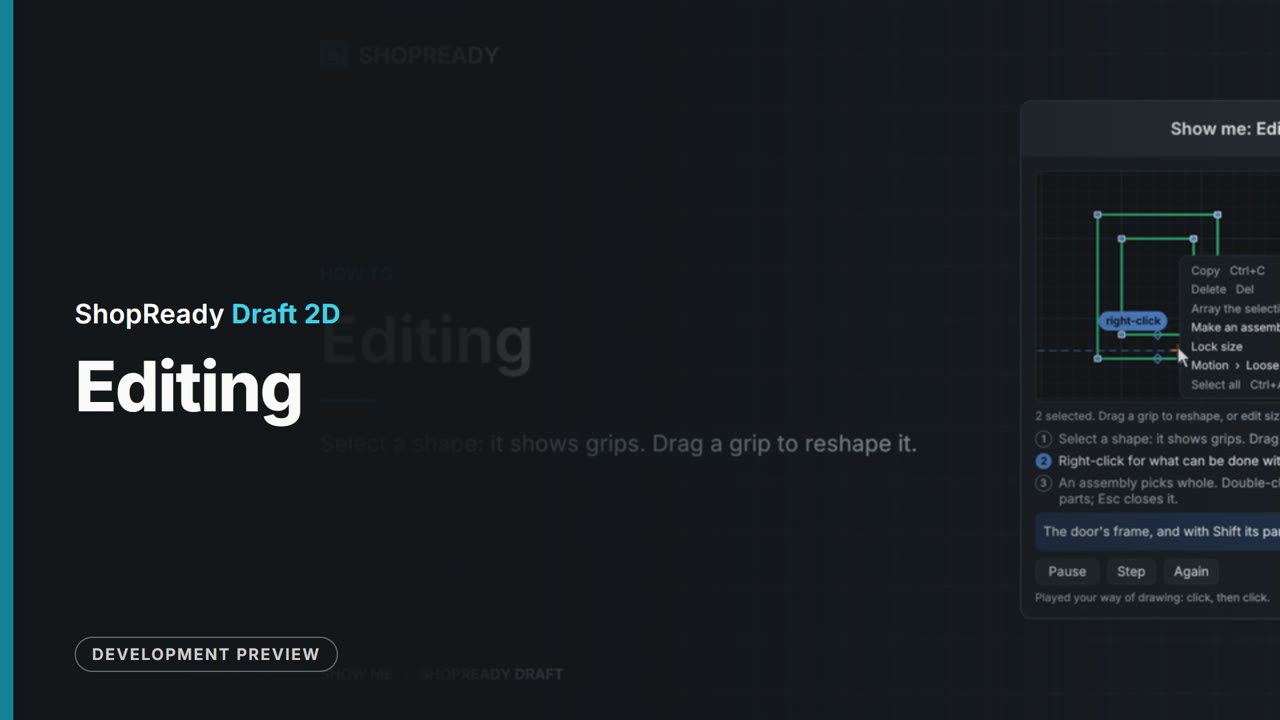 Lesson · 34 s
Editing: a short lesson
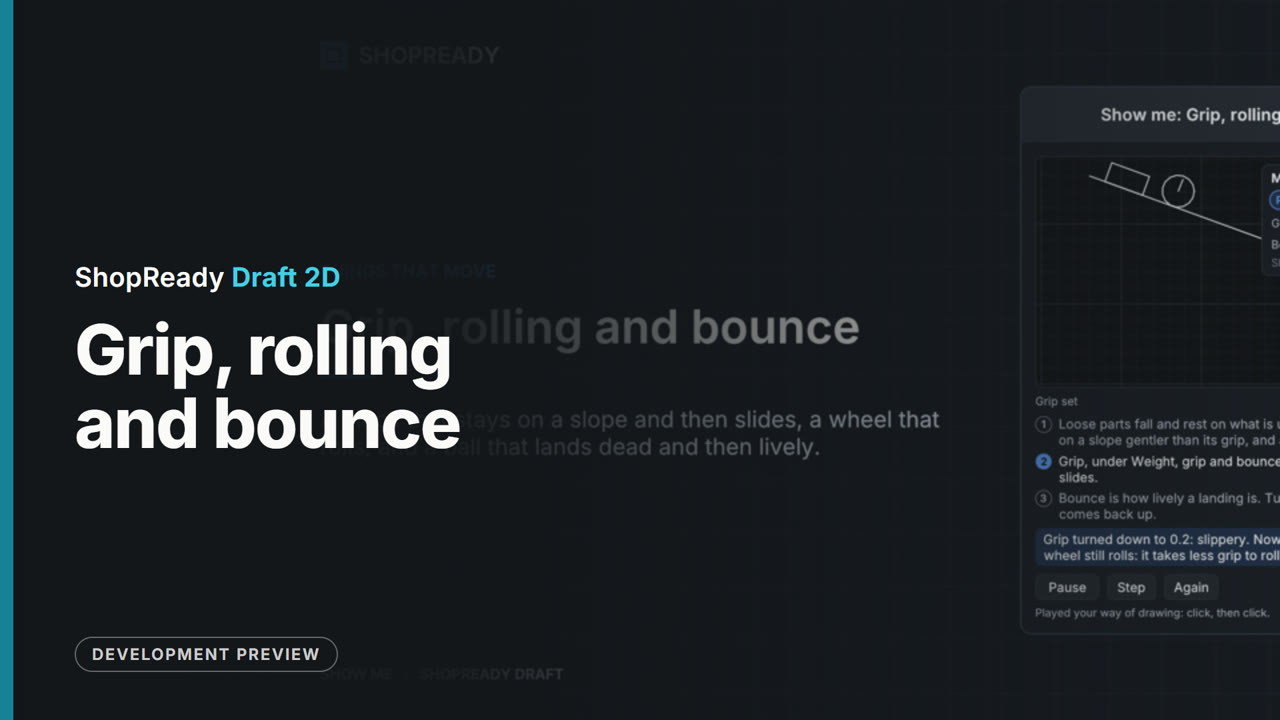 Lesson · 49 s
Grip, rolling and bounce: a short lesson
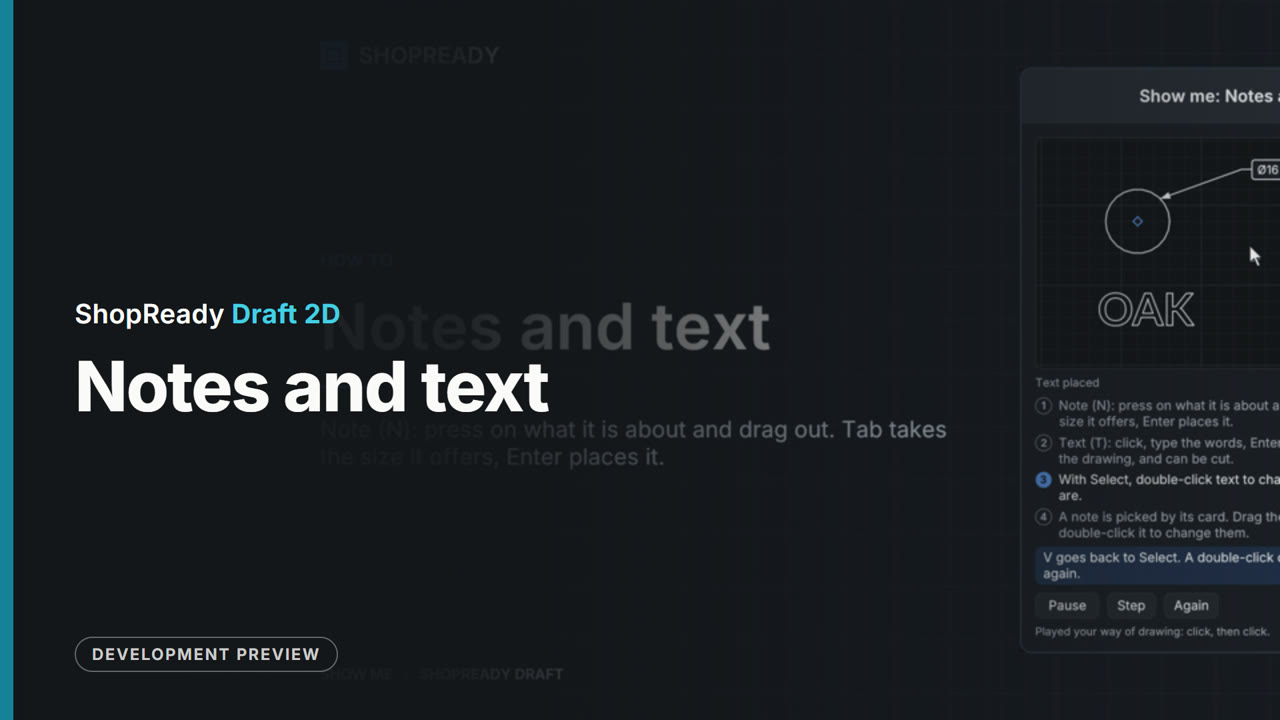 Lesson · 1:02
Notes and text: a short lesson
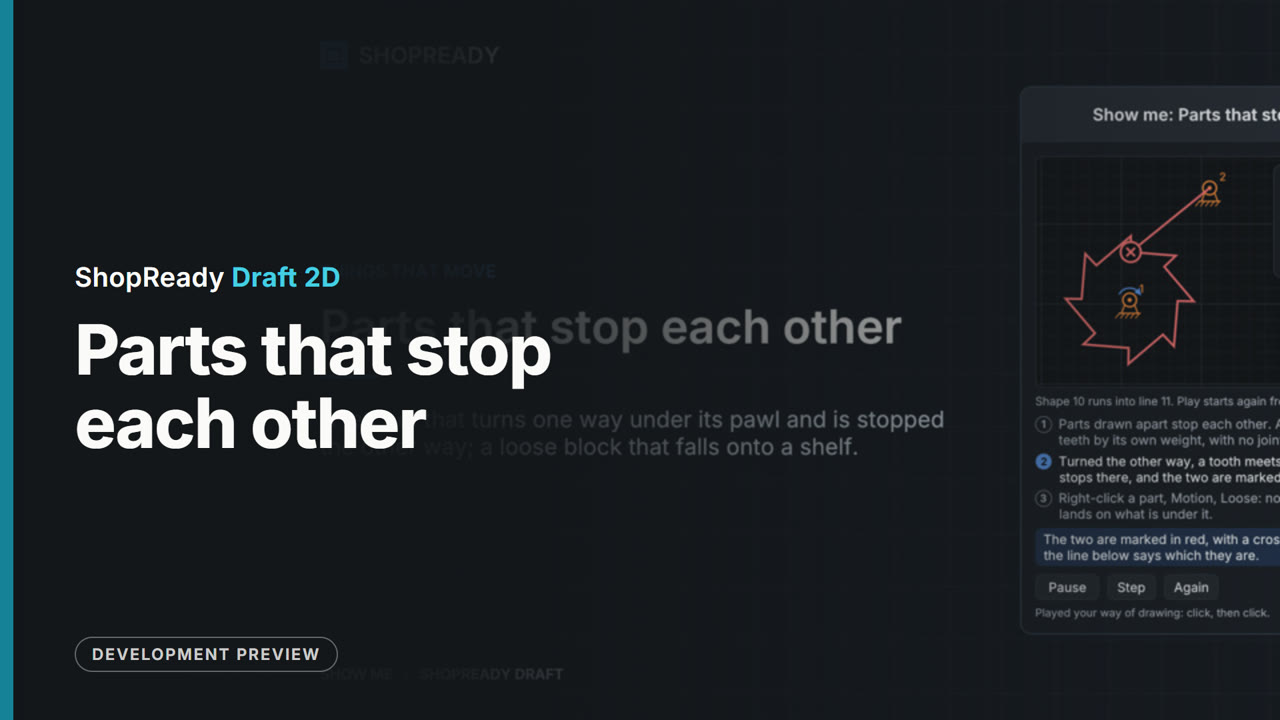 Lesson · 1:00
Parts that stop each other: a short lesson
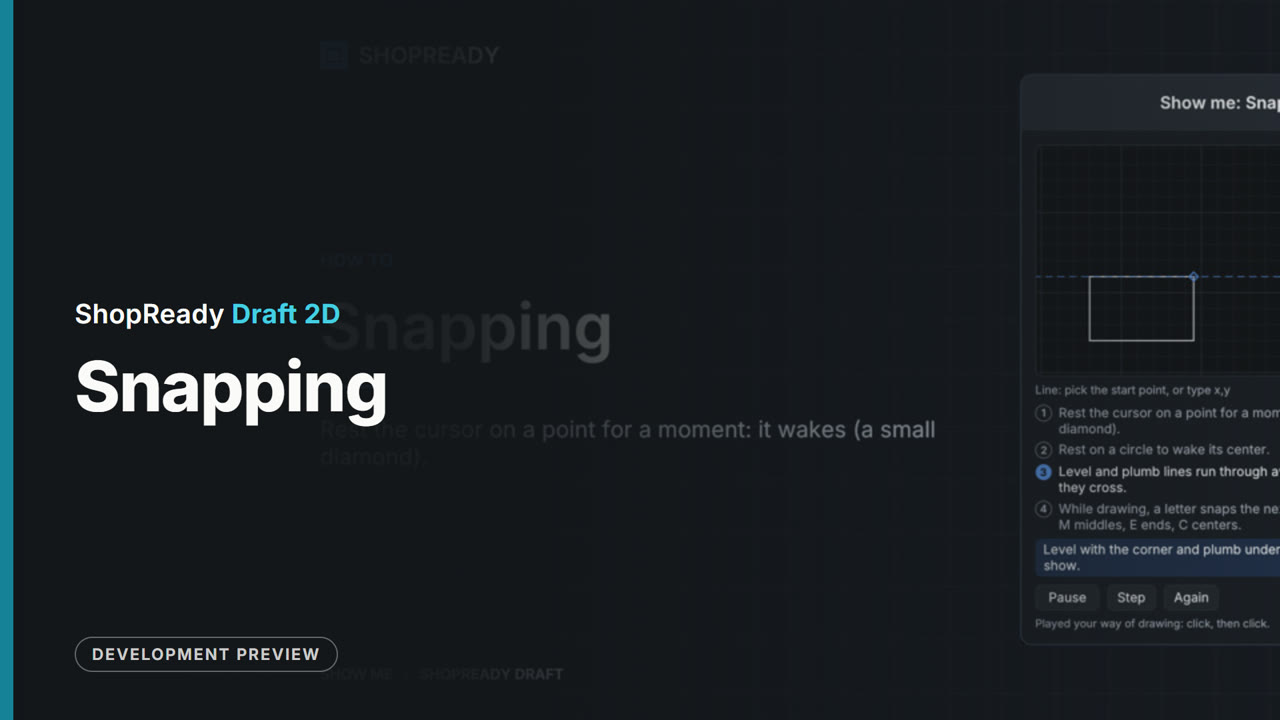 Lesson · 36 s
Snapping: a short lesson
 Lesson · 49 s
Switches and rules: a short lesson
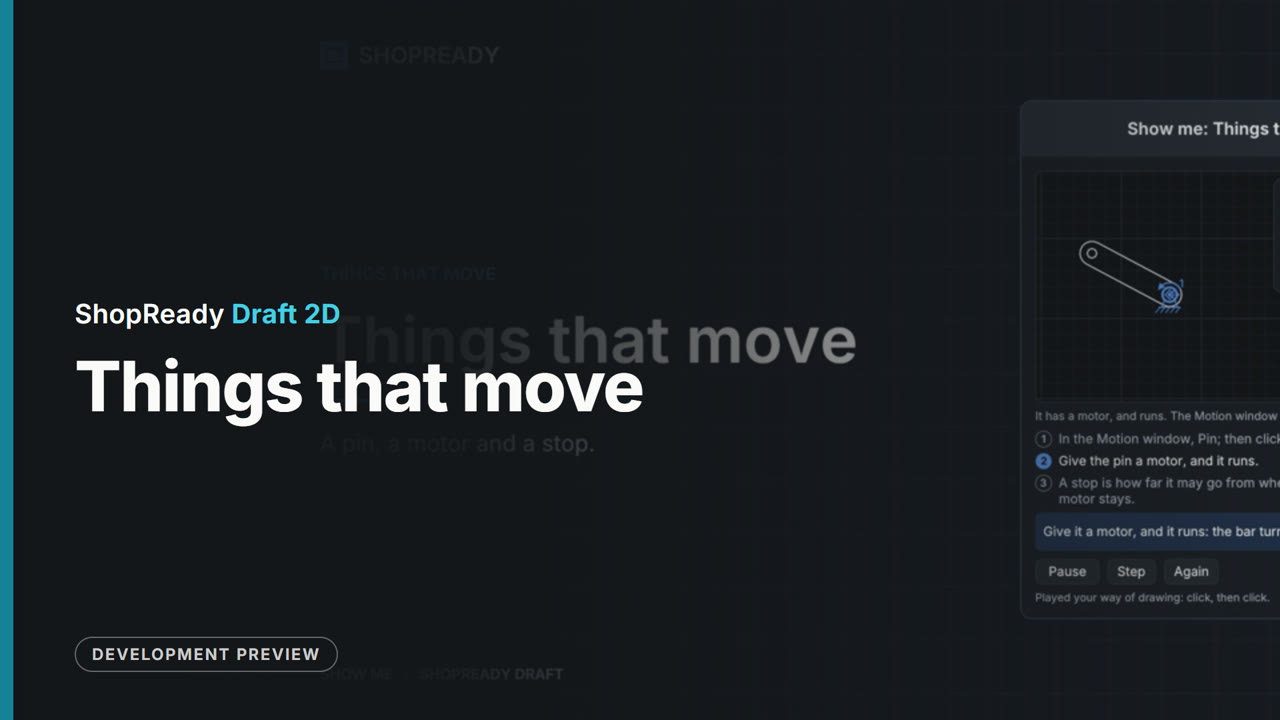 Lesson · 40 s
Things that move: a short lesson
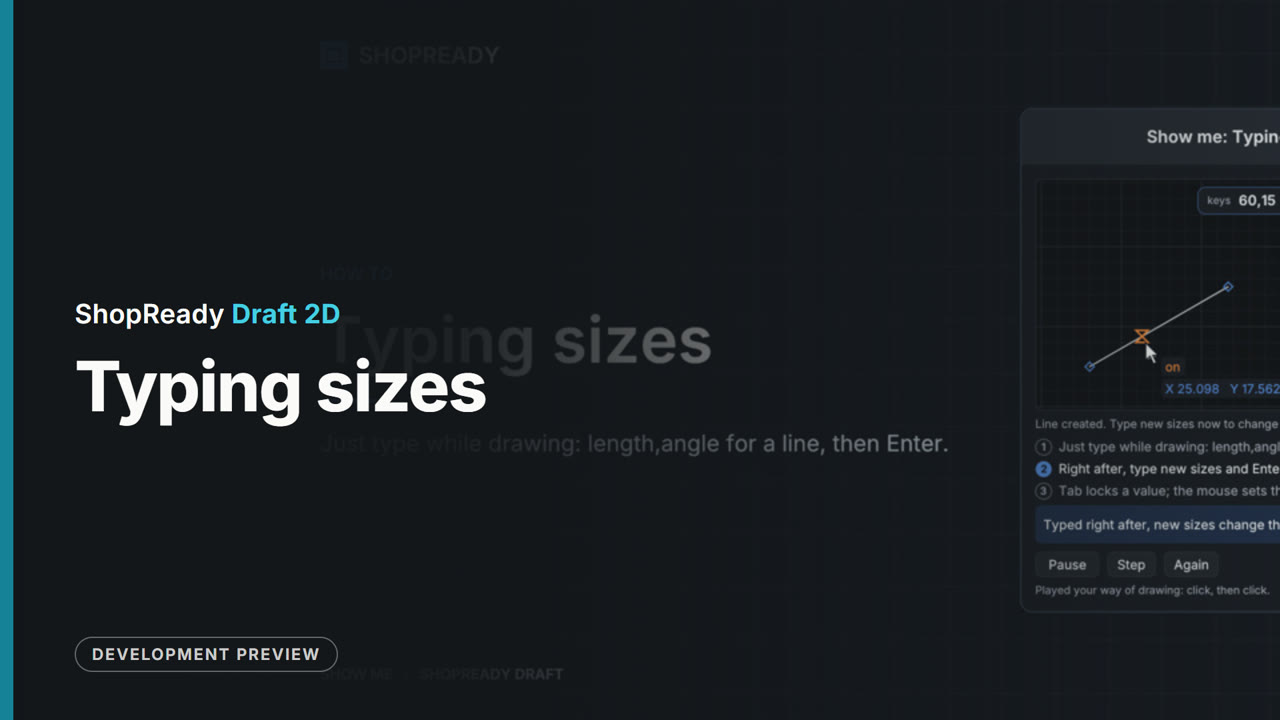 Lesson · 30 s