Skip to the page

ShopReady Draft 2D · Projects

Coming soon

Whole jobs, start to finish.

13 jobs followed from a blank screen to the finish. Watch one straight through, or take it a chapter at a time.

The whole job · 8:36

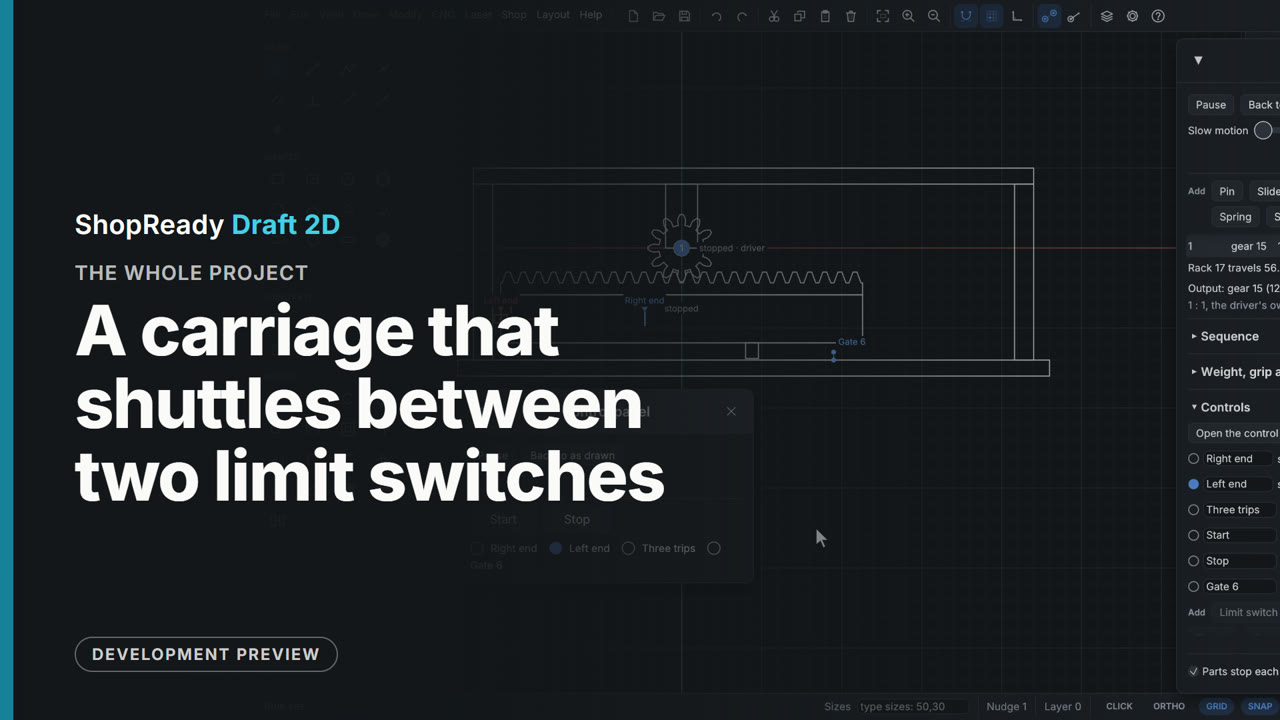
A carriage that shuttles between two limit switches: the whole project

A rack-and-pinion carriage and its control logic, built from a blank drawing in six steps. The drawing side is rectangles, the Gear tool, a rack added to the gear by a right-click, and an assembly. The Motion window gives it a slide and a motor; the Controls section adds two limit switches, a counter, two buttons and a gate, and five rules that read as plain sentences; the control panel runs it. It shows a machine's wiring tried out on the drawing before anything is built: what each switch is for, what each rule does, and the log of what happened.

  1. 1The carriage and its rack1:30
  2. 2A slide, a motor, and why it needs switches1:15
  3. 3Two limit switches and two rules1:31
  4. 4A counter, an alarm and the log1:15
  5. 5Start, Stop and the control panel1:53
  6. 6A stepper, a light beam, and the finished machine1:53
Watch the whole job
The whole job · 5:04

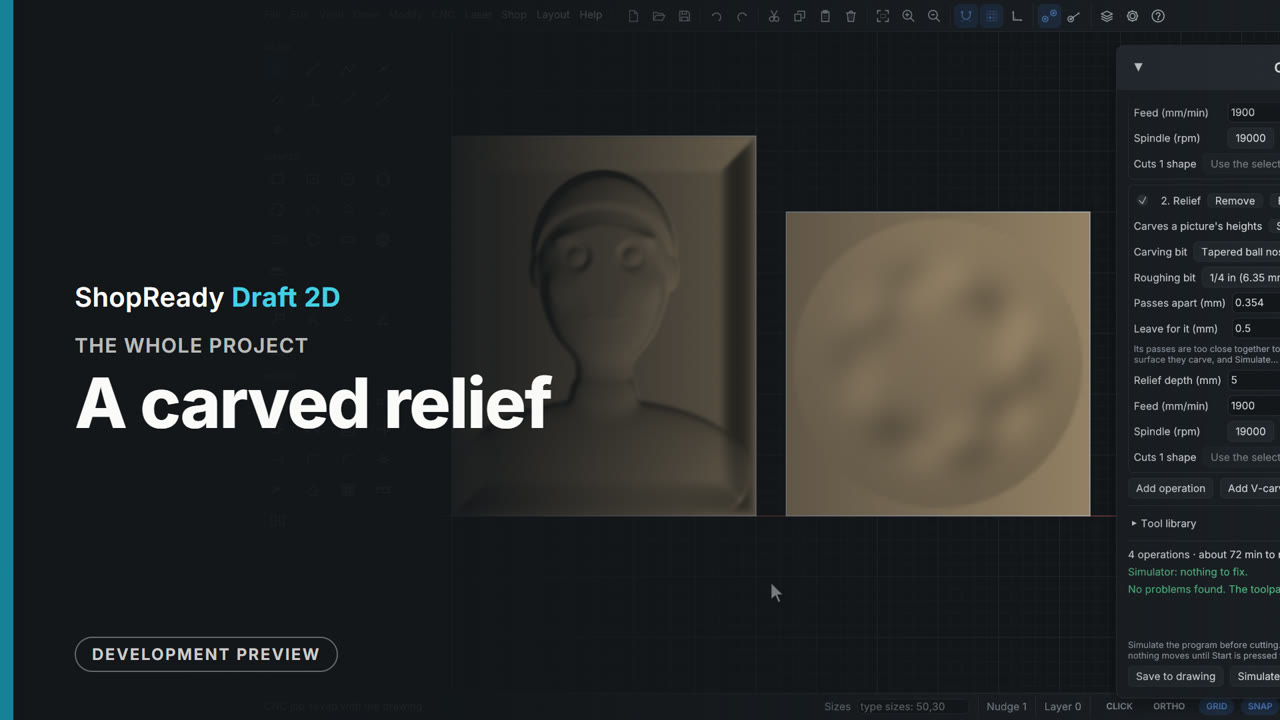
A carved relief: the whole project

A relief carved from a depth picture, start to finish in four chapters. The picture is opened in the picture window, carved as a Relief, shaped with Flat background, Fade the edge, Fullness and Depth, and placed; the CNC job roughs it with an end mill and carves it with a tapered ball nose, with the passes, ridges, depth and run time in plain sight. Shape it brings the picture back to turn the head into a mold, a 3D model is added beside it from an STL file, and the simulator carves the whole job and finds nothing to fix.

  1. 1Shaping the picture1:20
  2. 2Two bits1:26
  3. 3Shape it, and turn it over58 s
  4. 4A 3D model, and the check1:52
Watch the whole job
The whole job · 7:42

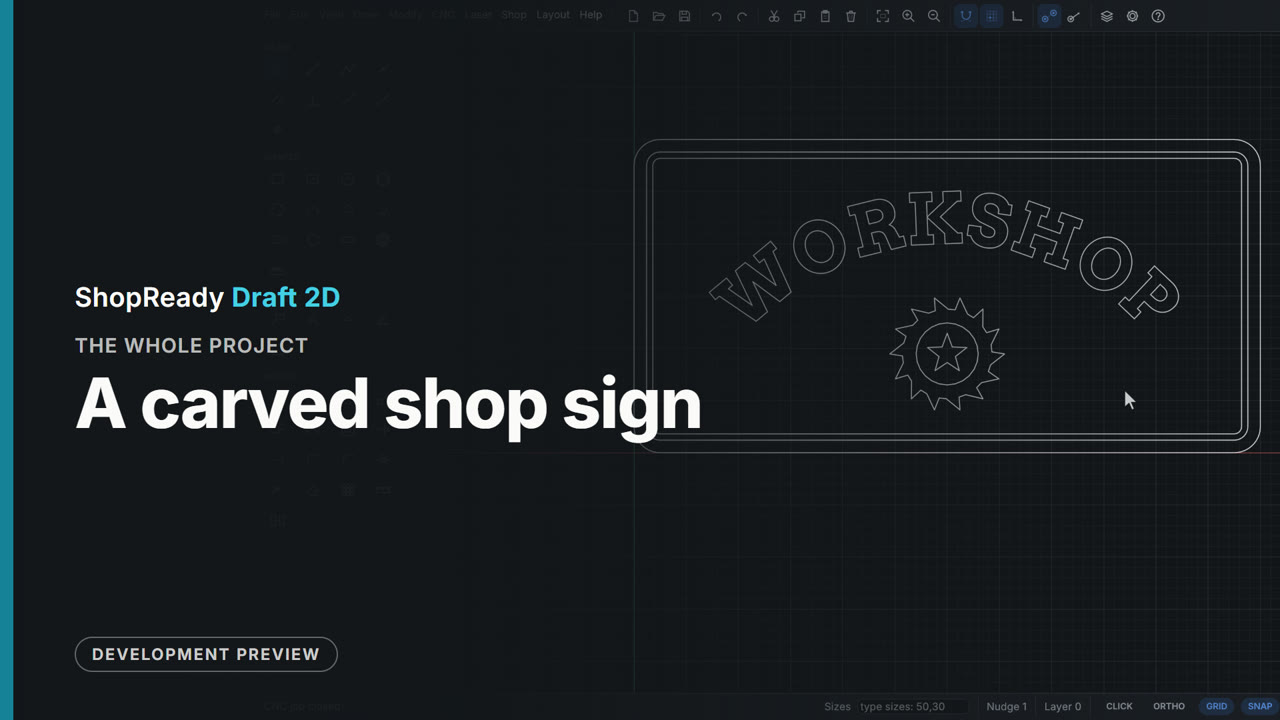
A carved shop sign: the whole project

A carved shop sign followed from a blank drawing to a machine. A 600 by 300 mm board is drawn by typing its size; WORKSHOP is set in a carving font round an arc; a border band is made by two offsets; an emblem is traced from a picture. Everything inside the edge is V-carved, with an end mill clearing the flat floors; the outline is cut out last, ramped in, on four tabs placed by hand, starting on the bottom edge. The simulator finds nothing to fix, a job sheet and three programs are written, and the first program is framed, checked, started, paused, resumed and run to its end on a pretend router.

  1. 1The board and its lettering1:12
  2. 2A border and an emblem58 s
  3. 3The V-carve1:04
  4. 4Cutting it out1:32
  5. 5Checked, and a job sheet53 s
  6. 6To the machine (a pretend router)1:31
  7. 7Start, pause, resume, done (a pretend router)1:43
Watch the whole job
The whole job · 7:09

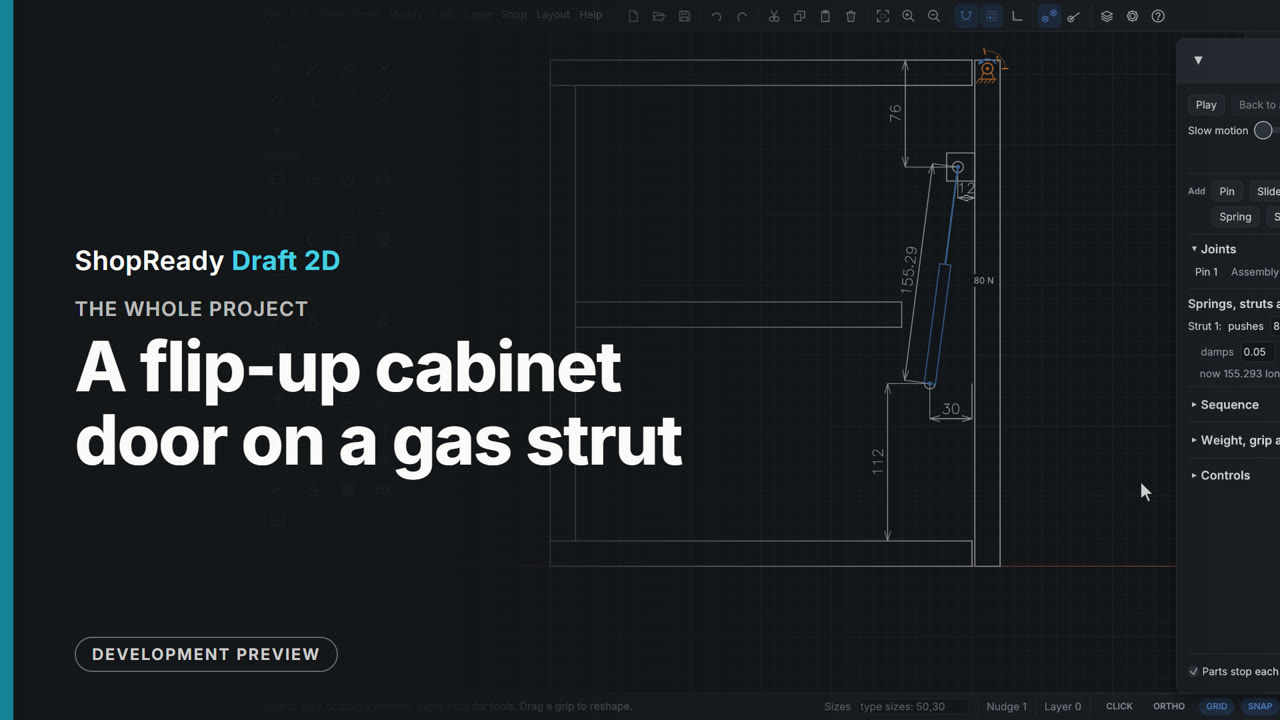
A flip-up cabinet door on a gas strut: the whole project

A wall cabinet's flip-up door, from a blank drawing to the strut to buy and where to screw it. The cabinet is drawn from the side with rectangles and typed sizes; the door is pinned at its hinge with stops and pulled by hand; Check for hits finds the door's back corner binding on the cabinet top and the Clearance tool gives it a 2 mm reveal. A gas strut between two drawn studs is sized by the program (71.6 N holds this 3 kg door level; an 80 N strut is fitted), let go to see the door stay shut and stay open, and its fixing point is tried in a worse place and put back. The last chapter reads off the strut's lengths, saves a film of the swing and dimensions the fixing points.

  1. 1The cabinet from the side1:09
  2. 2A pin, stops, and a pull by hand52 s
  3. 3Where it binds, and the fix1:03
  4. 4Fixing points, weight, and a strut1:11
  5. 5The strut to buy55 s
  6. 6What the hinge holds, and moving a fixing point1:13
  7. 7The strut's length, a film, and the sizes for the shop1:45
Watch the whole job
The whole job · 8:17

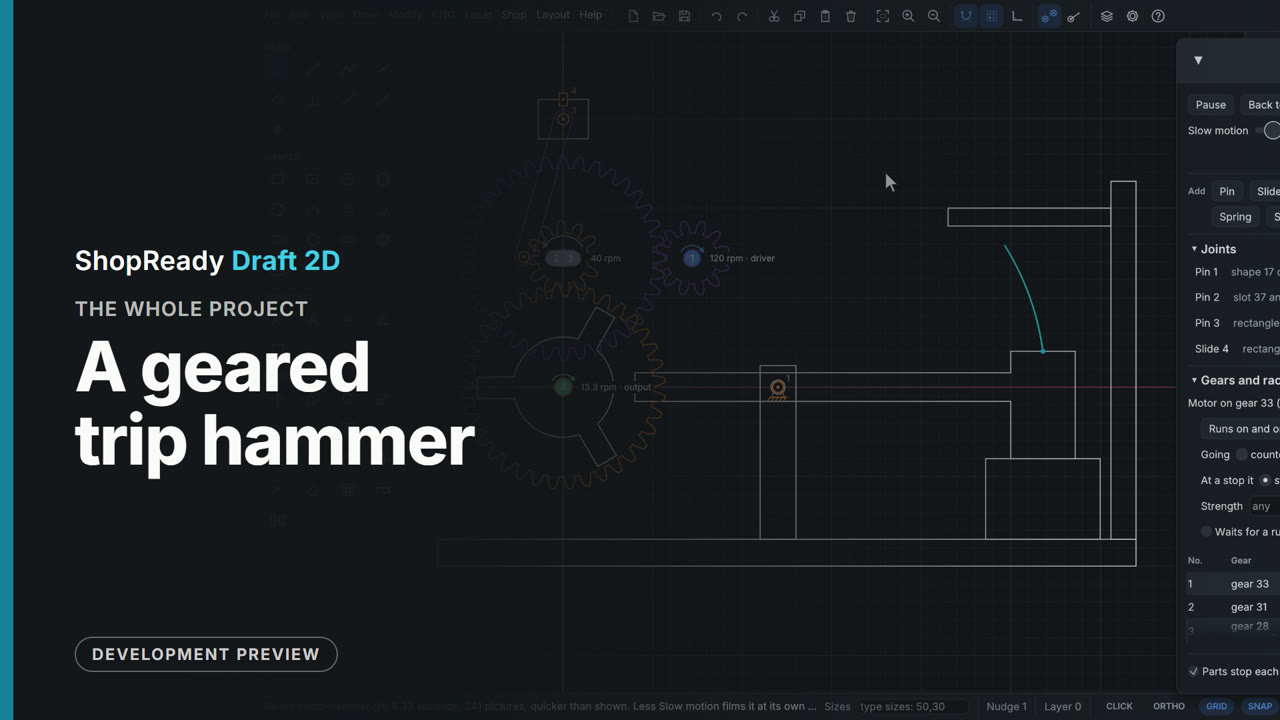
A geared trip hammer: the whole project

A geared trip hammer built from a blank drawing in seven steps: a frame and a hammer from rectangles with typed sizes, a cam wheel made with Array and Weld, two pairs of gears placed on the meshing ring, a pin, a motor and a crank with a slide. It shows the ordinary drawing tools and snaps, the Gear tool, layers as heights, assemblies, the Motion window's joints, the gear train's table and ratio, parts pushing each other by touch alone, weight, Check for hits and the Clearance tool, Trace, Slow motion and Save a film. Nothing in the machine is scripted to move: the motor turns one gear and everything else follows from how the parts are drawn.

  1. 1The frame and the hammer1:08
  2. 2The cam wheel1:07
  3. 3The gear train1:28
  4. 4A pin, a motor, and the first run1:30
  5. 5Check for hits, and room to work1:13
  6. 6A crank and a pump off the same train1:34
  7. 7The head's path, a film, and the machine running1:13
Watch the whole job
The whole job · 4:26

A photo on wood: the whole project

A photo was engraved on wood and cut out with a frame. The film shows the picture window at its Laser choice, the picture on the drawing shown as it will burn, the ways of burning it (Dither, Newsprint, Threshold, Grayscale), brightness, contrast and line spacing with the run time following, the dots seen close up, a material test made from its numbers, a frame drawn on a Cut layer, and the preview with its clock.

  1. 1The picture comes in1:01
  2. 2Dots, shades and how fine1:25
  3. 3A material test1:09
  4. 4A frame, and the preview1:24
Watch the whole job
The whole job · 6:56

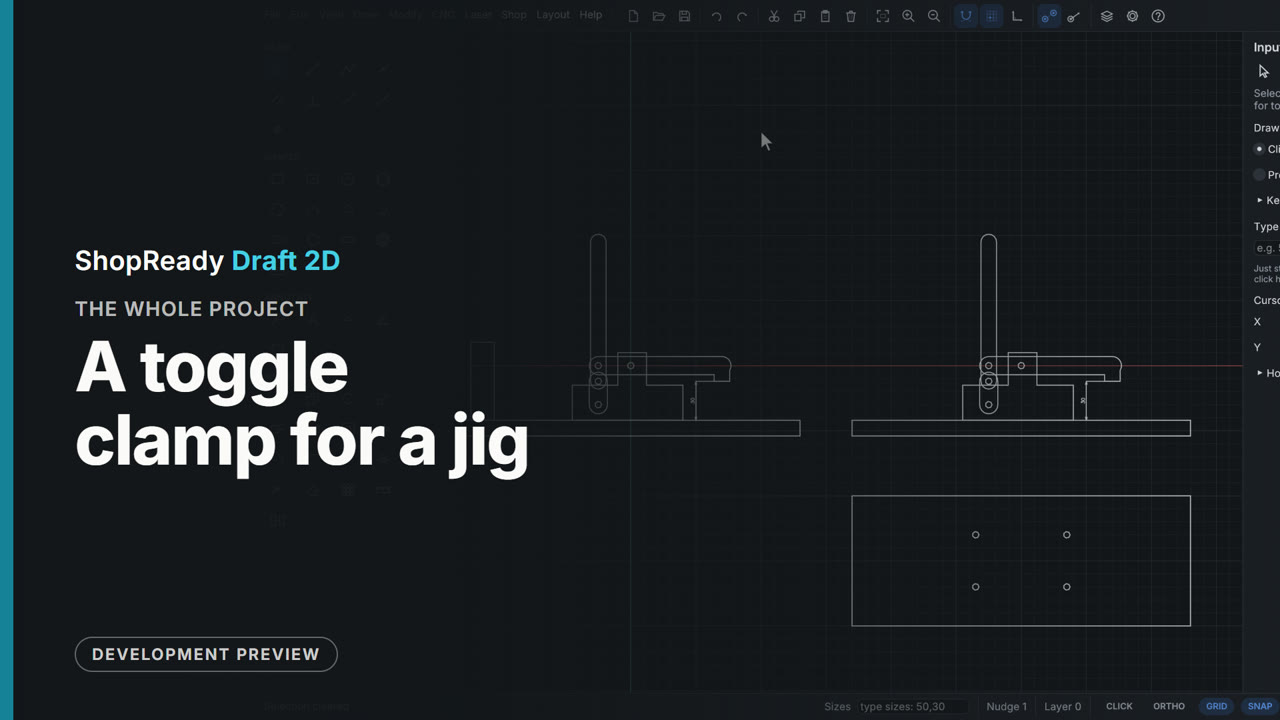
A toggle clamp for a jig: the whole project

A toggle clamp for a jig, from a blank drawing to two working clamps and a plate ready to cut. The four parts are drawn from the side as rectangles and slots with typed sizes and welded where two shapes make one part. Four clicks pin them into a four-bar linkage that is pulled by hand; stops on the link make the lock, and a spring under the pad shows it: short of center the clamp springs open, past center it holds. A fence in the handle's way is found with Check for hits and moved with the Clearance tool, the pad's path is traced, the spindle is stretched for thicker work with its dimension following, and the whole clamp is copied, joints and all, onto a second plate. The plate is drawn from above with mirrored holes and checked for cutting.

  1. 1The four parts1:37
  2. 2Four pins, a pull by hand, and stops1:16
  3. 3Over center, it locks1:08
  4. 4Room for the handle, and the pad's path1:07
  5. 5Set for thicker work59 s
  6. 6Copied to a second plate, and ready to cut1:36
Watch the whole job
The whole job · 4:05

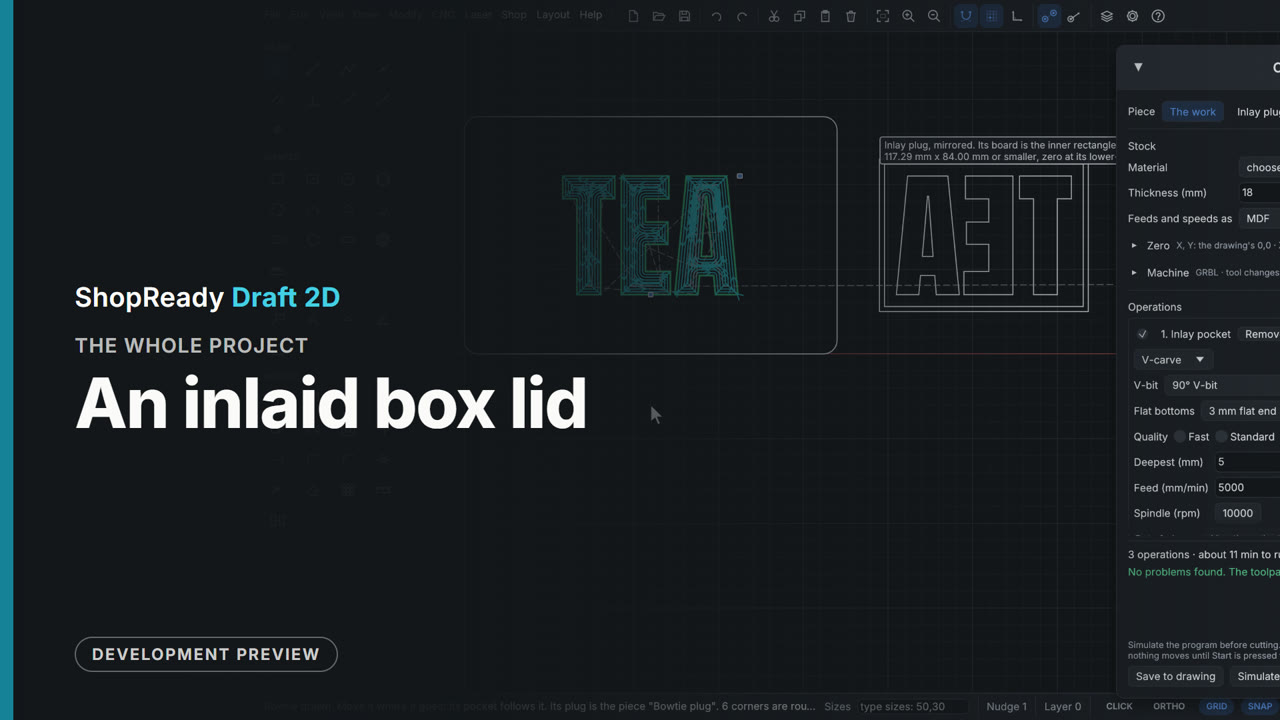
An inlaid box lid: the whole project

A box lid with a word inlaid in it. The lid and the word are drawn from a blank drawing; the Inlay window shows the pocket and the plug seated, to scale; a test coupon is drawn and simulated first; then Make the inlay carves the pocket in the lid and draws the mirrored plug on a board of its own, as a second piece of the job with its own zero and program. Each piece is simulated with nothing to fix. A last chapter shows the same window with a straight bit, and a bowtie.

  1. 1The lid and its word1:00
  2. 2The Inlay window, and a test coupon1:14
  3. 3Make the inlay1:29
  4. 4A straight bit, and a bowtie54 s
Watch the whole job
The whole job · 4:27

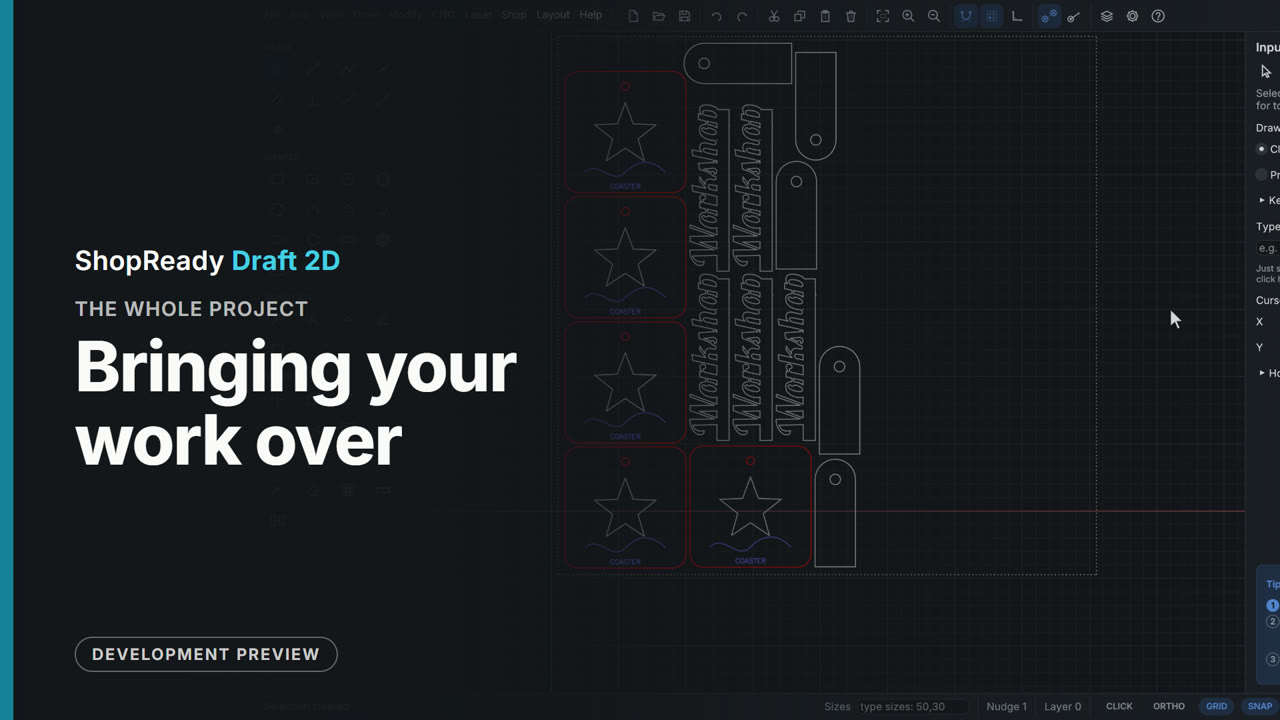
Bringing your work over: the whole project

Work made elsewhere was brought into the program and made ready to cut. The film shows a laser project file opening with its layers and cut settings in the laser job, an SVG dropped on the window with its colors as layers, Tidy up for cutting mending a drawing with doubled lines and an open corner, Weld making overlapping letters one outline, and Nest the selected shapes packing copies onto a sheet the size of a laser's bed.

  1. 1A laser project file1:11
  2. 2An SVG, colors to layers1:04
  3. 3Tidy up for cutting54 s
  4. 4Weld into one shape1:08
  5. 5Nest the shapes on a sheet55 s
Watch the whole job
The whole job · 9:47

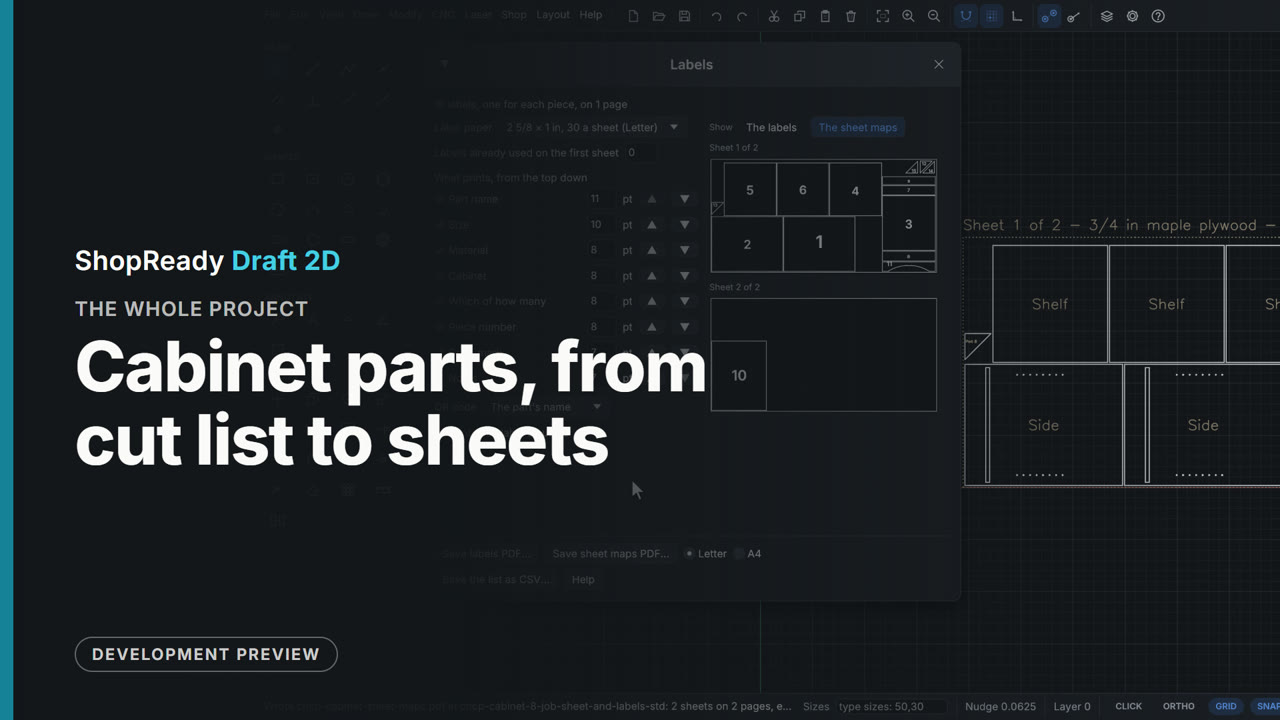
Cabinet parts, from cut list to sheets: the whole project

A 24 inch base cabinet taken from its cut list to labelled, nested sheets. The cut list is imported from a spreadsheet file, an arched toe valance and four corner gussets are drawn and added as shaped parts, and all fifteen pieces are nested on a sheet of 3/4 in plywood and one of 1/4 in, with parts moved by hand and the overlap warning shown. The CNC job comes ready with a piece for each sheet, its stock the sheet's material and zero at the sheet's corner. On the nested sheet the Sides get a dado and shelf-pin holes; Add operation makes the dadoes a pocket and the holes a drilling operation, the pocket gets dogbone corners, the parts are cut out in a safe order with tabs on the small ones, and the job comes out with no problems found. A job sheet, a label for every piece and a map of each sheet finish it.

  1. 1The cut list1:01
  2. 2Two parts with a shape1:25
  3. 3Materials and the nest1:09
  4. 4Moved by hand, then drawn1:22
  5. 5The job, its stock and its sheet1:18
  6. 6A dado and shelf-pin holes1:36
  7. 7Pockets, cutting order and tabs1:45
  8. 8The job sheet and the labels1:30
Watch the whole job
The whole job · 7:06

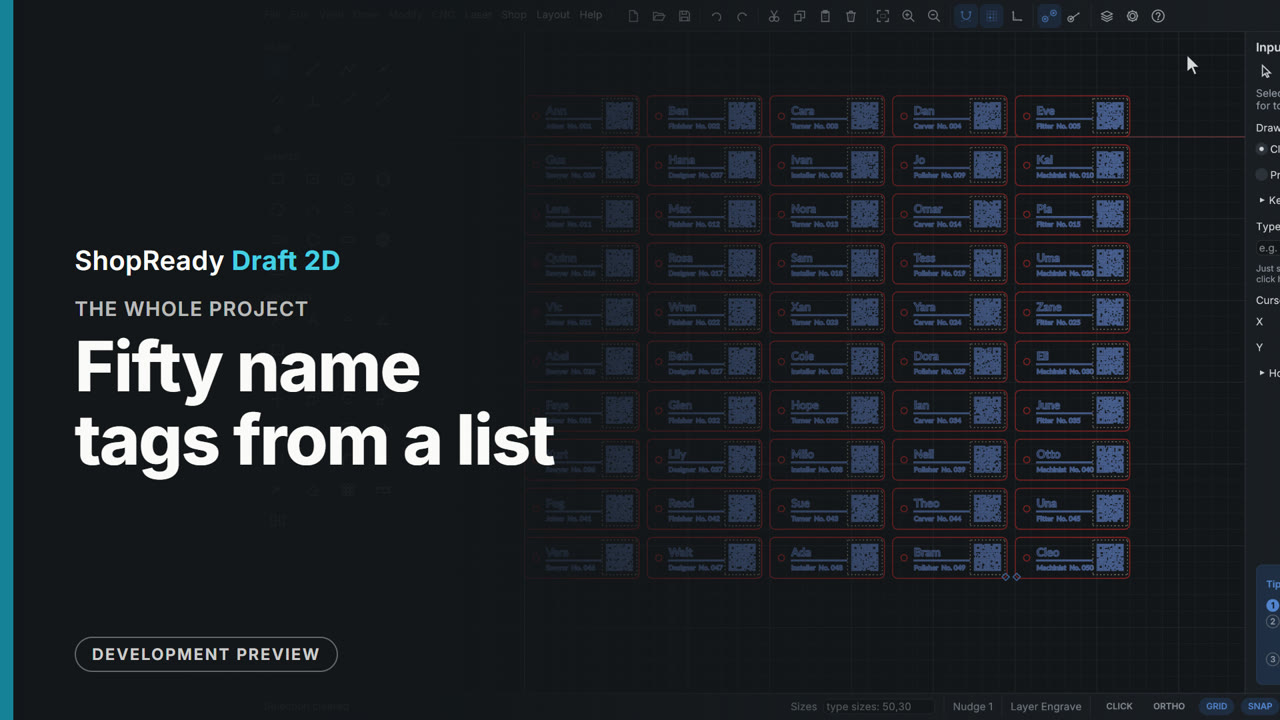
Fifty name tags from a list: the whole project

Fifty name tags were made from one drawn tag and a spreadsheet list. The film shows drawing with typed sizes and layers, text and a QR code with fields in braces, a CSV list filling them, Make many laying out a copy for every row, the laser job with its Fill and Line layers, tabs, order, run time, kept settings and start point, the preview with its clock, and the Machine window with a pretend laser: connect, home, frame, start, pause, resume.

  1. 1One tag, drawn1:11
  2. 2A code, and a list of names1:14
  3. 3Fifty from one1:02
  4. 4The laser job1:00
  5. 5A shorter run, kept settings, where it starts58 s
  6. 6The preview58 s
  7. 7To the machine1:47
Watch the whole job
The whole job · 4:37

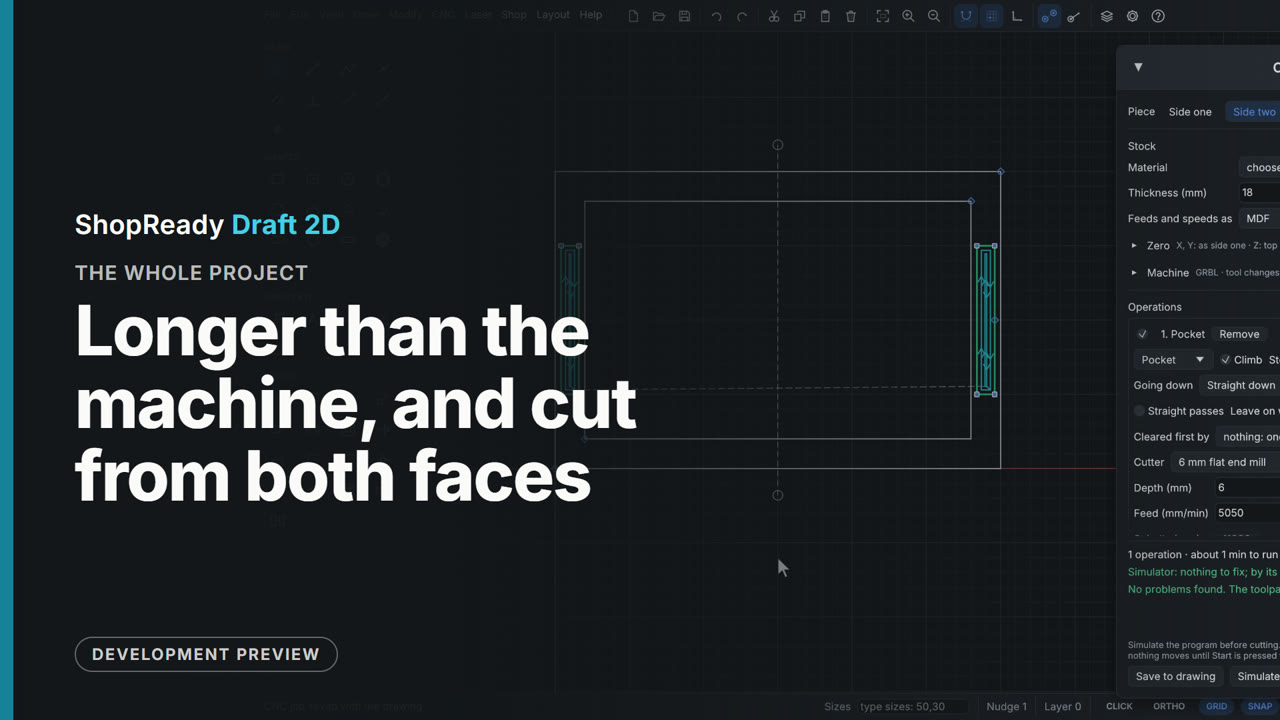
Longer than the machine, and cut from both faces: the whole project

Two router jobs that need the stock moved by hand, set up from blank drawings. A bookcase side 1800 mm long is drawn by typed sizes, its housings pocketed and its outline tabbed, then cut in three tiles with seams shown on the drawing and dowel holes that place the next tile. A tray is cut from both faces: side two is added as a second piece, an operation is sent to it, and side one drills the dowel holes the board is turned over on. Each tile and each side is its own program, checked in the simulator and saved with the drawing.

  1. 1A bookcase side and its job1:22
  2. 2Cut in tiles1:48
  3. 3A tray from both faces1:51
Watch the whole job
The whole job · 3:02

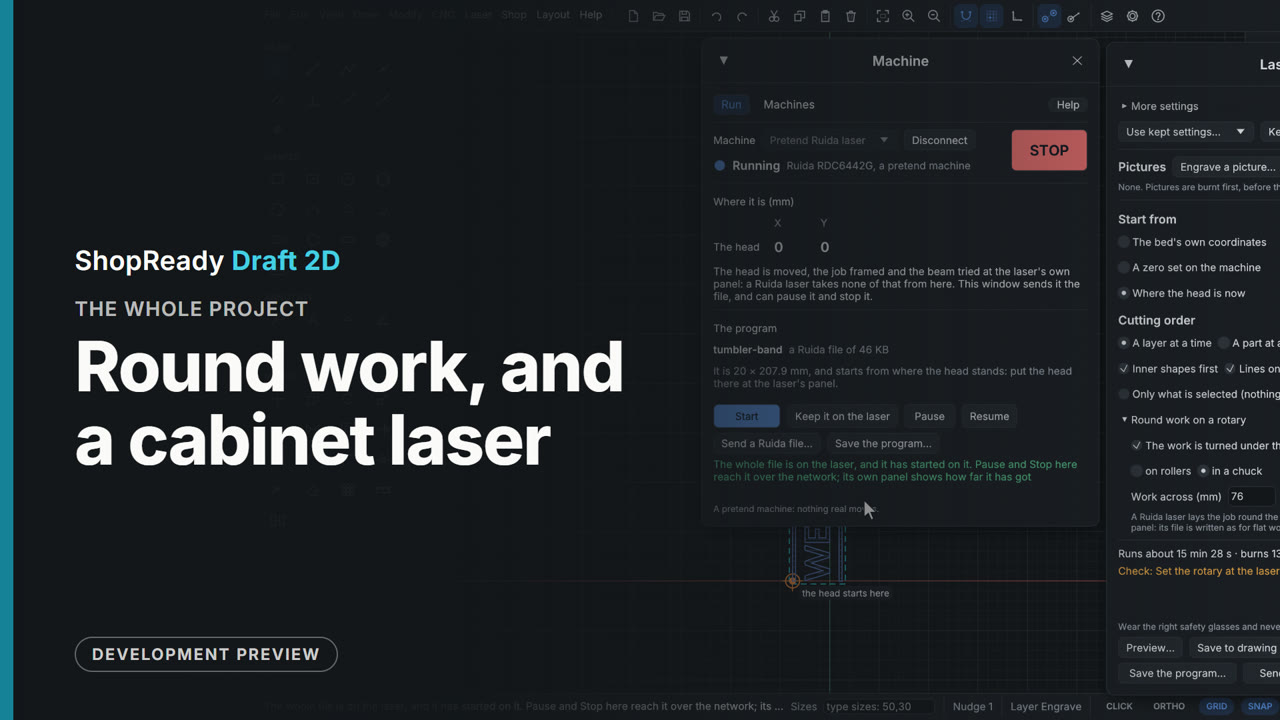
Round work, and a cabinet laser: the whole project

A band of lettering was made for a tumbler turned on a rotary, and the same job was then made for a cabinet laser. The film shows drawing the band flat and standing it on end, the laser job's Round work on a rotary with its warning and its sums, a pretend cabinet laser added by hand, the job checked against that laser's bed, the program saved as the laser's own kind of file and sent, and the plain words that the head is moved at the laser's own panel.

  1. 1A band of lettering for a tumbler1:42
  2. 2The same job for a cabinet laser1:28
Watch the whole job