ShopReady Cabinets Standalone · 45 s · narrated, with captions
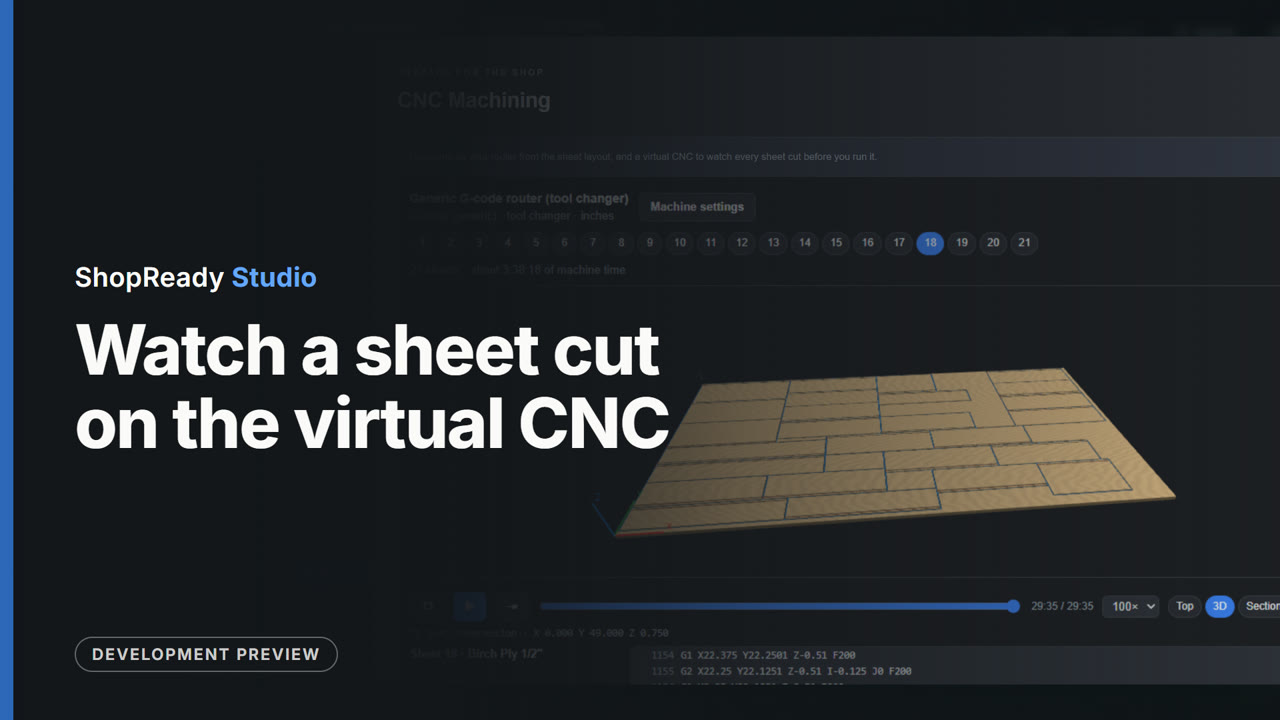
Watch a sheet cut on the virtual CNC
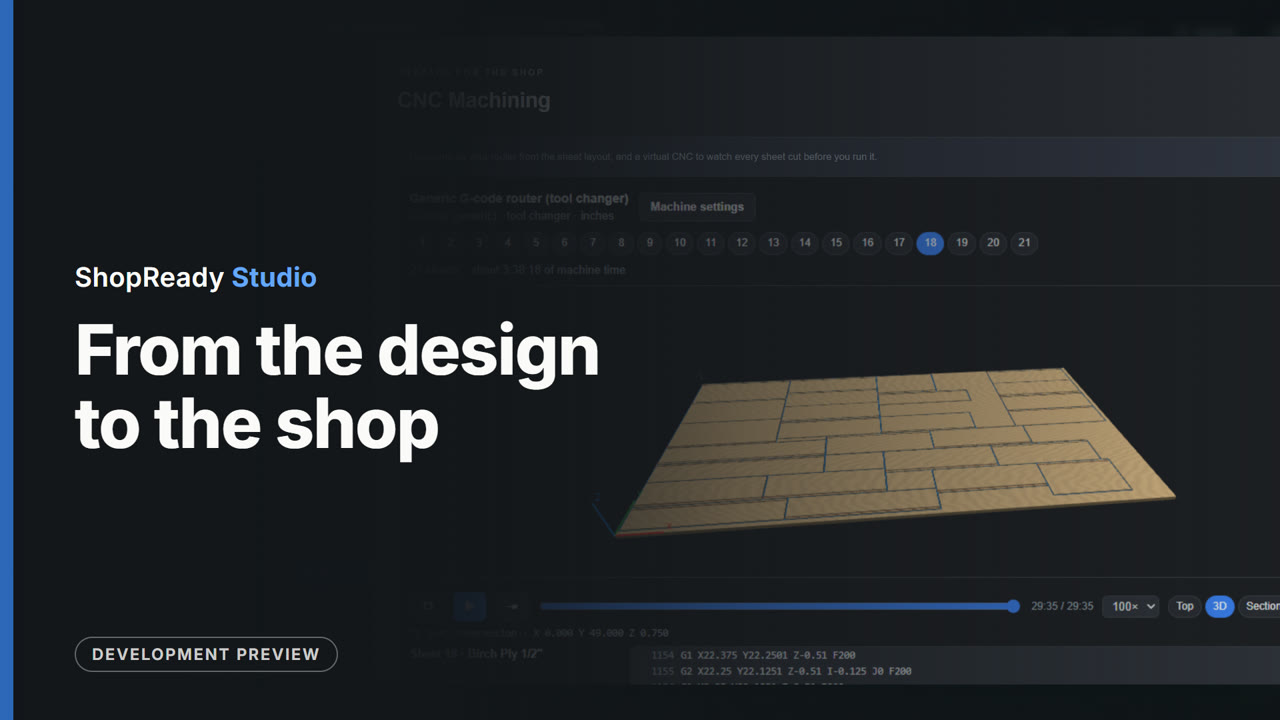
From the Output screen, CNC Machining opens with a program for each of the sample kitchen's 21 sheets. One sheet is picked and played on the virtual CNC, from above and then in 3D, to its end.
This is one part of a longer film
More in Output
 Clip · 41 s
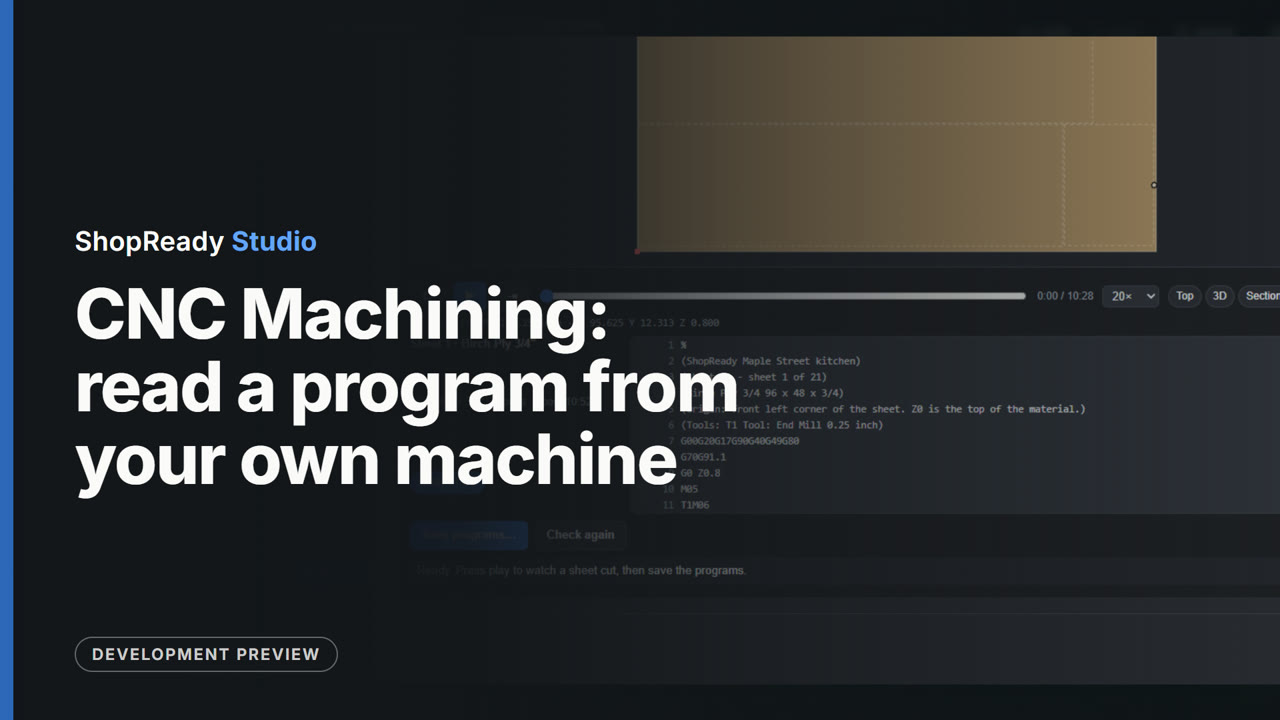
CNC Machining: read a program from your own machine
In CNC Machining for the sample kitchen, Machine settings is opened and a sample program is read with Read a program from your machine. The tool lists what it learned from it, the Program text tab shows the program's own start and end, and Use these settings writes every sheet's program that way.
 Clip · 23 s
Customer Package: one PDF for the customer
From the Output screen of the sample kitchen, Customer Package opens, says what the PDF holds, and Make customer package saves it and lists its pages.
 Clip · 44 s
Job & Approval: the customer, the versions, the yes
Job and Approval for the sample kitchen: a customer and address are typed in, a version of the design is saved with its cabinet count and price, the job is marked Presented, and the version is approved, which keeps a locked copy.
 Clip · 29 s
Parts & Labels: every part with its label
The Parts and Labels screen of the sample kitchen: the parts of one cabinet are stepped through and each shows its label, a search narrows the list across the whole job, and Print or save labels opens the Production labels window.
 Clip · 41 s
Quote: a price from the design
The Quote Center for the sample kitchen: the price is built from the design's own counts of sheets, boards and hardware. A hardware choice is changed and the totals follow; a line of the shop's own is added and the total rises by it.
 Clip · 32 s
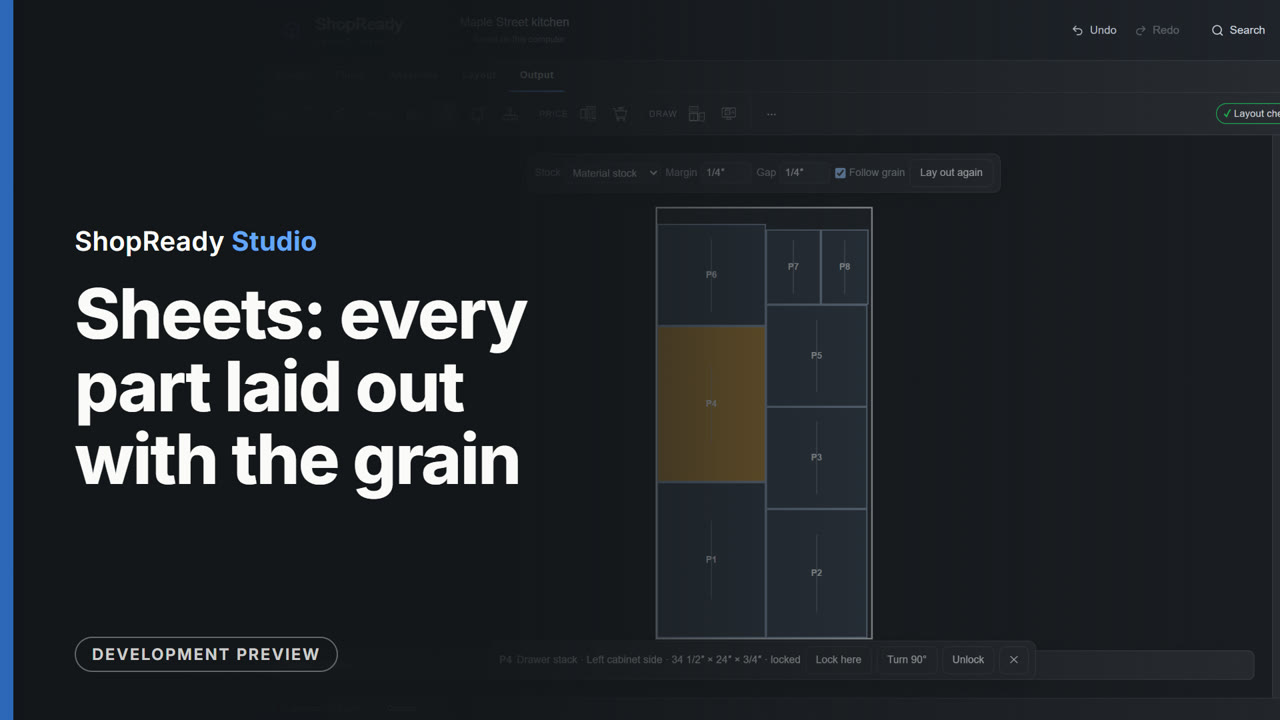
Sheets: every part laid out with the grain
The Sheets screen of the sample kitchen: the sheets are stepped through, Follow grain is seen ticked, a part is locked where it lies, and the layout is marked checked.