ShopReady Draft 3D · 33 s · narrated, with captions
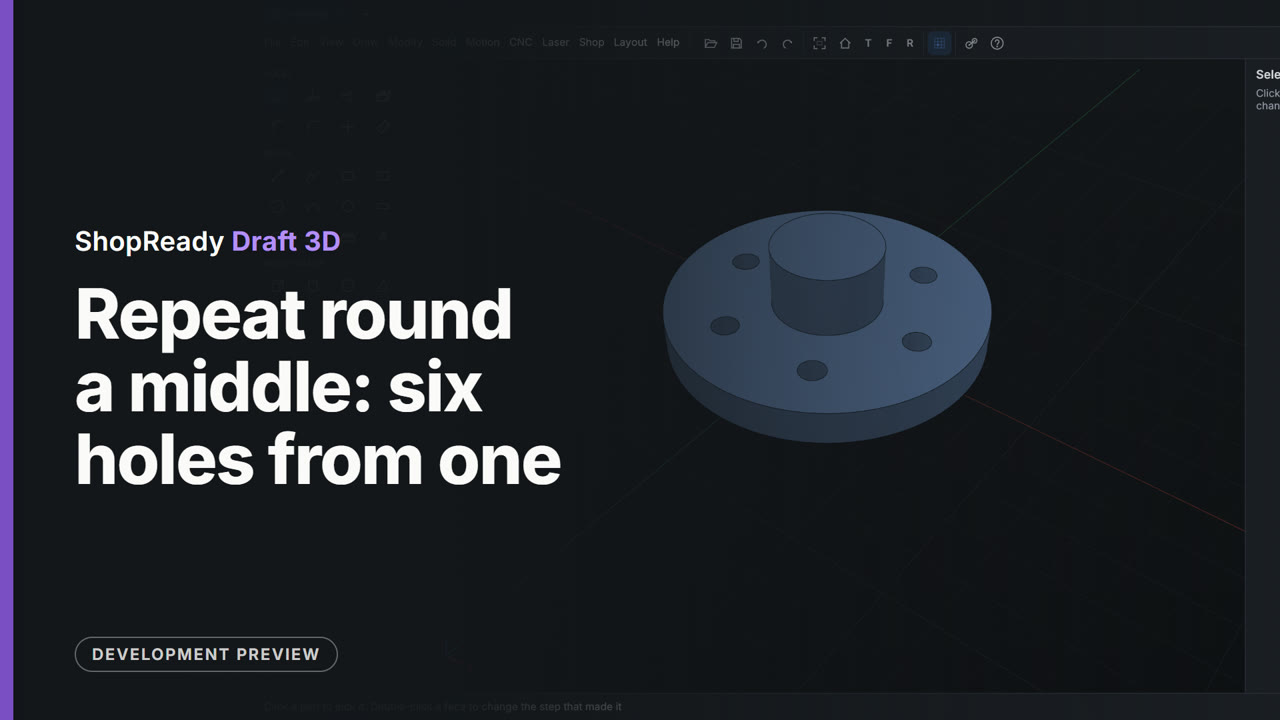
Repeat round a middle: six holes from one
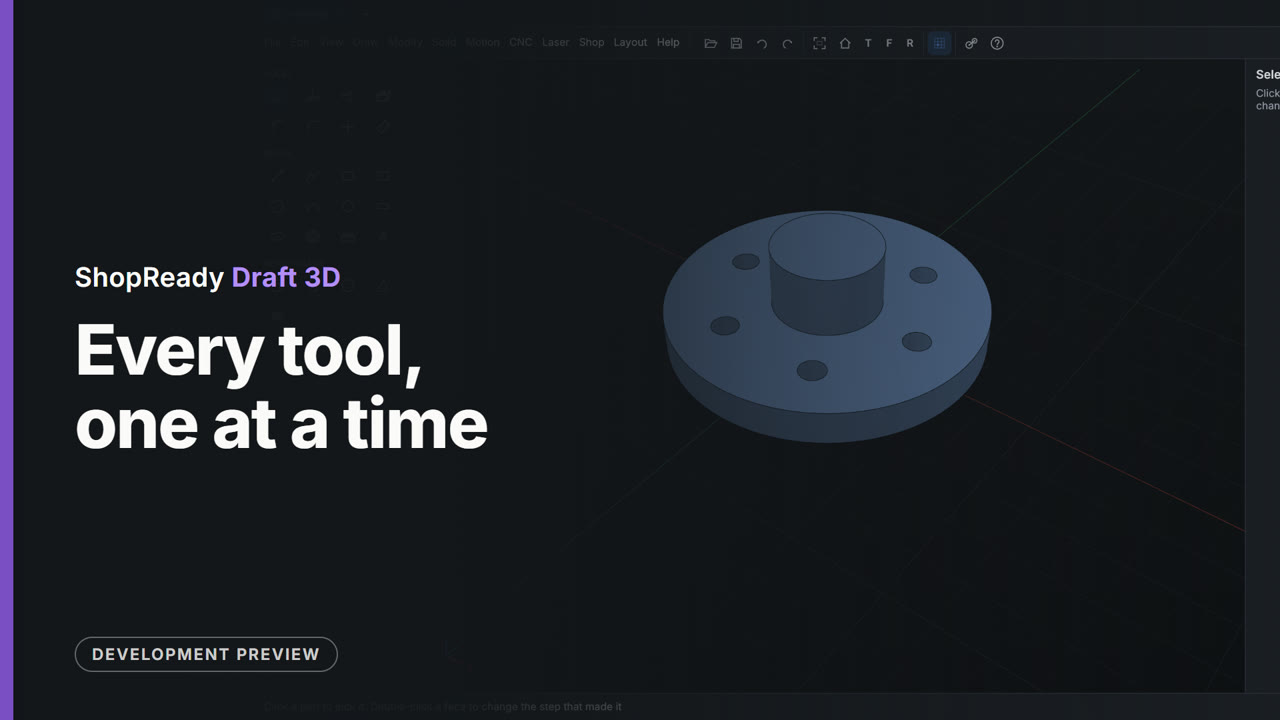
A round flange has a boss in its middle and one hole. A right-click on the boss's round face and Repeat Hole 1 round this makes six, evenly spaced round the boss, as one step whose count can be changed.
This is one part of a longer film
More in The tools, one at a time
 Clip · 37 s
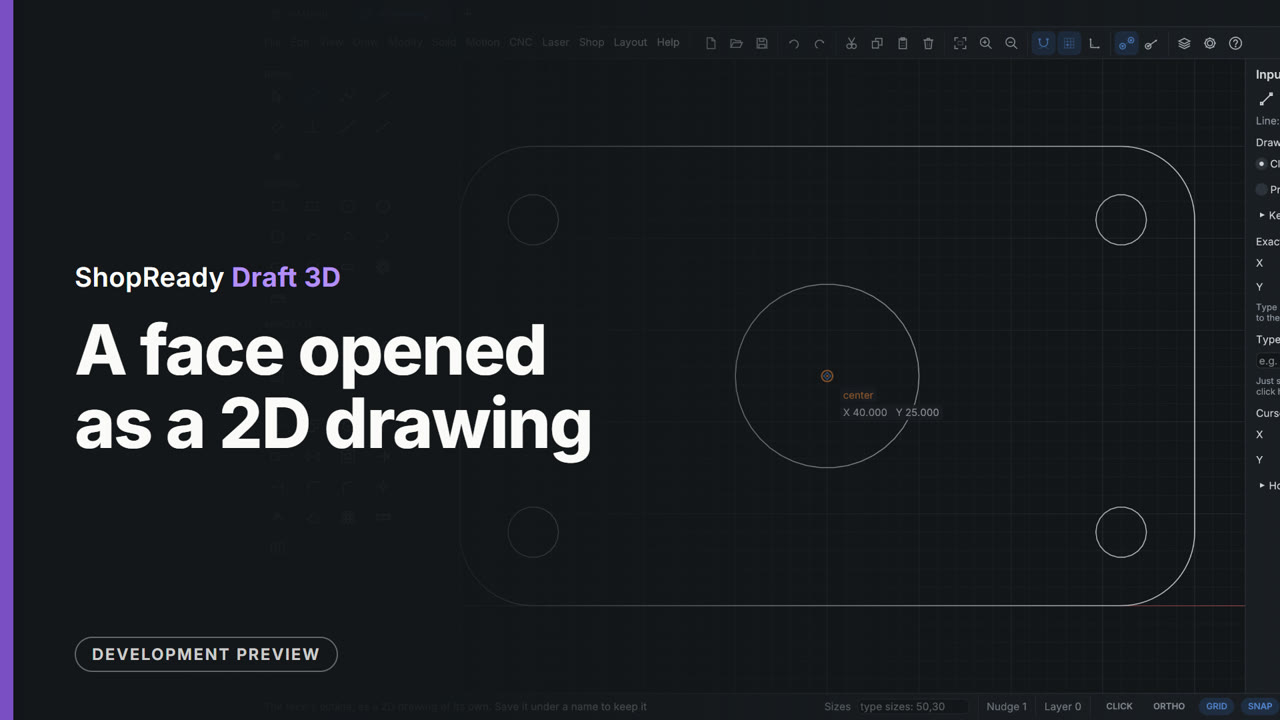
A face opened as a 2D drawing
The top of a drilled plate is wanted as a flat drawing. A right-click on the face and Open this face as a 2D drawing gives its outline, as lines, arcs and circles, in a 2D tab of its own with every 2D tool; the model stays in its tab.
 Clip · 43 s
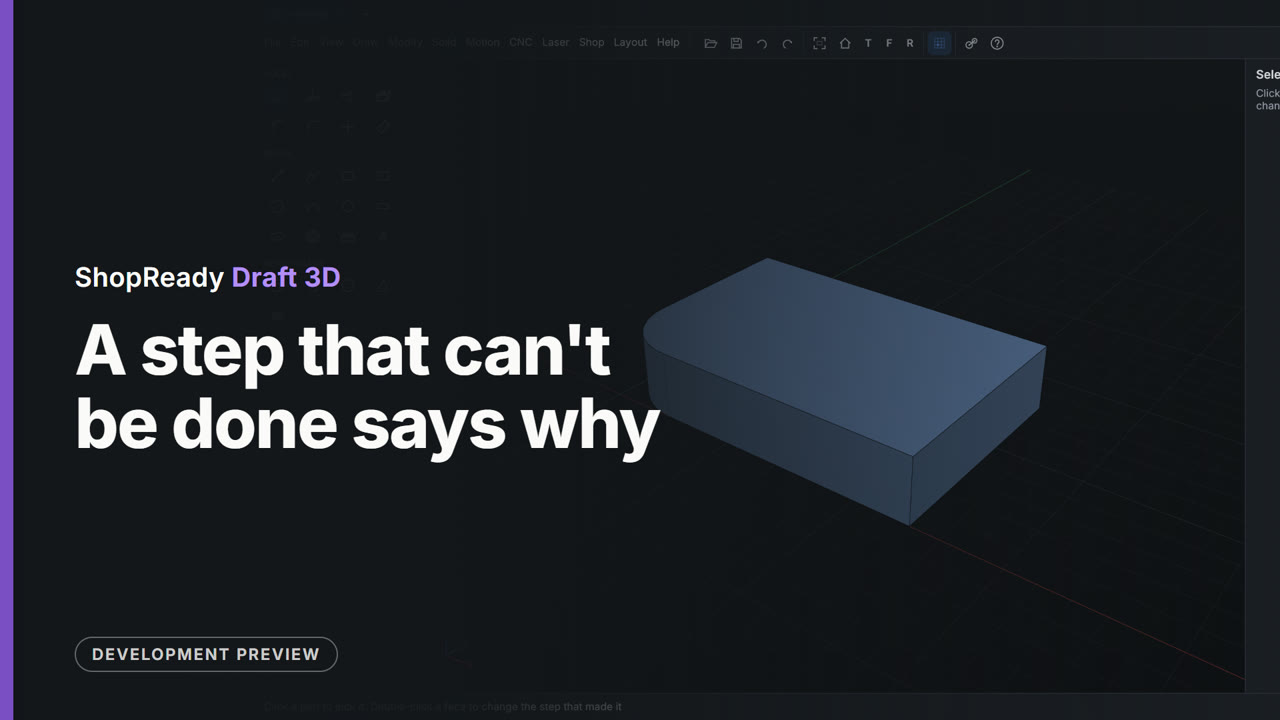
A step that can't be done says why
A round of radius 50 is asked for on a plate whose side is 40 long. It isn't made, nothing is spoiled, and the status line says why: too big for the faces beside the edge, 40 is the most that fits. The edge is still picked, so 12 is typed and the round goes in.
 Clip · 41 s
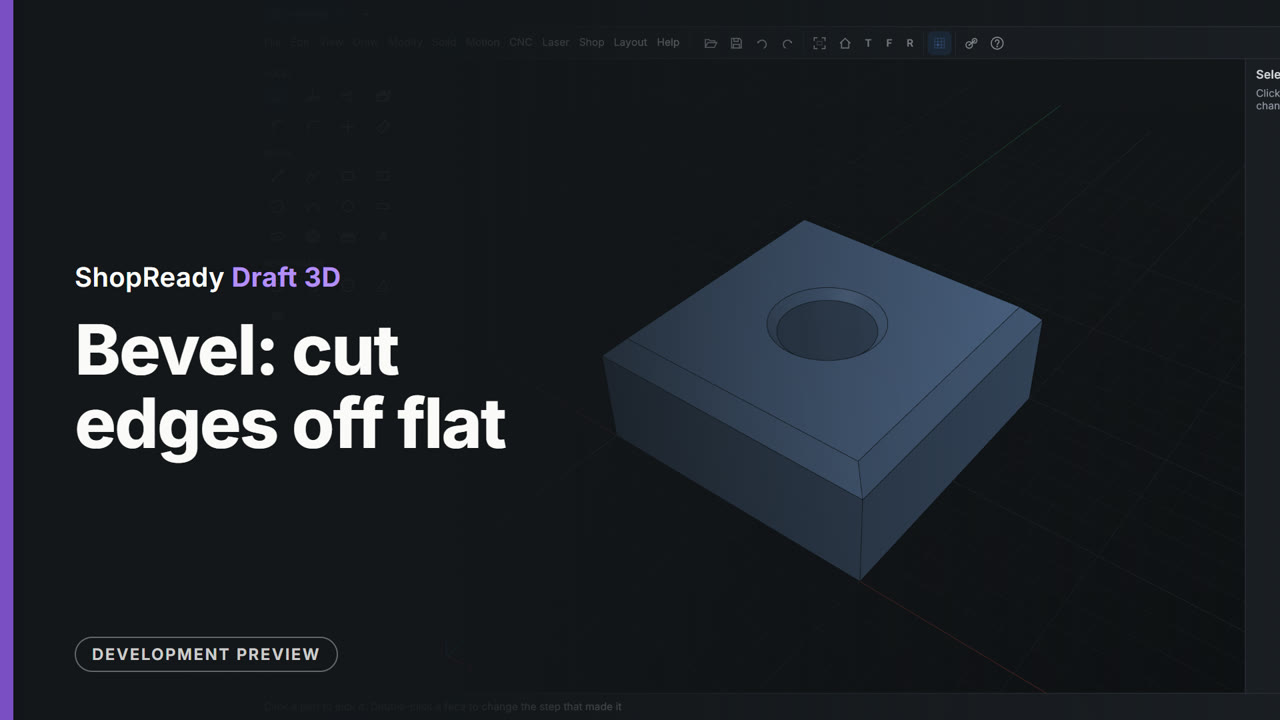
Bevel: cut edges off flat
The four top edges of a block are picked and beveled by 3, and the rim of the hole through it by 1.5. Bevel works the same way Round does: click the edges, type the size.
 Clip · 48 s
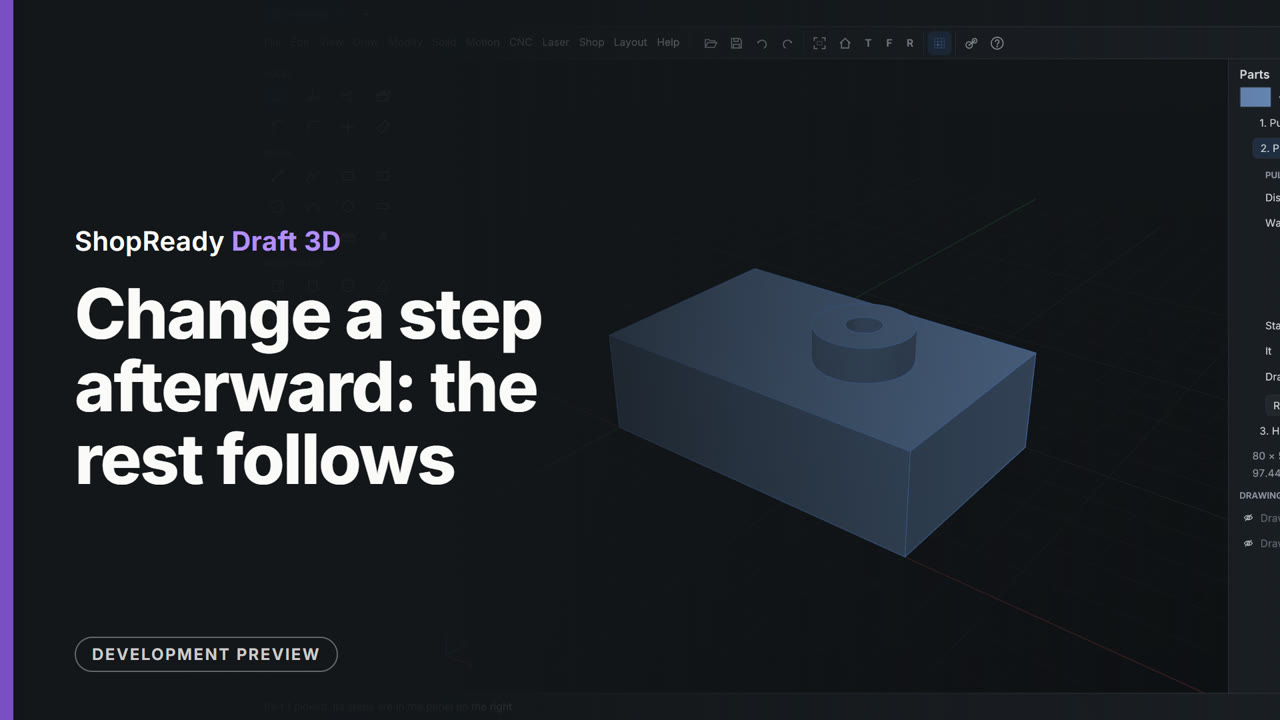
Change a step afterward: the rest follows
A part's steps are listed in the Parts panel. The first step's distance is typed from 12 to 24, and the boss and the hole made after it are worked out again on the thicker plate; then the boss's own step is typed from 18 to 8.
 Clip · 46 s
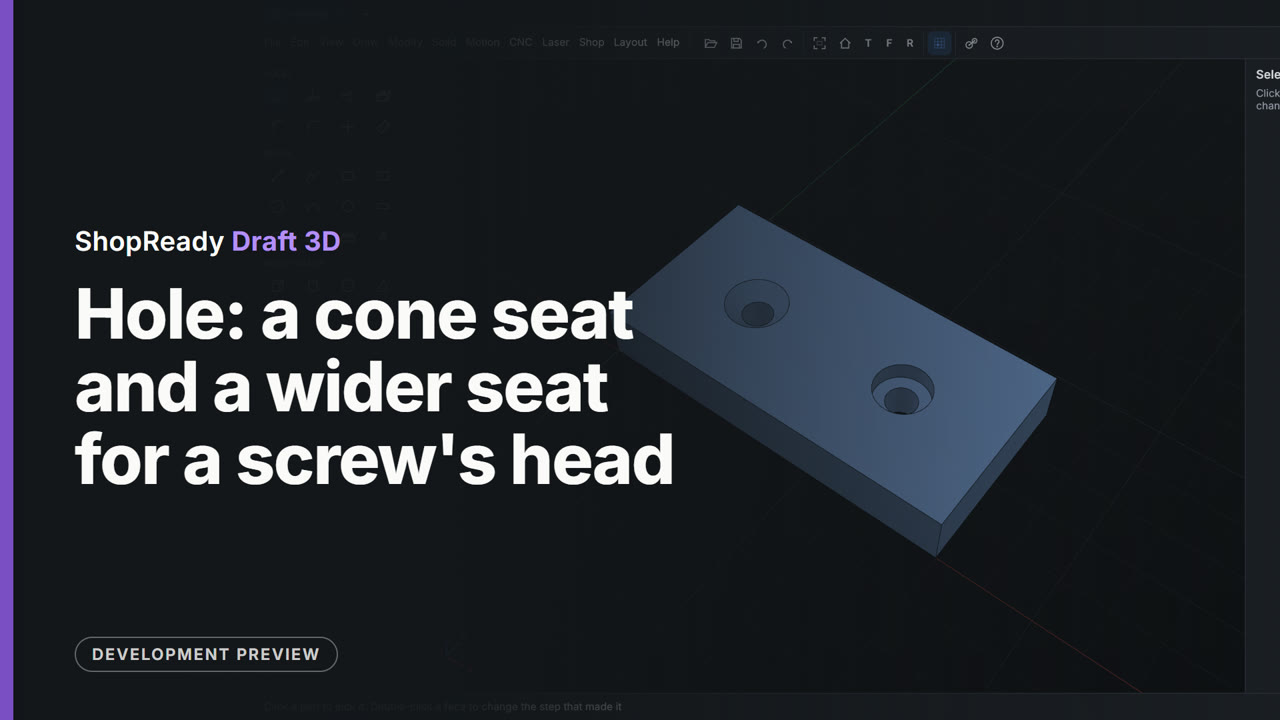
Hole: a cone seat and a wider seat for a screw's head
With M6 picked from the screw sizes, Cone makes a hole with a cone at the top for a flat-head screw, and Wider makes one with a flat-bottomed seat for a screw's head to sit below the face. Each is one click on the plate.
 Clip · 47 s
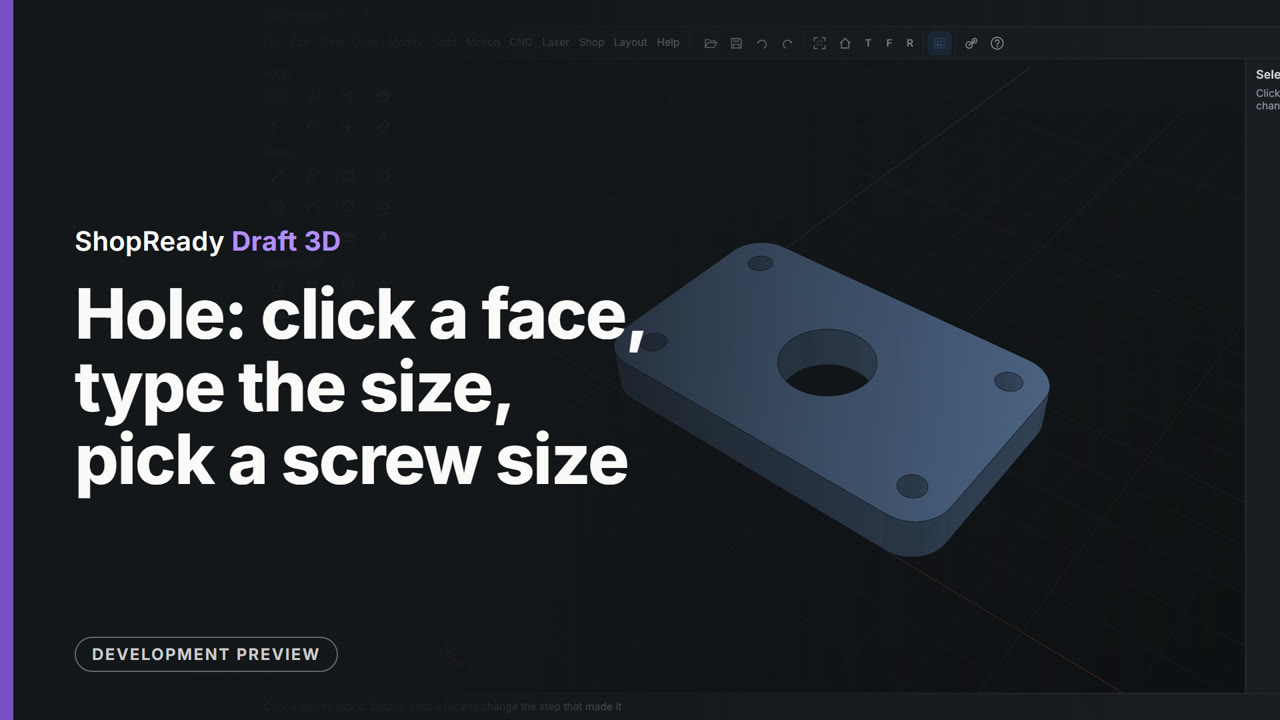
Hole: click a face, type the size, pick a screw size
The Hole tool drills the middle of a plate where the cursor is drawn to it, and 20 typed straight after changes its size. Then M5 is picked from the screw sizes and a hole goes at the center of each rounded corner.