ShopReady Draft 3D · 1:18 · narrated, with captions
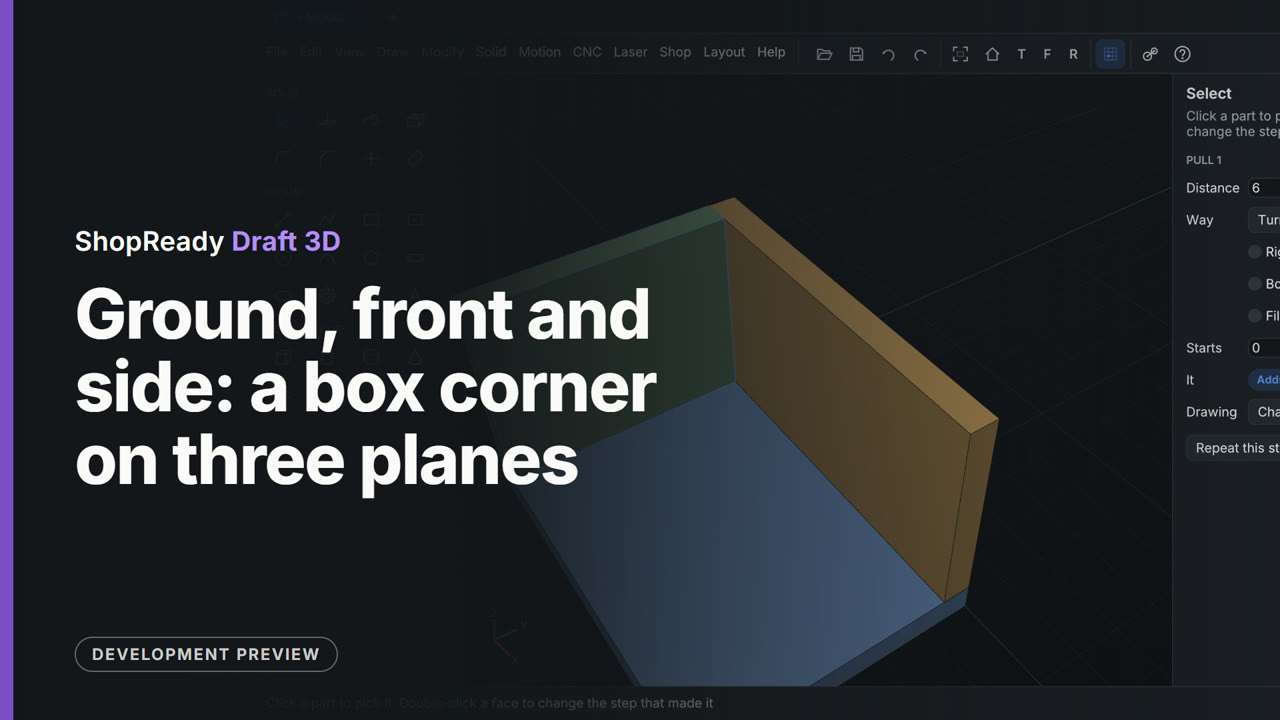
Ground, front and side: a box corner on three planes
Three boards of a box corner, each drawn on a plane of its own and pulled 6 thick. The floor is a rectangle on the ground. The back board is drawn with Draw, On the front plane, starting from the floor's edge. In the second clip the end board is drawn with Draw, On the side plane, from the floor's corner to the back board's corner with no size typed.
This is one part of a longer film
More in Snapping, planes and drawing
 Clip · 40 s
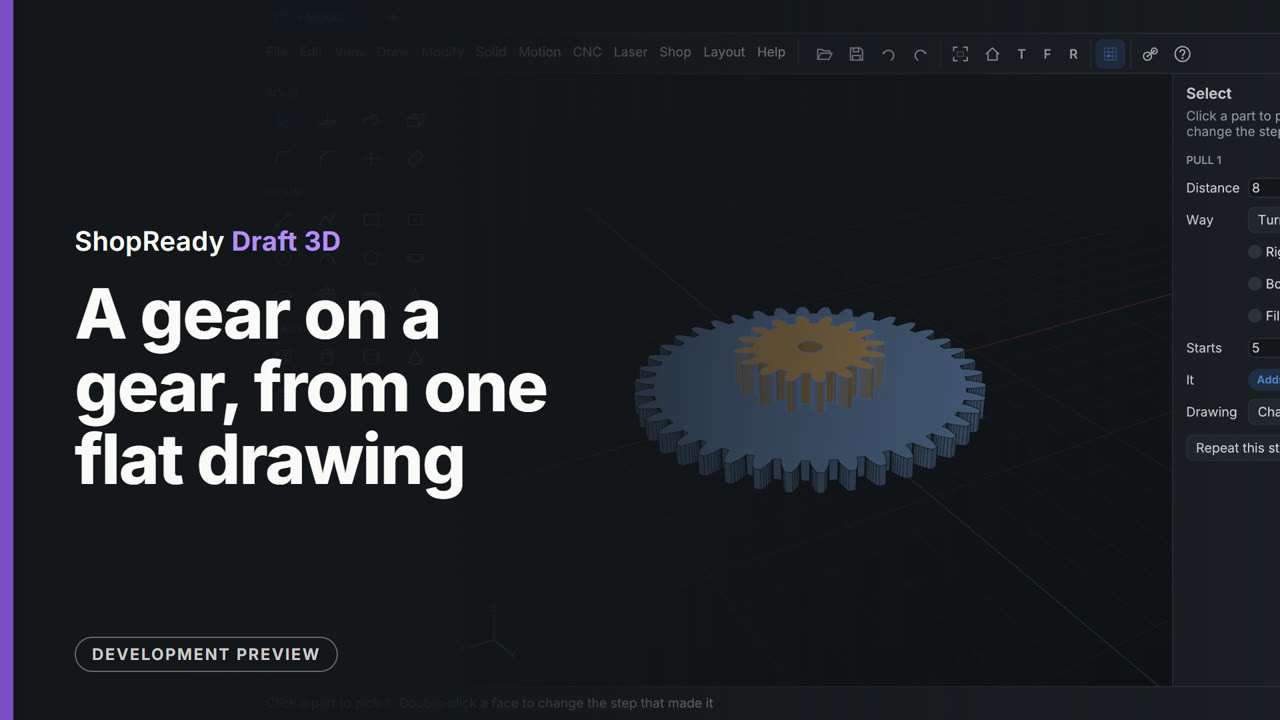
A gear on a gear, from one flat drawing
One drawing holds a big gear, a small gear drawn inside it about the same middle, and a shaft hole. The big gear is pulled 5 thick: the small gear inside it is no hole in it, and shows through its top. Clicked through the top, the small gear is taken up onto that face and pulled 8 from there, standing on the big one, with the shaft hole through both.
 Clip · 44 s
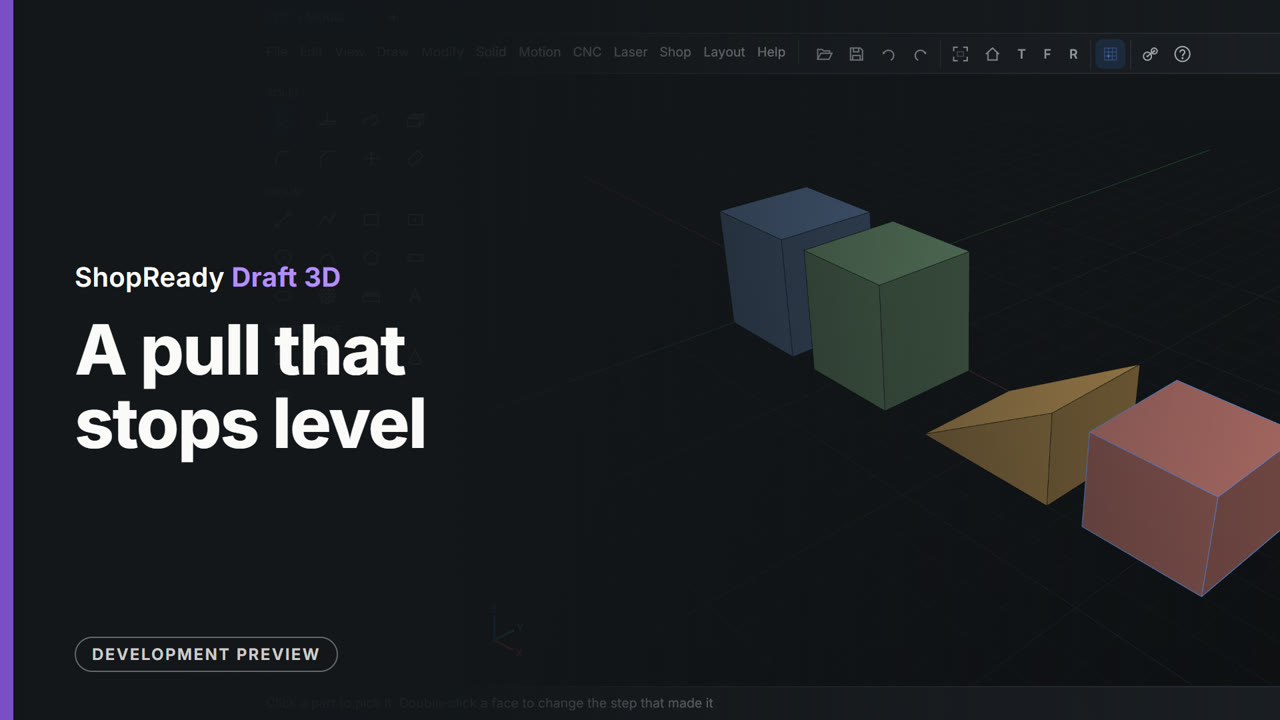
A pull that stops level
A square drawn beside a tall block is pulled up, and as it nears the block's top it stops there by itself: level with a face of Part 1, 35 mm. A second square is pulled with the pointer on the tip of a wedge, and stops level with that corner, 24 mm. No distance is typed.
 Clip · 57 s
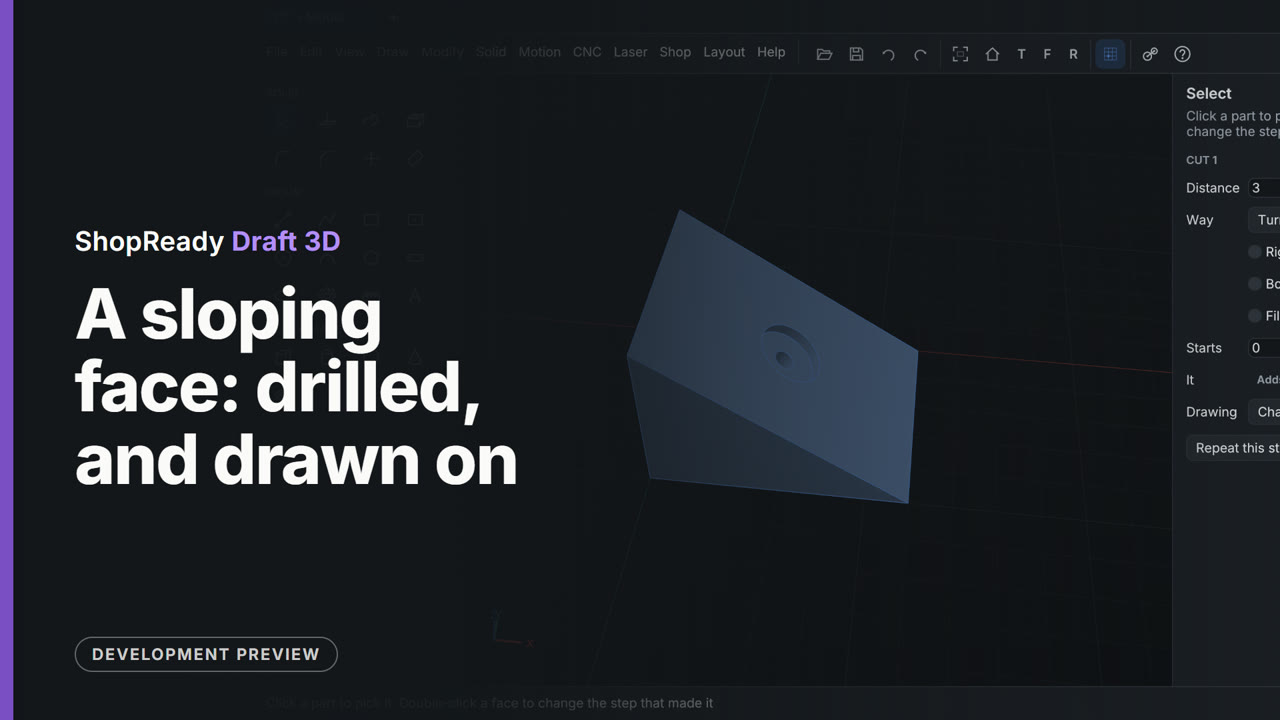
A sloping face: drilled, and drawn on
A wedge's sloping face is treated like any other. The Hole tool is drawn to the middle of the face and drills square into the slope. Then the circle tool is picked and the slope clicked: the view turns to look straight at it, the hole is there to snap to, and a circle of radius 8 is drawn about its center. Pull pushes the ring in 3 mm for a seat round the hole.
 Clip · 58 s
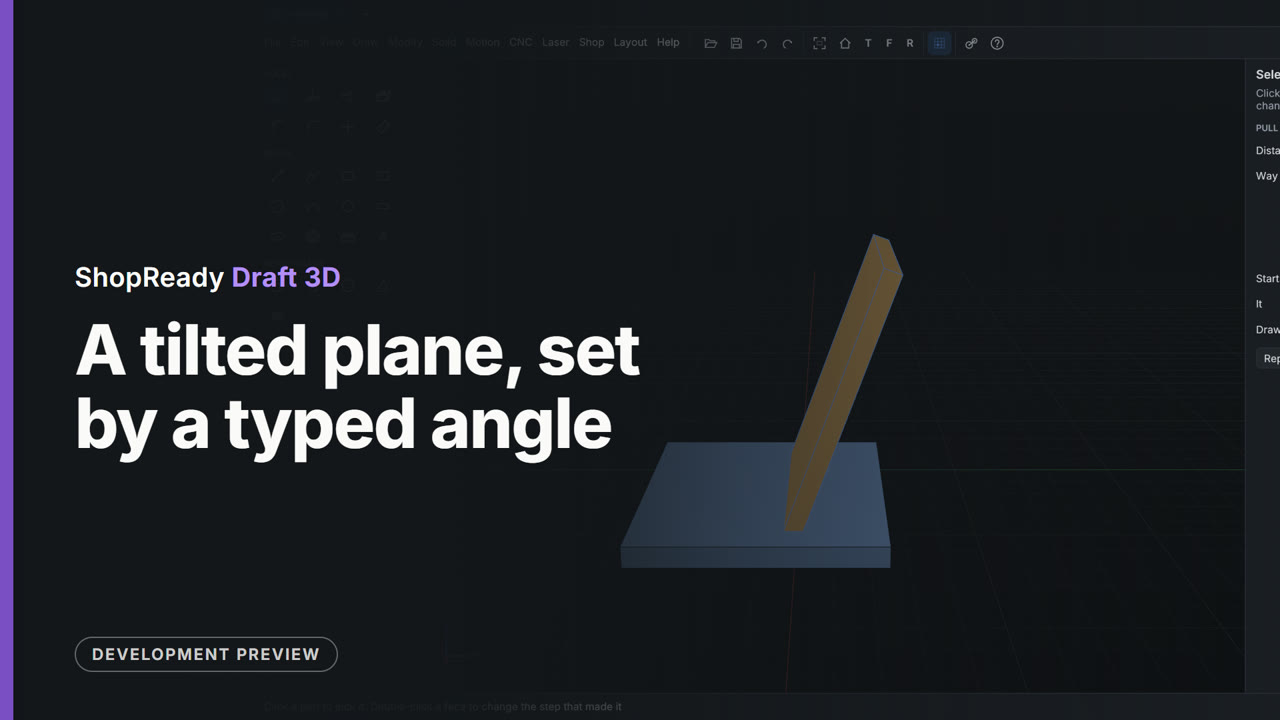
A tilted plane, set by a typed angle
A base plate wants a back rest leaning at 70 degrees, and there is no face at that angle to draw on. Draw, On a tilted plane opens a small window; 70 is typed and the plane shows in the view at that angle. Draw on it turns the view square to the plane, a rectangle 60 by 80 is drawn from the point the plane hinges on, and Pull makes it 5 thick.
 Clip · 55 s
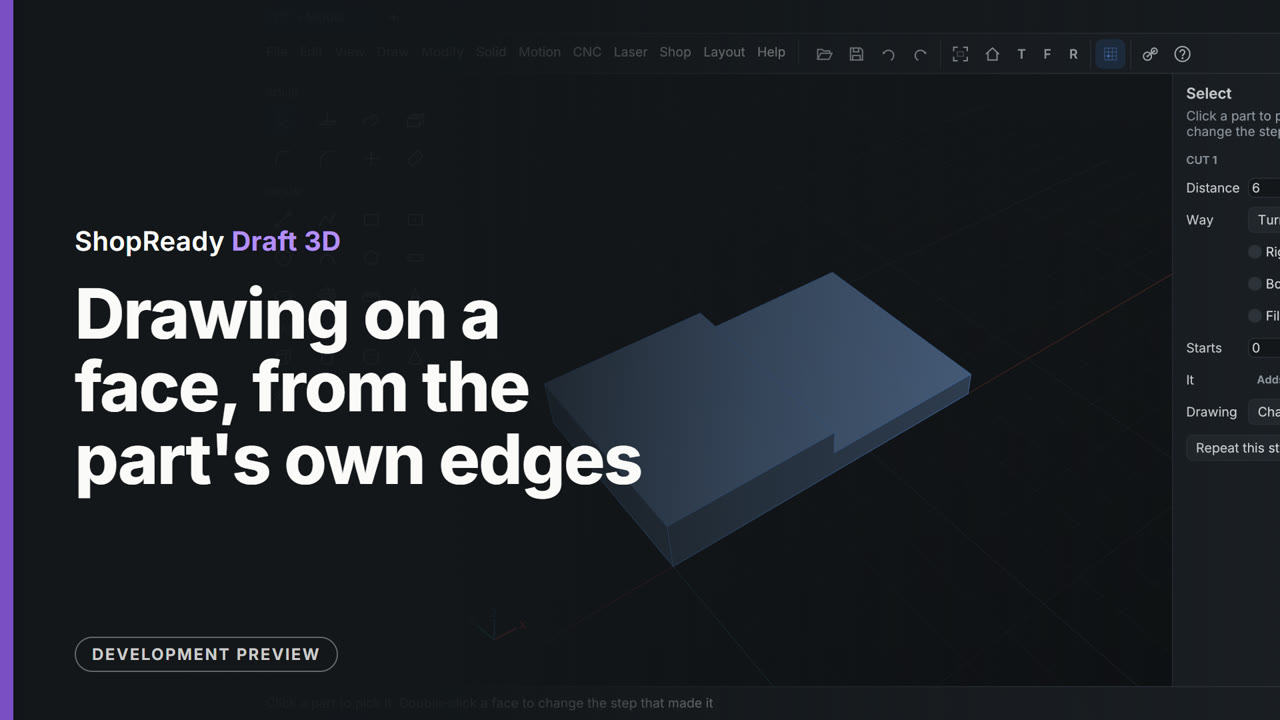
Drawing on a face, from the part's own edges
The rectangle tool is picked and the top of a plate is clicked. The view turns square to the face with the plate's edges there to draw from: the pointer is drawn to the plate's corner, then to the middle of its far edge, and the rectangle is half the plate exactly with no size typed. Pull pushes it in 6 mm for a half lap.
 Clip · 55 s
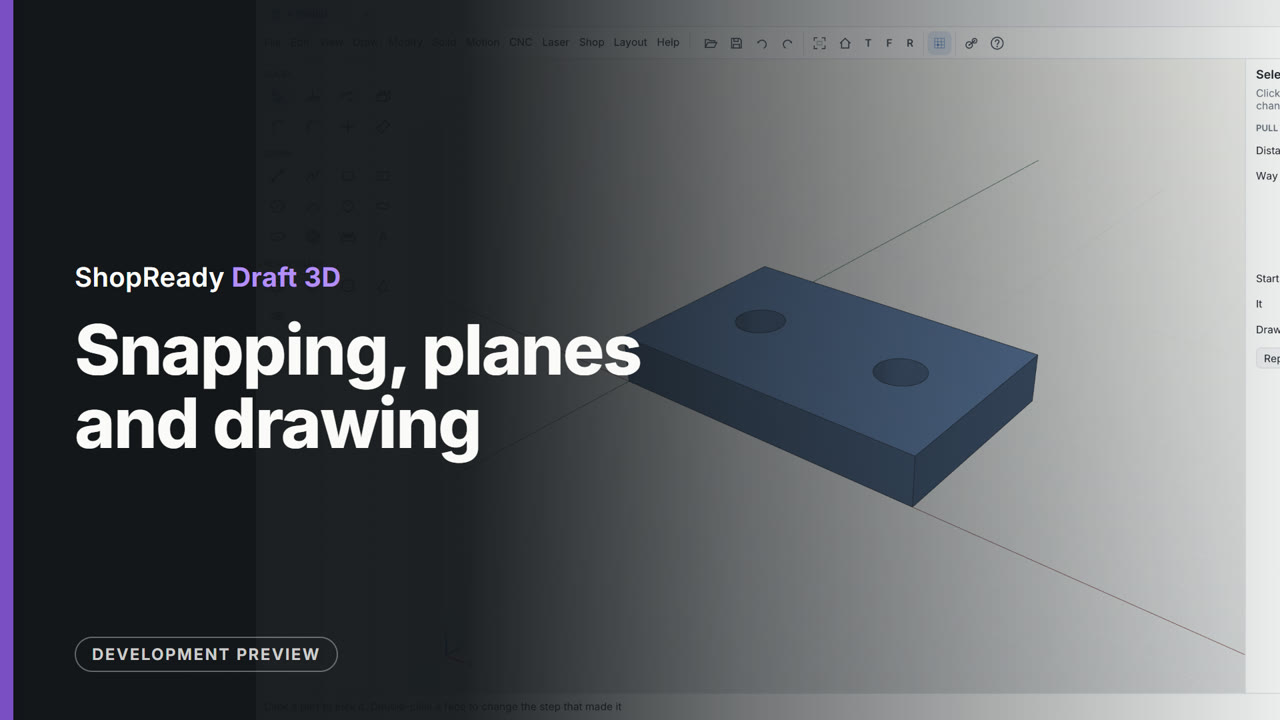
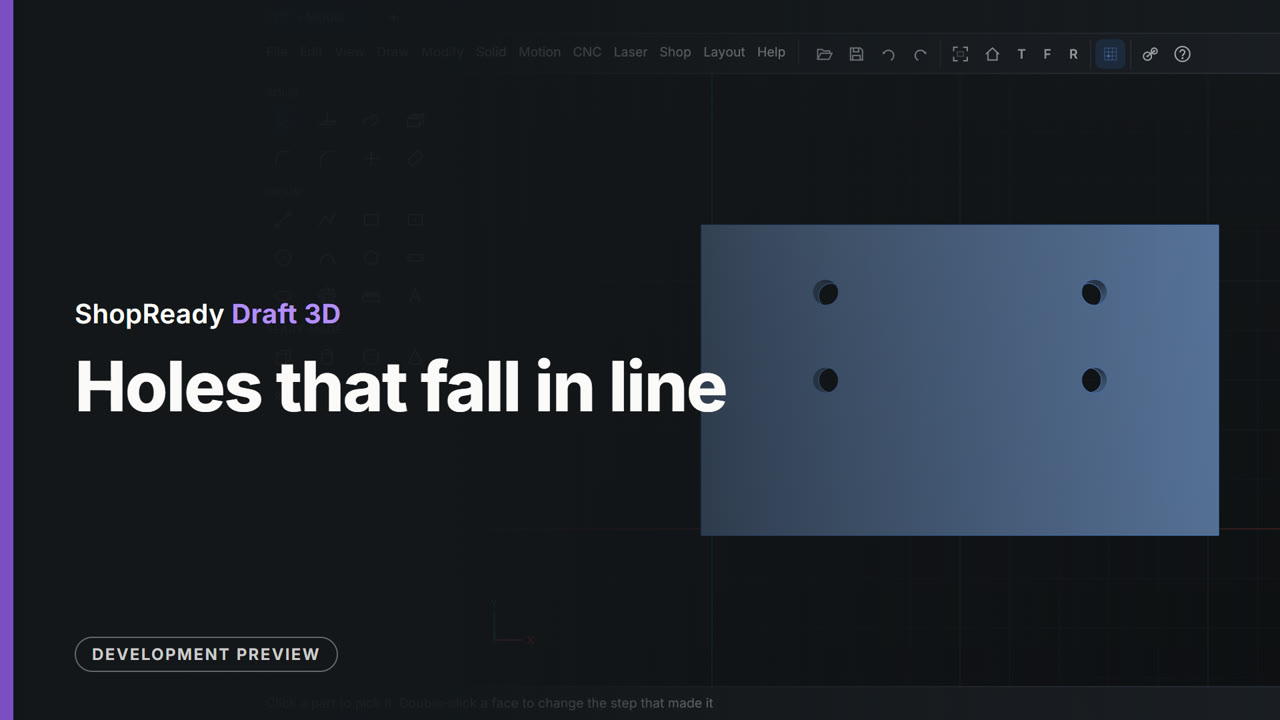
Holes that fall in line
Four holes are drilled in a plate with the Hole tool. As the pointer nears a line through the middle of an edge or through an earlier hole, a dashed line appears and the hole is drawn into line: first one way, then the other, then both at once. Seen from the top, the four holes sit square to each other and nothing was measured.