ShopReady Cabinets Standalone · 47 s · narrated, with captions
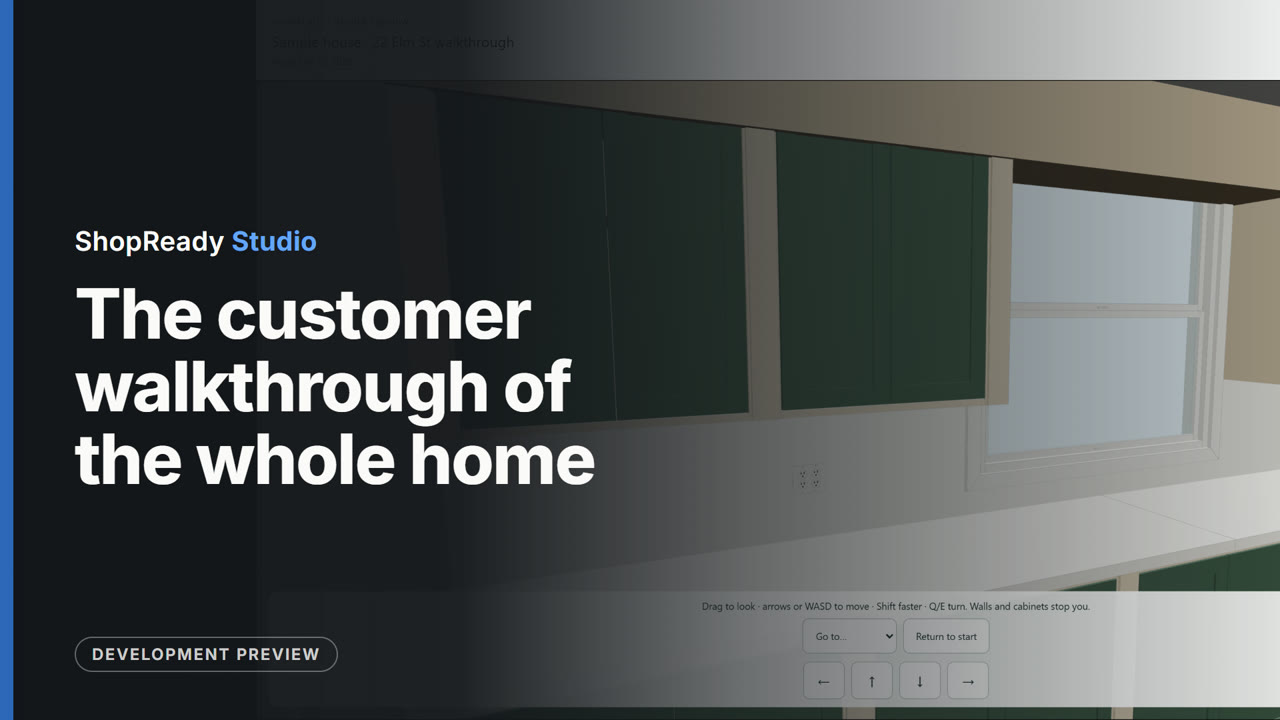
The customer walkthrough of the whole home
A sample house brought in from a Field job file, with cabinets laid out in its kitchen. From the House Plan the customer's walkthrough is built: a read-only 3D copy of every room. It is published as a link on this computer and opened: the whole home is turned in 3D, then the view walks into the kitchen and looks round at the cabinets.
This is one part of a longer film
More in Layout
 Clip · 45 s
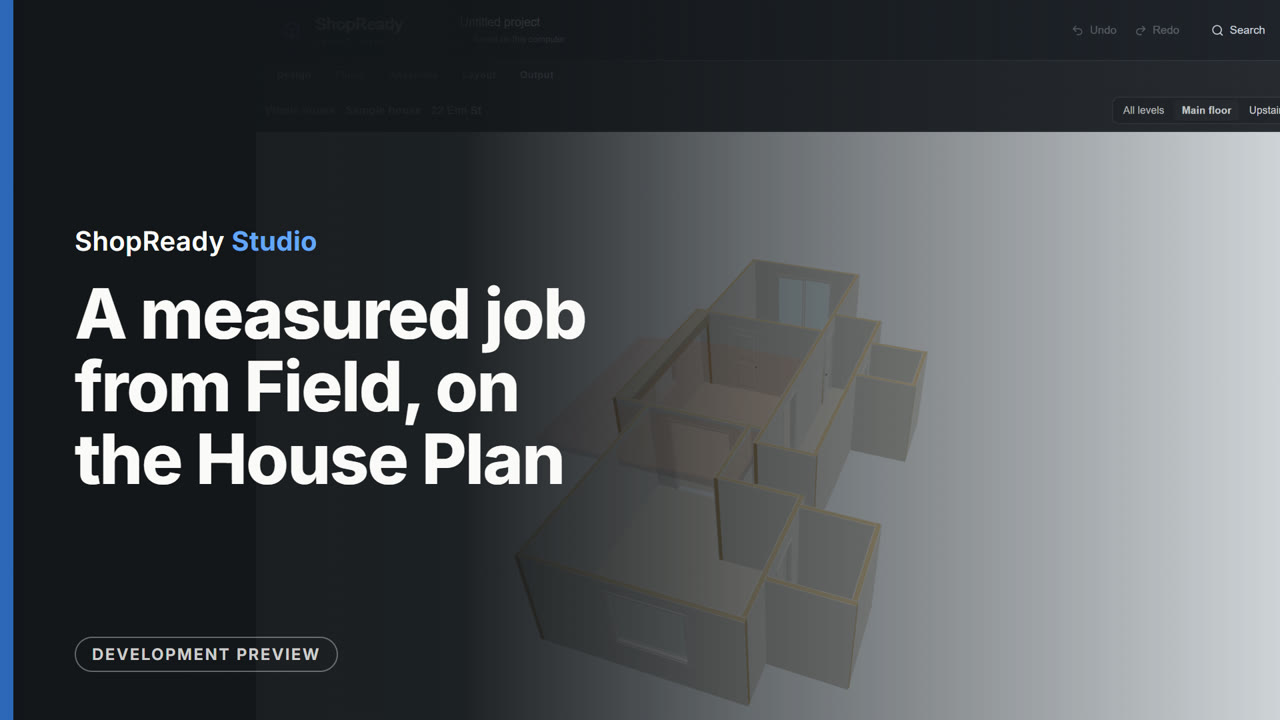
A measured job from Field, on the House Plan
A sample job file from ShopReady Field (a house of nine rooms) is brought in from Projects. The import report lists every room; Import job builds them and opens the House Plan with the main floor's rooms joined at their doorways. Checks points to a doorway that misses by a quarter inch, the upstairs level is shown, and the whole house is seen in 3D.
 Clip · 56 s
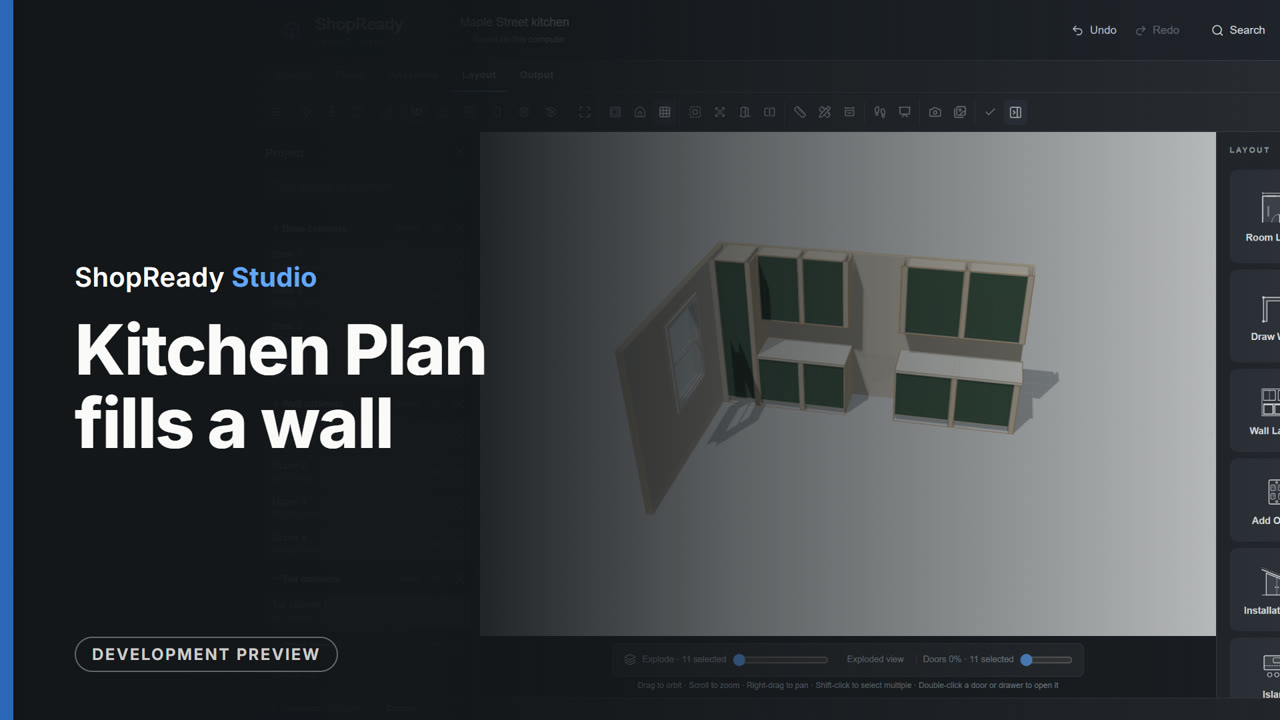
Kitchen Plan fills a wall
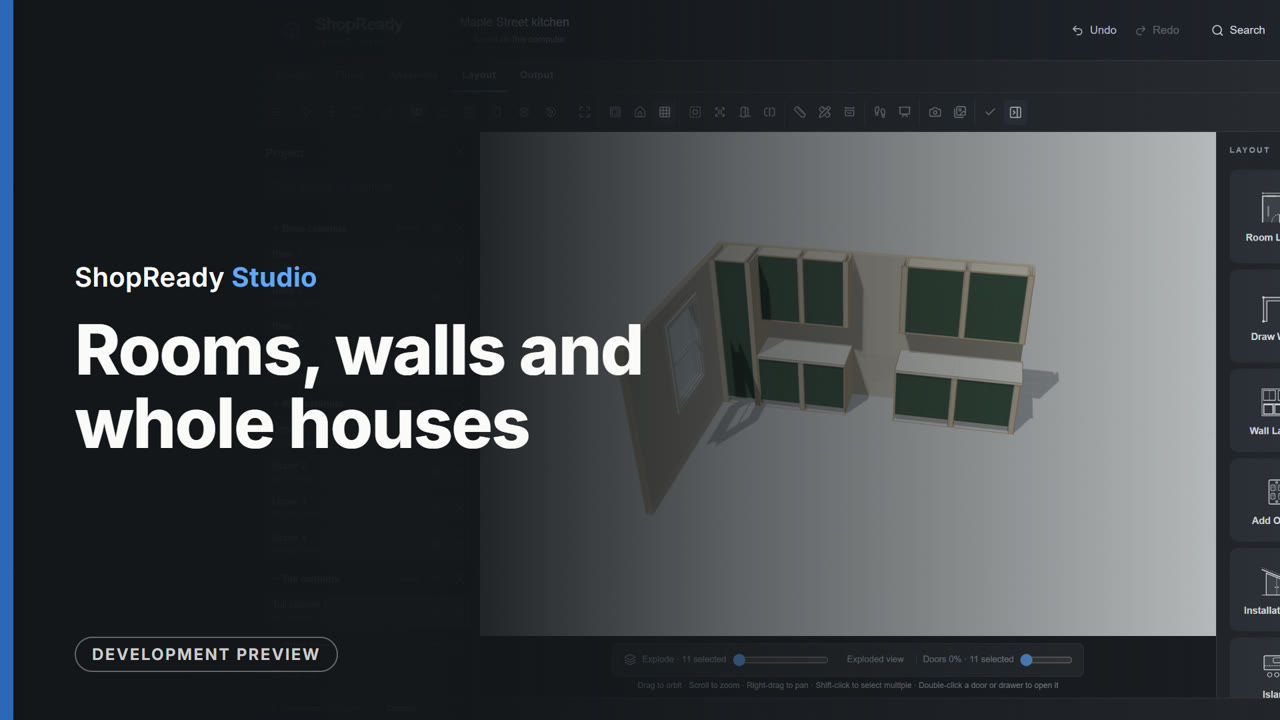
On an empty 15 foot wall, a tall cabinet, the range and the hood are marked, then four cabinet runs; cabinets fill each run with their widths shown. Review passes the set, Build makes the cabinets, and the kitchen is seen in 3D.
 Clip · 49 s
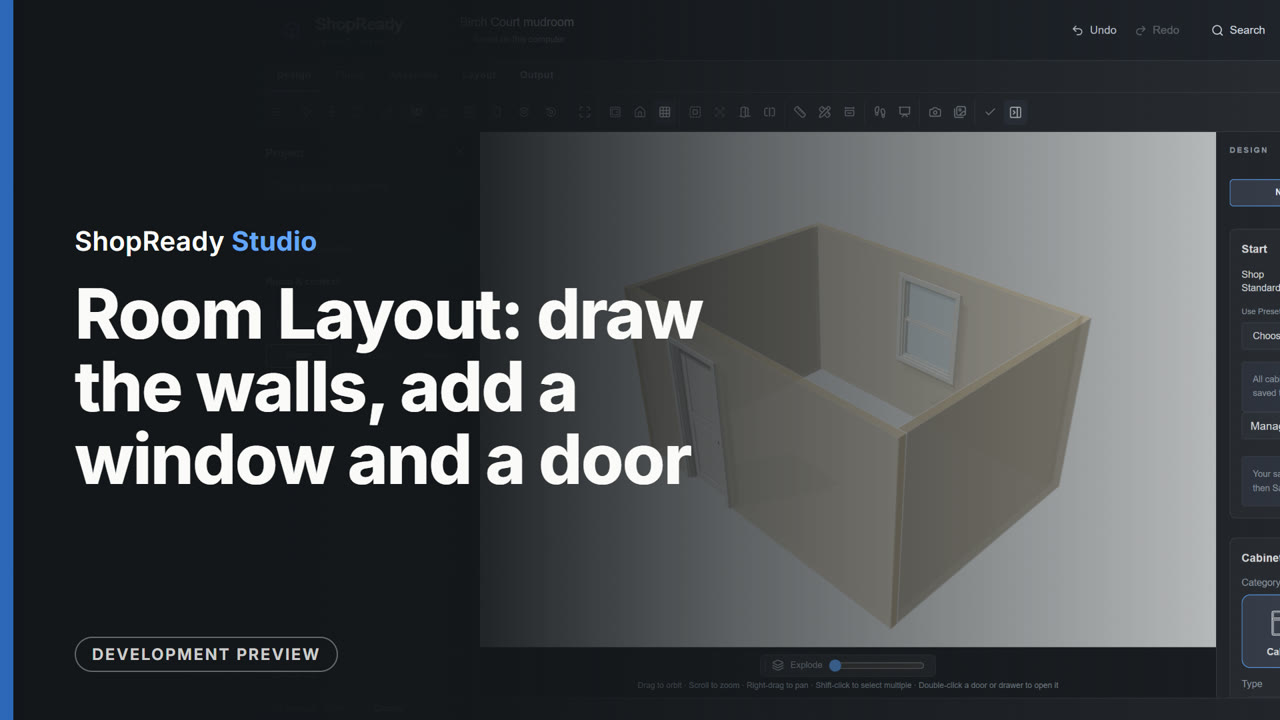
Room Layout: draw the walls, add a window and a door
On an empty job, Room Layout's Draw walls draws a room corner to corner: a click for each corner and a typed length for each wall (14 feet, 10 feet, 14 feet), closed on the first corner. A window and a door are added with a click on their walls, the wall is seen straight on, and Done shows the room in 3D.
 Clip · 43 s
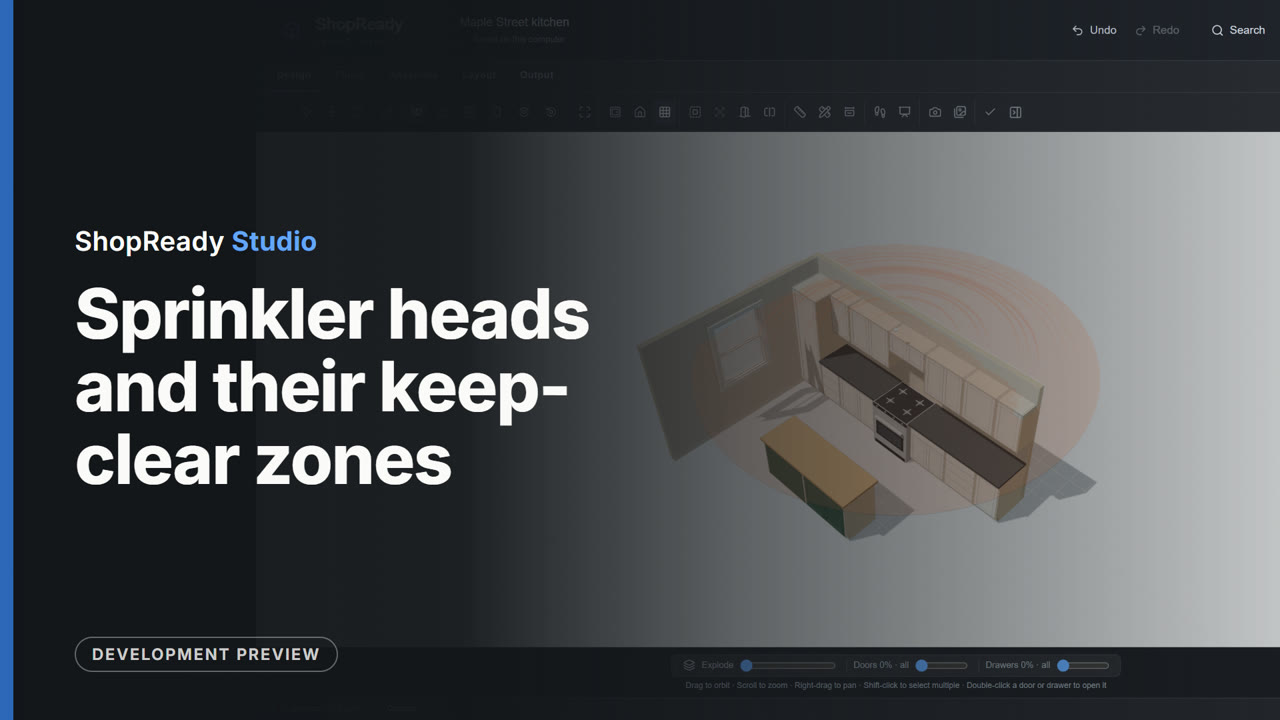
Sprinkler heads and their keep-clear zones
In the sample kitchen the Sprinklers tool is opened, a ceiling head is added 18 inches off the back wall, the tool draws its keep-clear zone, Check the millwork lists the cabinets that sit in the zone, and the zone is seen in 3D with the cabinets.