ShopReady Draft 3D · 1:22 · narrated, with captions
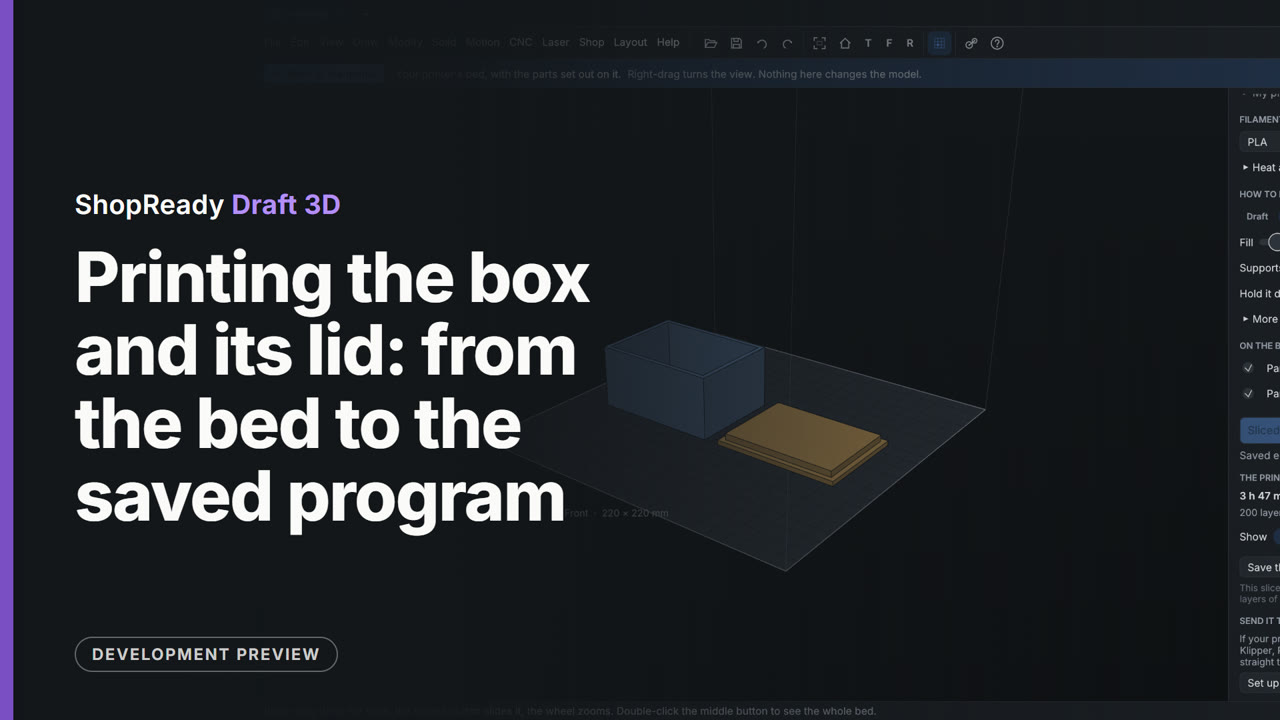
Printing the box and its lid: from the bed to the saved program
The Print tab sets the box and its lid out on the printer's bed. A printer is picked from the list, the lid is laid on its flat top so that nothing hangs in the air, and Slice works out 200 layers. The time, the weight and the length of filament are read off, the Layer slider is dragged down to look inside, and the program is saved as a.gcode file.