ShopReady Draft 2D · 57 s · narrated, with captions
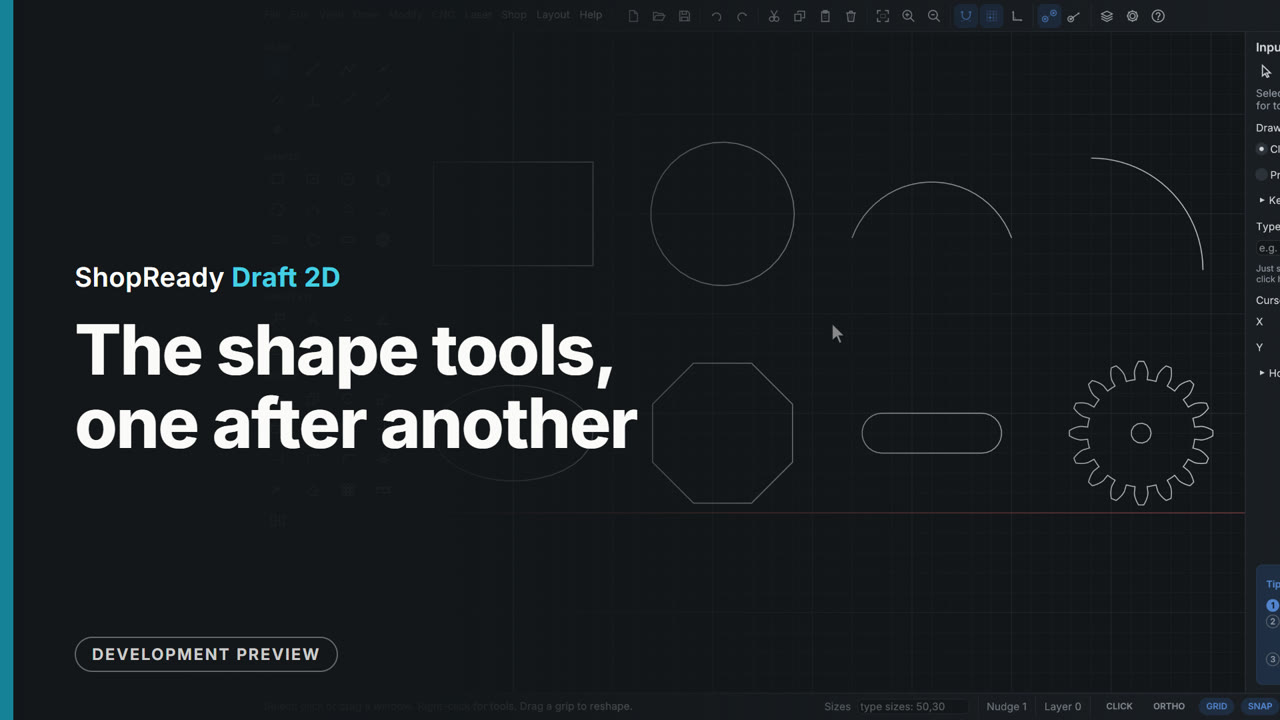
The shape tools, one after another
Eight shape tools each drawn once, in two tidy rows: a center rectangle, a circle through three points, an arc through three points, an arc from its center, an ellipse, an eight-sided polygon, a slot and a gear. The side panel is open: it takes the polygon's sides, the slot's width and the gear's teeth and module, and its tip card follows each tool's steps.
This is one part of a longer film
More in Drawing
 Clip · 55 s
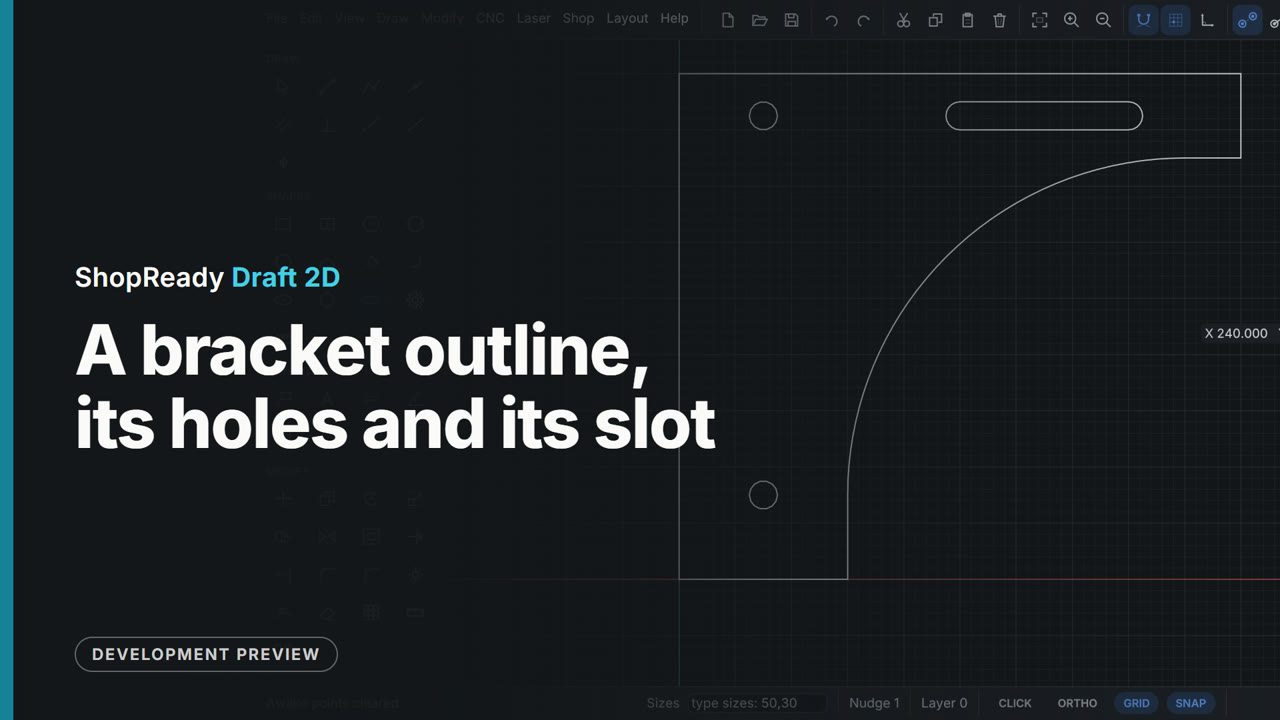
A bracket outline, its holes and its slot
A shelf bracket drawn from nothing: six polyline legs by pointing the mouse and typing each length, a tangent arc that sweeps from the tip down onto the first leg with no corner, and Join to make it one closed shape. Two holes and a slot are then set in it by lining up with points of the outline, with nothing measured.
 Clip · 55 s
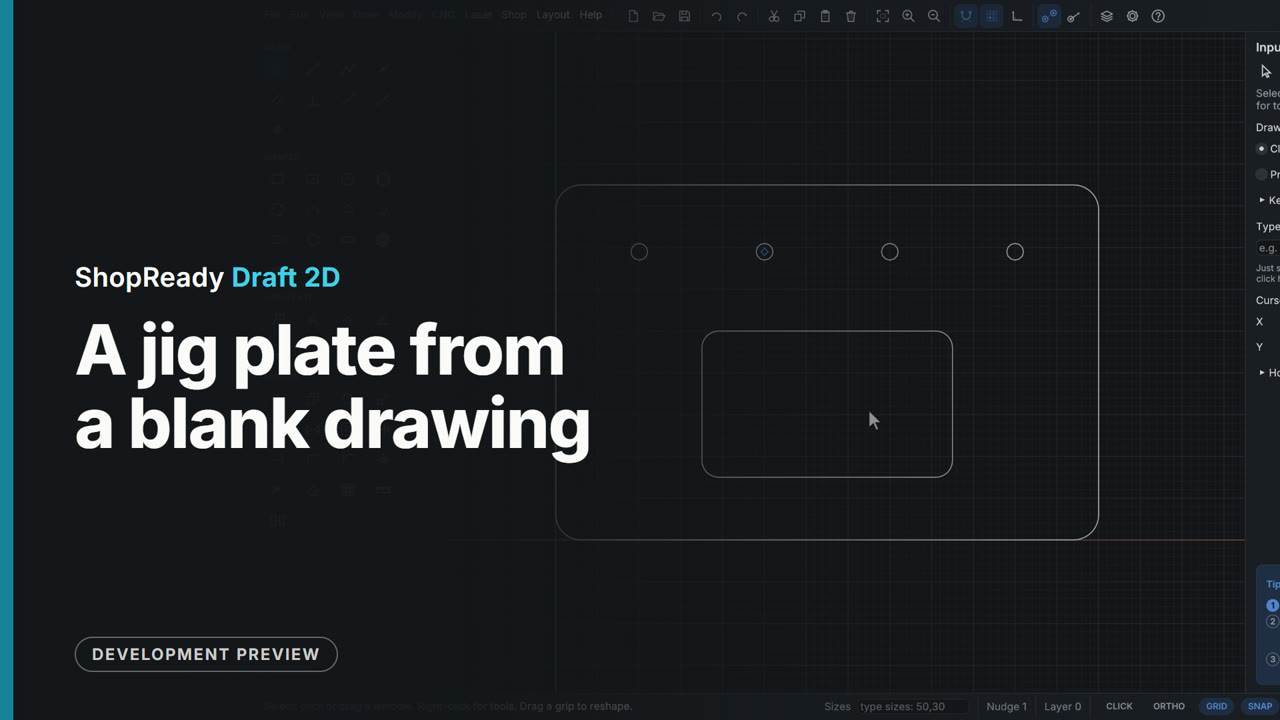
A jig plate from a blank drawing
A whole part drawn in well under a minute, every size typed: a rectangle, its corners rounded, a pocket placed by its corner and size, a dowel hole and three copies 60 apart. It is the plate the CNC clip then cuts, so the two run on as one start-to-finish film.
 Clip · 54 s
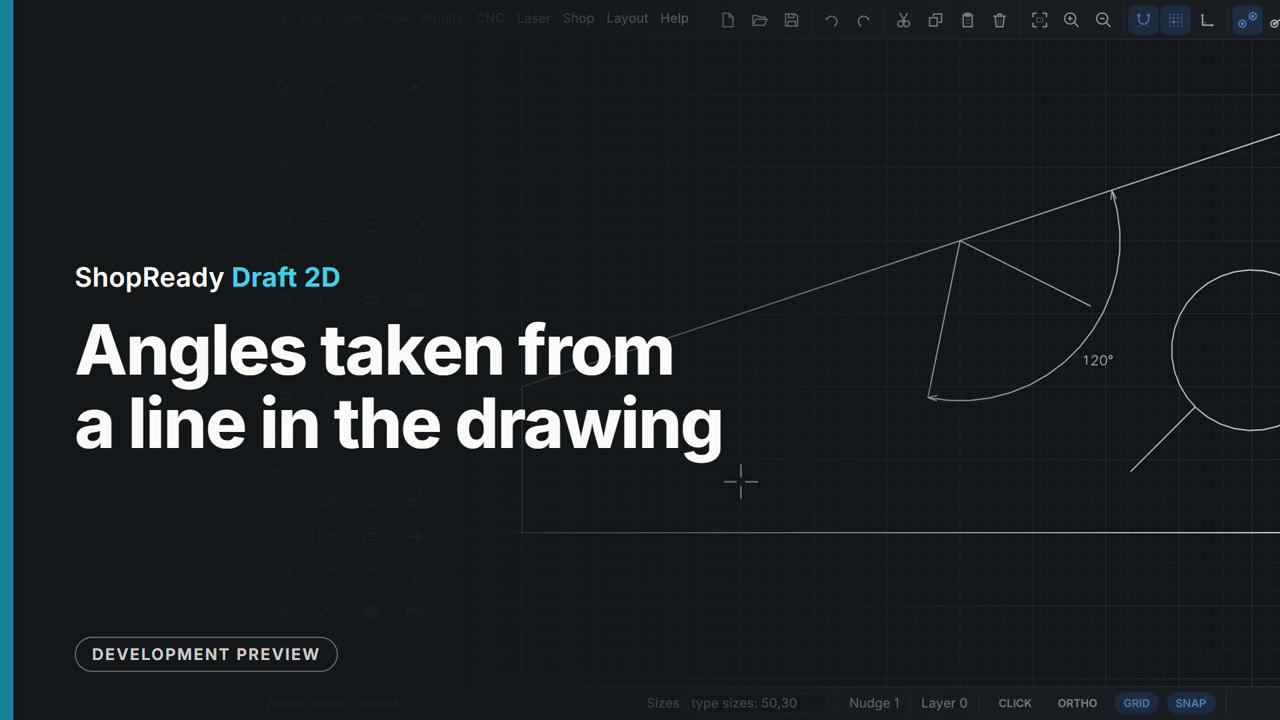
Angles taken from a line in the drawing
A line is started on a plate's slanted edge and the cursor travels along it: the edge turns purple and angles are counted from it instead of from the X axis. Typed 40,45 gives 45 degrees off that edge; typed 40,120 gives 120, an obtuse angle leaning back, not 60. A line started on a circle goes straight out, square to it, and the Angle tool puts a 120 degree dimension between the edge and the line.
 Clip · 50 s
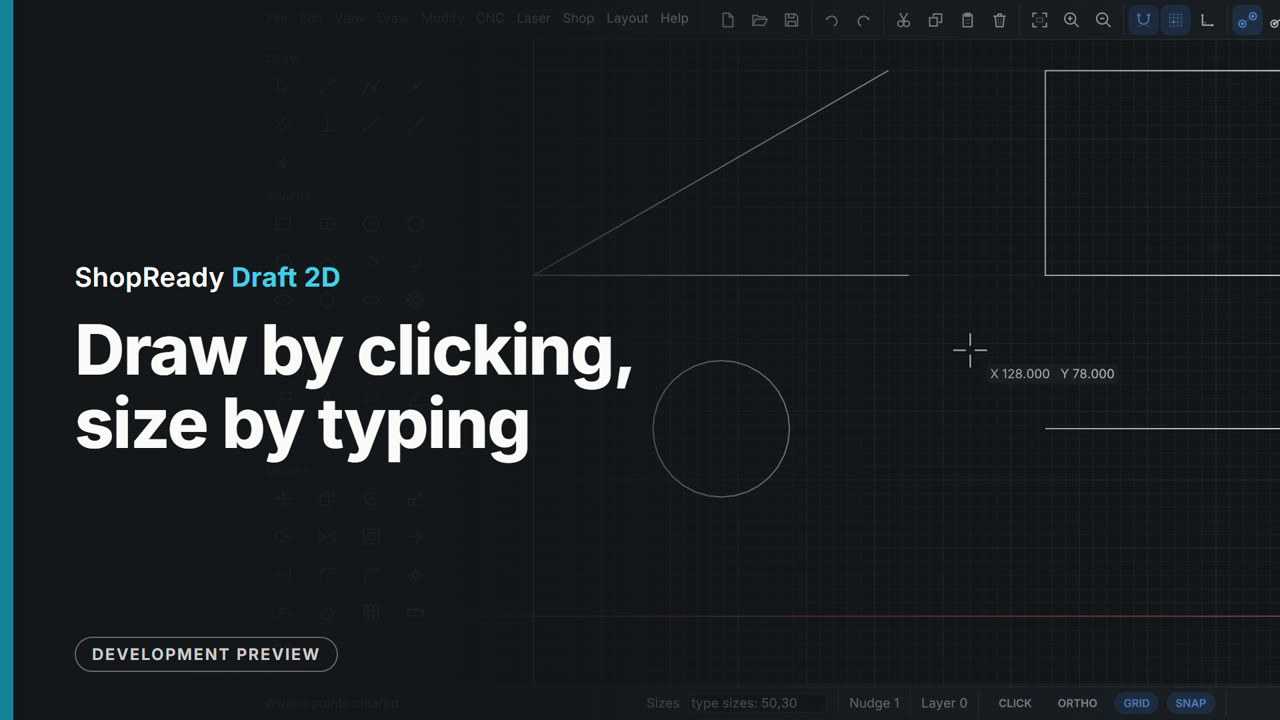
Draw by clicking, size by typing
A line by two clicks, a line by its typed length and angle, a rectangle and a circle by typed sizes, a rectangle resized by typing again, and a length locked with Tab while the mouse aims it. Sizes go in at any moment while drawing, with nothing to open first.
 Clip · 52 s
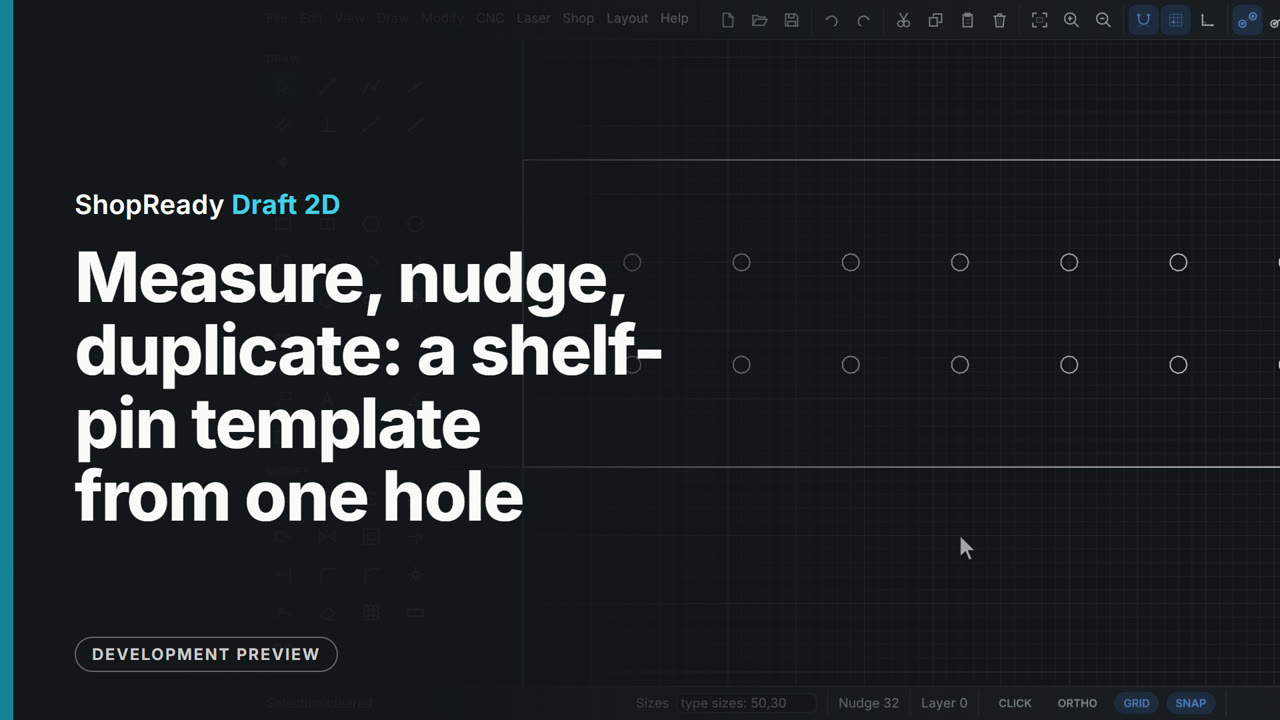
Measure, nudge, duplicate: a shelf-pin template from one hole
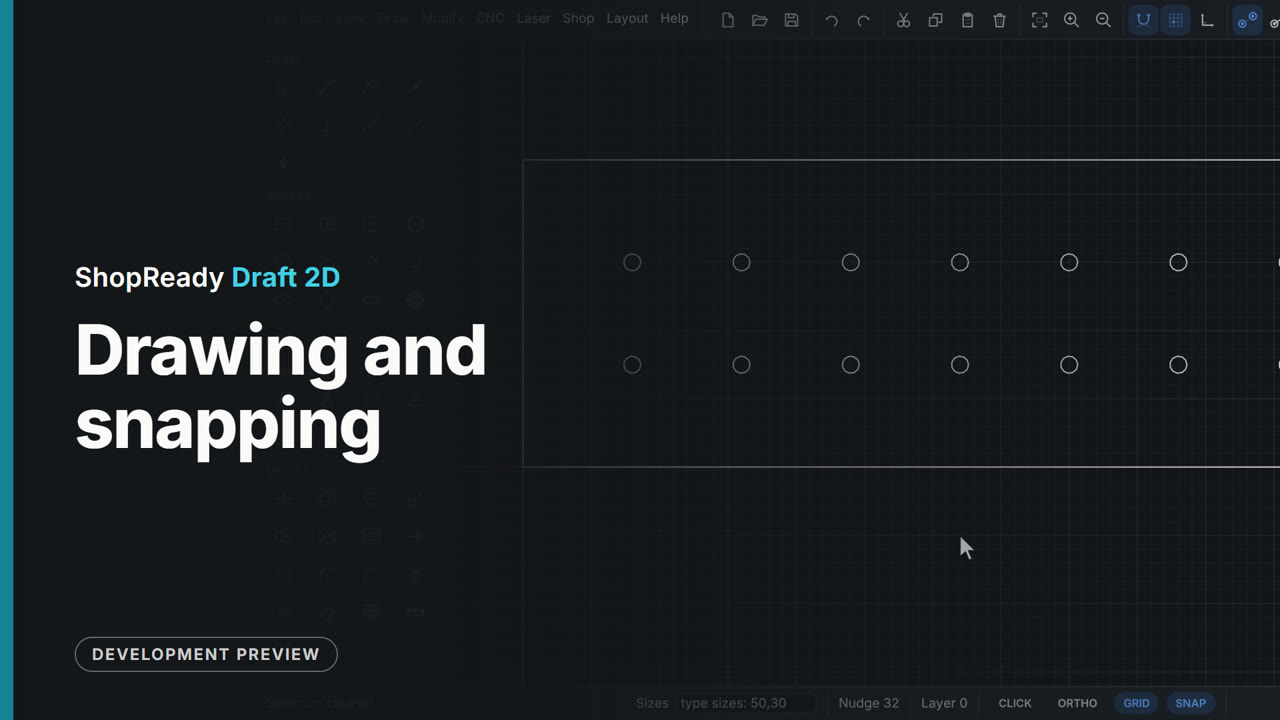
Keyboard work on a shelf-pin drilling template. Measure reads how far the first hole is from the corner; the arrow keys nudge it 1 mm a press; Ctrl+D duplicates it and Shift with an arrow moves the duplicate ten steps at a time; Ctrl+Z and Ctrl+Y undo and redo. With the step set to 32 mm in the status bar, Ctrl and the right arrow lays out two rows of holes, one copy a press.
 Clip · 35 s
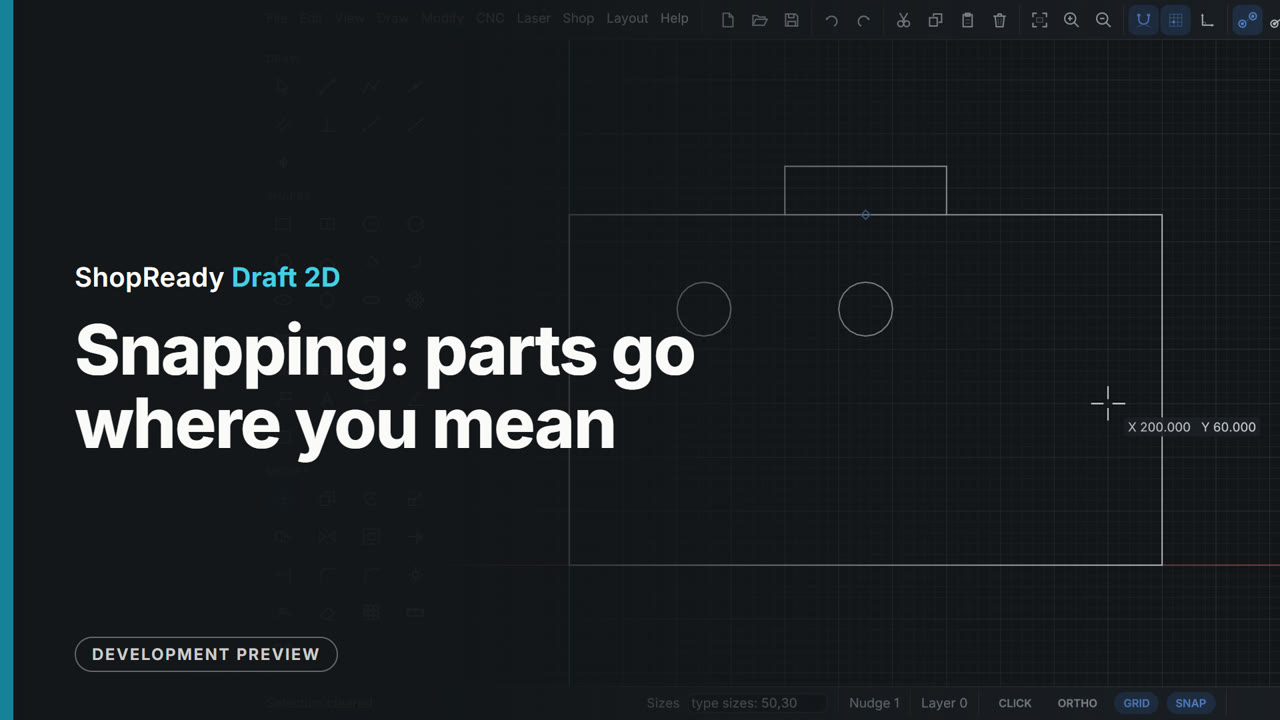
Snapping: parts go where you mean
Rest the cursor on a point and it wakes up; level and plumb lines run through awake points, so a hole lands level with one thing and plumb with another without a construction line or a sum. Then a part is moved by its own midpoint and snaps onto the middle of an edge.