ShopReady Draft 2D · 49 s · narrated, with captions
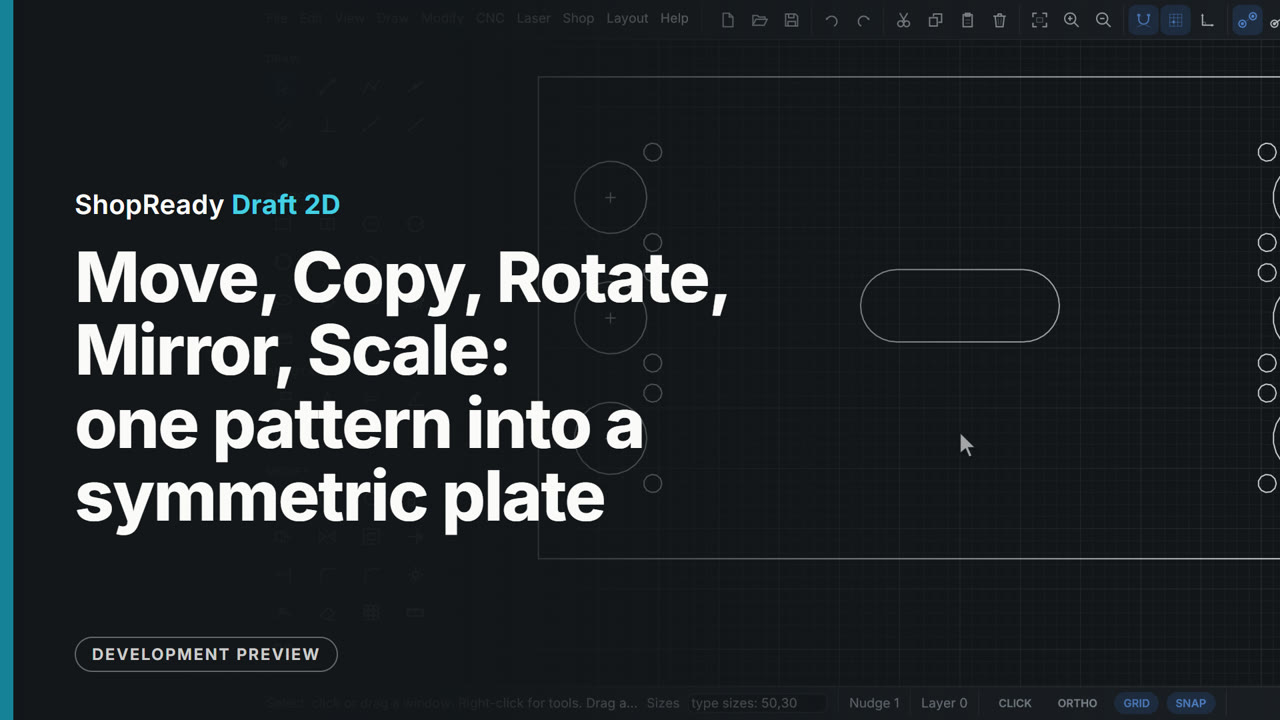
Move, Copy, Rotate, Mirror, Scale: one pattern into a symmetric plate
One hinge hole pattern (a cup and two screw holes) is turned 90 degrees about its own center, moved onto a center mark, copied to two more marks, and mirrored across the plate's center line; then the hand hole is scaled up by 1.5. Every point is snapped and every number typed, so nothing is placed by eye.
More in Editing
 Clip · 48 s
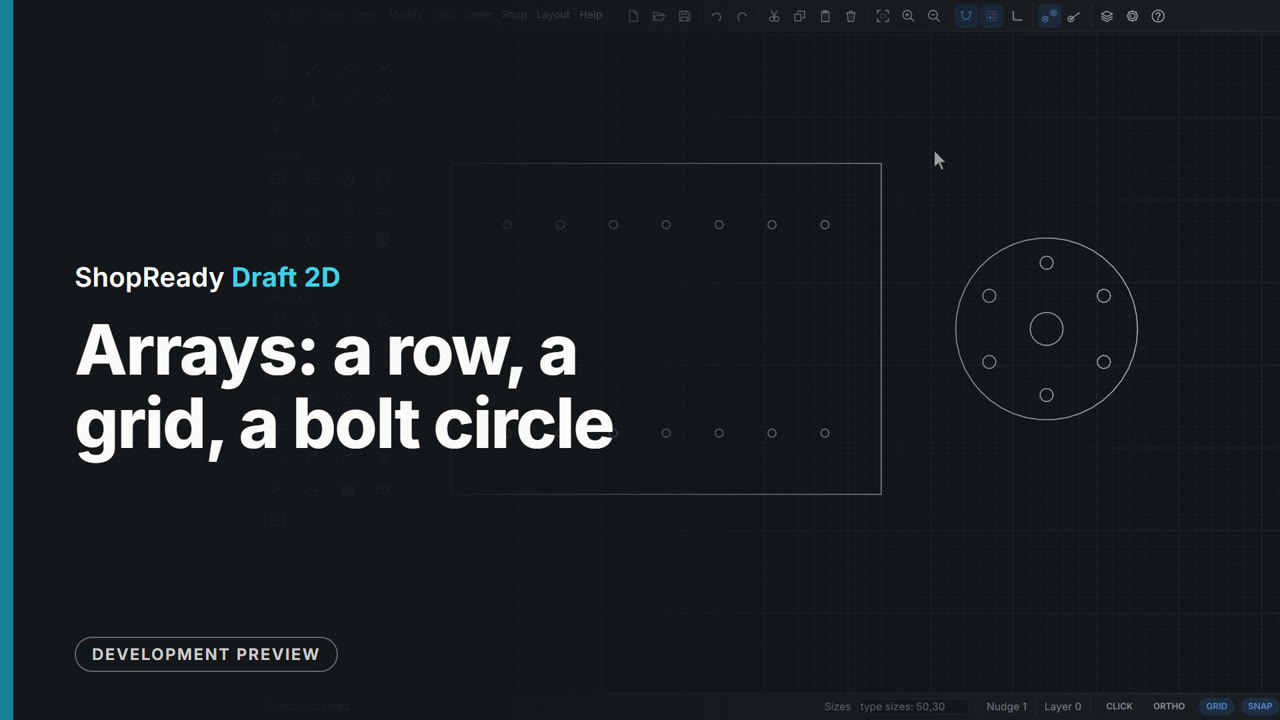
Arrays: a row, a grid, a bolt circle
One 5 mm shelf-pin hole in a cabinet side becomes a row of seven at 32 apart, then a grid with the back row 126 away; one bolt hole on a round plate becomes six round its center. The Array window shows every copy and its sizes on the drawing as the numbers are typed, before anything is made.
 Clip · 50 s
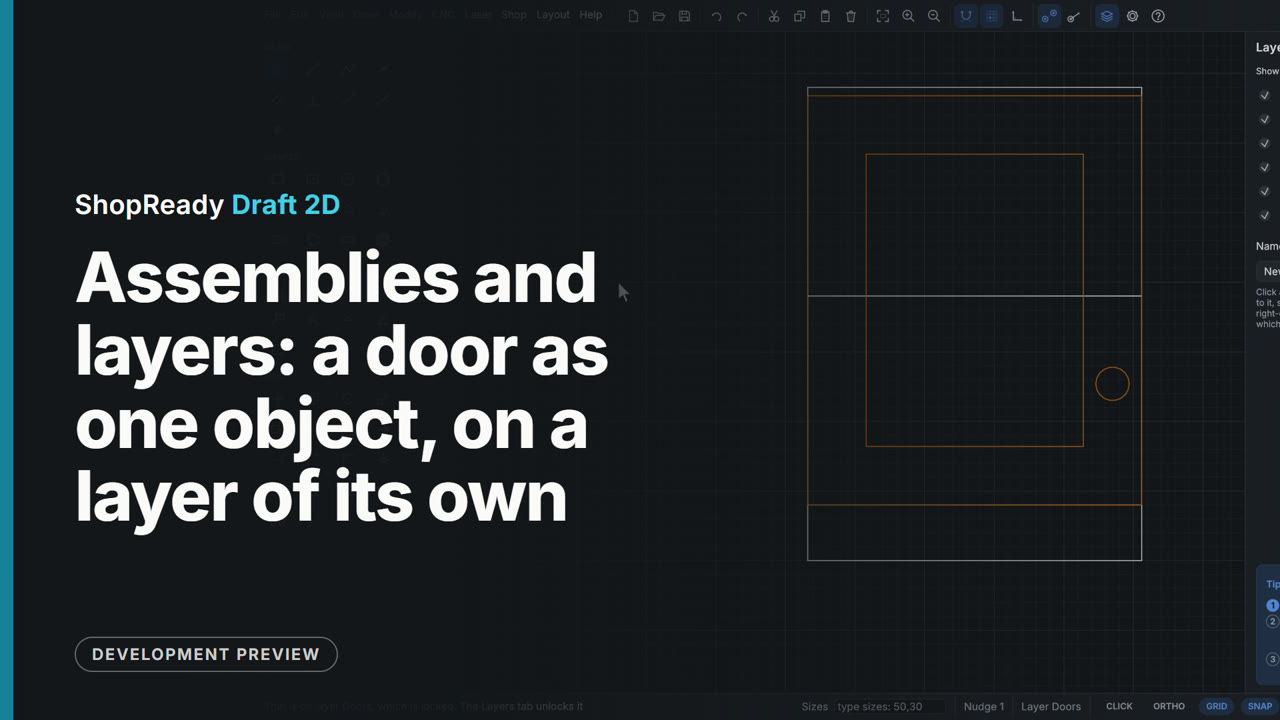
Assemblies and layers: a door as one object, on a layer of its own
A door drawn as frame, panel and knob is made one assembly from the right-click menu, picked with one click and moved onto its cabinet as one, then opened by a double-click to set the knob lower and closed with Esc. Put on layer in the right-click menu puts it on the Doors layer, and the Layers tab hides that layer to show the cabinet behind, shows it again and locks it.
 Clip · 37 s
Clearance: the gap set for you, and the opening drawn for a part
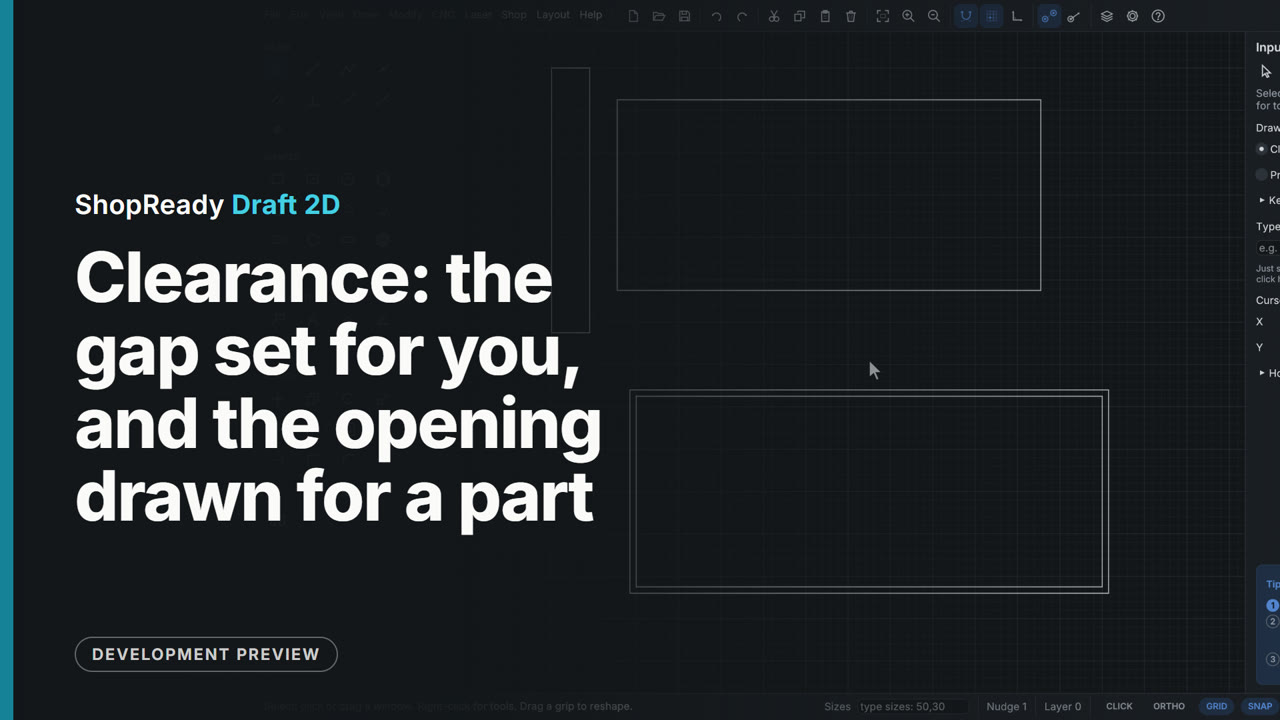
A drawer box drawn any distance from the cabinet side is set exactly 13 from it: type the gap, click the drawer, click the side, and the drawer is shown where it will stand before the second click. Then Draw the opening for a part draws the opening for an inset drawer front, 3 bigger all round, with one click.
 Clip · 41 s
Corners and offsets: a plain plate finished
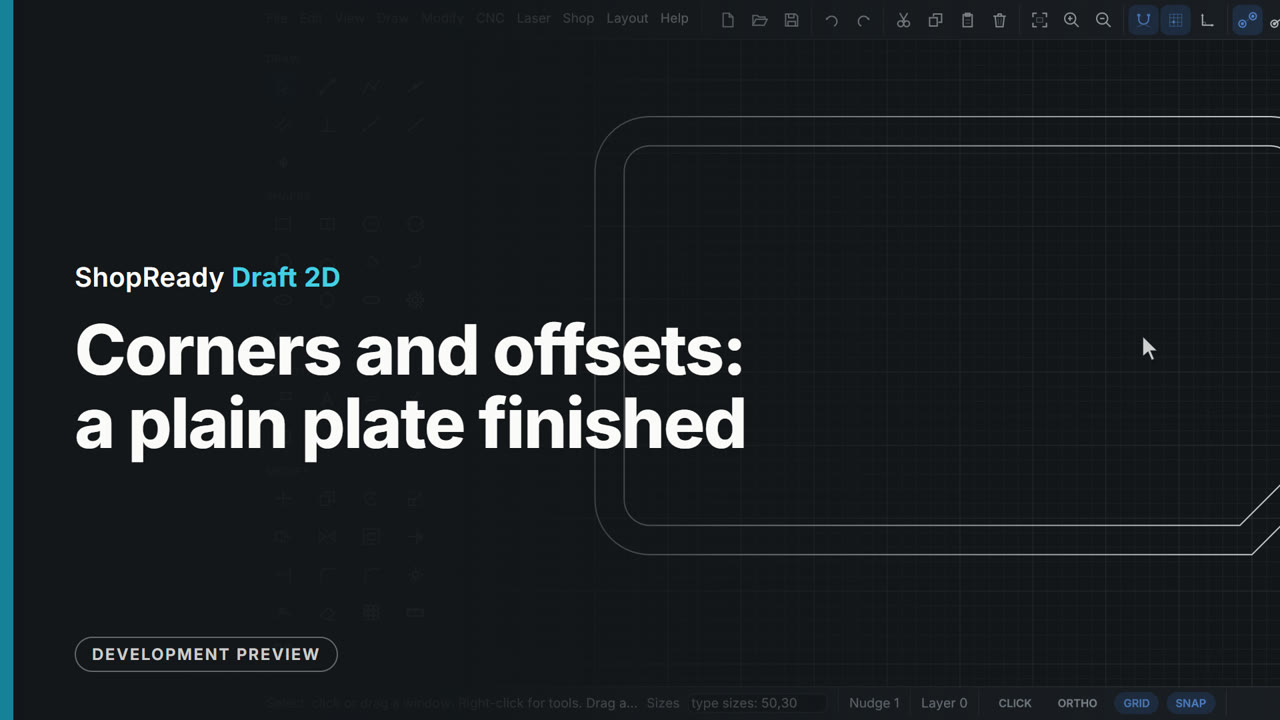
A plain 200 by 120 plate gets three corners rounded with Fillet, the fourth cut off with Chamfer, and an inner line 8 mm in with Offset. Each size is typed, and the offset follows the whole outline, round corners and chamfer included.
 Clip · 47 s
Stretch a cabinet, and lock the size of the hardware
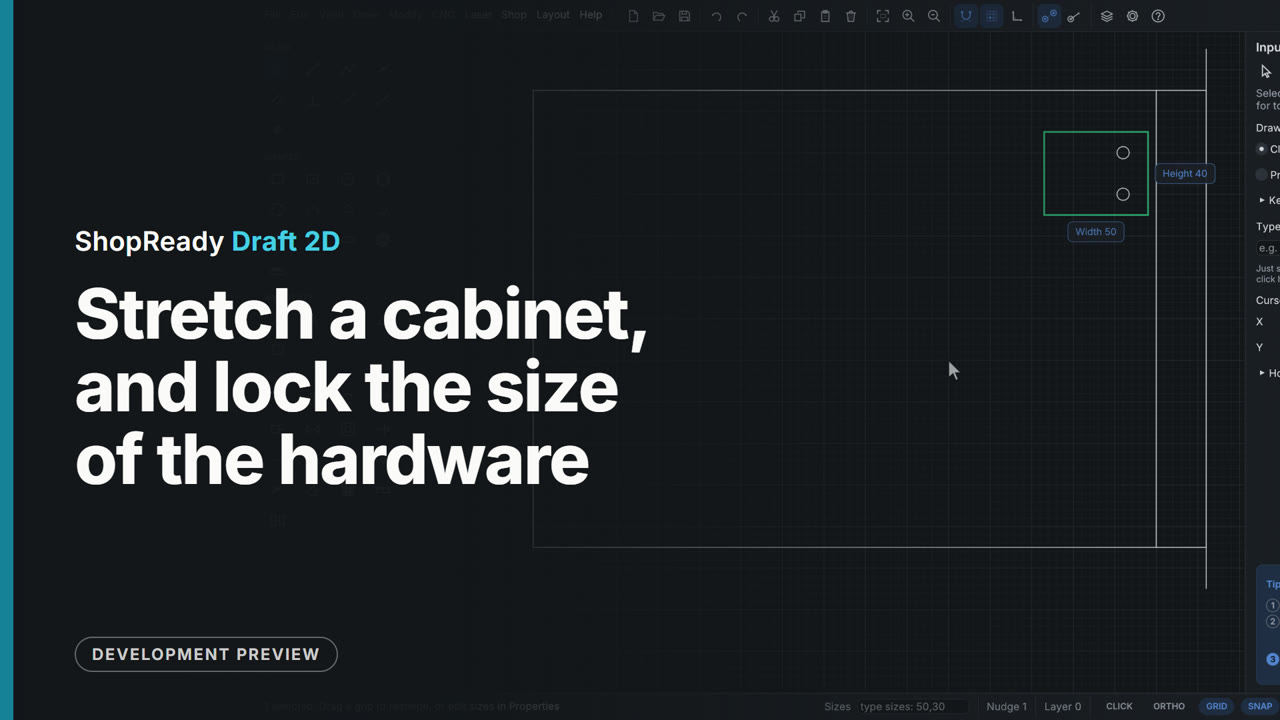
A cabinet door is made 60 wider by dragging a window right to left through its end and then dragging what the window took onto the wall line: the door grows and the end panel moves. The hinge plate was cut by the window and grew too, so it is undone, the plate gets Lock size from the right-click menu, and the same stretch then carries the plate whole, still 50 wide.
 Clip · 43 s
Trim, Extend and Join: three shapes into one outline
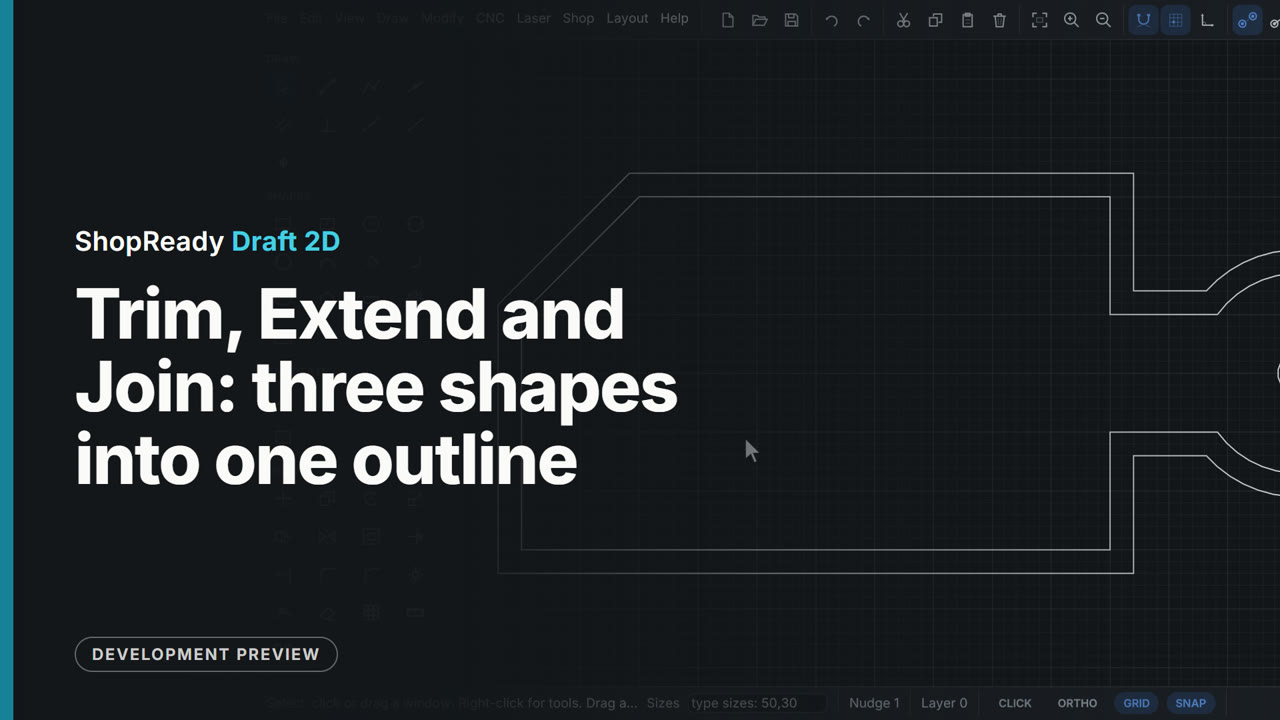
A serving board is laid out as a rectangle, a handle rectangle and a circle drawn across each other, with a corner line that stops short. Extend runs the line to the edge, Trim takes the corner with a click and four inside pieces with one drag, Join makes the pieces one shape, and one Offset goes all the way round it.