ShopReady Draft 2D · 49 s · narrated, with captions
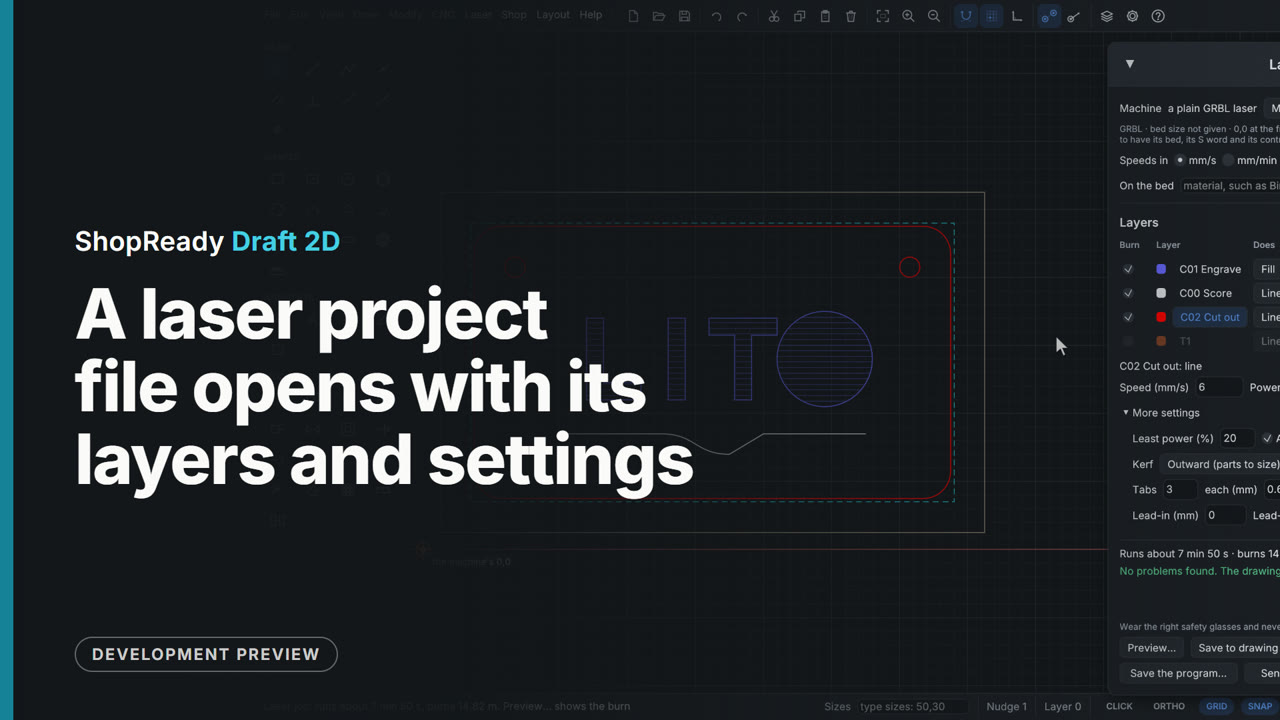
A laser project file opens with its layers and settings
File, Open reads a laser project file made in another program. The sign comes in the right way up as a new drawing, and a note above it says what came in, what was changed and what was left out. The Layers tab has the project's layers with their names and colors, and Laser, Laser job... shows each layer with the speed, power and kind of burn the project gave it: the cut-out layer still has its two passes, its kerf and its three tabs.
This is one part of a longer film
 Film · 3:31
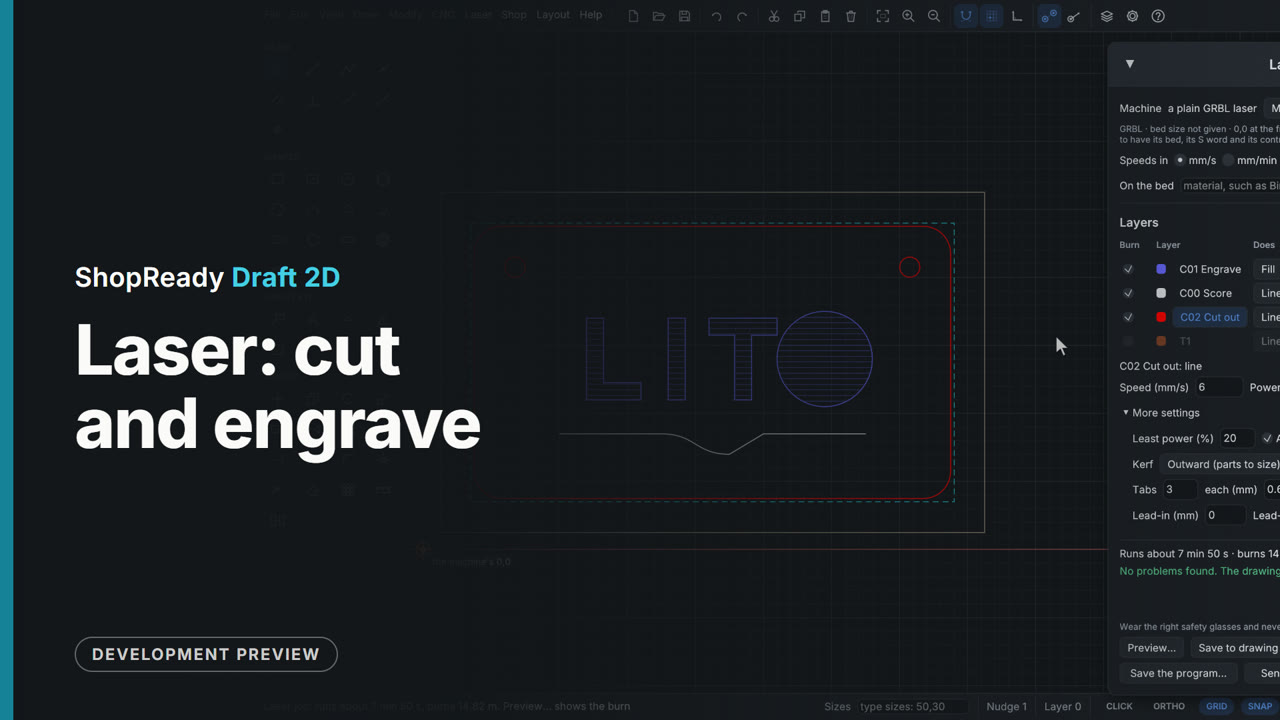
Laser: cut and engrave
The laser job: layers with their own speed, power and passes, the preview with its clock, a material test grid, only the selected shapes with lead-ins, and a laser project file opened with its layers and settings.
 Film · 2:14
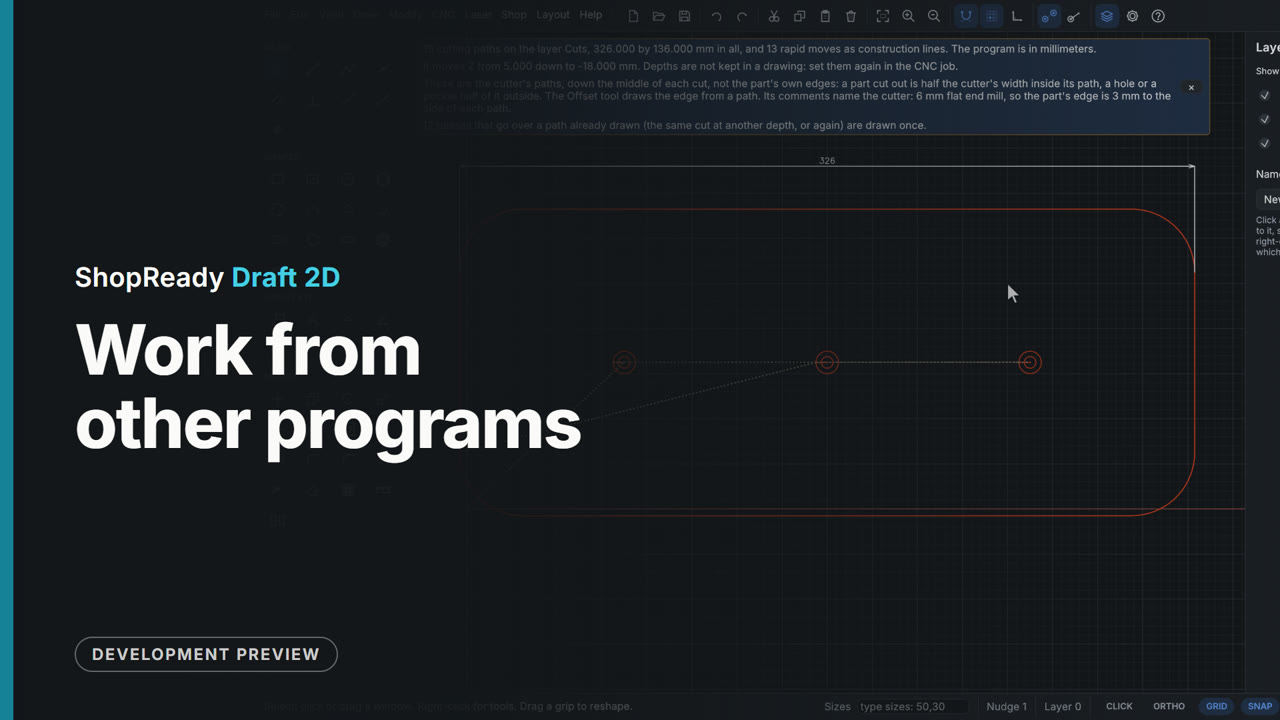
Work from other programs
A laser project file opened with its layers and settings, an SVG dropped on the drawing with its colors as layers, and a G-code program opened as a drawing and measured.
More in Files
 Clip · 46 s
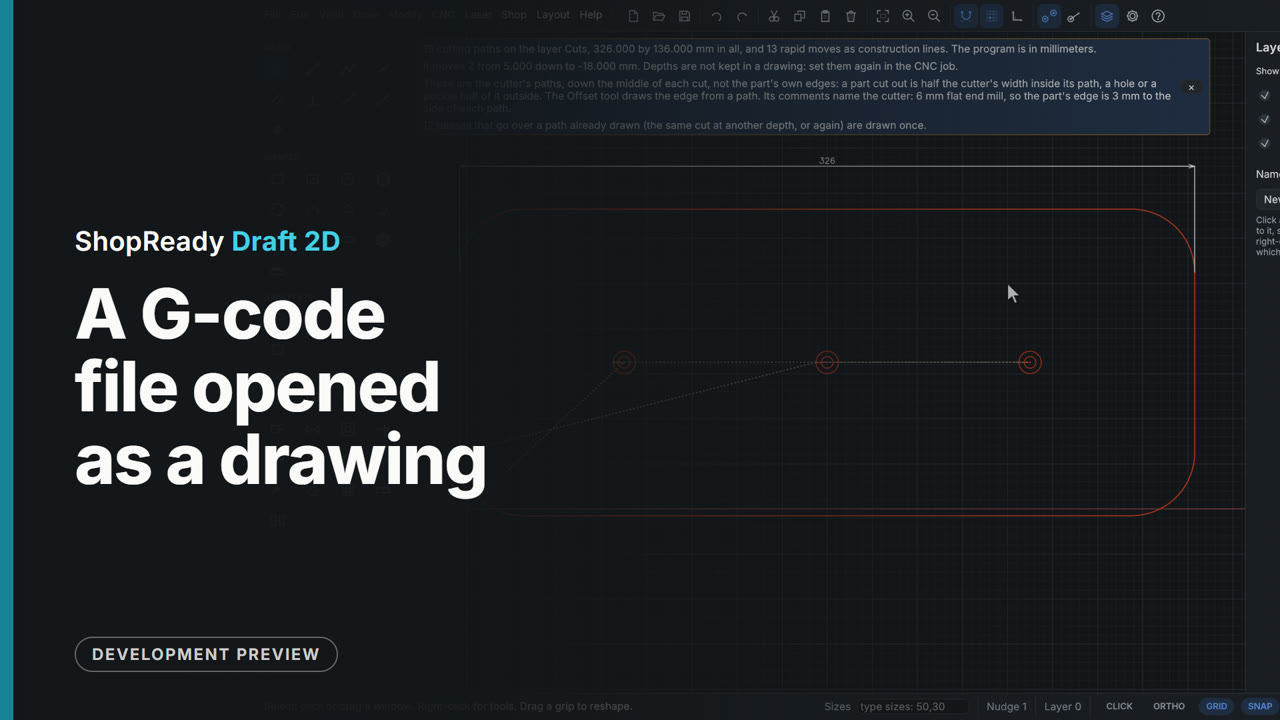
A G-code file opened as a drawing
File, Open reads a G-code program from an old job and draws it: its cuts as lines and arcs on a layer called Cuts, its moves between cuts as guide lines. A note above the drawing says how many paths there are, how big it is, how deep it went, and that passes over the same path are drawn once. Because it is a drawing, it can be measured: a dimension across the outline reads 326, the 320 part and its 6 mm cutter.
 Clip · 48 s
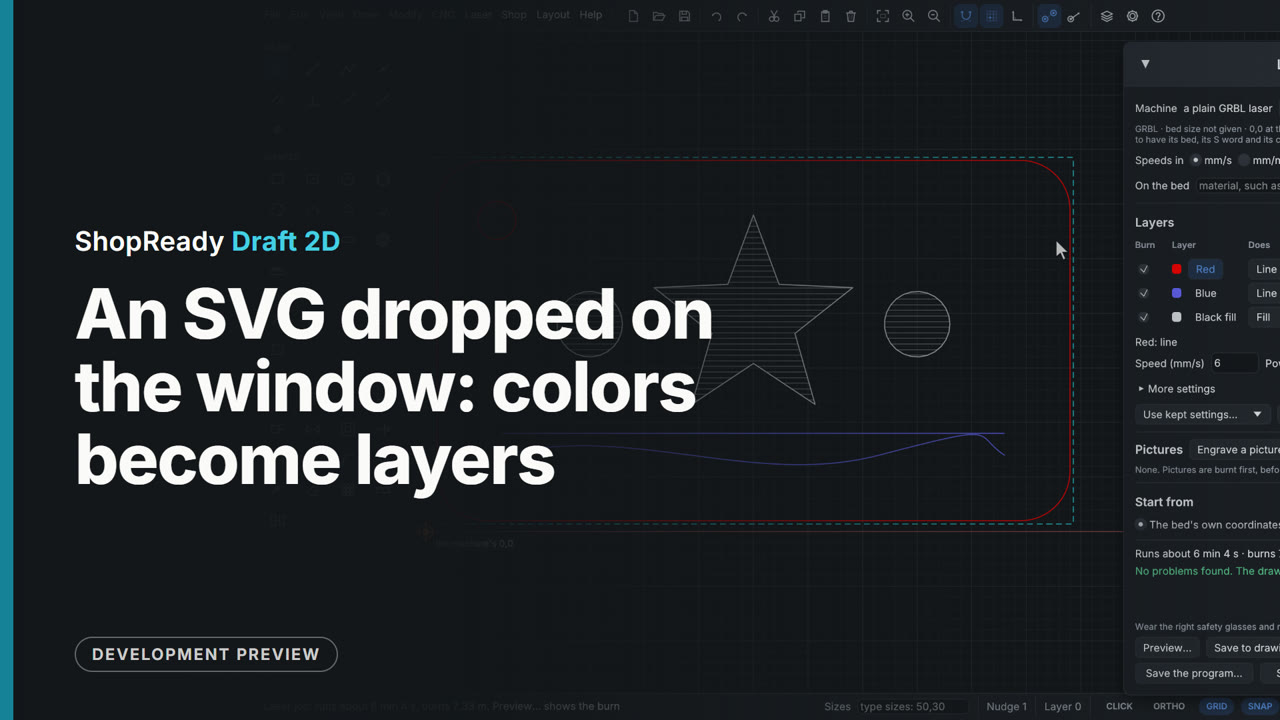
An SVG dropped on the window: colors become layers
An SVG file dropped on the window opens as a new drawing at its real size, with a note of what came in. Each color in the file is a layer, fills apart from lines: here Red, Blue and Black fill, as the Layers tab shows. In Laser, Laser job... the black filled shapes start as a fill to engrave and the red and blue start as lines, to cut and to score.