ShopReady Draft 2D · 51 s · narrated, with captions
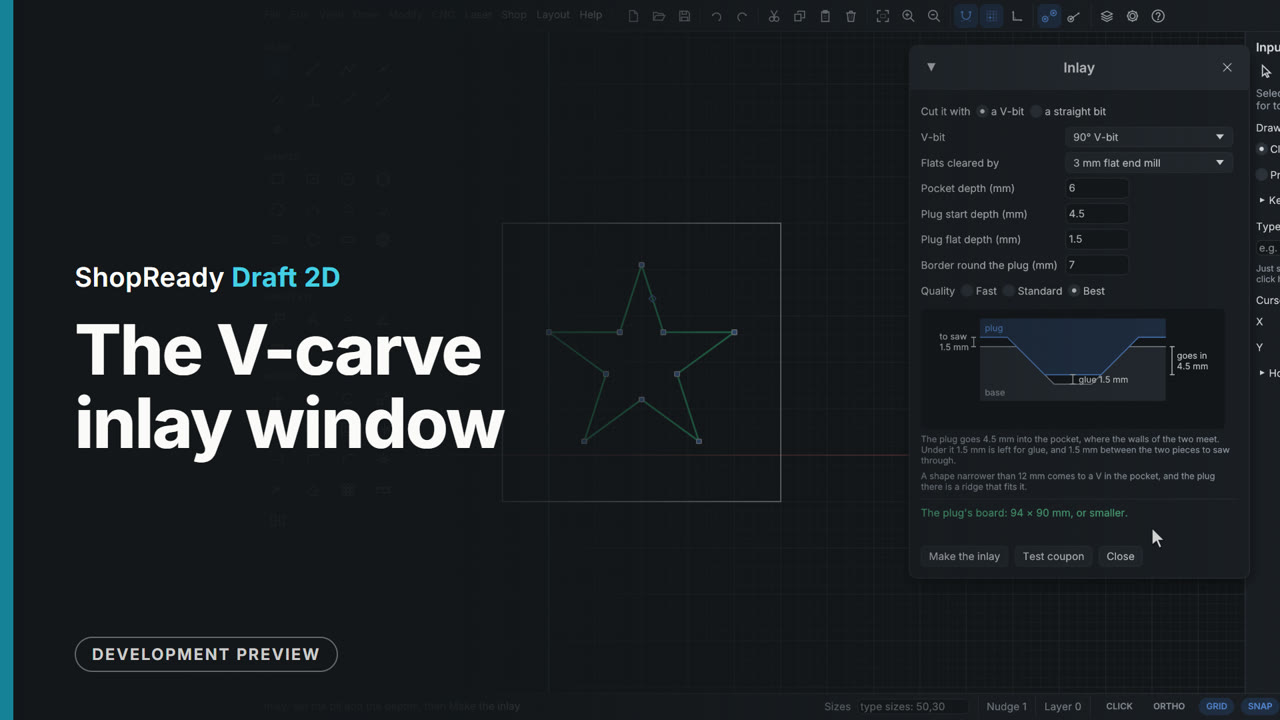
The V-carve inlay window
A star is selected and CNC, V-carve inlay opens the Inlay window, which draws the plug seated in its pocket to scale. As the pocket depth, the plug's start depth and its flat depth are typed, the cross-section and its three sizes follow: the glue room, how far the plug goes in, what is left to saw off. A pocket deeper than the V-bit can cut is refused in plain words.
This is one part of a longer film

More in CNC
 Clip · 1:01
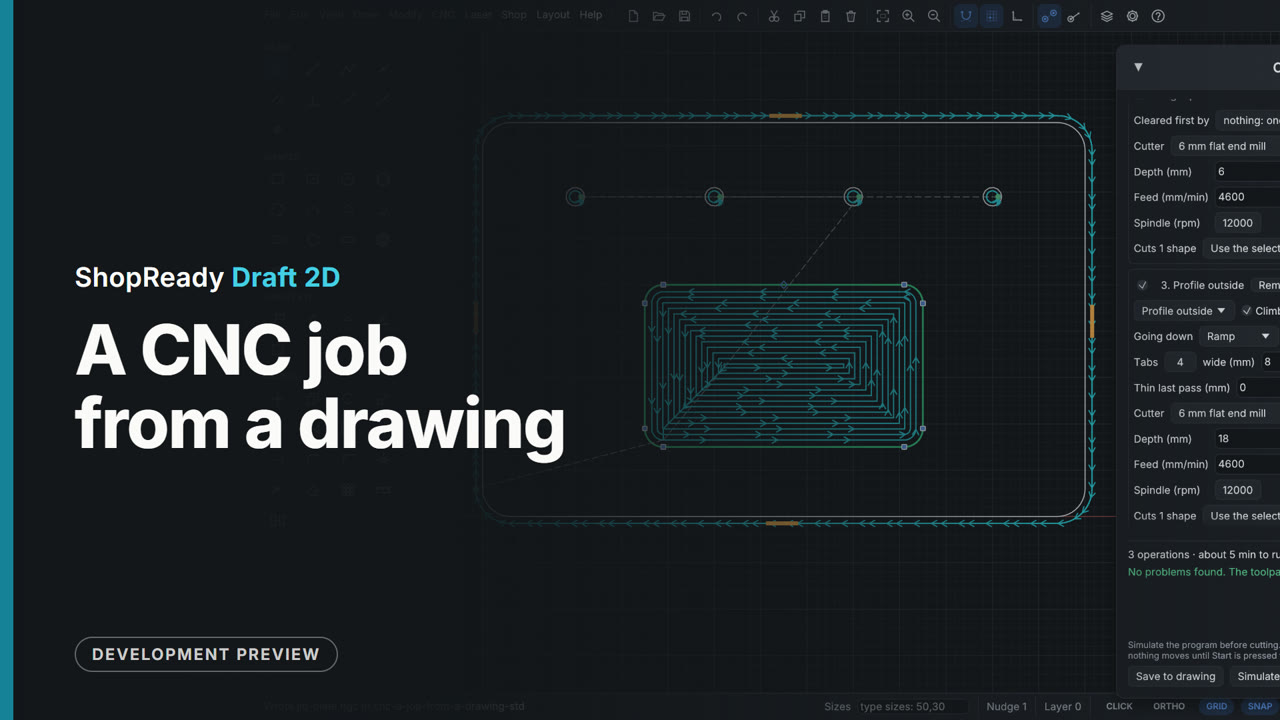
A CNC job from a drawing
A jig plate that is already drawn becomes a program for the router: stock, controller, an operation each for the holes, the pocket and the outline, the pocket moved ahead of the outline with Earlier, the toolpaths drawn over the part, the run time, and Export G-code.
 Clip · 39 s
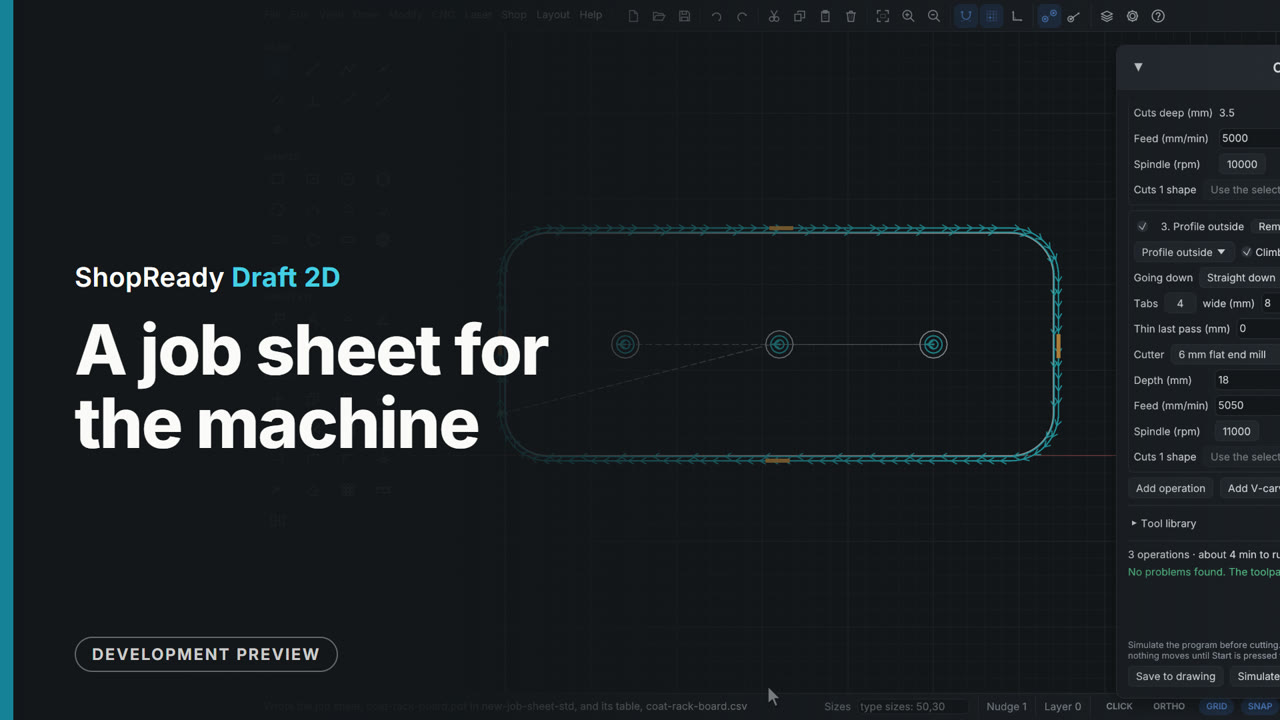
A job sheet for the machine
A coat rack board's job has three operations and two cutters. Job sheet..., on the Add operation row of the CNC job window, saves a one-page PDF for whoever runs the machine, and the same as a table: where zero is with a picture of the part, each tool in turn with how deep it goes and how long it takes, and the program files' names in the order to run them.
 Clip · 50 s
A photo carved as lines and as dots
A picture with a photo's tones is carved two ways with a V-bit: as lines that are wider where the picture is darker, and as dots like old newsprint. The picture window shows each as it will carve, and both end up side by side on one board, in one job, with its run time.
 Clip · 56 s
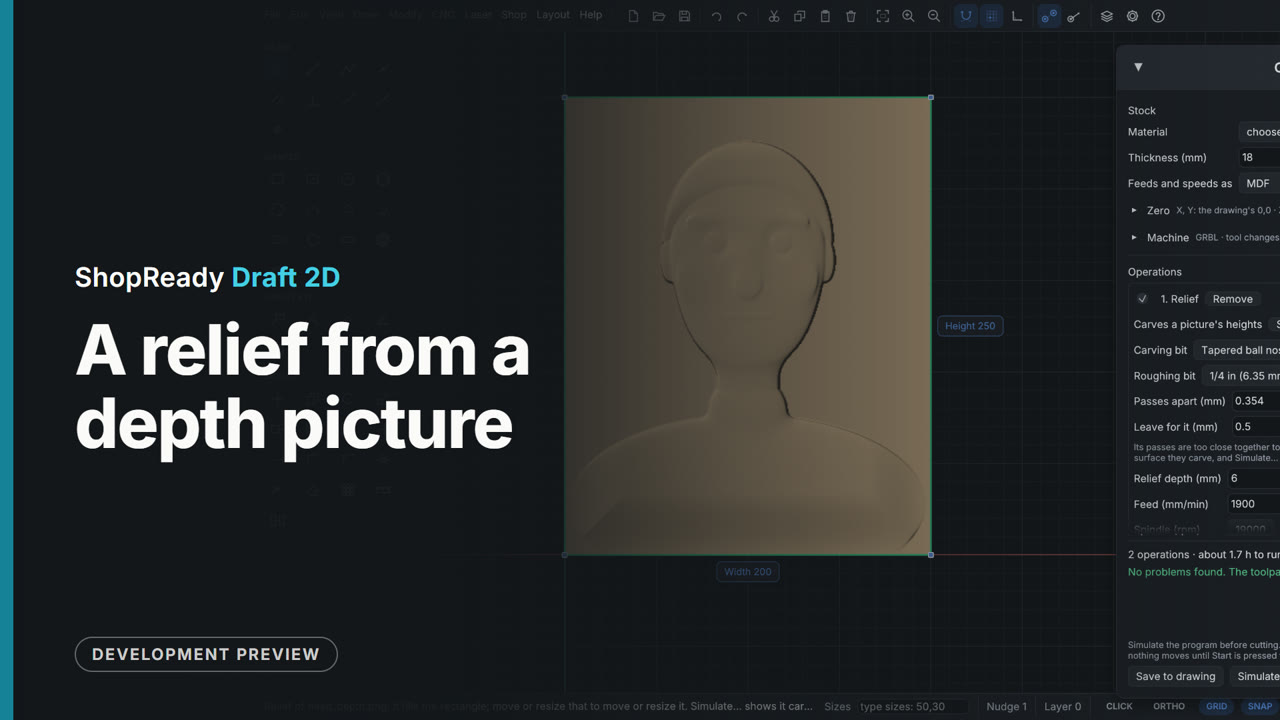
A relief from a depth picture
CNC > Carve a picture opens a picture of heights (light is high, dark is low), and the Relief choice shows it lit, as it will carve. Two settings shape it, then Place and carve draws its rectangle on the drawing and opens the CNC job: an end mill roughing, a tapered ball nose finishing, and the run time.
 Clip · 40 s
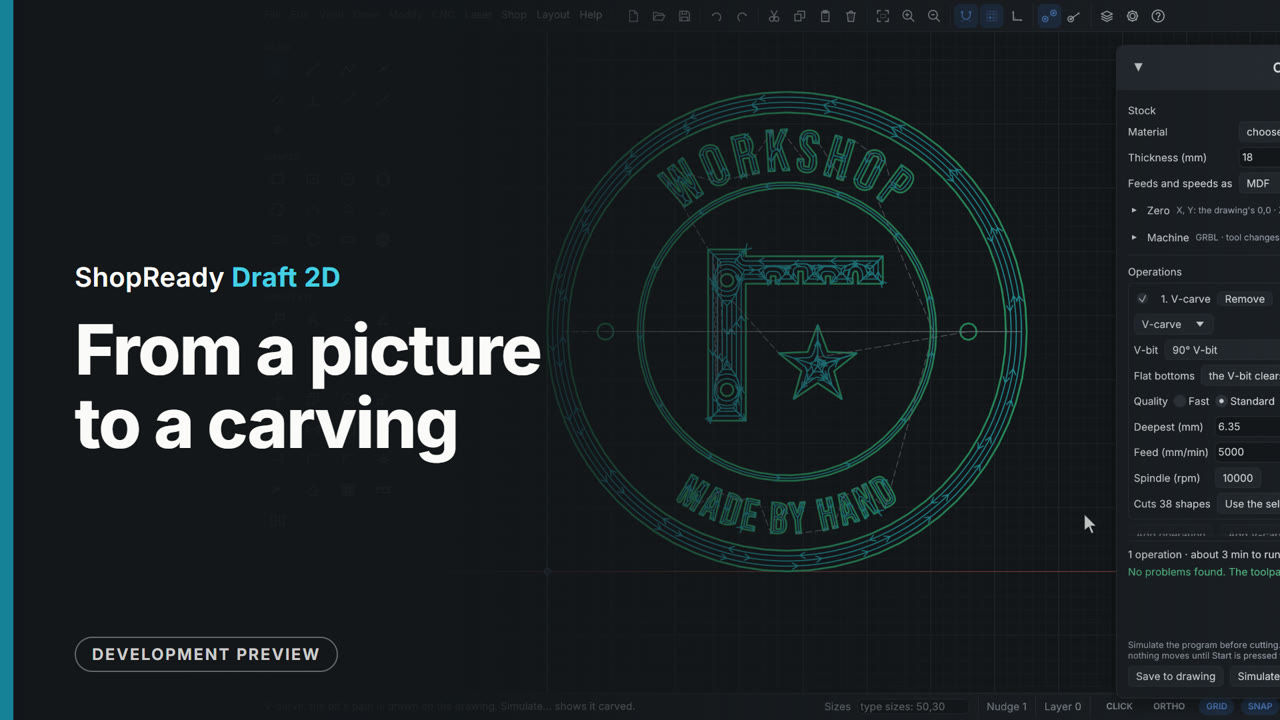
From a picture to a carving
A phone photo of an emblem on paper is opened from the CNC menu and comes in already traced into outlines. The picture window shows what will be carved, one setting is loosened, and Place and V-carve puts the shapes on the drawing with a V-carve job ready to run.
 Clip · 50 s
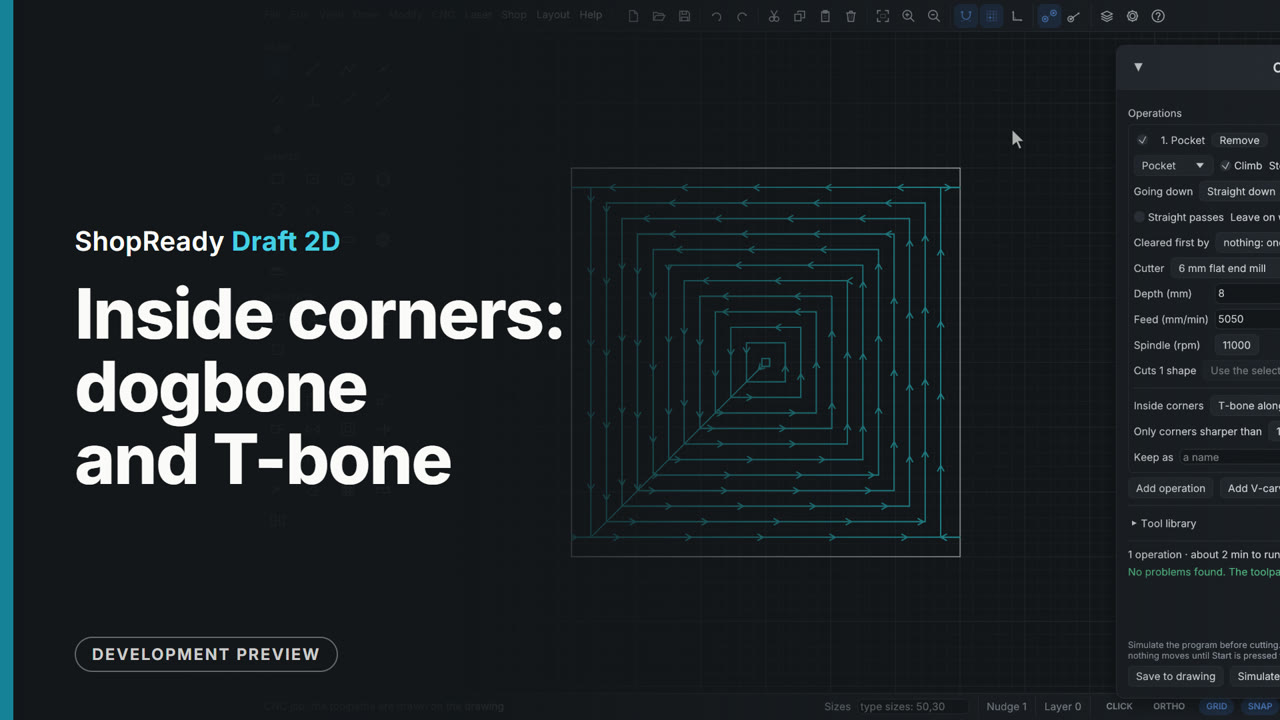
Inside corners: dogbone and T-bone
A pocket that a square foot must fit is cleared with a 6 mm cutter, which leaves every inside corner round. In the operation's More..., Inside corners is set to Dogbone and each corner of the path gets a spur out along its middle; set to T-bone, the spur runs along one side. The drawing stays the part as designed: only the cutter's path changes.