ShopReady Draft 2D · 47 s · narrated, with captions
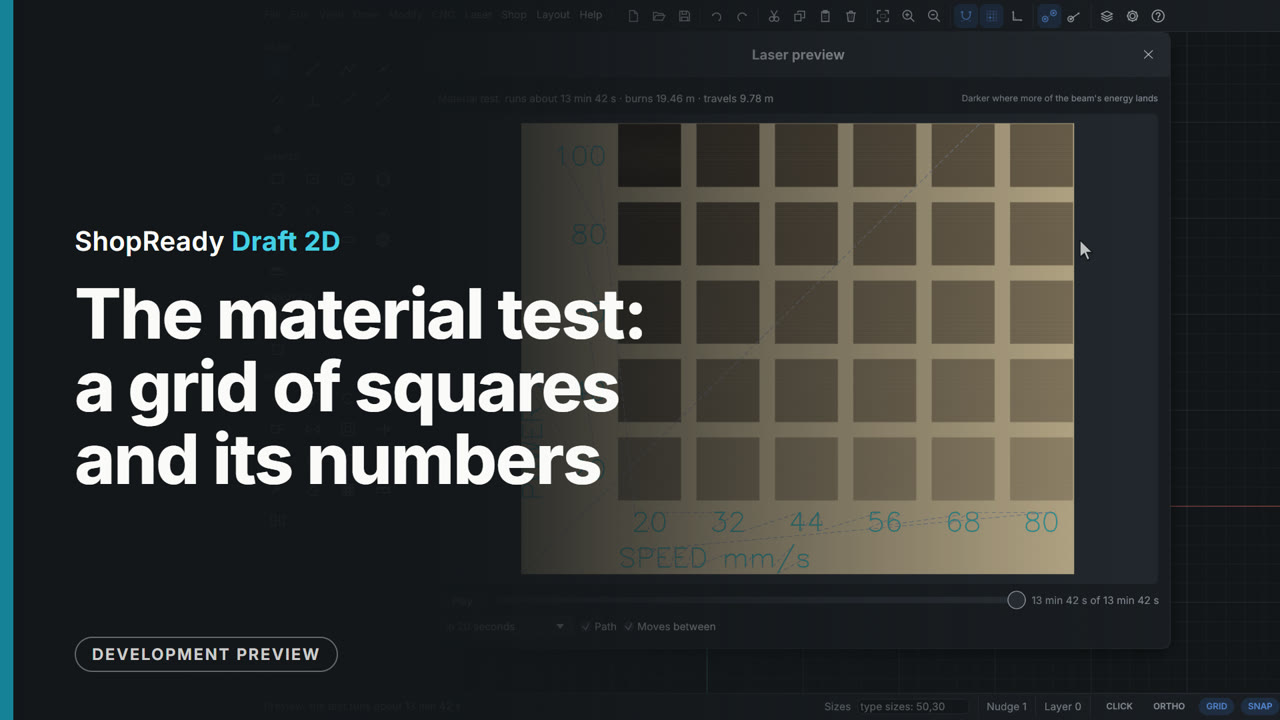
The material test: a grid of squares and its numbers
Laser, Material test... makes a grid of small squares to burn on an offcut, each at its own speed and power, with the numbers engraved beside them. The window shows the grid as it is set: six columns, speeds from 20 to 80 mm/s, powers from 20 to 100%. The squares can be filled or cut round, and Preview... shows the whole test with its numbers and how long it runs.
This is one part of a longer film
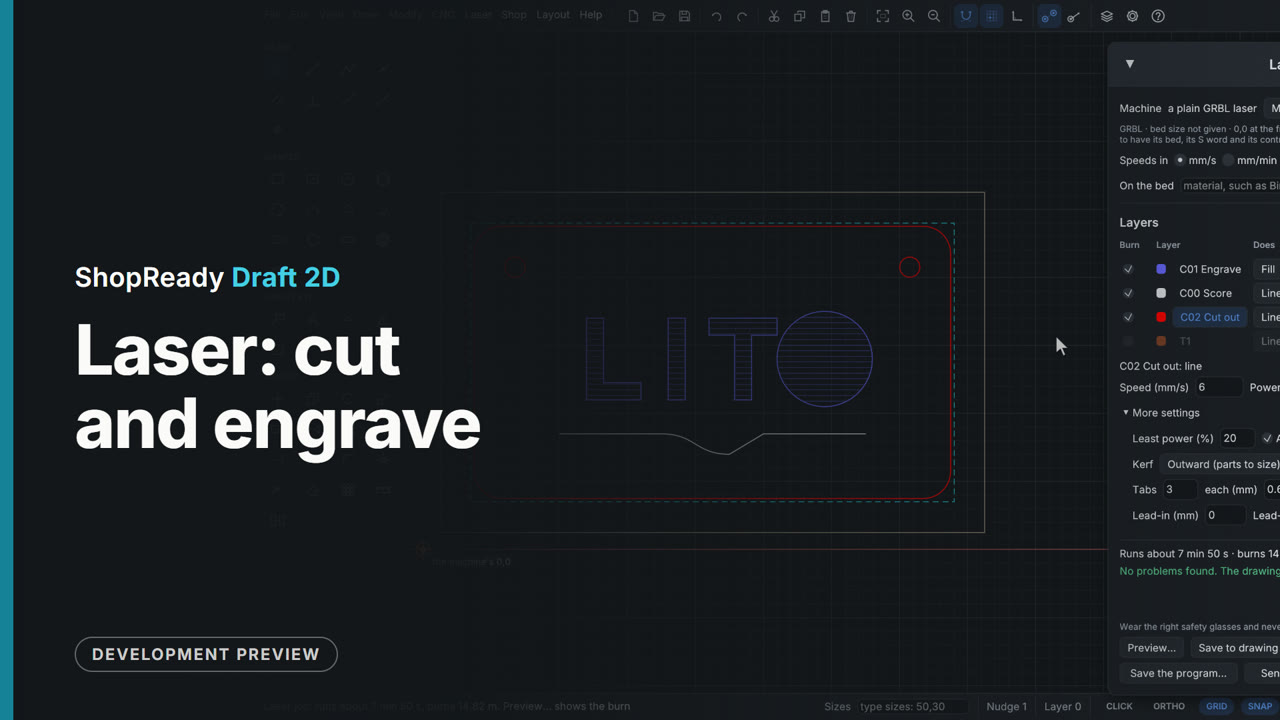
More in Laser
 Clip · 52 s
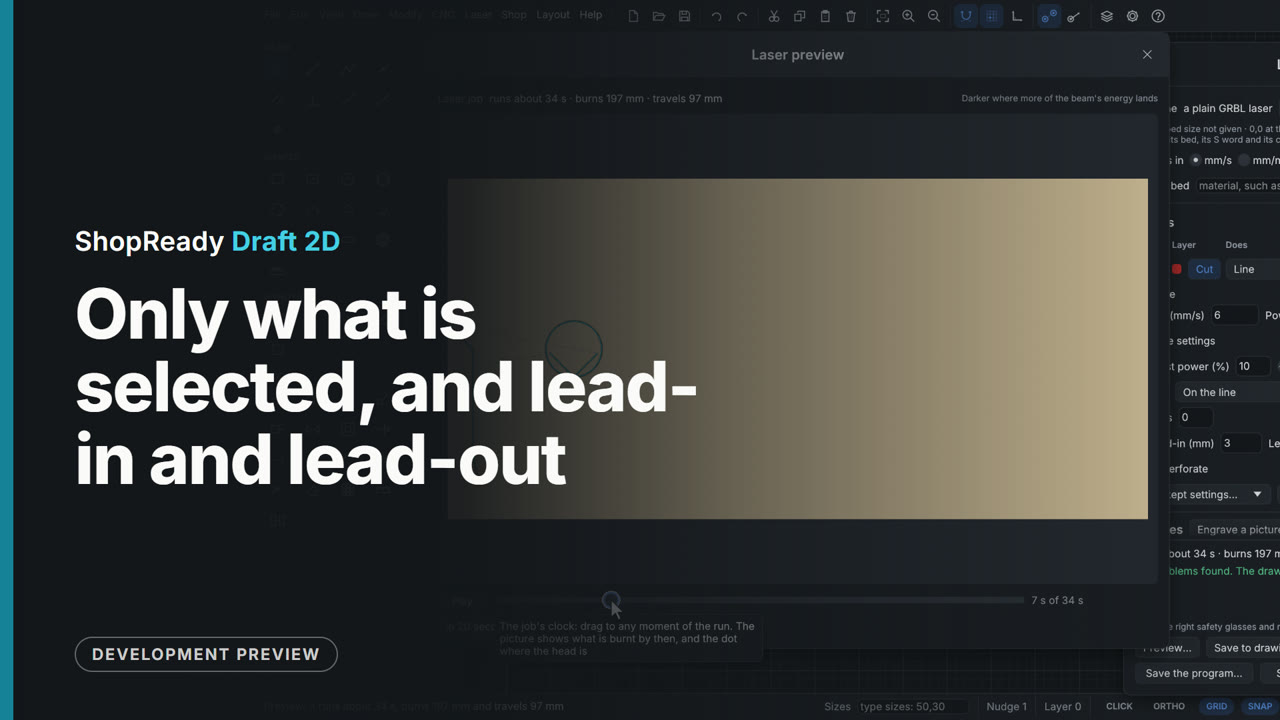
Only what is selected, and lead-in and lead-out
A strip of three key tags is in the laser job, and one more of the middle tag is wanted. With that tag selected, Only what is selected, under Cutting order, burns just it, with a box, an origin and a run time of its own. Then Lead-in and Lead-out, under More settings, are set to 3 mm, and the preview shows each cut starting and ending a little way off in the waste: outside the tag's edge, inside its hole.
 Clip · 41 s
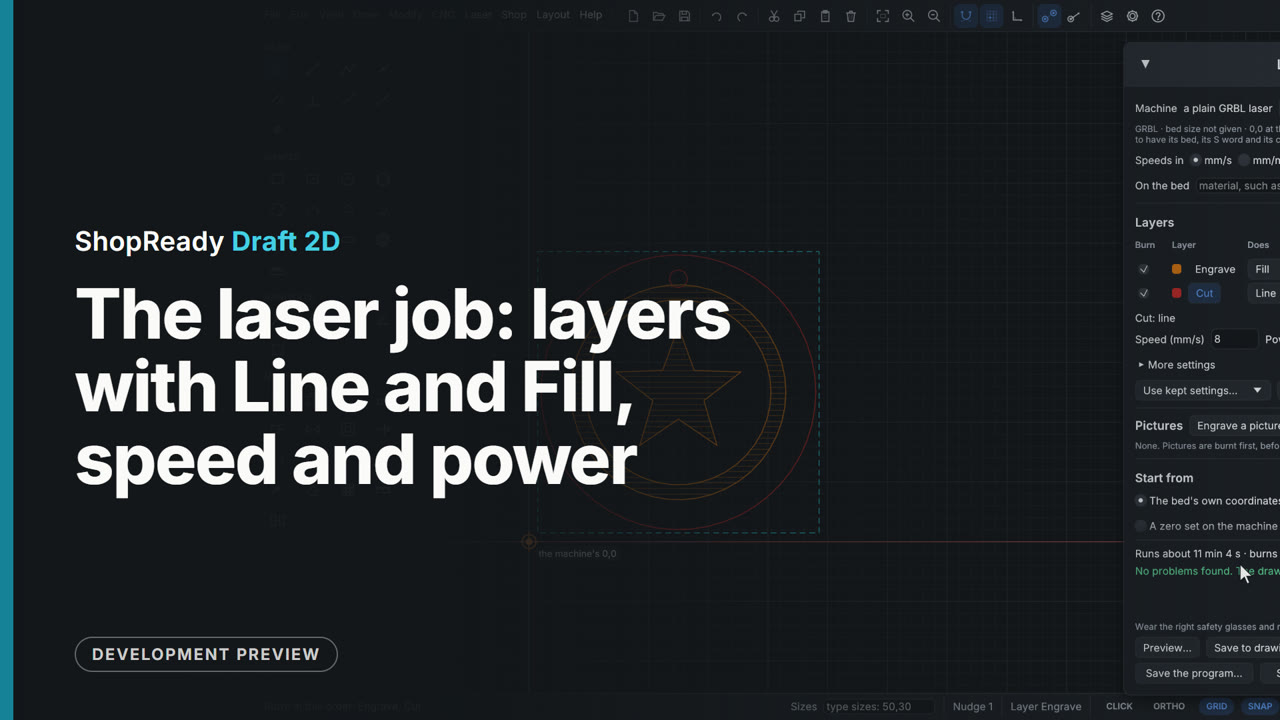
The laser job: layers with Line and Fill, speed and power
A coaster has its edge on a Cut layer and a ring and a star on an Engrave layer. In Laser, Laser job... each layer is a row: Engrave is set to Fill at 100 mm/s and 30%, and the drawing shows its fill lines; Cut stays Line at 8 mm/s and 100% with two passes. The arrows put the engraving first, and the foot of the window says how long the job runs and how far it burns and travels.
 Clip · 46 s
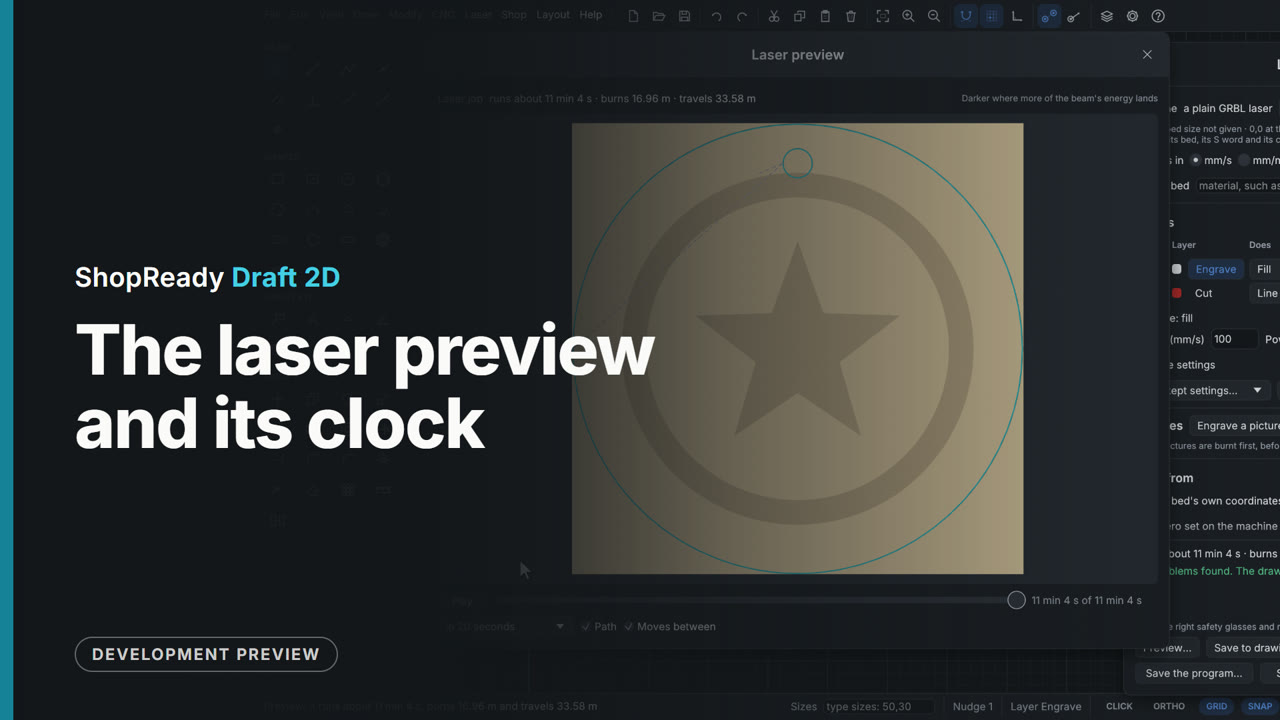
The laser preview and its clock
From the coaster's laser job, Preview... shows the finished burn on the sheet with how long it runs and how far it burns and travels. The clock beside Play is dragged back to the start and forward again: the picture shows what is burnt by each moment and a dot shows where the head is. The engraving's fill builds up line by line, the cut comes last, and Play runs it on from where the clock stands, at the rate of the whole job in 20 seconds.