ShopReady Draft 2D · 49 s · narrated, with captions
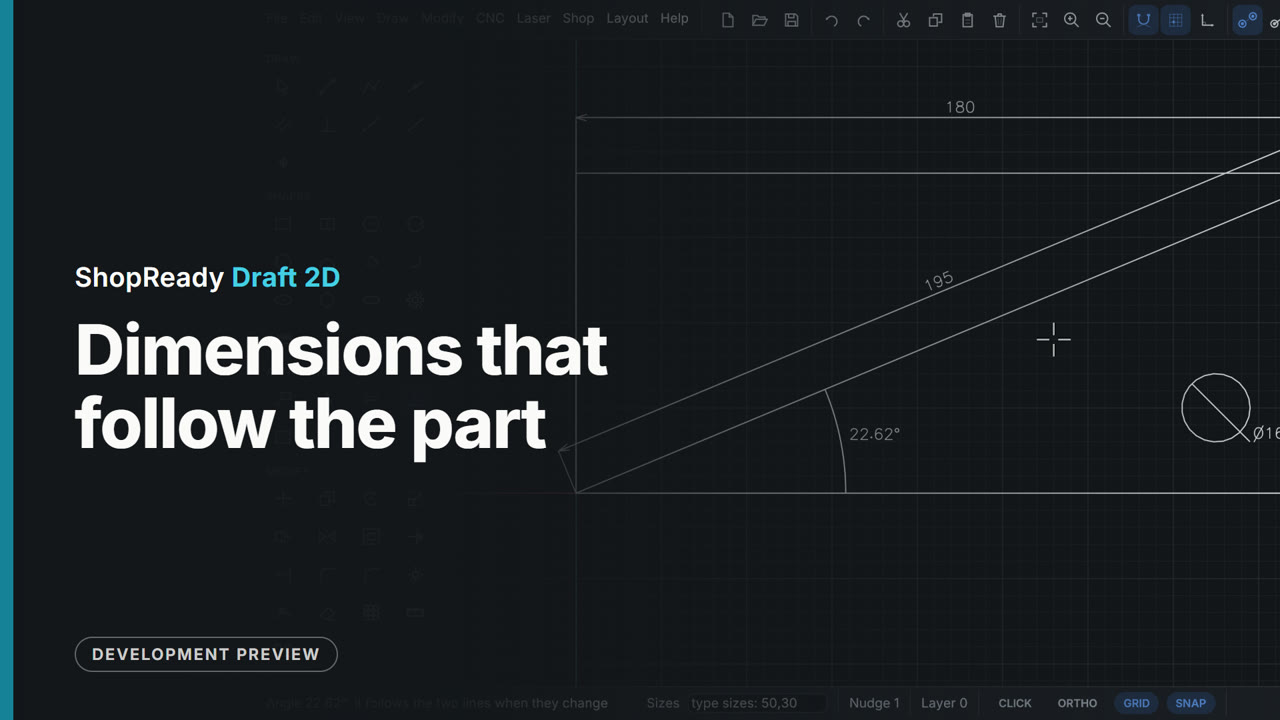
Dimensions that follow the part
Three dimensions go on a bracket blank: between two corners, on its cut line, on its hole. Then the part is stretched 80 wider and the hole typed to a new size, and every dimension reads the new size without being touched. An Angle dimension between two edges ends it.
This is one part of a longer film
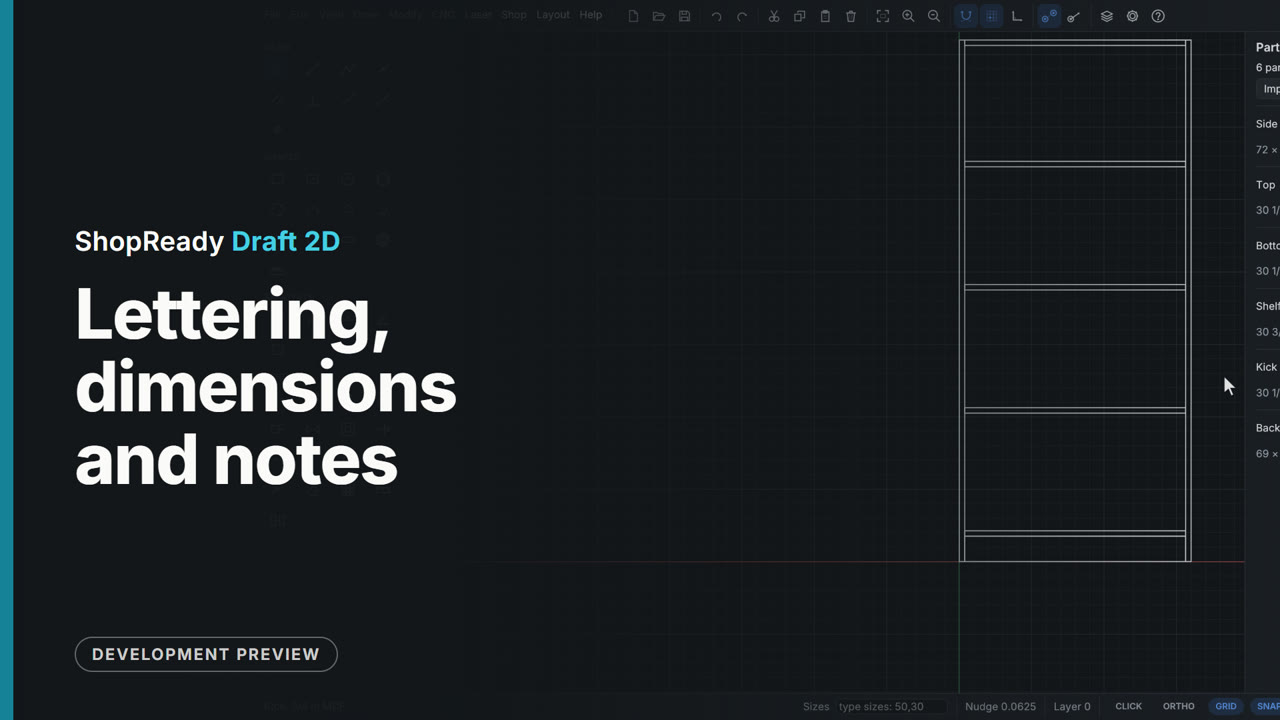
More in Dimensions and notes
 Clip · 51 s
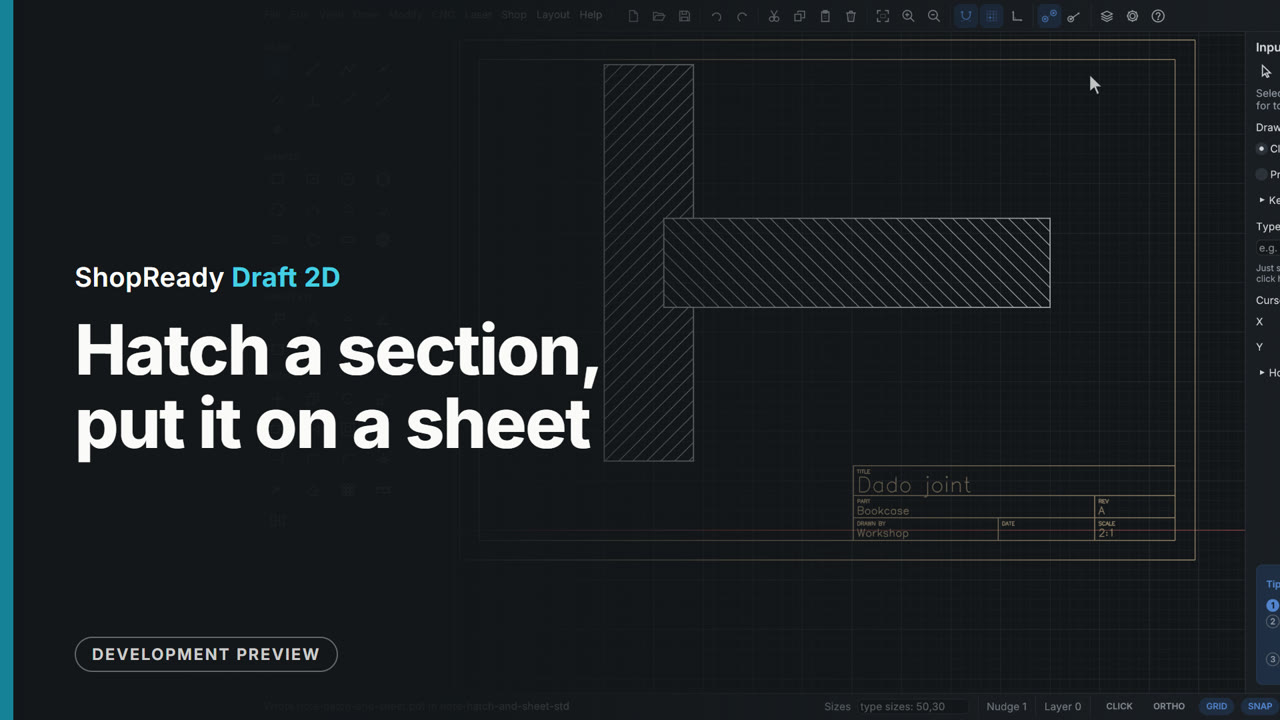
Hatch a section, put it on a sheet
A section through a dado joint is hatched with one click in each part, the shelf at 135 degrees so the two parts read apart. Layout, Sheet and title block then puts the drawing on an A4 sheet: the scale is set to 2:1, the title, the part and who drew it are typed into the title block, Center it puts the joint in the middle of the paper, and Export sheet PDF writes the sheet as it is drawn.
 Clip · 47 s
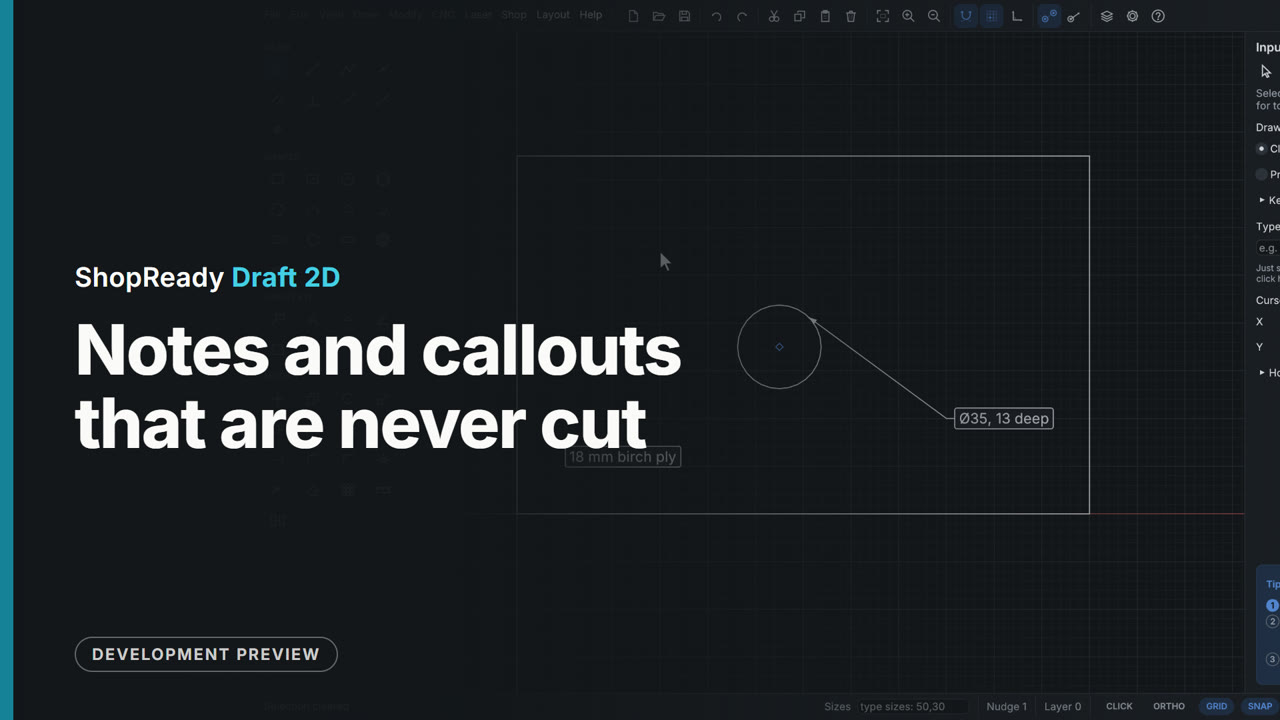
Notes and callouts that are never cut
The Note tool pressed on a hinge-cup hole and dragged out makes a callout that offers the hole's size; a click elsewhere makes a plain note. The card is dragged to move the words, double-clicked to change them, and when the hole is moved the callout goes with it. Notes keep their size at any zoom and never reach a cutting file.